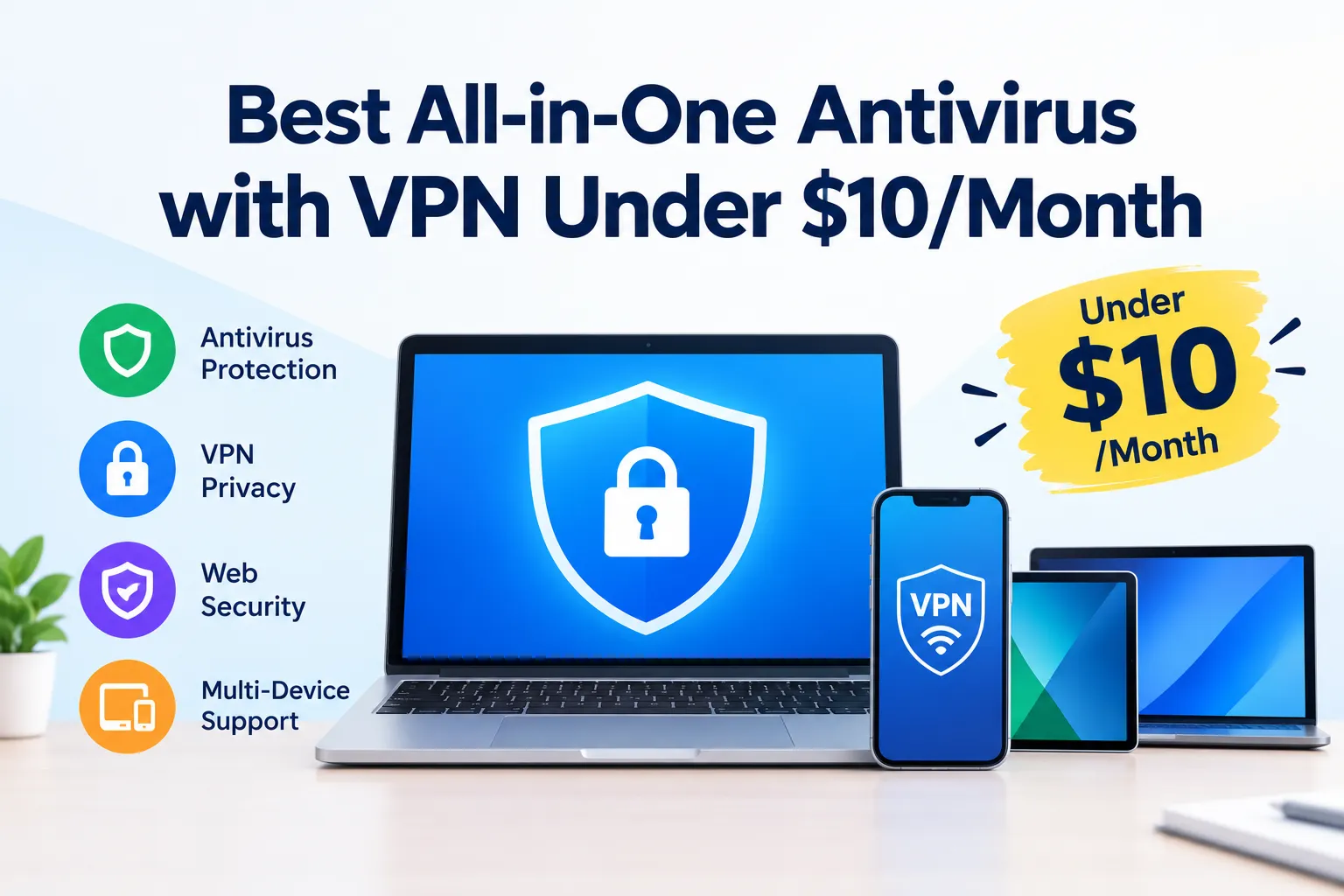

Bundled security sounds like a bargain. One subscription promises antivirus, a VPN, and a list of extras for less than the price of a couple of coffees. Sometimes that promise holds up, and sometimes the fine print quietly changes the deal.
The phrase "all-in-one" is doing a lot of work in that sentence. It can mean a full suite with a dozen tools, or a modest package with a scanner and a limited VPN. A monthly price under $10 can mean a fair deal or an introductory offer that jumps at renewal.
This article explains what a good all-in-one package should include at that price, and where the compromises usually hide. It covers the antivirus core, the VPN, browsing and network protection, breach monitoring, family tools, and the pricing details that decide real value. The aim is to help you judge any product, not to push a single one.
A quick note before we begin. Plans and prices change often and vary by country, so treat the specifics here as a framework. Confirm current terms on each vendor's official page before you pay.
What "All-in-One" Actually Means
There is no official definition of an all-in-one security product. Vendors use the term freely, and the contents vary widely from one to the next.
At minimum, the phrase should mean protection against malware plus at least one privacy tool, usually a VPN. Beyond that, packages often add web protection, a password manager, breach monitoring, and family controls. The more of these a plan includes, the more it deserves the label.
The value of a bundle comes from convenience and price. One account, one app, and one bill are easier to manage than four separate subscriptions. Buying tools together can also cost less than buying each one alone.
The catch is that a bundle can include tools you never touch. If you pay for a feature you do not use, it is not a bargain, however low the price. Value depends on how much of the package you will actually use.
Bundles also vary in depth. A feature listed on the box may be a full tool in one product and a stripped-down version in another. A VPN with a tiny data cap and a full unlimited VPN both appear as "VPN included."
That is why comparing the details matters more than counting the features. The next sections look at what each component should deliver, and what to check at your budget.
Why $10 a Month Is a Useful Budget Line
Ten dollars a month works out to about 120 dollars a year. That is a helpful number to keep in mind, because it turns a vague monthly price into something you can compare against alternatives.
At that budget, you are usually not shopping the most expensive tier of any big vendor. You are looking at the mid-range, where antivirus, a VPN, and a few extras are bundled together. That is also where competition is fiercest, so it is where careful comparison pays off.
It helps to compare against buying separately. A good standalone VPN often costs a few dollars a month on its own. A password manager might add a bit more, and a dedicated antivirus can add several dollars on top. Bundles can undercut that total, but only if the pieces are comparable in quality.
Remember that billing period changes the monthly figure. Many "per month" prices assume you pay for one or two years upfront. Paying month to month usually costs more.
A budget of ten dollars also raises the question of how many people you are covering. A single user and a family of five have very different needs at the same price. Device limits, covered later, decide how far the budget stretches.
What a Bundled VPN Is, and What It Is Not
A VPN encrypts your internet traffic and routes it through a server run by the provider. That hides your activity from others on the same network and masks your IP address from the sites you visit.
Understanding the limits protects you from unrealistic expectations. A VPN does not stop phishing, does not remove malware, and does not make you anonymous. It shifts trust from your network and internet provider to the VPN company.
The most practical uses are protection on public Wi-Fi, added privacy on untrusted networks, and accessing services while traveling. A VPN matters less at home, where you control the network, though some people use it there for privacy from their internet provider.
When a VPN comes bundled with antivirus, it is often built by the same company or licensed from a partner. Quality varies. Some are excellent, and some are basic add-ons meant to round out the feature list.
That variation is why the details matter. The next section looks at the specific limits that separate a genuinely useful bundled VPN from a token one.
Bundled VPN Limits to Check Before You Pay
Bundled VPNs are where many all-in-one products quietly cut corners. Checking a handful of details takes a few minutes and can prevent disappointment.
The first detail is data limits. Some bundled VPNs cap daily or monthly traffic, with unlimited use available only as a paid upgrade. A cap of a few hundred megabytes a day is fine for checking email but useless for streaming or video calls.
The second is device connections. A plan may cover many devices for antivirus while the VPN allows only a few at once. Read the VPN's limit separately.
The third is server locations and speed. More locations give you more choices, and good infrastructure keeps speeds usable. Slow connections push people to switch the VPN off, which defeats the purpose.
The fourth is the logging policy. Look for a clear statement about what the provider records, ideally backed by an independent audit. A vague policy is a warning sign.
The fifth is platform support. Confirm that the VPN works on every operating system you use, and check whether features such as kill switches are available on each. Mobile and desktop versions sometimes differ.
Finally, consider streaming and gaming. VPNs add overhead, so latency-sensitive activities may feel slower. Many people use the VPN selectively, turning it on for public networks and off at home.
Bundled VPN or Standalone VPN?
A fair question is whether to accept a bundled VPN or buy a dedicated one. The answer depends on how much you rely on it.
A bundled VPN is convenient. It lives in the same app as your security tools, uses the same account, and costs nothing extra beyond the plan. For occasional use on public Wi-Fi, that is often enough.
A standalone VPN generally offers more depth. It may have a larger server network, more configuration options, and a longer track record. If privacy is a major priority, or you use a VPN daily, a dedicated service may serve you better.
Cost also matters. Adding a standalone VPN to a separate antivirus subscription can push the total well past ten dollars a month. A good bundle can keep the total lower, provided the VPN meets your needs.
The middle path is to use the bundled VPN first and see whether it covers your habits. If you hit its limits, upgrade or switch. That approach avoids paying for capacity you may not need.
Whichever you choose, do not treat a VPN as a substitute for good habits. Strong passwords, updates, and careful clicking matter just as much.
The Antivirus Core: What Under $10 Should Deliver
At this price, the antivirus component should be solid. Malware protection is the foundation of the package, and it is not a place to accept weak performance.
A good scanner combines signature-based detection with behavior monitoring. Signatures catch known threats, while behavior monitoring spots suspicious activity from unfamiliar programs. Both matter, especially against new malware and ransomware.
Real-time protection is essential. A product that only scans when you ask depends on you remembering to do it. Continuous protection is safer for everyone in the household.
A Smart Scan style tool adds a simple way to check a device on demand. It gives a clear result without forcing you to choose among scan types. That simplicity is helpful for people who are not technical.
Independent lab results are the best evidence of quality. Organizations such as AV-TEST and AV-Comparatives publish protection, performance, and false-alarm scores. Check recent reports, since results change from year to year.
False positives deserve attention too. Software that flags harmless files trains users to ignore warnings. A low false-alarm rate is a sign of a well-tuned product.
Finally, remember the platform. On phones, especially iPhones, antivirus scanning is limited by the operating system. Judge mobile protection by its web, network, and account features, not by scanning claims.
Web Protection and Phishing Defense
Most modern attacks begin with a click, not a file. That makes browsing protection one of the most valuable parts of any bundle.
Good web protection blocks known dangerous sites and warns about suspicious pages before you load them. Web Shield style tools work at that layer, guarding browsing activity. Check which browsers and devices are supported, since coverage often differs.
Phishing pages are hard to catch because they are often brand new. A fake login page can exist for only a few hours. Products that analyze pages in real time have an edge over those that rely on lists of known bad sites.
A Link Checker helps at the moment of doubt. When a link arrives in a message and you are unsure, checking it before opening adds a pause. That pause often stops a scam.
Messaging is a weak spot for many products. Scam links arrive by text and chat, where browser extensions do not reach. Ask whether a product offers any protection outside the browser.
Ad and tracker blocking is a helpful extra. It reduces exposure to malicious ads and improves privacy, though aggressive blocking can occasionally break a website. Look for a way to allow specific sites.
Habits complete the picture. Hover over links, distrust urgency, and go directly to a company's website instead of using message links.
QR Codes and Mobile Scams
QR codes have moved from novelty to everyday tool, and criminals have followed. They appear on restaurant tables, parking meters, posters, and payment screens.
A QR code hides its destination. A malicious code can send you to a fake payment or login page with no visible warning. Stickers placed over legitimate codes are a known trick.
A QR Scanner that checks the destination before opening it turns an invisible link into something you can judge. The key question for any product is whether the check happens before the page loads. A check after the fact is far less useful.
Text scams are the other mobile problem. Fake delivery notices, bank alerts, and toll messages arrive in bulk and rely on urgency. Some security products now include scam-message detection, though availability varies by plan and region.
Treat unexpected messages asking for money, passwords, or immediate action as suspicious. Contact the organization through an app or number you already trust. Reporting scam texts also helps carriers filter them.
Be cautious with codes in public places, and never enter payment details after scanning unless you are sure of the destination. That habit costs nothing and prevents real losses.
Network Protection at Home and Away
Your network sits beneath every device. If it is weak, protection on individual devices can only do so much.
At home, a few basics matter most. Use a strong, unique Wi-Fi password, modern encryption such as WPA3 or WPA2, and keep router firmware updated. Change the default administrator login, since many routers ship with well-known credentials.
Wifi Security tools can scan a network for weak settings or unfamiliar devices. In a home with many gadgets, seeing what is connected is valuable. Old devices often linger on the network long after you stop using them.
Firewalls add another layer on computers. They control what traffic can enter or leave a device, which helps against network-based attacks. Most operating systems include one, and some suites add their own.
Smart home devices deserve special care. Cameras, speakers, and doorbells often receive few security updates. A guest network keeps them separate from laptops and phones.
Public Wi-Fi is the other half of the picture. Cafés, airports, and hotels offer open networks, and attackers can imitate them with lookalike names. This is where the bundled VPN earns its place.
Turn off automatic joining of open networks on your devices. It is a small change that prevents accidental connections to unsafe hotspots.
Breach Monitoring and Identity Awareness
Data breaches are routine, and almost everyone has an email address in at least one leaked dataset. Knowing about it is the first step toward limiting the damage.
An Email Breach Scan checks whether your address appears in known leaks. The result tells you which accounts may be exposed, so you can change passwords and add protection. It is one of the quickest and cheapest security checks available.
Some bundles include broader identity monitoring, which watches for other personal details such as phone numbers. Higher-priced plans may add alerts and restoration help if identity theft occurs. Availability varies by country and plan.
Monitoring has clear limits. It tells you that information was exposed, but it cannot remove it from the internet. Its value is early warning.
The right response to a breach is simple. Change the affected password, never reuse it, and enable two-factor authentication. If financial details were involved, contact your bank and consider a credit freeze where available.
At a budget under ten dollars, basic breach checks are common, while full identity restoration services usually cost more. Decide whether you need the premium version or whether a simple scan meets your needs.
Family Tools Within the Budget
Family controls are a common extra in all-in-one bundles. Whether they matter depends on whether children use your devices.
Good Parental Controls usually cover a few core functions:
- Content filtering by category or age.
- Screen-time limits and schedules.
- App management.
- Activity reports and alerts.
Platform differences matter. Android, iOS, Windows, and macOS do not allow the same controls, so confirm what works on the devices your children use. Operating systems also include their own family tools, which may already meet your needs.
Per-child profiles are worth testing. Settings for a seven-year-old should differ from those for a fifteen-year-old. Flexible, age-based settings save constant adjustments.
Workarounds are a reality. Determined teenagers can use another browser, a VPN, or another device. Software helps, but honest conversation works better than technology alone.
If you have no children, do not let this feature drive your decision. Paying for family tools you will never use is a common way to overspend.
Extras Worth Paying For and Extras to Skip
Bundles love long feature lists. Some extras are genuinely useful, and some are padding that makes a plan look bigger than it is.
A password manager is usually worth having. Unique passwords for every account limit the damage from any breach, and a manager makes that realistic. Many browsers include a basic one, so compare before paying for a dedicated tool.
Cloud backup can be valuable, especially against ransomware and device loss. Check how much storage is included and whether it covers the platforms you use. Small allowances fill up quickly.
Tune-up and cleanup tools are often less valuable. Modern operating systems manage performance well, and aggressive cleaners can sometimes cause problems. Treat them as optional at best.
Identity restoration services are useful only if you need them. They matter more in regions where identity theft is common and recovery is difficult. For many users, a simple breach scan is enough.
Webcam and microphone protection can help on computers, though the operating system also controls those permissions. Review whether the extra tool adds anything beyond what you already have.
The best test is to ask whether you would buy the extra on its own. If not, do not count it as value in the bundle.
Reading the Pricing Page Carefully
Pricing pages are designed to show the lowest number first. Reading them carefully is the difference between a good deal and a surprise.
The first thing to find is the renewal price. Many vendors advertise a heavily discounted first term, then charge more when the subscription renews. The renewal price is your real long-term cost.
The second is the billing period. A low "per month" figure may assume a one-year or multi-year commitment paid upfront. Monthly billing usually costs more.
The third is what is included at each tier. Features you want may sit in a higher plan than the one advertised at the lowest price. Compare the exact plan, not the headline.
A helpful method is to calculate three-year cost per device. Add the first term and the expected renewals, then divide by the number of devices you will protect. That number allows fair comparison across plans.
Watch for auto-renewal. Most subscriptions renew automatically at full price, often with only a short reminder. Set a calendar reminder a few weeks before the date.
Refund windows are worth using deliberately. A money-back period lets you test the product with less risk, but only if you try it during that window. Test early and thoroughly.
Regional pricing and taxes also change the final number. Use the vendor's page for your country.
Device Limits at This Price
Device limits are where under-ten-dollar plans usually show their compromises. The number of devices a plan covers decides how far your money goes.
Count honestly. Phones, tablets, laptops, desktops, and shared computers all count. Consoles and smart TVs usually cannot run security apps, so they are not part of the count.
Entry-level plans often cover a small number of devices, while higher tiers cover more or an unlimited number. Under a ten-dollar budget, you may find both options, depending on how the vendor structures its tiers. Read the current plan table.
Remember that limits can differ by feature. The main protection may cover many devices while the VPN has a lower connection limit. Check both.
Platform coverage matters too. A plan may advertise many devices, but the iPhone version may include fewer tools than the Windows one. Confirm what you get on each device you own.
For a single user with two or three devices, a small plan is usually enough. For a family, the device count may push you to a higher tier, where the price per device is often better.
Leave some headroom for new devices. A new phone or laptop can push you over a limit within a year.
Performance and Everyday Usability
Protection only works if it stays on. That makes performance and ease of use more important than a feature list suggests.
Performance is the first thing to test. Older suites earned a reputation for slowing computers, especially during scans. Modern products are much better, but older laptops and budget phones can still feel the difference.
Notifications tell you a lot about a product. Constant low-value alerts wear people down and lead them to disable protection. Quiet software that speaks up only when it matters is more likely to stay on.
A simple interface matters for everyone in the household. If the least technical person can run a scan, read a warning, and know what to do next, the design is working. If not, extra features will not help.
Battery impact matters on phones and laptops. Background scanning and VPN connections use power, so test how the product affects battery life. A noticeable drain is a reason to look elsewhere.
Support is easy to overlook until you need it. Check whether chat or phone help exists and how clear the documentation is for common problems.
Independent Testing, Privacy, and Trust
Security software has deep access to your devices, browsing, and network. That makes trust a core part of any purchase.
Independent testing is the best public evidence of quality. Look for recent results from established labs, and check protection, performance, and false-alarm scores together. A single strong number does not tell the whole story.
Privacy practices matter just as much. Read what data the product collects and why, and look for clear statements about whether browsing data is stored, shared, or used for marketing. A trustworthy vendor explains this in plain language.
VPN providers deserve special scrutiny, because they see where your traffic goes. An independent audit of the no-logs claim is a strong signal. Vague marketing language is not.
Company transparency counts too. Look for clear information about who runs the company, where it is based, and how it handles data requests. Newer vendors should be held to the same standard as established ones.
Mobile permissions are another check. A security app that asks for access far beyond its function is a warning sign. Review permissions after installing and remove anything you do not understand.
Which Type of User Should Choose What?
There is no single best package. The right choice depends on your devices, habits, and priorities.
A single user with a laptop and a phone often needs solid antivirus, web protection, and a usable VPN for public Wi-Fi. A mid-range plan covering a few devices usually fits, and extras like family tools are not worth paying for.
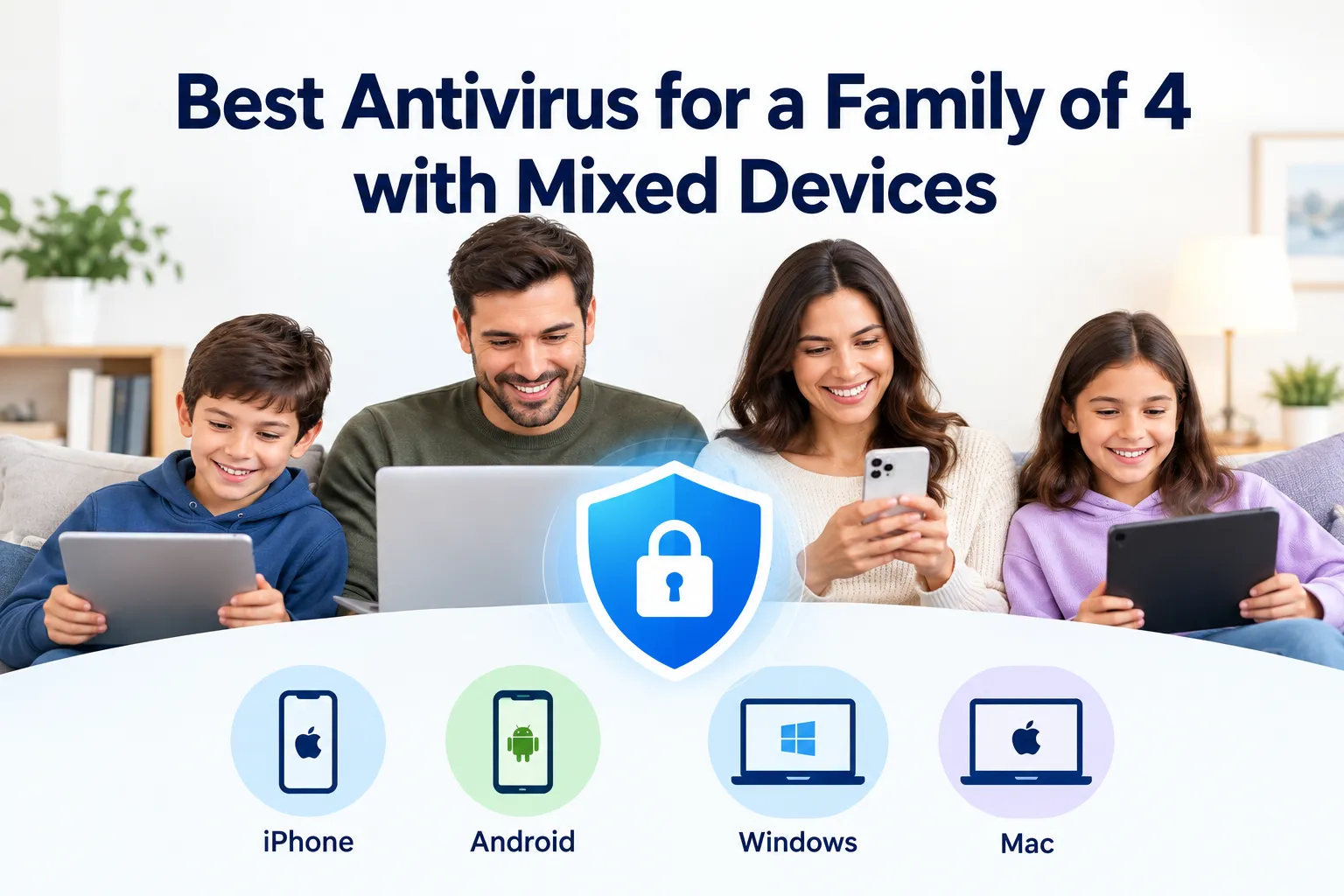
A family needs device coverage and parental tools most. Count every phone, tablet, and computer, and weigh the family features heavily. A plan with more device slots may be better value than a cheaper one that runs out.
A frequent traveler cares most about the VPN and network safety. Check data limits, server locations, and speeds first. A weak VPN would defeat the main reason for buying.
A remote worker should focus on strong malware protection, phishing defense, and network safety. Separate work and personal devices where possible, and follow your employer's security policy.
Someone who prefers simple, focused tools may like a toolset approach such as AVO Security, which separates protection into individual tools for specific risks. Those who want everything bundled in one large suite may prefer a traditional package. Either can work when matched to your needs.
A budget-conscious user should calculate three-year cost and consider whether built-in protection plus a few free tools would be enough. Paid software adds the most value where built-in options are weakest.
A Practical Way to Test Before You Commit
Reading comparisons only goes so far. A short trial tells you how a product behaves on your own devices.
List your devices and their operating systems. Note which ones need full protection and which only need network-level care.
Write down your top three needs, such as public Wi-Fi safety, scam protection, or family controls. Judge each product mainly on those, not on the total feature count.
Install a trial on your oldest device and on a phone. Watch for slowdowns, confusing prompts, or missing mobile features.
Test the VPN directly. Check the connection speed, confirm the data limit, and make sure it connects reliably on your devices.
Look up the renewal price and calculate the three-year cost per device. Read the privacy policy and recent independent test results.
Set a reminder to review your choice after a few months. Needs and threats change, and a subscription should be revisited, not forgotten.
Conclusion
The best all-in-one antivirus with a VPN under ten dollars a month is the one that fits your devices and habits, not the one with the longest feature list. Look closely at the VPN's limits, the renewal price, the device count, and the platform coverage before you commit.
Combine a sensible package, whether a large suite or a toolset like AVO Security, with automatic updates, unique passwords, and the habit of pausing before you click. That combination protects far better than any single feature.








Sign in to leave a comment.