

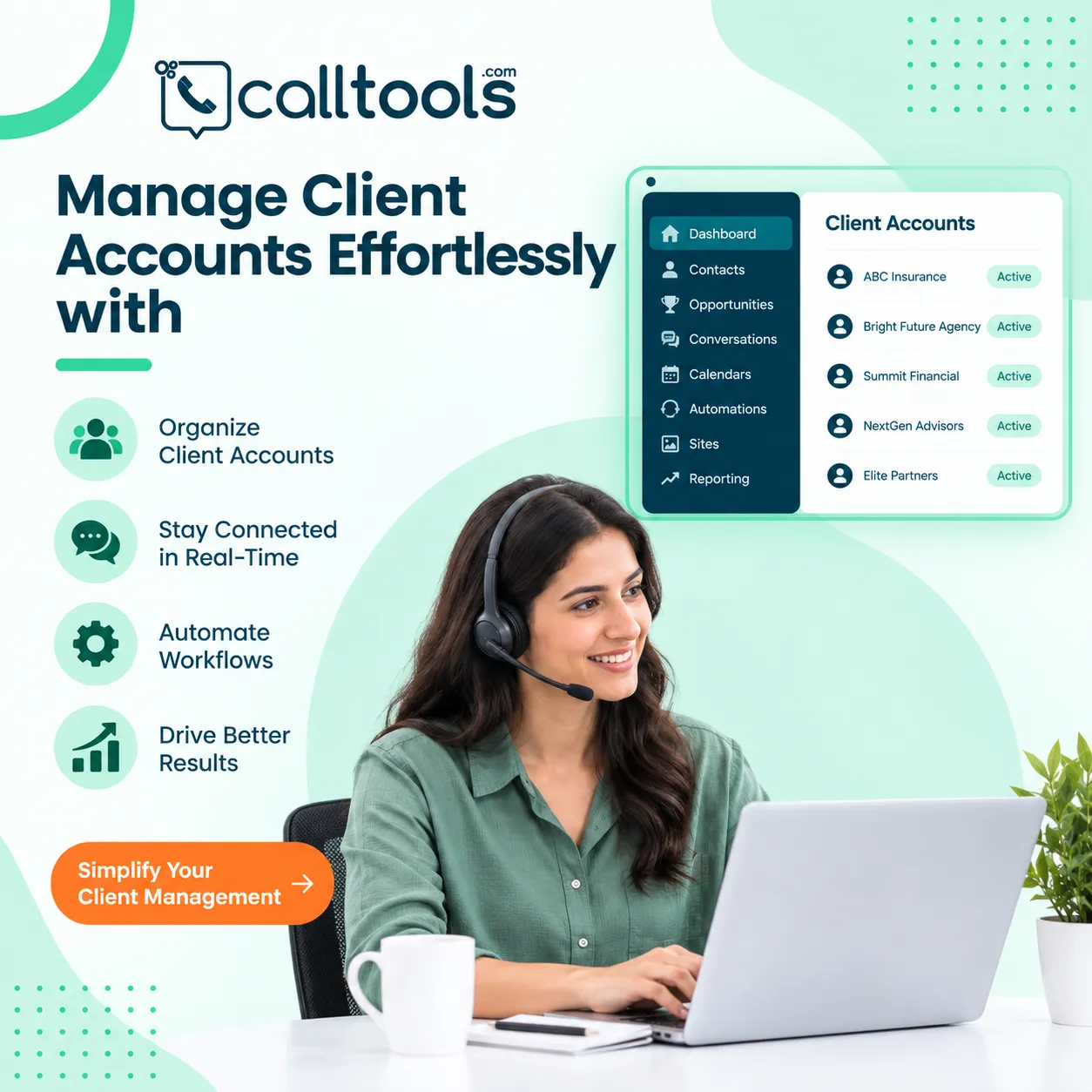
Managing one GoHighLevel account is straightforward. Managing several client accounts from the same agency seat is a different problem entirely. Every client has their own contact lists, their own campaign goals, their own sales team, and their own definition of what a good call outcome looks like. When outbound calling runs through manual dialing, the gaps between those accounts multiply fast - reps switching between records, copying data between systems, and updating call results by hand after every conversation.
A dedicated GoHighLevel dialer changes the operational picture in a direct way. Instead of managing calling as a separate process from the CRM, contact data flows in from GoHighLevel automatically, call outcomes sync back to the right records without manual entry, and the dialing mode can be matched to the specific requirements of each client campaign. The result is a calling operation that runs alongside the agency’s existing workflow rather than sitting on top of it as another layer to manage.
What Agencies Actually Need From a GHL Dialer
The requirements for a GHL dialer at an agency level are different from what a single internal sales team needs. The integration has to work reliably in both directions - contacts flowing in from GoHighLevel, call dispositions flowing back to the matching contact record. If that sync is unreliable or requires manual intervention to keep it clean, it creates exactly the kind of manual work the dialer was supposed to eliminate.
Beyond the integration, flexibility in dialing modes matters. A warm lead follow-up campaign for one client calls for a different approach than a high-volume outbound campaign for another. An agency locked into a single dialing method either runs every campaign the same way regardless of fit, or manages multiple disconnected tools for different clients. Neither is a sustainable operating model as the client roster grows.
Reporting visibility across campaigns is the third requirement. An agency manager needs to understand how each client’s calling activity is performing without pulling data manually from multiple places or relying on reps to update a shared spreadsheet after the fact.
Matching the Dialing Mode to the Campaign
The dialing mode is one of the most consequential decisions in any outbound campaign, and it is also one that agencies frequently get wrong by defaulting to the same approach for every client regardless of what the campaign actually needs.
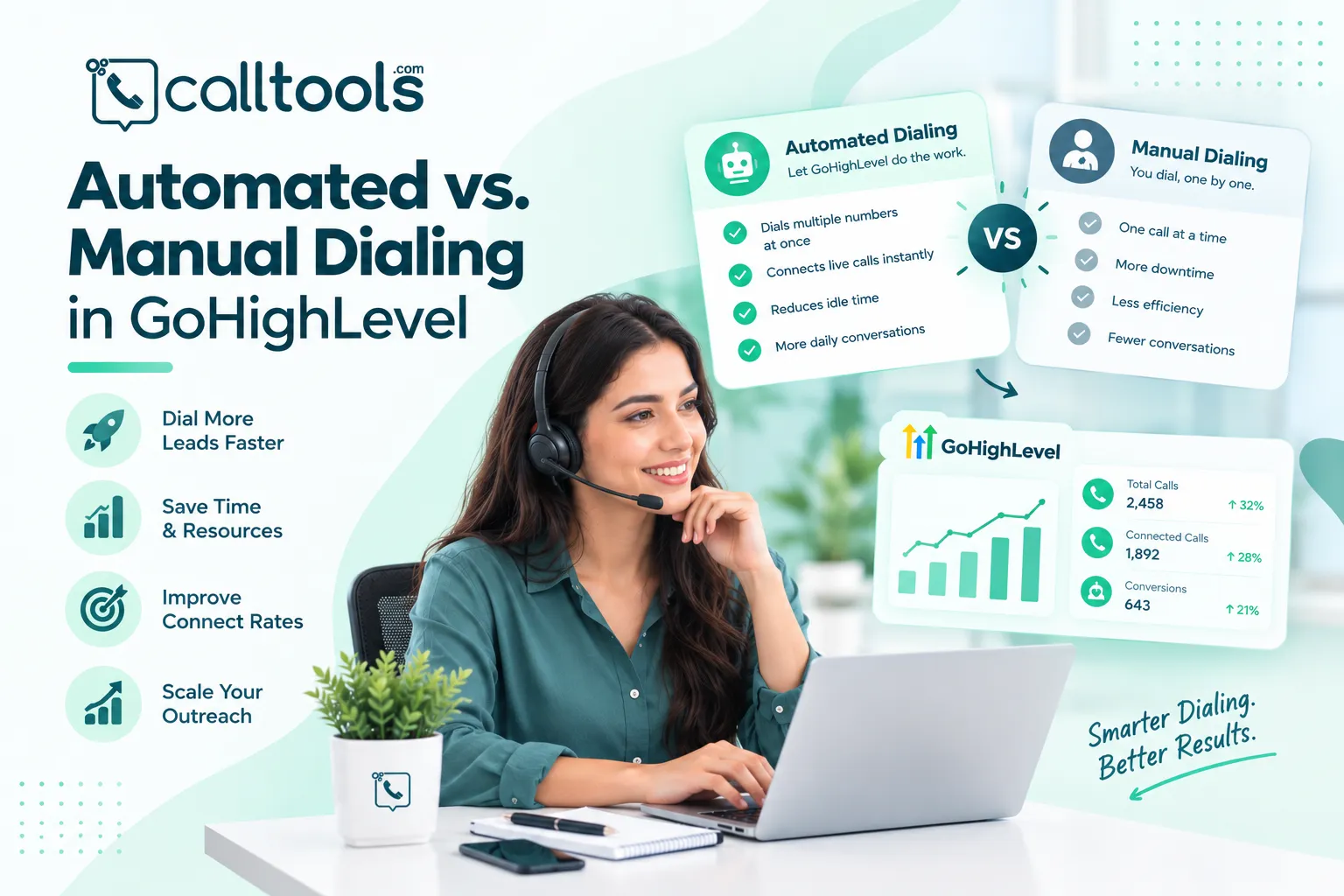
A power dialer moves through a contact list one call at a time, connecting each answered call to the rep before moving to the next. It is the right choice for warm lead follow-up, callbacks, and campaigns where the rep benefits from a moment to review contact information before the conversation starts. The pacing is controlled, the rep stays in the seat for every call, and the contact experience is consistent. For a client running a high-intent lead follow-up sequence, this is usually the appropriate approach.
A predictive dialer is built for a different objective. It dials multiple numbers simultaneously, uses algorithmic pacing to match the dial rate to agent availability, and connects live answers to available reps in real time. For a client running a high-volume outbound campaign with a larger team, predictive dialing significantly reduces idle time between calls and increases the number of live conversations completed per hour. The trade-off is a slightly less controlled experience per call - it is optimised for volume and efficiency rather than per-contact preparation.
A preview dialer sits between the two. Before each call is placed, the rep sees the contact’s full record and chooses when to initiate the call. This is particularly useful for campaigns where the conversation requires context - existing customer outreach, re-engagement campaigns, or situations where the rep needs to review prior interaction history before picking up the phone.
CallTools supports all three modes for GoHighLevel contacts, which means an agency can run a power dialer campaign for one client and a predictive campaign for another from the same platform, without switching tools or reconfiguring the integration.
How the GoHighLevel Integration Actually Works
The integration between CallTools and GoHighLevel operates in both directions. Contact records created or updated in GoHighLevel flow into CallTools so reps can call directly without exporting lists or copying data manually. When a call is completed and a disposition is logged, that outcome syncs back to the matching GoHighLevel contact record automatically.
For an agency, this matters because each client already has a workflow inside GoHighLevel. Pipeline stages, automation triggers, follow-up sequences - all of that is built around the CRM data. If calling activity does not connect back to those records, it creates a gap between what the dialer shows and what GoHighLevel reflects. Reps end up doing double entry. Managers end up working with incomplete data. The pipeline view stops being reliable because it is only capturing part of what is happening.
A properly integrated GoHighLevel dialer keeps the CRM and the calling platform in sync so the pipeline reflects actual calling activity in real time, without anyone having to manually reconcile the two.
Keeping Client Campaigns Organised at Scale
As an agency takes on more clients, the organisational requirements grow. Each client needs their own contact lists, their own campaign structure, their own call dispositions, and their own reporting view. Mixing client data across campaigns is not just an operational problem - it is a client trust issue.
CallTools handles campaign separation at the account level, which means each client’s contacts, calling activity, and results stay contained within their own campaign structure. An agency manager can review performance across all campaigns from a single reporting view, or drill into a specific client’s numbers without pulling a report manually.
That reporting layer is what makes scaling manageable. Without it, adding each new client adds a proportional amount of manual reporting work. With it, the manager’s time stays on decisions rather than data assembly.
What the Day-to-Day Looks Like
A rep opens their calling queue for Client A’s warm lead campaign. The contacts have already flowed in from GoHighLevel automatically. They are running in power dialer mode - one call at a time, with a moment between each to review the record. Every disposition logs back to the GoHighLevel contact automatically. When they move to Client B’s high-volume outbound campaign, they switch to predictive dialer mode. The contact data, the campaign structure, and the reporting are all separate. The integration to GoHighLevel works the same way for both.
The manager sees both campaigns in the same reporting view. No manual exports. No chasing reps for call counts. No reconciling the dialer data against the CRM at the end of the week.
Getting Started
The right GHL dialer for an agency is one that fits the way the agency already works - not one that requires reps to manage calling and CRM updates as two separate jobs. If your agency is managing multiple GoHighLevel client accounts and outbound calling is still handled manually or through a tool that does not sync back to the CRM, the gap between what you are spending on calling and what you are getting from it is larger than it needs to be.
CallTools integrates directly with GoHighLevel, supports power, predictive, and preview dialing, and keeps call dispositions connected to the right contact records automatically. Request a demo to see how it fits into your agency’s current setup.























Sign in to leave a comment.