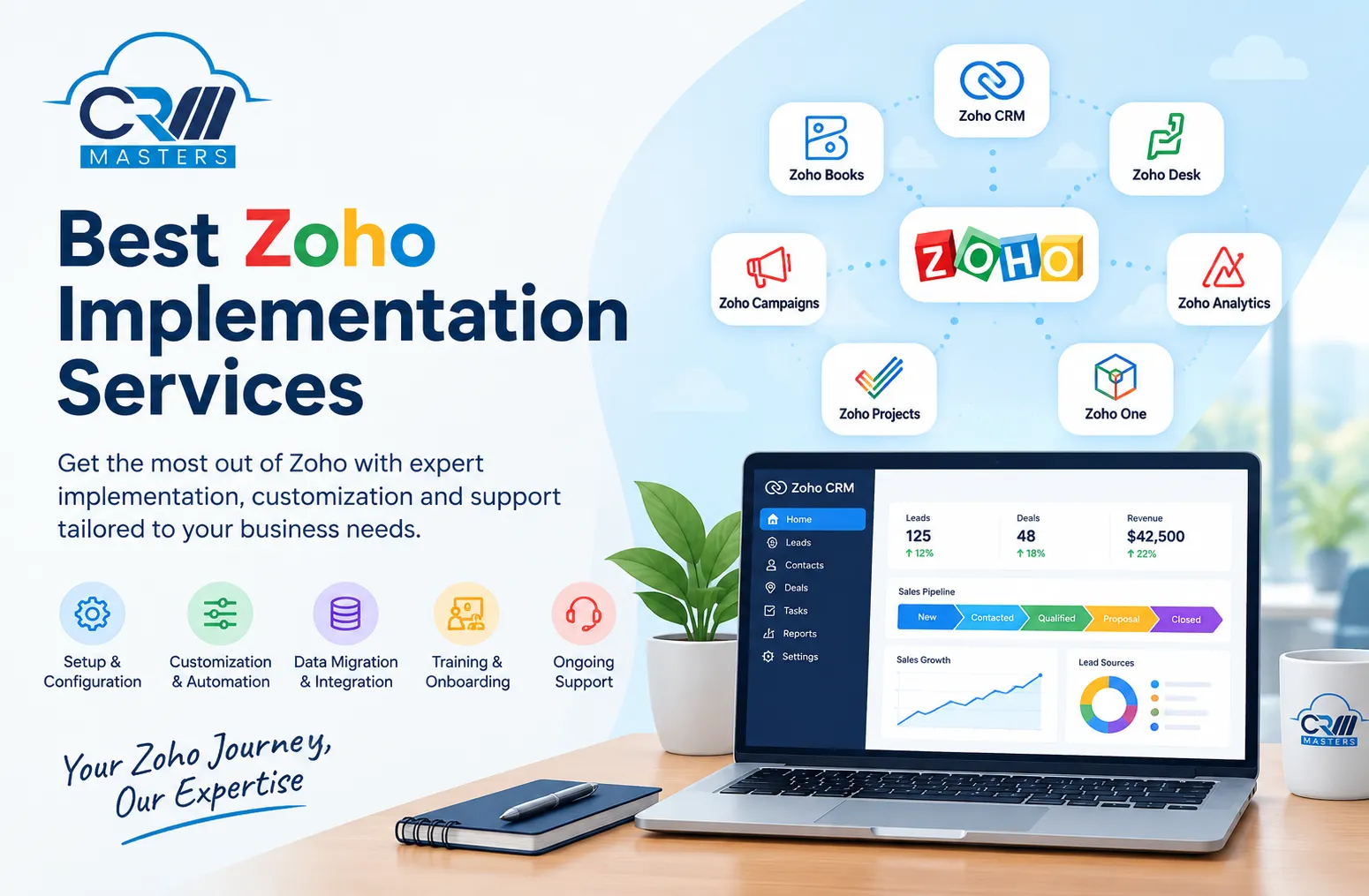


Choosing a CRM is only the beginning.
A business can have all the right Zoho tools in place and still struggle if they are poorly configured, disconnected from other systems, or built around processes that nobody actually follows.
That is where Zoho implementation services come in.
A good implementation partner does more than set up Zoho CRM and hand over the login details. They help businesses understand their existing processes, configure the right Zoho applications, automate repetitive work, connect other business tools, migrate data, and make sure the system works for the people who will use it every day.
If you're looking for the best Zoho implementation services, here's what you should actually look for.
What Are Zoho Implementation Services?
Zoho implementation services cover the process of setting up and adapting Zoho applications to match a company's business operations.
Depending on the business, this could include:
- Zoho CRM setup and customization
- Sales pipeline configuration
- Lead and contact migration
- Workflow automation
- Custom modules and fields
- Zoho CRM integrations
- Reports and dashboards
- Email and marketing automation
- User roles and permissions
- Zoho Books or finance integration
- Zoho Desk implementation
- Zoho Campaigns setup
- Zoho Analytics configuration
- Zoho One implementation
- Employee training and ongoing support
The exact implementation depends on the company's needs.
A small business with five salespeople doesn't need the same Zoho setup as a company with multiple departments, complex approval processes, and thousands of customer records.
That's why a good implementation starts with the business process, not the software.
Why Does Zoho Implementation Matter?
Zoho gives businesses a lot of flexibility.
But flexibility can also create problems.
It's easy to add fields, create workflows, connect applications, and customize the CRM. The difficult part is deciding what should actually be built.
Poor implementation can lead to:
- Too many unnecessary fields
- Complicated sales pipelines
- Duplicate customer records
- Broken automations
- Reports that nobody uses
- Data scattered across different applications
- Employees avoiding the CRM
- Manual work that should have been automated
The result is a CRM that technically works but creates more work for the team.
A good implementation should have the opposite effect: less manual work, cleaner data, clearer processes, and better visibility.
What Should the Best Zoho Implementation Services Include?
Not every Zoho consultant offers the same level of service. Before choosing one, look at what is actually included.
1. Business Process Analysis
Before changing anything in Zoho, the implementation team should understand how your business works.
For example:
- How do leads enter your business?
- Who qualifies them?
- How are follow-ups handled?
- When does a lead become an opportunity?
- What information does the sales team need?
- Which tasks are still being handled manually?
- What happens after a sale?
- Which teams need access to customer information?
These questions help determine how Zoho should be configured.
A CRM should fit the workflow as much as possible instead of forcing your team to completely change how they work.
2. Zoho CRM Configuration
This is usually the core of the implementation.
A consultant may configure:
- Leads
- Contacts
- Accounts
- Deals
- Activities
- Products
- Sales stages
- Custom modules
- Custom fields
- Page layouts
- Validation rules
- User roles
- Permissions
The objective isn't to customize everything.
It's to configure the CRM so that users can quickly find the information they need and complete their everyday tasks without unnecessary steps.
3. Data Migration
Moving from spreadsheets or another CRM to Zoho can be one of the most important parts of implementation.
A good migration process should identify:
- Duplicate records
- Missing information
- Incorrect formatting
- Outdated contacts
- Inconsistent field values
- Old records that don't need to be transferred
Simply importing thousands of rows into Zoho isn't really a successful migration.
The goal is to move clean, useful data into the new system.
4. Workflow Automation
Automation is one of the biggest reasons businesses implement Zoho in the first place.
For example, when a new lead comes into the CRM, you could automatically:
- Assign the lead to the right salesperson.
- Send an acknowledgement email.
- Create a follow-up task.
- Notify the sales manager.
- Update the lead status.
Similar automation can be created for renewals, customer support, approvals, onboarding, and other repetitive processes.
The best implementations automate work that is repetitive and predictable — without turning the CRM into a complicated maze of workflows.
5. Zoho Integrations
Most businesses don't operate entirely inside one application.
You might already use accounting software, email platforms, websites, payment systems, help desks, communication tools, or other business applications.
A Zoho implementation partner can connect these systems so information doesn't have to be entered manually in multiple places.
Common integration requirements include:
- Website forms
- Accounting systems
- Payment platforms
- Marketing tools
- Customer support software
- Communication platforms
- E-commerce systems
- Business intelligence tools
The right integrations can make a CRM much more useful because customer information can move between systems automatically.
6. Reporting and Dashboards
A CRM shouldn't just store information.
It should help you understand what's happening in the business.
Depending on your needs, your implementation may include reports for:
- Lead sources
- Sales pipeline
- Conversion rates
- Sales performance
- Revenue forecasts
- Follow-up activity
- Customer acquisition
- Deal stages
- Customer retention
The key is to avoid building dozens of dashboards simply because Zoho allows it.
Start with the questions your business actually needs answered.
Zoho One Implementation vs Zoho CRM Implementation
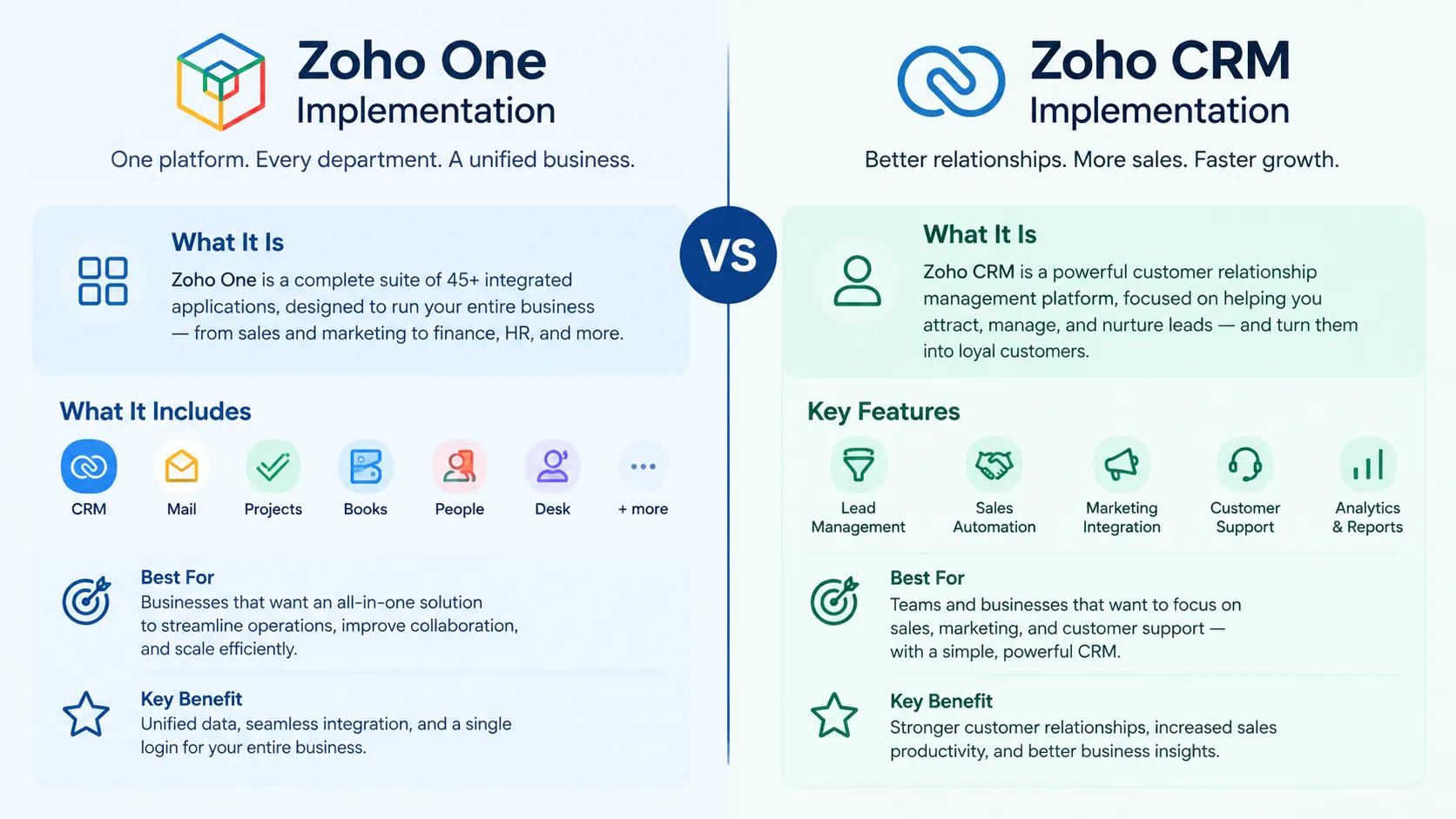
These two are often confused.
Zoho CRM implementation focuses primarily on sales and customer relationship management.
Zoho One implementation can involve a much broader business setup.
Zoho One brings multiple Zoho applications together, potentially covering areas such as:
- Sales
- Marketing
- Customer support
- Finance
- HR
- Projects
- Collaboration
- Analytics
For a small business that only needs a CRM, implementing the entire Zoho ecosystem may be unnecessary.
For a growing company that wants to consolidate multiple business processes, Zoho One can make more sense.
A good consultant should help you determine which approach fits your business rather than automatically recommending the biggest package.
How to Choose the Best Zoho Implementation Partner
Don't choose an implementation company simply because it appears first in Google.
Look at how they approach the project.
Check their Zoho experience
Ask which Zoho products they have implemented and whether they have worked with businesses similar to yours.
Experience matters because CRM implementation problems are often discovered only after the project begins.
Ask how they handle customization
Customization can be useful, but too much customization can make a CRM expensive and difficult to maintain.
Ask:
"Can this be solved with standard Zoho functionality?"
before agreeing to custom development.
Understand their implementation process
A good provider should be able to explain the stages of the project clearly.
A typical process might look like:
Discovery → Planning → Configuration → Migration → Integration → Testing → Training → Launch → Support
If the entire implementation sounds like "We'll set up your CRM," ask more questions.
Ask about training
Even a perfectly configured CRM can fail if employees don't know how to use it.
Training should cover the workflows your team actually performs rather than simply showing people where buttons are located.
Look at ongoing support
Your CRM doesn't stop evolving after launch.
Your business changes. New employees join. Processes change. New integrations become necessary.
Ask whether the implementation provider offers ongoing support, optimization, troubleshooting, or additional development.
How Much Do Zoho Implementation Services Cost?
There isn't one standard price.
Implementation costs can vary significantly depending on:
- Number of users
- Zoho products being implemented
- Data volume
- Number of integrations
- Custom development requirements
- Automation complexity
- Reporting requirements
- Migration requirements
- Training and support
A simple Zoho CRM setup may be relatively straightforward, while a company-wide Zoho One implementation involving multiple departments and integrations can require considerably more planning and development.
Instead of choosing the cheapest implementation quote, compare what is included in each proposal.
A low initial price isn't necessarily cheaper if you later have to pay for rebuilding the system.
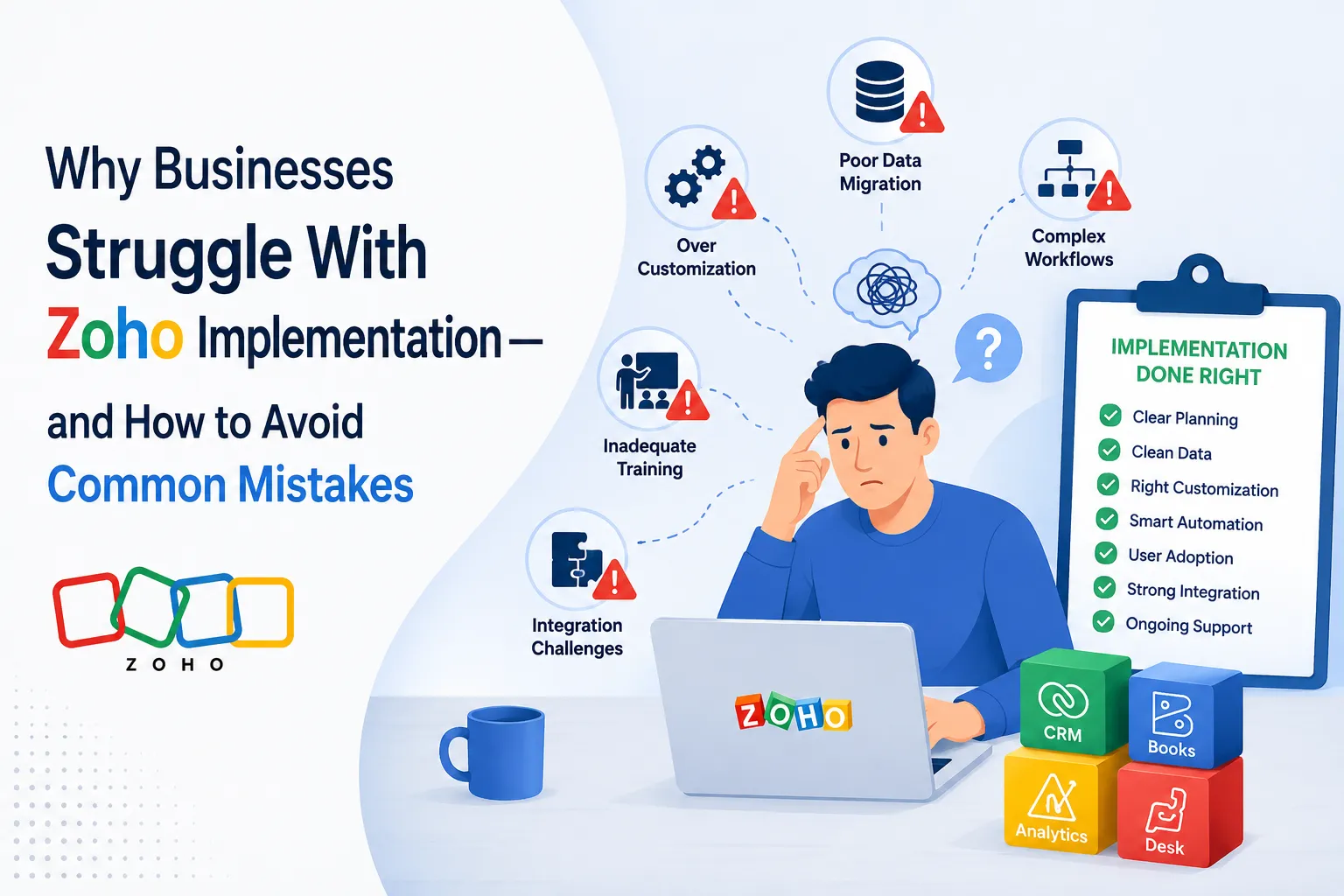
Common Zoho Implementation Mistakes
Some of the biggest CRM problems happen because businesses rush the implementation.
Trying to automate everything
Automation is useful, but every workflow adds complexity.
Automate repetitive tasks first. Then expand gradually.
Copying the old CRM exactly
Moving to Zoho doesn't mean you have to reproduce every field, report, and process from your previous CRM.
Use the migration as an opportunity to simplify.
Ignoring users
Management may love a CRM that employees find frustrating.
The people using the system every day should have input during implementation.
Over-customizing
Custom functionality can solve specific problems, but too much of it can increase maintenance costs and make future changes harder.
Skipping data cleanup
Bad data doesn't become good data just because it has been imported into a new CRM.
Clean it before migration whenever possible.
What Does a Successful Zoho Implementation Look Like?
The best implementation isn't necessarily the one with the most features.
It's the one that makes everyday work easier.
After implementation, your sales team should be able to answer questions such as:
- Which leads need follow-up today?
- Where are our active deals?
- Which opportunities are most likely to close?
- Where are leads coming from?
- Which customers haven't been contacted recently?
- What is our expected revenue?
And they should be able to answer those questions without maintaining another spreadsheet on the side.
That's one of the simplest ways to judge whether your CRM implementation is actually working.
Final Thoughts
Finding the best Zoho implementation services isn't really about finding the company with the longest list of Zoho products.
It's about finding a partner that understands your business and can turn Zoho into a system your team will actually use.
Look for experience, a clear implementation process, sensible customization, clean data migration, useful automation, proper integrations, training, and ongoing support.
And don't be afraid to start small.
A simple CRM that your team actually uses is usually more valuable than an impressive-looking system that nobody wants to update.
At CRM Masters, the focus should be on building a CRM setup around the way your business works — not simply adding more features. Whether you are moving from spreadsheets, switching from another CRM, or trying to get more from your existing Zoho setup, the right implementation can turn Zoho from another piece of software into a practical part of your day-to-day business.




















Sign in to leave a comment.