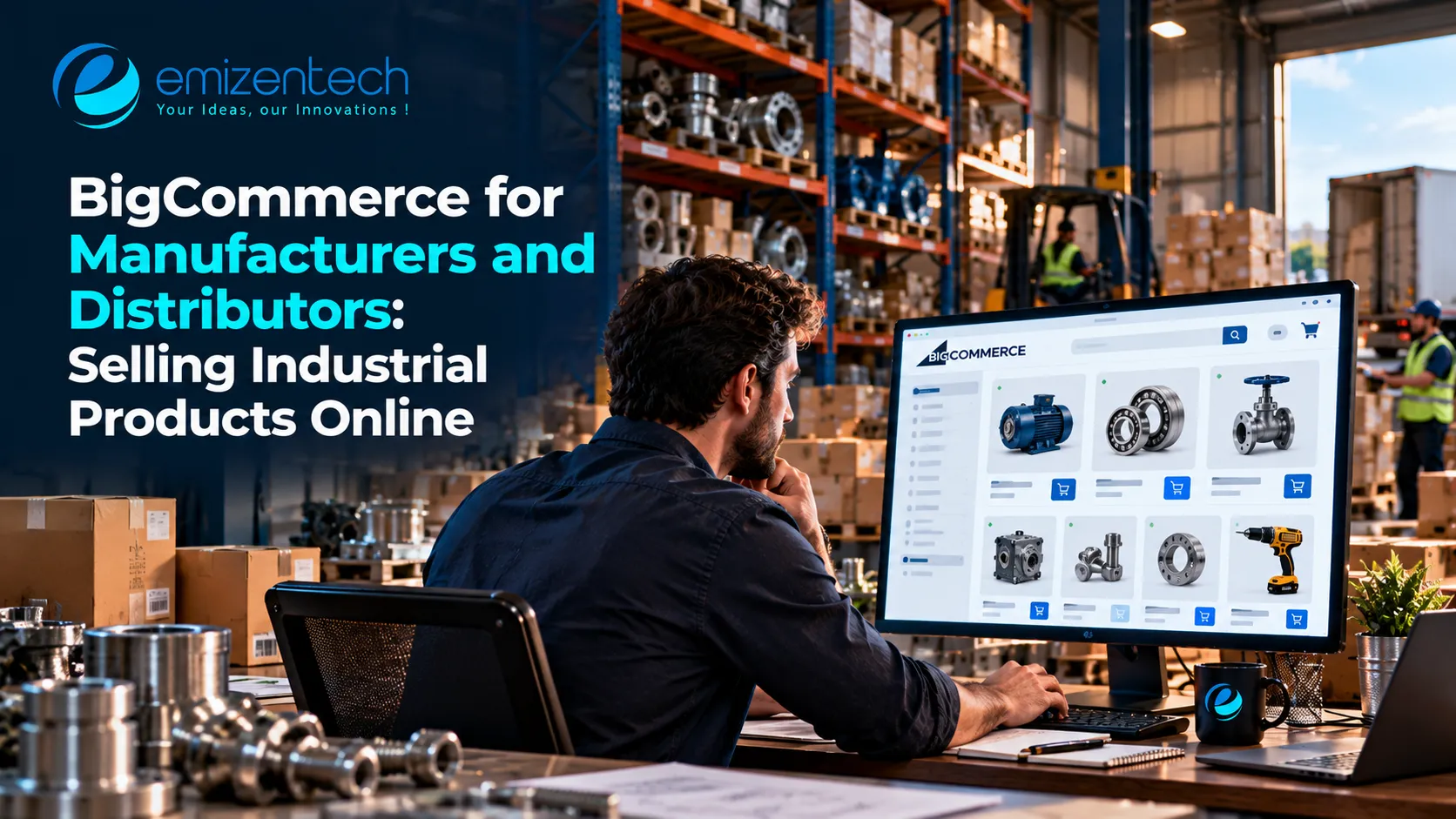

A procurement manager at a packaging plant needs 40 replacement valves by Friday. Today, she emails a sales rep, waits a day for a quote, gets a PDF back, and then repeats the process to place the order. Meanwhile, a competitor lets her log in, see her contract price and live stock, and reorder the same item in two minutes.
That gap is why manufacturers and distributors are taking their sales online. This guide explains what industrial buyers expect from an online store, how BigCommerce supports those needs, and how to roll out a portal without disrupting the business you already have.
Why Manufacturers and Distributors Are Moving Online
Business buyers now research and compare suppliers the way consumers shop for anything else. Many would rather order on their own than call a sales rep for routine purchases. For suppliers, the benefits go beyond convenience.
Sales teams spend less time on order entry and more on relationships and larger accounts. Orders can arrive at any hour, including outside business hours and across time zones. Errors also drop, because customers enter SKUs themselves instead of reading them over the phone. An online channel does not replace your reps. It takes routine work off their plate.
What Do Industrial Buyers Expect From an Online Store?
Industrial buying differs from consumer shopping in important ways. Prices are often negotiated, orders are repeated, and several people inside one company may take part in a single purchase. A store that ignores this feels like a retail site with a login bolted on.
Buyers generally expect the following:
- Their own pricing, based on contracts or volume, visible after login
- Accurate stock and lead times before they commit to an order
- Technical details, such as specifications, drawings, and data sheets
- Fast reordering, by SKU entry, saved lists, or past orders
- Team accounts, where purchasers, approvers, and accountants have different permissions
- Business payment options, such as invoices, purchase orders, or credit terms
Planning these workflows before development begins is where an experienced BigCommerce development company adds the most value, because the hard part of a B2B portal is rarely the storefront. It is the pricing rules, account structure, and data flows behind it.
How BigCommerce Fits Industrial Selling
BigCommerce combines built-in B2B tools with open APIs, which suits suppliers who want both quick wins and room to customize. Through customer groups and price lists, different buyers can see different prices for the same product. Bulk pricing rewards larger orders automatically, and quote requests give buyers a way to negotiate when a deal needs a conversation.
For companies with several buyers per account, role-based access mirrors how real procurement teams work. The platform's native B2B and catalog features cover many of these needs without extra apps, which keeps the store lighter and easier to maintain. More advanced requirements, such as company hierarchies or approval flows, can be added through the B2B tools or custom development, depending on your plan and setup, so confirm current options with BigCommerce.
Handling Complex Catalogs and Technical Data
Industrial catalogs are rarely simple. One product family can have dozens of sizes, materials, and ratings, and buyers often search by part number or specification instead of product name.
A few practices make these catalogs easier to use:
- Use variants and custom fields to hold technical attributes, so buyers can filter by material, dimension, or rating.
- Attach documents such as data sheets and certifications to the relevant product pages.
- Support part-number search, including old numbers and cross-references to replacements.
- Keep naming consistent, because inconsistent titles make filtering unreliable.
If your product data lives in a PIM or ERP, treat that system as the source and sync it into the store. Maintaining two separate copies leads to mismatches that buyers eventually find.
Connecting the Store to Your ERP and Back Office
For a supplier, the store is only as trustworthy as the systems behind it. If a buyer sees an item in stock and the warehouse says otherwise, trust drops quickly.
Decide early which system owns which data. Typically the ERP owns stock levels, contract pricing, and invoicing, the store owns the order at the point of purchase, and the CRM owns customer history. Then connect them through APIs and webhooks so orders flow into the ERP and stock and price updates flow back.
Start with the flow that causes the most manual work today, often order transfer or inventory sync, and add the next one only when the first runs reliably. Test with messy, real-world data, including partial shipments, backorders, and returns.
Manufacturer or Distributor: Different Priorities
Though both sell to businesses, their needs often differ.
A manufacturer usually sells to a defined list of dealers or large accounts. Contract pricing, controlled catalogs, and visibility into lead times matter most, along with protecting channel relationships if distributors also sell the same products.
A distributor often serves many smaller buyers who reorder frequently. Quick order forms, saved lists, and wide product coverage are the priorities, along with clear stock and delivery information.
Some companies do both, selling direct to certain customers and through partners to others. In that case, separate storefronts or customer-group rules help keep pricing and catalog access organized.
Rolling Out in Phases
A phased launch protects existing customer relationships. A practical sequence looks like this:
- Map today's ordering process, including how quotes, approvals, and payments currently work.
- Clean the data, especially product attributes, customer records, and price lists.
- Launch to a small pilot group of trusted customers.
- Collect feedback on pricing accuracy, search, and reordering.
- Connect further systems and add features based on what buyers actually use.
- Open to the wider customer base, with training and clear support contacts.
Introduce the portal to your sales team early. Reps who see it as a tool that handles routine orders usually become its strongest advocates.
Common Mistakes to Avoid
The most common error is copying a consumer store design and expecting it to work for business buyers. Another is hiding all prices behind "contact us," which forces every buyer to ask even when a price is standard.
Weak integrations cause lasting damage, since wrong stock or price data erodes trust fast. Teams also underestimate data cleanup, and messy catalogs lead to poor search results. Finally, launching to everyone at once leaves no room to fix problems quietly.
Conclusion
Selling industrial products online works when the store reflects how business buyers actually order: custom prices, accurate stock, technical detail, and fast reordering. BigCommerce offers a solid base for this, and the results depend on clean data, thoughtful integrations, and a phased rollout.
If you are planning to bring your manufacturing or distribution business online, EmizenTech can help you design the workflows, connect your systems, and build a store your business customers will enjoy using.
Frequently Asked Questions
1. Can BigCommerce show different prices to different business customers?
Yes. You can group customers and assign price lists and discounts to each group, so buyers see pricing that matches their agreement.
2. Can I keep taking orders by phone and email alongside the online store?
Yes. Most suppliers run both channels during the transition, and many keep a sales team for large or complex deals.
3. Does the store need to connect to my ERP?
It is not mandatory, but it is strongly recommended. Connecting stock, pricing, and orders reduces manual work and mistakes.
4. How long does it take to launch a B2B portal?
It depends on catalog size, integrations, and custom rules. A focused pilot can take a few weeks, while ERP-connected builds usually take a few months.
5. Can one store serve both business and retail customers?
Yes. Customer groups and multi-storefront options let you serve both audiences from one back end.





















Sign in to leave a comment.