How Audit Tables Improve Data Pipeline Monitoring


A data pipeline can appear to be working while quietly producing incomplete or inconsistent results. A scheduled job may finish successfully even though fewer records than expected were processed. A source file may arrive late, or a transformation may reject a portion of the data without immediately affecting the final dashboard.
This is where audit tables become useful. Rather than relying only on pipeline status messages, teams can use audit records to understand what happened during each execution. They create a traceable history of data movement and help engineers investigate problems before they affect downstream users.
What Is an Audit Table in a Data Pipeline?
An audit table is a structured record of pipeline activity.
Instead of storing only the business data, the system records information about the processing itself. Depending on the architecture, an audit table might capture:
- Pipeline or job name
- Source and destination
- Start and completion time
- Number of records received
- Number of records successfully processed
- Number of rejected records
- Execution status
- Error details or error codes
- Batch or execution identifier
- Processing duration
For example, if a daily customer pipeline normally processes 250,000 records but only 90,000 arrive, the audit information can make that discrepancy visible.
The table does not replace application logs or monitoring platforms. Its value comes from providing structured, queryable information about pipeline executions.
How Do Audit Tables Help Identify Data Problems?
A pipeline's technical status does not always tell the whole story.
Consider a sales pipeline that extracts transactions from an operational database every night. The extraction job completes successfully, but the source system contained fewer records because another upstream process failed.
From the orchestration tool's perspective, the job succeeded. From the business perspective, the dataset is incomplete.
An audit table can compare expected and actual processing volumes. Teams can create rules such as:
Records received ≠ records processed → investigate
Other useful checks might include:
Expected completion time exceeded → investigate
Rejected records above threshold → investigate
Source count differs significantly from destination count → investigate
This turns monitoring from a simple “did the job run?” question into “did the data move as expected?”
What Information Should an Effective Audit Table Capture?
The design depends on the pipeline, but audit records should answer three basic questions:
What happened? When did it happen? What was the result?
A practical design can include identifiers that connect an execution to a particular batch. For example, an ingestion process might create a batch ID and carry it through subsequent processing stages.
Suppose a retail pipeline loads orders from an operational database into a lakehouse. The audit record could show:
- Batch ID: RETAIL_2026_10_07_01
- Source records: 420,000
- Valid records: 417,800
- Rejected records: 2,200
- Start time: 01:00
- End time: 01:34
- Status: Completed with exceptions
That single record gives an engineer a starting point for investigation.
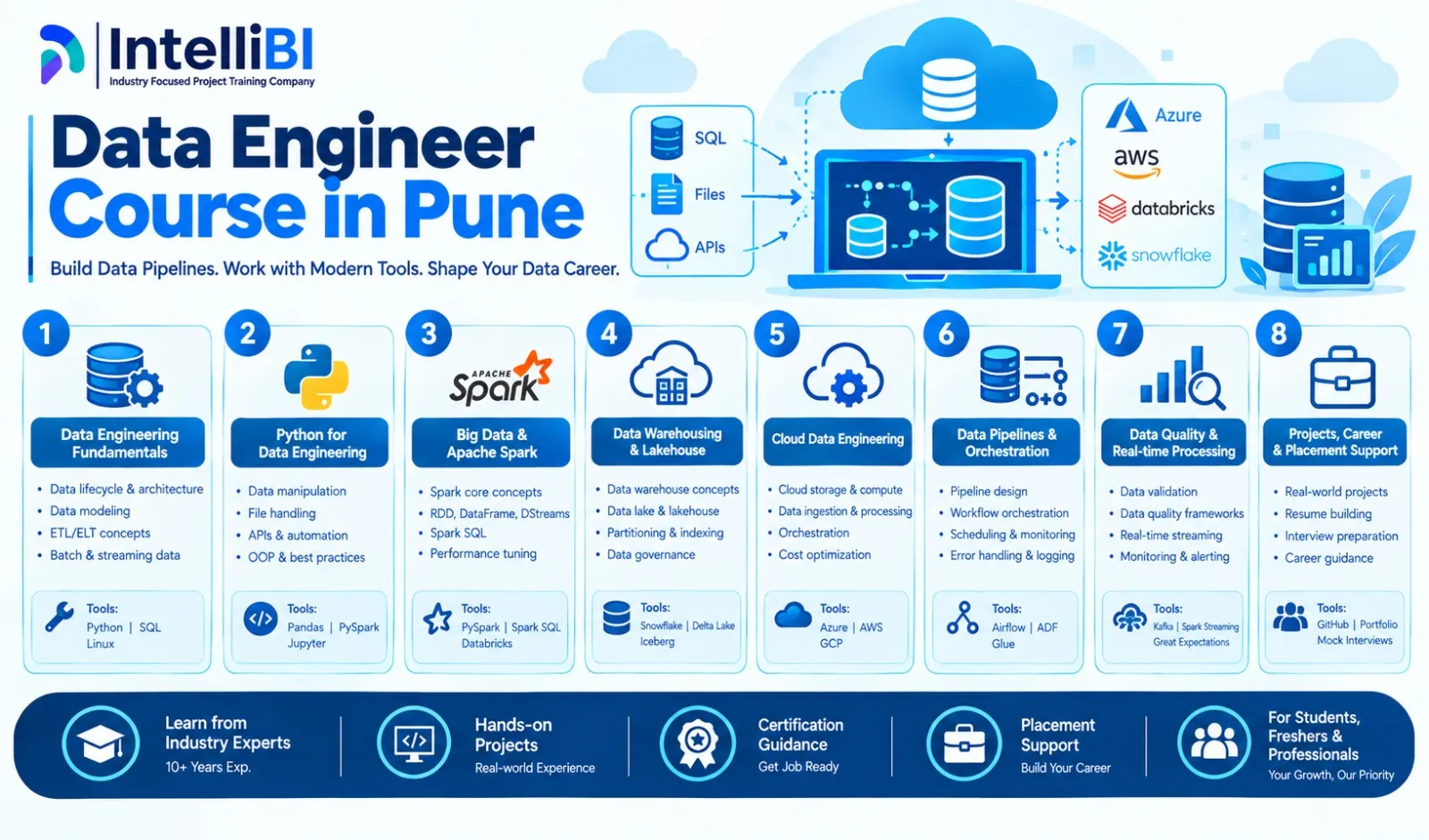
For someone undertaking Data Engineering Training in Pune, understanding this type of operational design is important because production data engineering involves monitoring and troubleshooting as well as building transformations.
How Can Audit Tables Support Troubleshooting?
When something goes wrong, engineers need a trail.
Imagine a pipeline that normally takes 30 minutes but suddenly takes two hours. Looking at the audit history may show that the record volume doubled. Another execution might reveal that the processing time increased even though the input volume remained similar.
Historical audit records can therefore help teams identify patterns rather than treating every incident as an isolated problem.
They can also support questions such as:
- When did the problem first appear?
- Which pipeline executions were affected?
- Did the issue occur for one source or several?
- Were rejected records concentrated in a particular batch?
- Did processing time gradually increase?
- Did a schema or source-system change occur around the same time?
This historical perspective is especially useful when failures are intermittent.
Can Audit Tables Improve Data Quality Monitoring?
Yes, particularly when they are combined with data-quality checks.
An audit table can record how many rows passed validation and how many failed specific rules. For example, a customer pipeline might identify records with missing customer IDs, invalid dates, or duplicate keys.
Instead of simply reporting that “data quality failed,” the system can preserve measurable information about the failure.
Over time, these records can reveal recurring problems. If a particular source repeatedly generates invalid product codes, the engineering team has evidence to investigate the upstream process rather than repeatedly fixing the same issue downstream.
Audit information can also support operational dashboards that show pipeline reliability, processing volumes, failure frequency, and data freshness.
What Mistakes Should Teams Avoid?
Audit tables are useful, but poor design can make them difficult to maintain.
One common mistake is recording too little information. A simple “success/failure” field may not provide enough context when troubleshooting.
Another is recording too much without a clear structure. If audit records contain large amounts of unstructured text, querying and analyzing them becomes harder.
Teams should also avoid allowing monitoring itself to become a single point of failure. Audit writes should be designed carefully so that a temporary monitoring problem does not unnecessarily stop the primary data workflow.
Finally, audit data should be retained according to operational and governance requirements. Historical records can become valuable for trend analysis, but keeping everything indefinitely may create unnecessary storage and management overhead.
A practical data engineering learning path can help learners understand how pipeline construction, monitoring, data quality, and troubleshooting fit together in an end-to-end workflow.
Conclusion
Audit tables provide something that a simple pipeline success message cannot: context.
They help teams understand how much data entered a pipeline, how much was processed, what was rejected, how long processing took, and whether an execution behaved differently from previous runs.
When combined with validation rules, logs, alerts, and orchestration tools, audit tables become an important part of production data engineering. Their real value is not merely documenting what happened. It is creating enough reliable evidence for engineers to detect unusual behavior, investigate failures, and improve pipeline reliability over time.




Sign in to leave a comment.