

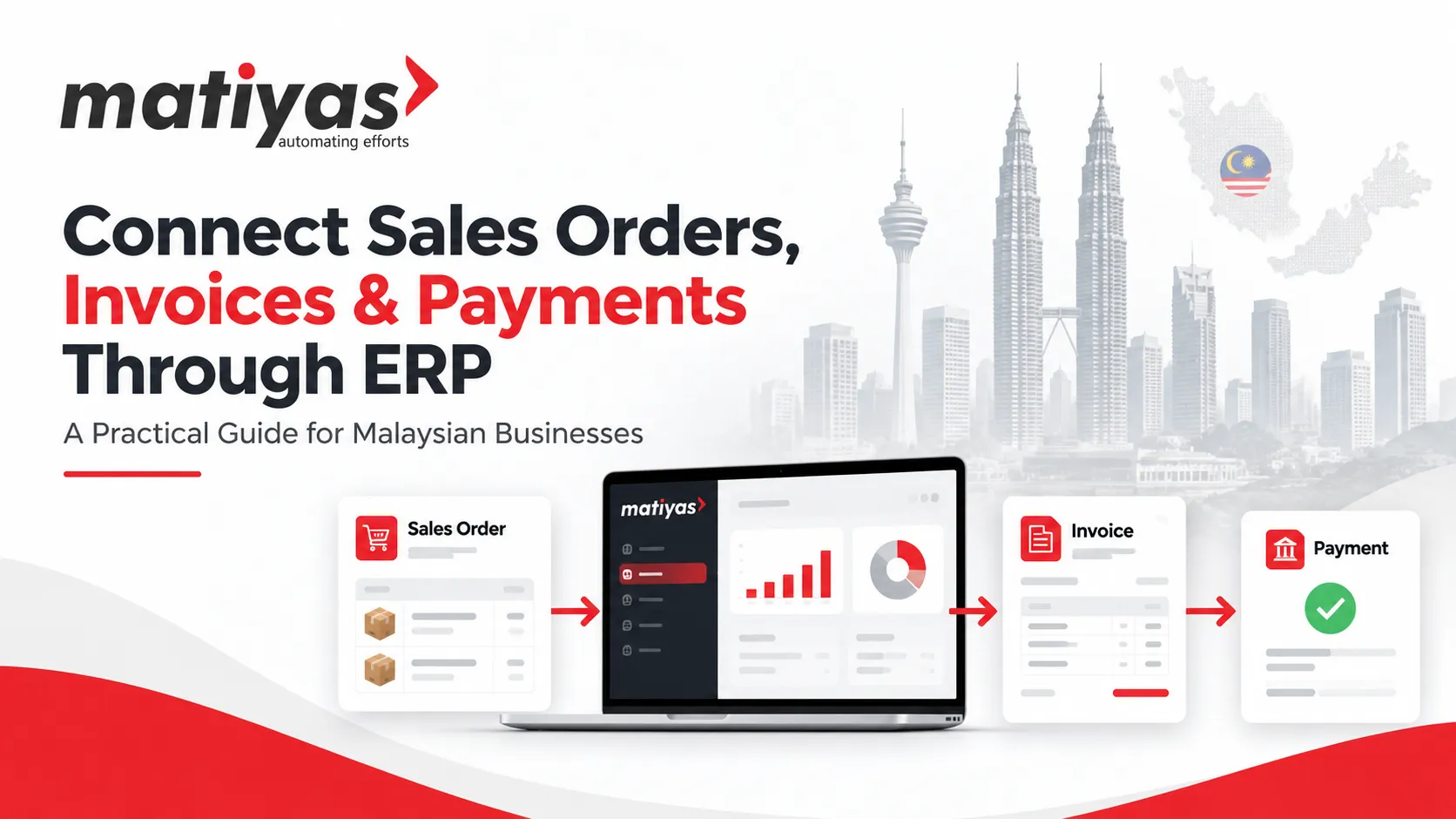
Malaysian businesses often manage sales orders, invoices, and customer payments through separate systems, spreadsheets, and manual accounting processes. Although these methods may work for small operations, they can create problems as a business grows. Missing payment records, delayed invoices, duplicate data entry, and inaccurate financial reports can affect cash flow and customer relationships.
An Enterprise Resource Planning (ERP) system helps businesses connect these activities within a centralized platform. By integrating sales order management, invoicing, accounts receivable, and payment tracking, companies can maintain accurate financial records and gain better visibility into their business operations.
For Malaysian SMEs, manufacturers, wholesalers, distributors, and trading companies, connecting sales orders, invoices, and payments through ERP software can improve efficiency, reduce administrative work, and support informed financial decisions.
Why Malaysian Businesses Need Connected Sales and Financial Workflows
Sales and finance departments depend on the same business information, but they do not always use the same systems. A sales team might record customer orders in a spreadsheet, while the accounting team prepares invoices separately and tracks payments through banking records.
This disconnected approach can lead to several operational challenges.
- Duplicate data entry: Employees enter customer details, product information, quantities, and prices into multiple systems.
- Delayed invoicing: Finance teams may not receive sales order information promptly, delaying invoice generation.
- Payment tracking difficulties: Businesses may struggle to identify which invoices have been paid, partially paid, or remain overdue.
- Limited cash flow visibility: Management may not have an accurate picture of outstanding receivables and expected collections.
- Reporting inconsistencies: Differences between sales records, invoices, and accounting entries can affect financial reporting.
An integrated ERP system connects these processes and allows authorized employees to access consistent information. Instead of treating every transaction as a separate activity, the business can manage the complete sales-to-payment cycle through a structured workflow.
How ERP Connects Sales Orders, Invoices and Payments
An ERP system creates a connection between the sales, inventory, invoicing, and accounting functions of a business. Each stage builds on information recorded during the previous stage, reducing manual work and improving transaction accuracy.
1. Sales Order Creation and Management
The process begins when a customer places an order. The sales team records the relevant information in the ERP system, including customer details, products or services, quantities, agreed prices, payment terms, and delivery requirements.
The ERP system stores this information in a centralized database, allowing other departments to access the order details when needed.
For example, a Malaysian wholesale distributor receiving an order from a retail customer can use ERP software to check product availability, confirm pricing, and review the customer's outstanding balance before processing the order.
Depending on the system configuration, sales orders can also trigger inventory reservations, purchase requirements, or production planning activities.
This connected workflow helps businesses reduce order processing errors and maintain better coordination between sales, inventory, and finance teams.
2. Automated Invoice Generation
Once the order reaches the appropriate stage, the business can generate an invoice using the information already stored in the ERP system.
Invoice creation may be triggered by order confirmation, shipment, delivery, service completion, or an agreed billing milestone. The appropriate trigger depends on the company's sales policy and contractual requirements.
Because the invoice draws information from the original transaction, employees do not need to re-enter every product description, quantity, and price manually.
An ERP invoicing process can help businesses:
- Generate customer invoices using approved sales information.
- Apply the correct payment terms and due dates.
- Maintain consistent customer and transaction records.
- Record applicable taxes and accounting entries according to the configured rules.
- Track invoice status from creation to settlement.
For Malaysian businesses, invoice workflows should also account for applicable tax requirements and the country's electronic invoicing framework. Companies should verify that their ERP configuration and invoicing solution meet the requirements applicable to their business, including relevant LHDN e-Invoice processes.
3. Accounts Receivable and Outstanding Invoice Tracking
After an invoice is issued, the ERP system can record it as an outstanding receivable until payment is received and allocated.
The finance team can review unpaid invoices, payment due dates, customer balances, and overdue amounts from a centralized dashboard or receivables report.
This information helps businesses identify customers who require payment reminders and prioritize collection activities.
For instance, a Malaysian manufacturing company supplying products to several distributors may have hundreds of invoices outstanding at any given time. Tracking each invoice manually can consume significant staff time.
With ERP-based accounts receivable management, the finance team can filter invoices by customer, due date, payment status, or outstanding amount. This improves collection planning and helps reduce the risk of overlooked invoices.
4. Payment Recording and Bank Reconciliation
When a customer makes a payment, the business needs to connect that payment to the correct invoice or invoices.
An ERP system allows finance employees to record payment details, allocate receipts against outstanding invoices, and update customer account balances. Depending on the available integrations, some payment information can also be imported from bank statements or payment platforms.
For example, if a Malaysian distributor receives a bank transfer covering three invoices, the finance team can allocate the payment across the relevant records rather than treating it as an unidentified receipt.
The system can then update invoice balances and maintain a transaction history for future reference.
Bank reconciliation further helps businesses compare recorded payments with actual bank transactions. This makes it easier to identify unmatched receipts, duplicate entries, bank charges, and other discrepancies that require investigation.
Automated bank feeds and matching capabilities depend on the ERP system, the financial institution, and the integration configuration.
5. Real-Time Financial Reporting
When sales orders, invoices, and payments are connected, management can obtain a clearer picture of the company's financial position.
ERP dashboards and reports can help authorized users monitor:
- Total sales orders and their processing status.
- Invoices issued during a selected period.
- Outstanding accounts receivable.
- Overdue customer payments.
- Customer payment history.
- Collection performance and cash flow trends.
- Sales performance by customer, product, or business unit.
These insights help business owners identify collection delays, understand revenue patterns, and make better decisions about purchasing, inventory, and operating expenses.
However, reliable reporting depends on accurate transaction entry, appropriate accounting configuration, and regular reconciliation.
Key Benefits of Integrating Sales Orders, Invoices and Payments Through ERP
Reduced Manual Work and Fewer Data Entry Errors
When information flows between connected ERP modules, employees spend less time transferring data between spreadsheets and accounting software. Reusing validated transaction information can reduce typing errors, duplicate records, and discrepancies between sales and finance departments.
Improved Cash Flow Management
Cash flow depends not only on sales but also on how efficiently a company collects outstanding payments. ERP-based receivables tracking gives businesses better visibility into unpaid invoices, payment deadlines, and collection priorities.
This enables finance teams to follow up on overdue balances earlier and plan expected cash inflows more effectively.
Faster Order-to-Cash Processing
The order-to-cash cycle covers the activities from receiving a customer order to collecting the corresponding payment. Connecting these processes through ERP software can reduce delays caused by manual handovers between departments.
Businesses can process orders, issue invoices, record receipts, and reconcile transactions through a more consistent workflow.
Better Customer Account Management
A centralized ERP system provides a consolidated view of customer orders, invoices, receipts, and outstanding balances. Sales representatives can use this information to coordinate with finance teams before accepting new orders or discussing payment arrangements.
Access permissions should be configured appropriately so employees can view the information necessary for their roles.
Stronger Financial Control and Auditability
An integrated ERP workflow maintains a structured record of business transactions. Depending on the system's capabilities, companies can review transaction histories, user activities, approval records, and changes to financial documents.
These controls support internal reviews and help businesses investigate discrepancies more efficiently.
ERP Integration for Different Types of Malaysian Businesses
The benefits of connected sales and payment workflows vary according to the industry's operational requirements.
Manufacturing Companies
Manufacturers can connect customer orders with production planning, finished-goods inventory, delivery records, invoicing, and payment collection. This helps finance teams understand which deliveries have been billed and which customer balances remain outstanding.
Wholesale and Distribution Businesses
Wholesalers can manage high-volume orders, customer-specific pricing, credit terms, invoices, and receipts through a centralized ERP platform. This is particularly useful when serving multiple retailers across different locations.
Retail Businesses
Retailers can integrate point-of-sale transactions, customer invoices where applicable, accounting entries, and payment records. Multi-outlet businesses can also consolidate financial information across branches when their ERP configuration supports it.
Trading and Import Businesses
Trading companies can connect purchase and sales transactions with inventory records, customer invoicing, supplier payments, and financial reporting. This provides better visibility into transaction-level profitability and working capital.
Service-Based Companies
Service providers can link quotations, sales orders or service agreements, billing milestones, invoices, and customer receipts. This helps them monitor billable work and identify unpaid service invoices.
How to Implement an ERP-Based Sales-to-Payment Workflow
Connecting sales orders, invoices, and payments requires more than installing software. Businesses should review their existing processes and define how information will move between departments.
The following steps provide a practical starting point.
Step 1: Map the Existing Order-to-Cash Process
Document how the business currently receives orders, approves pricing, checks inventory, generates invoices, records receipts, and follows up on overdue payments.
Identify duplicate activities, unnecessary approvals, and common sources of errors.
Step 2: Standardize Customer and Product Records
Review customer names, billing addresses, product codes, pricing information, tax settings, and payment terms. Consistent master data is essential for accurate invoicing and reliable financial reports.
Step 3: Define Workflow Rules and Approvals
Determine when invoices should be generated, who can approve credit limits, how partial payments will be handled, and which employees are responsible for overdue accounts.
These rules should reflect the company's actual commercial and accounting policies.
Step 4: Configure ERP Modules and Integrations
Connect the required sales, inventory, invoicing, accounts receivable, and accounting modules. Configure bank reconciliation or payment integrations where supported and appropriate.
Businesses operating in Malaysia should also assess applicable electronic invoicing and tax requirements before finalizing their configuration.
Step 5: Test Real Business Scenarios
Before going live, test complete transactions involving order confirmation, partial deliveries, invoice corrections, partial payments, credit notes, and bank reconciliation.
Testing these situations helps uncover workflow gaps before they affect daily operations.
Step 6: Train Employees and Monitor Performance
Train sales, warehouse, and finance teams on their responsibilities within the new system. After implementation, monitor invoice processing time, overdue receivables, reconciliation differences, and other relevant performance indicators.
Continuous review helps businesses improve their ERP workflows as operational needs evolve.
Common Mistakes to Avoid When Connecting Sales and Payment Processes
Businesses can experience implementation difficulties when they automate existing problems instead of improving the underlying workflow.
Common mistakes include:
- Migrating incomplete or inaccurate customer records.
- Allowing sales orders and invoices to use inconsistent pricing information.
- Failing to define invoice approval responsibilities.
- Treating payment recording and bank reconciliation as the same activity.
- Ignoring partial payments, refunds, credit notes, and invoice adjustments.
- Automating workflows without testing real business scenarios.
- Failing to train employees on the new processes.
- Overlooking applicable Malaysian tax and e-Invoicing requirements.
A successful ERP implementation combines appropriate technology with clear business rules, accurate data, employee training, and ongoing process improvement.
Choosing the Right ERP Solution for Your Malaysian Business
Selecting an ERP solution requires evaluating how well the system supports the company's actual sales and financial workflows.
Businesses should assess whether the software supports sales order management, invoice generation, accounts receivable, payment allocation, bank reconciliation, financial reporting, and the integrations required for their operations.
Other important considerations include customization requirements, user access controls, implementation support, employee training, data migration, scalability, and ongoing maintenance.
Companies should also clarify which features are available as standard functionality and which require additional configuration, third-party integrations, or custom development.
For Malaysian SMEs, the right ERP system should provide practical operational value without introducing unnecessary complexity. The objective is to establish a reliable connection between sales activity, invoicing, and payment collection while maintaining accurate and accessible financial records.
Conclusion
Connecting sales orders, invoices, and payments through ERP software helps Malaysian businesses create a more consistent and transparent order-to-cash process. By integrating sales, inventory, invoicing, accounts receivable, and accounting activities, companies can reduce manual data entry, improve payment tracking, strengthen financial controls, and gain better visibility into cash flow.
Whether a business operates in manufacturing, wholesale distribution, retail, trading, or professional services, an integrated ERP workflow can support more efficient daily operations and more informed business decisions.
The key is to choose a solution that fits existing requirements, configure workflows carefully, maintain accurate records, and train employees to use the system effectively.
Looking to connect your sales orders, invoices, and payments through a unified ERP system? Matiyas Solutions helps businesses explore ERP implementation and customization options aligned with their operational requirements. Contact Matiyas Solutions to discuss your business processes, identify opportunities for automation, and find an ERP approach that supports your company's growth in Malaysia.





















Sign in to leave a comment.