

You cannot be at your business every hour of every day. Nights, weekends, holidays and busy workdays all leave gaps, and those gaps are exactly when theft, vandalism and break-ins tend to happen. Remote business security monitoring closes those gaps by letting trained professionals, smart software and your own phone keep watch over your property while you focus on running the company.
In this guide, you will learn what remote monitoring is, how it works step by step, what technology makes it possible, and how to decide whether it is the right fit for your business.
What Is Remote Business Security Monitoring?
Remote business security monitoring is a service in which cameras, sensors and alarms at your premises are connected over the internet to a professional monitoring center or to your own devices. Instead of simply recording footage that nobody sees until after something goes wrong, the system watches for trouble as it happens and triggers a response in real time.
Traditional security often meant a recorded tape or a loud alarm that neighbors ignored. Remote monitoring changes the goal from "record the crime" to "stop the crime." A live operator or an intelligent system notices unusual activity, checks whether it is real, and takes action within moments.
How Remote Business Security Monitoring Works Step by Step
Although every provider has its own tools, the process usually follows the same path.
Step 1: Equipment Is Installed on Site
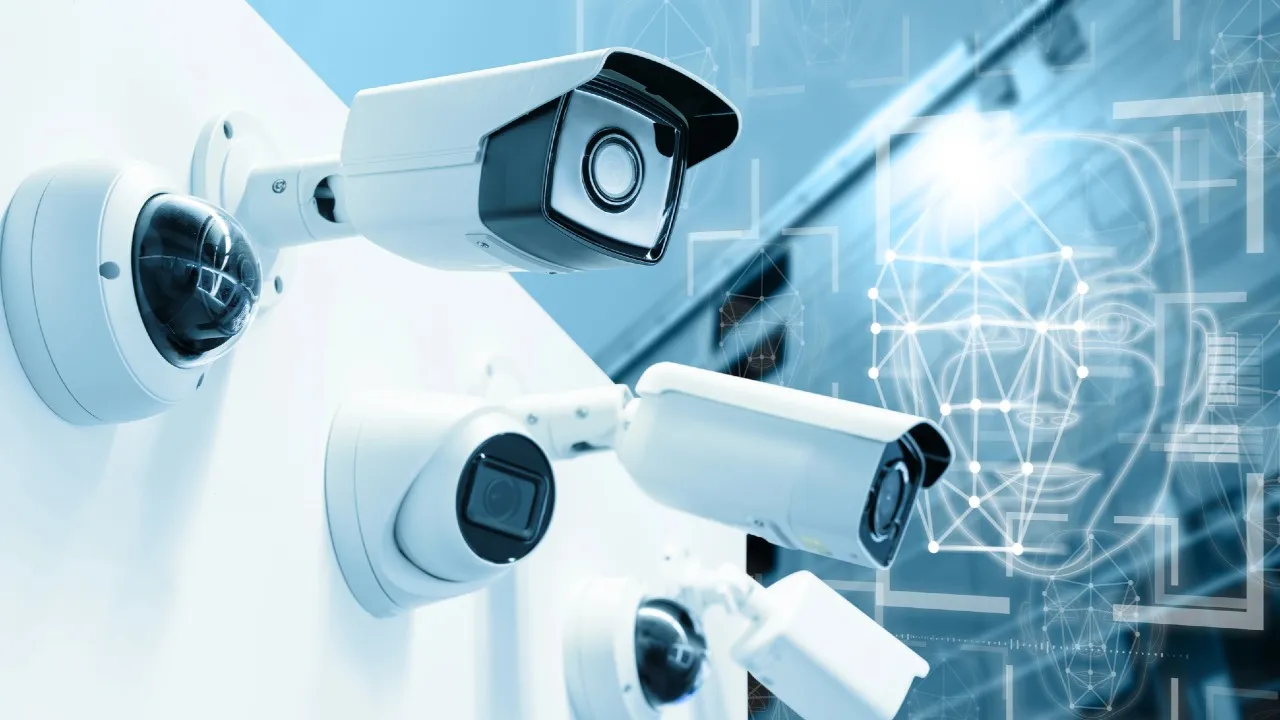
High-definition IP cameras are placed at key points such as entrances, parking areas, loading docks, warehouses, cash counters and perimeter fences. Many setups also include motion sensors, door and window contacts, glass-break detectors, and sometimes fire, smoke or water sensors. Cameras today record in color during the day and switch to night vision or monochrome in the dark.
Step 2: Devices Connect to the Internet or Cloud
The cameras and sensors send their data over a secure internet connection to a cloud platform or directly to a monitoring center. Footage can be streamed live, stored in the cloud, or both. This connection is what allows monitoring from anywhere in the world.
Step 3: The System Detects an Event

Monitoring can run around the clock or only during set hours, such as after closing time or on weekends. During those hours, the system looks for events like movement in a closed area, a door opened after hours, tampering with a device, or someone loitering near the perimeter.
Step 4: AI Analytics Filter the Alerts
Modern systems use AI-powered video analytics to scan live feeds for suspicious behavior, such as trespassing, perimeter breaches or people lingering where they should not be. AI helps separate real threats from harmless triggers like a passing animal, swaying tree or blowing debris, so human operators are not buried under false alerts.
Step 5: A Human Operator Verifies the Threat
When the system flags something, an alert is sent to a trained operator at the monitoring center. The operator reviews the live video and decides whether it is a genuine incident or a false alarm. This video verification step is one of the biggest advantages of professional monitoring, because it sharply reduces unnecessary call-outs to the police.
Step 6: Active Deterrence Kicks In
If the threat looks real, many providers can respond remotely before anyone arrives. Operators may switch on bright lights, sound a siren or speak directly to the intruder through on-site speakers, letting them know they are being watched and that help is on the way. In many cases, this alone is enough to make the person leave.
Step 7: Escalation and Emergency Response
If the intruder stays, the operator contacts the property owner, key holders, on-site guards or emergency services and shares what the cameras are showing. Giving responders accurate, real-time information helps them act faster and with more confidence.
Step 8: Records and Reports Are Saved
Every event is logged and the video is archived with timestamps. Business owners can review incidents, download footage and receive reports that support investigations, insurance claims and, if needed, legal action.
The Technology Behind Remote Monitoring
A few core components make the process above possible:
- IP and PTZ cameras: Network cameras with sharp image quality, night vision and, in some cases, pan-tilt-zoom control to follow activity.
- Sensors and alarms: Motion, door, window and glass-break detectors that alert the system the moment something changes.
- Cloud storage and video management: Secure platforms that store footage, manage multiple cameras and let you search past events quickly.
- Mobile apps and dashboards: Tools that let owners and managers view live feeds, receive push alerts, arm or disarm systems and manage access from a phone or laptop.
- Two-way audio and deterrents: Speakers, lights and sirens that let operators intervene without being physically present.
- Access control integration: Door systems that can be locked, unlocked or reviewed remotely as part of the same platform.
Choosing the Right Business Security Systems for Remote Monitoring
Not every setup is the same, and the best business security systems are the ones that match your real risks rather than the ones with the longest feature list. A small shop with one entrance has very different needs from a warehouse, a construction site or a multi-location retail chain.

Before you commit, think about the following:
- Professional monitoring or self-monitoring? With self-monitoring, alerts come to your phone and you decide what to do, which can work for low-risk sites if you are always reachable. With professional monitoring, a trained team watches around the clock, verifies events and contacts the authorities for you.
- Coverage hours. Some businesses need full 24/7 coverage, while others only need monitoring overnight, on weekends and during holidays.
- Camera placement and quality. Look for clear day and night footage and smart placement that covers entry points, blind spots and high-value areas.
- Integration. Cameras, alarms and access control that work together on one platform are easier to manage and respond faster.
- Scalability. Choose a system that can grow with you as you add cameras, rooms or new locations.
- Installation, support and maintenance. Reliable installation and ongoing service matter just as much as the hardware itself.
- Internet reliability and cybersecurity. A stable connection, backup power or backup connectivity, strong passwords and regular software updates keep the system working and protected from hackers.
Key Benefits of Remote Business Security Monitoring
Round-the-clock protection. The system works through nights, weekends and holidays without a break, sick day or shift change.
Faster response. Threats are caught while they are happening, not discovered the next morning, which can limit loss and damage.
Crime deterrence. Visible cameras, live warnings and active responses discourage offenders before they commit a crime.
Lower cost than full-time guards. Remote monitoring is generally more affordable than staffing a guard around the clock, especially if you protect multiple sites.
Fewer false alarms. Human verification and AI filtering reduce wasted call-outs and unnecessary stress.
Better evidence. Timestamped video supports insurance claims, investigations and legal matters, and some insurers may reward better protection.
Peace of mind. You can check in from your phone anytime, wherever you are.
Who Needs Remote Business Security Monitoring?
Almost any business can benefit, but it is especially valuable for:
- Retail stores and shopping centers
- Warehouses, distribution centers and storage facilities
- Construction sites and equipment yards
- Car dealerships and boat or vehicle lots
- Offices and corporate buildings
- Restaurants, clinics and schools
- Multi-location companies that cannot staff every site
Common Questions About Remote Monitoring
Do I need someone watching the cameras all the time? Not usually. Most services use sensors and AI to flag unusual activity, and operators step in when an alert needs a human decision.
Can I watch my cameras from my phone? Yes. Most modern systems offer apps that stream live video, send instant alerts and let you manage the system remotely.
What happens if an alarm goes off? The monitoring center checks the video, tries to deter the intruder using lights, sirens or speakers, and contacts you, your key holders or emergency services if the threat is real.
Is remote monitoring suitable for small businesses? Yes. Scalable plans make it practical for a single small shop as well as for large multi-site operations.
What if the internet goes down? Quality systems use backup connectivity or local recording so protection and footage are not lost during an outage. Ask any provider how they handle this before you sign up.
Final Thoughts
Setting up remote monitoring is easier when you work with a team that understands both the technology and your day-to-day operations. Providers such as Empire Security can help businesses assess their risks, choose the right cameras and sensors, and set up monitoring that fits their hours, budget and building, so that every alert is handled quickly and no incident goes unnoticed.
Remote business security monitoring turns a passive camera system into an active line of defense that never sleeps. By combining live video, smart analytics, trained operators and fast communication with you and the authorities, it protects your people, your property and your reputation, wherever you happen to be.


















Sign in to leave a comment.