How to Analyze Email Evidence from PST, OST, and MBOX Files Without Outlook?

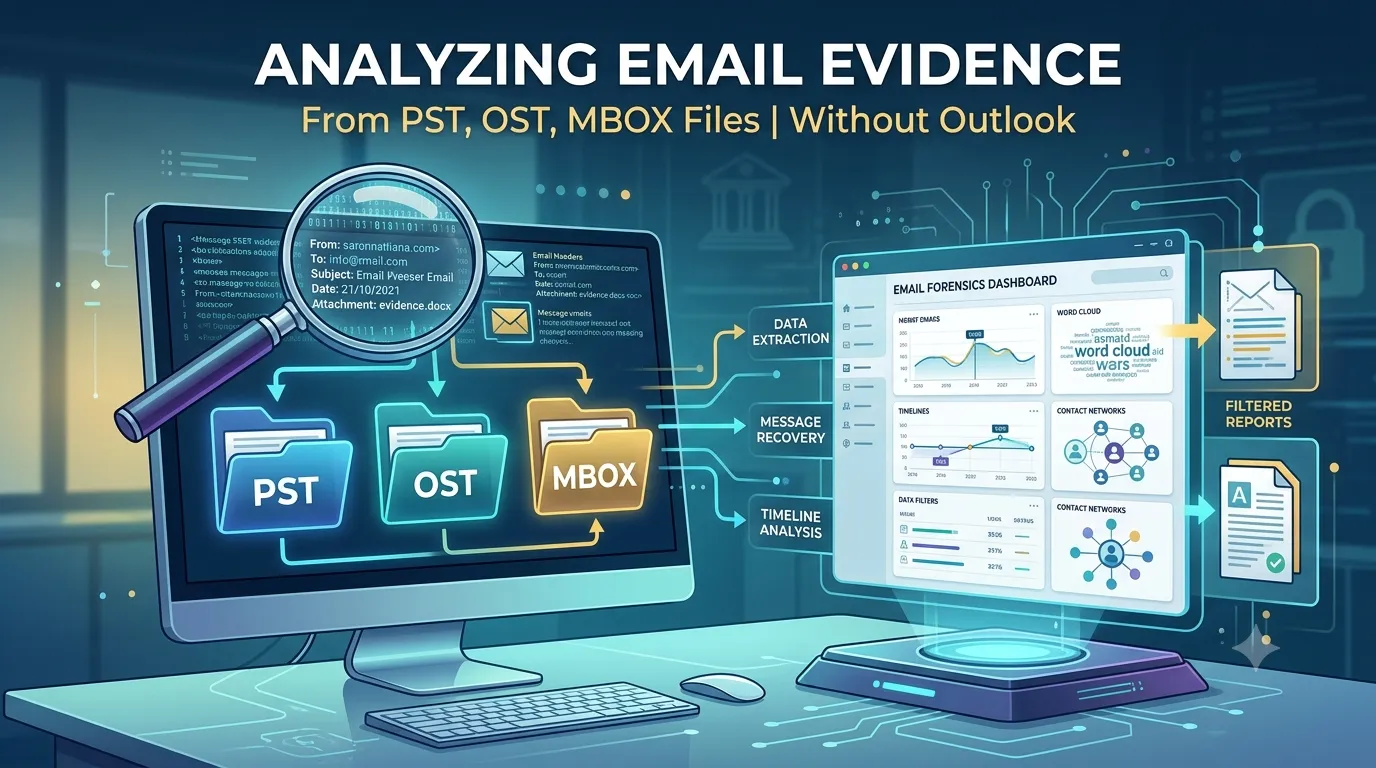
To analyze email evidence from PST, OST, and MBOX files without Outlook, investigators first calculate baseline MD5 or SHA-256 cryptographic hashes to preserve file integrity and chain of custody under NIST SP 800-101r1 standards. The target files are then ingested into a standalone forensic utility such as Email Investigation Software which parses raw B-tree and RFC 822 binary structures directly, completely bypassing MAPI requirements, Exchange profile configurations, and Outlook dependencies. Examiners use multi-view inspection (Hex, ASCII, and MIME) to uncover hidden metadata and deleted items, followed by a bottom-to-top reverse-trace of the Received: header lines to isolate the sender's true originating public IP address and verify SPF, DKIM, and DMARC authentication strings for court-admissible evidence reporting.
Why You Should Analyze Email Evidence Without Outlook
- Outlook can alter evidence. GoldFynch notes that opening a PST in your own copy of Outlook can change the file and its metadata, which a read-only viewer avoids.
- OST files are tied to a profile. An OST is an offline cache of a mailbox. If the account or profile is gone, Outlook cannot open it.
- Outlook does not read MBOX natively. Thunderbird, Apple Mail exports and Google Takeout all produce MBOX.
- Cost and platform limits. Not every examiner has an Outlook licence, and a licence is not a forensic control.
- Defensibility. One tool plus one hash log is easier to explain than a chain of conversions.
PST vs OST vs MBOX: What You Are Examining
A PST (Personal Storage Table) file is created by Outlook for archives and for POP accounts. It keeps mail, calendar items and contacts together in a single file. PST files come in an older ANSI version and a newer Unicode version. When you examine one, remember that deleted-item remnants may still survive inside it, so it is worth checking beyond the Inbox.
An OST (Offline Storage Table) file is created when Outlook works with Exchange, Microsoft 365 or IMAP. It is an offline cache of a server mailbox, not the original record. Because it is tied to the profile that created it, Outlook usually cannot open it once the account or profile is gone. Examiners call these “orphaned” OST files, and they are one of the main reasons people need to Analyze Email Evidence Without Outlook.
An MBOX file is the format used by Thunderbird, Apple Mail exports and Google Takeout. It stores many messages as plain text in one file per folder, and each message begins at a line starting with “From “ (RFC 4155). MBOX files can grow very large, so loading and searching them needs a viewer built for the format.
The open-source libpff project documents PST and OST as one underlying file family. It covers 32-bit ANSI, 64-bit Unicode and compressed OST variants. That is why a single forensic parser can often handle both formats, and why one tool can cover all three file types in your case.
Step 1: Preserve Before You Analyze
NIST SP 800-86 frames forensics as collection, examination, analysis and reporting. Most guides jump straight to examination and skip collection.
Since December 1, 2017, Federal Rule of Evidence 902(14) lets copied electronic data be authenticated by hash value through a qualified person’s certification. The rule covers authentication only. It does not settle relevance or hearsay. Preservation is what lets you Analyze Email Evidence Without Outlook and still defend the result.
- Record the file name, size and timestamps.
- Calculate a SHA-256 hash (adding MD5 is common).
- Copy the file, then hash the copy and confirm the values match.
- Work only on the copy.
- Log who handled it, when, and with which tool version.
Step 2: Analyze Email Evidence Without Outlook Using Professional Tool
MailPro+ email forensics software is a Windows tool for examining email files, headers, metadata and attachments. Its product page lists 25+ formats from 80+ email clients, including PST, OST and MBOX. Create a collection. Launch and create a collection so the case stays organized.
- Add the evidence. Select the PST, OST or MBOX copies. The tool can locate files automatically.
- Examine in multiple views. Preview modes include Hex, Message Header, MIME, HTML, RTF, Attachments, Hierarchical and Properties.
- Search and filter. Combine conditions with AND, OR and NOT, use general or wildcard search, and import case keywords from CSV so the whole team searches the same list.
- Check the flags. Deleted items show in red, a dashboard summarizes read/unread, deleted and attachment counts, and encrypted or signed mail can be detected, with OpenPGP keys added.
- Export. Send selected items to PDF with naming conventions and Bates numbering. Other export formats include MSG, PST and CSV.
Limits to know before you buy:
- It is Windows-only and needs .NET Framework 4.5 or above.
- Run it as Administrator.
- The free demo only examines files and does not export.
Analyze PST Files Without Outlook
To analyze PST files without Outlook, load the verified copy and browse the folder tree. Check Deleted Items, Recoverable Items and the calendar, because evidence often sits outside the Inbox. See the Outlook PST forensics page for details. For large archives, search first and read second: the free-text and wildcard filters reduce thousands of messages to the few that matter.
Open OST Files Without Microsoft Outlook
You can open OST files without Microsoft Outlook because a forensic parser reads the file structure directly and does not need the mailbox profile. This is how examiners handle orphaned OST files from reimaged or retired machines. Remember that an OST is a cache. It may lack mail already purged from the server, and it can contain items the server no longer has. Document that distinction in your report.
MBOX Email Forensic Investigation Without Thunderbird
For MBOX email forensic investigation, load the file in a viewer that understands the format, as on the Thunderbird MBOX forensics page. Useful artifacts include Thunderbird’s X-Mozilla-Status header and Gmail Takeout’s X-Gmail-Labels header. Both can show folder and flag context. To Analyze Email Evidence Without Outlook in MBOX form, keep one file per folder and note which export tool produced it.
Treat headers as supporting evidence, not standalone proof. Anything below your own trusted hop can be forged. The format is defined in RFC 5322.
Free Forensic Email Viewer Options and Where They Stop
- libpff / pffexport is open source, handles PST and OST, and can recover deleted items. It is command-line and its own wiki labels it alpha. See libpff.
- Browser-based viewers such as GoldFynch open PST and OST in the browser, but its PST viewer does not open MBOX, so you need a separate MBOX viewer.
- Freeware GUI viewers often cap previews or daily opens in their free tiers.
Free tools are fine for triage. For a defensible report you need case management, repeatable search, and export with naming and numbering. If you read PST and MBOX files with forensic software, pick one tool, record its version, and stay consistent.
What Most Guides Miss
Most pages ranking for How to Analyze Email Evidence from PST, OST, and MBOX Files Without Outlook stop at “open the file.” Add these:
- Hash before and after. Verify the copy and the exports.
- Version logging. Note the tool and build used. The MailPro+ product page lists v5.1.1.
- Time zones. Normalize before building a timeline.
- Deleted and corrupted items. Flag them and say how you treated them.
- Encryption and signatures. Detect them early so nothing is silently skipped.
- Nested attachments. Check archives and embedded messages.
- Privilege review. Screen before exporting to anyone outside the legal team.
- Platform honesty. If the tool is Windows-only, say so in your methodology.
Handled this way, you can Analyze Email Evidence Without Outlook and answer a challenge on cross-examination.
Common Mistakes
- Double-clicking the original PST, which launches Outlook and can alter it.
- Skipping the hash log.
- Converting to PDF first and losing headers and metadata.
- Reading headers top-down.
- Treating an OST as the server’s full record.
Each one weakens the case you are trying to Analyze Email Evidence Without Outlook to build.
FAQ
Q1. How to Analyze Email Evidence from PST, OST, and MBOX Files Without Outlook?
Answer. Hash and copy the files, load the copy into a forensic email viewer, review headers, attachments and deleted items, filter by keyword, and export to PDF with hash values logged.
Q2. Can I open an OST file without Outlook?
Answer. Yes. A forensic viewer parses the OST directly. An orphaned OST needs no profile or live mailbox.
Q3. Can I read MBOX files as evidence without Thunderbird?
Answer. Yes. Use a viewer that supports MBOX. Preserve the original and note which client or export produced it.
Q4. Is there a free forensic email viewer?
Answer. Yes, including libpff and browser-based PST viewers. Check limits on message previews, file formats and export before relying on them.
Q5. Does a forensic viewer change the source file?
Answer. Read-only viewers are designed not to. Prove it with matching hashes before and after.
Q6. Are email headers enough in court?
Answer. Usually not alone. Treat them as supporting evidence and authenticate the file, for example under FRE 902(14).
Q7. Is it legal to examine someone’s mailbox?
Answer. Only with proper authority, such as consent, policy or legal process. Get counsel’s sign-off first.
Conclusion
The analysis of email evidence contained in PST, OST, and MBOX file formats without the use of Microsoft Outlook software is key to ensuring forensic and legal integrity and admissibility under the Federal Rules of Evidence. Mail client software programs change the metadata of the file, change MAC access time stamps, and also fail to parse orphaned or corrupt storage containers. Through a forensic approach that involves calculating baseline cryptographic hashes, using independent direct binary utilities professional tool and following reverse `Received:` header chains from bottom to top, originating sender IPs are easily determined.






Sign in to leave a comment.