How to change the sound or add a caption to an angry dance video


Once your angry dance clip is made, two things decide whether it lands: the sound and the caption. The template handles the moves, but the audio and the text are up to you. Here is how to add or swap the sound without wrecking the timing, and how to write a caption that fits the format.
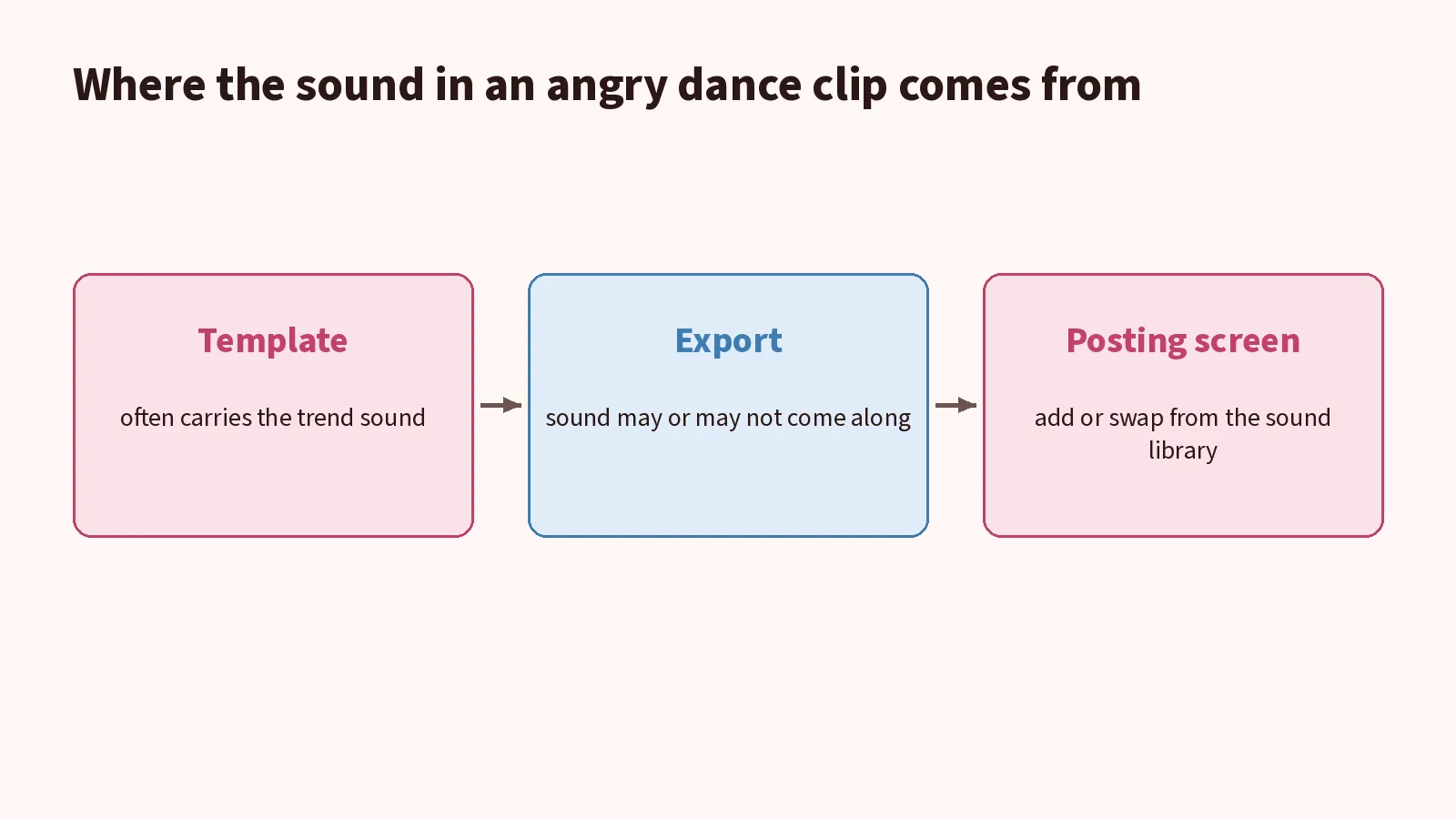
Where the audio in a typical angry dance clip comes from.
Where the sound comes from
Templates linked from TikTok posts usually carry the trend's sound, but depending on the app and the export path, the audio may or may not come along with your file. Do not worry if it does not. The simplest and safest option is to add the sound on the posting screen from the platform's own library. That keeps it licensed for that platform and lets viewers tap through to other clips using it.
On TikTok, business accounts only get the commercial music library, so the trend sound may not be available to them. Pick something from the commercial library instead.
Swapping the sound without breaking the timing
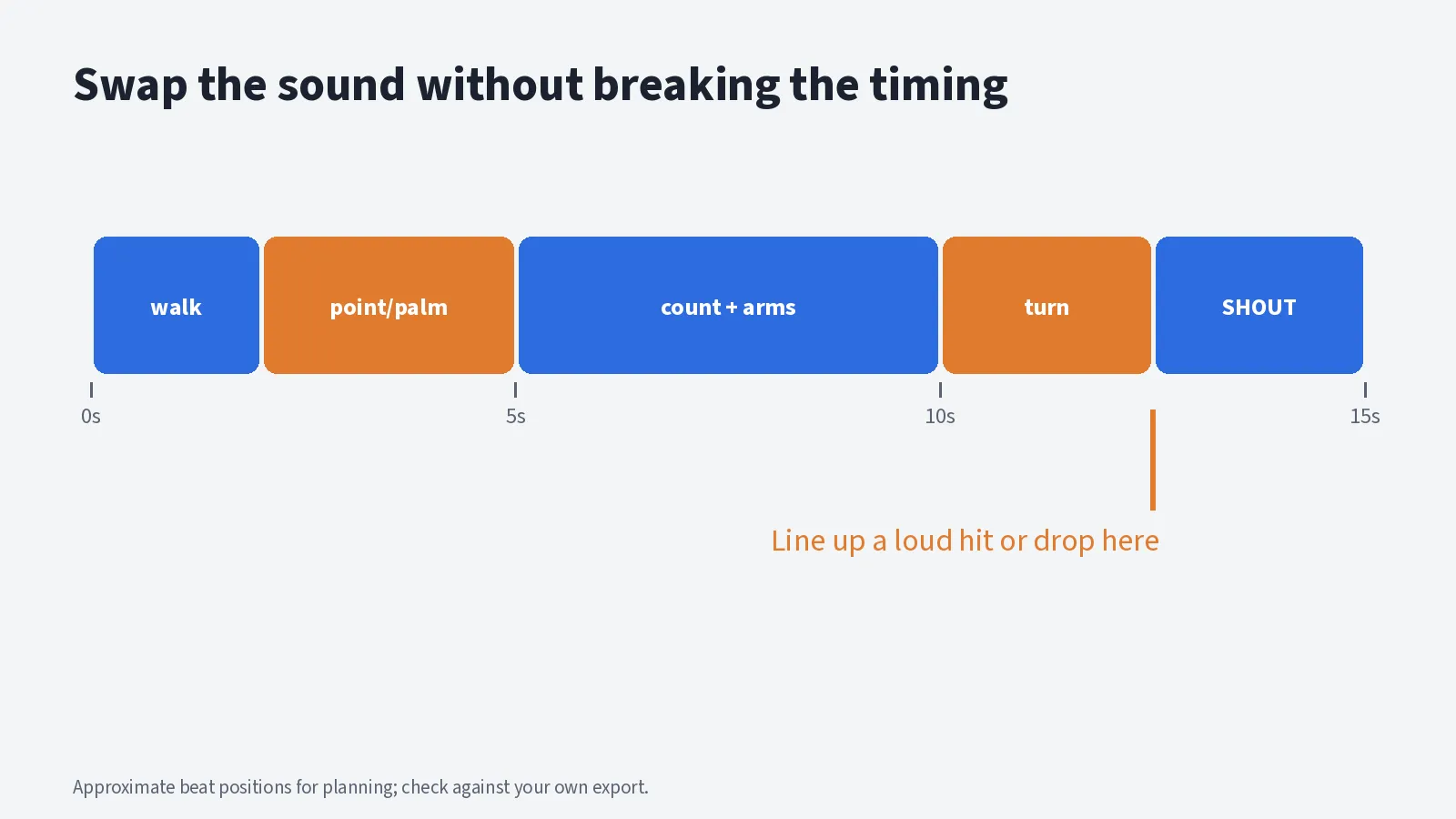
The final shout is the moment to sync with.
The routine builds to the final shout in the last couple of seconds. If you change the audio, line up a loud hit or a drop with that moment. Most editors let you drag the start point of a sound: play the clip, note when the shout happens, then shift the audio until a strong beat lands there.
A few tips:
- Keep the sound short and punchy. A slow intro wastes the walk-in.
- If you add a voiceover, duck the music under it.
- Do not use a ripped file from somewhere else. It can get muted or taken down.
Caption formulas

Four caption patterns that suit the format.
The format is a rant without words, so captions that name the “complaint” work well: “Me when someone eats my leftovers”. POV captions work too. Whatever you write, a short honest label such as “made with a template” saves you a comment thread asking if it is real.
On-screen text
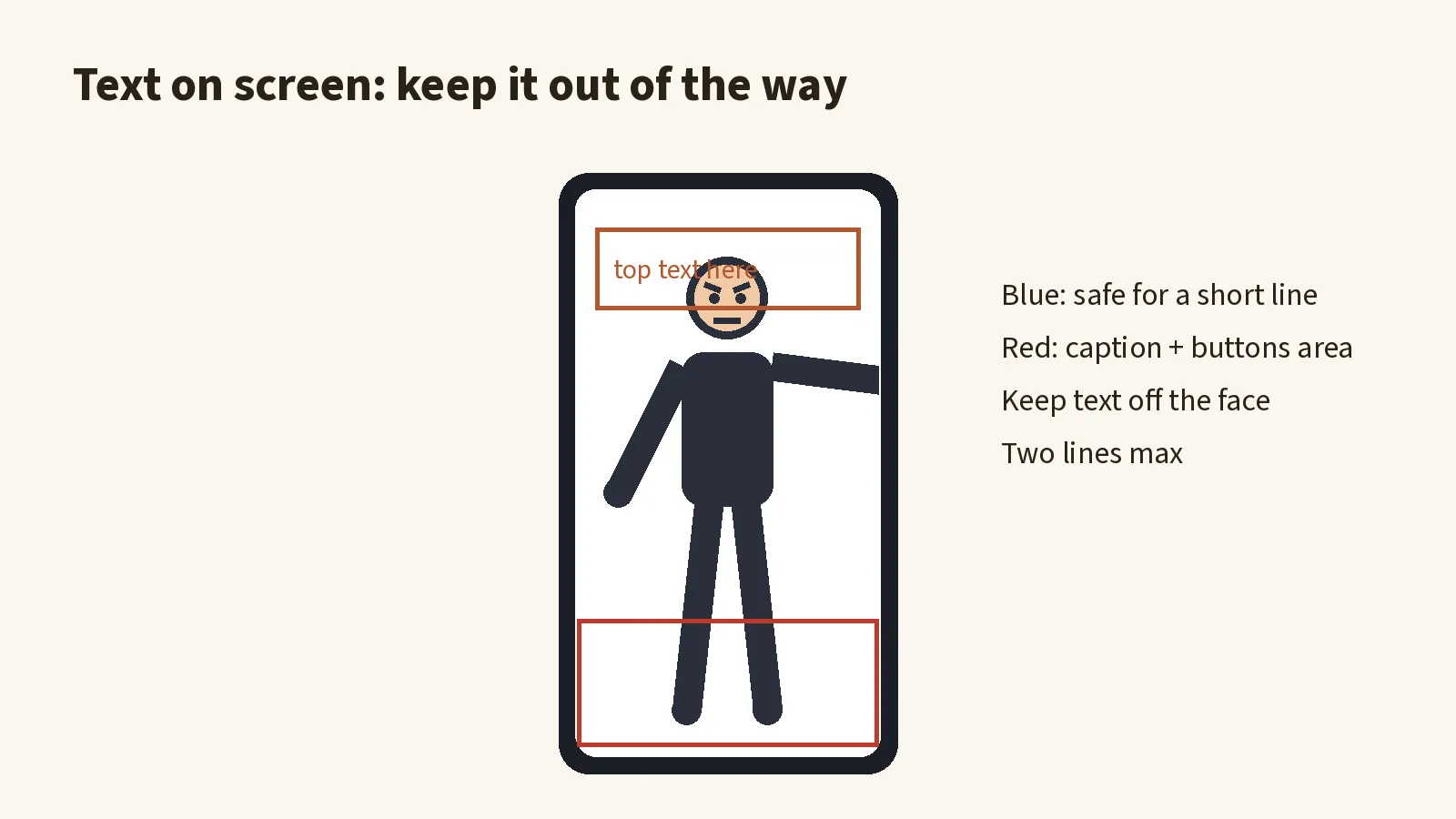
Keep text near the top and off the face.
If you add text on the clip, keep it short, near the top, and away from the face and hands. The bottom of the screen is covered by the caption and buttons on most apps.
Final check
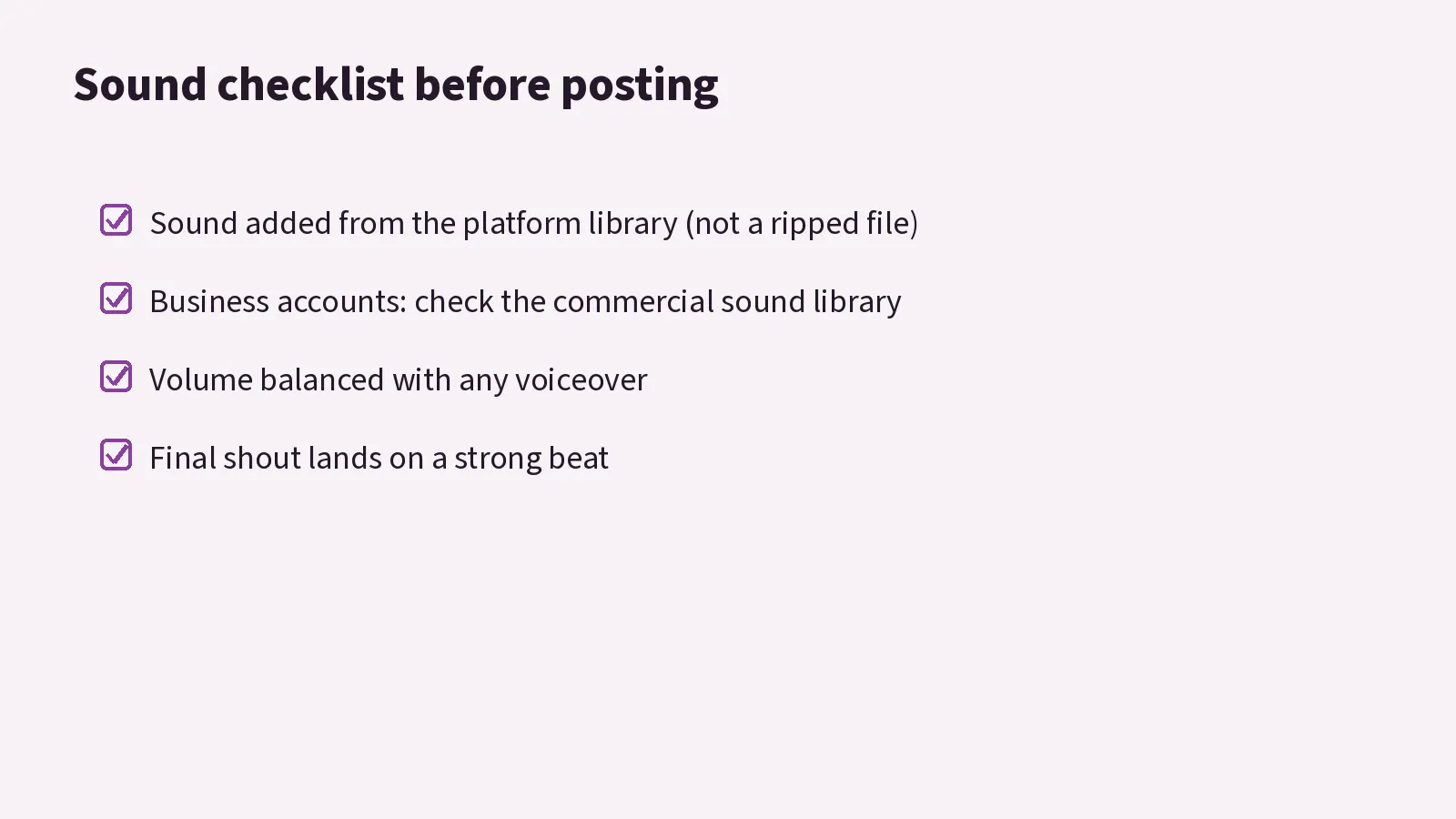
Run through this before posting.
If you have not made the clip yet, you can start from the template in a trend post or from a site focused on the format, like angry dance video maker. Use photos of yourself or of people who have agreed to be in it.



Sign in to leave a comment.