How to Improve Business Cybersecurity in 2026: A Step-by-Step Guide

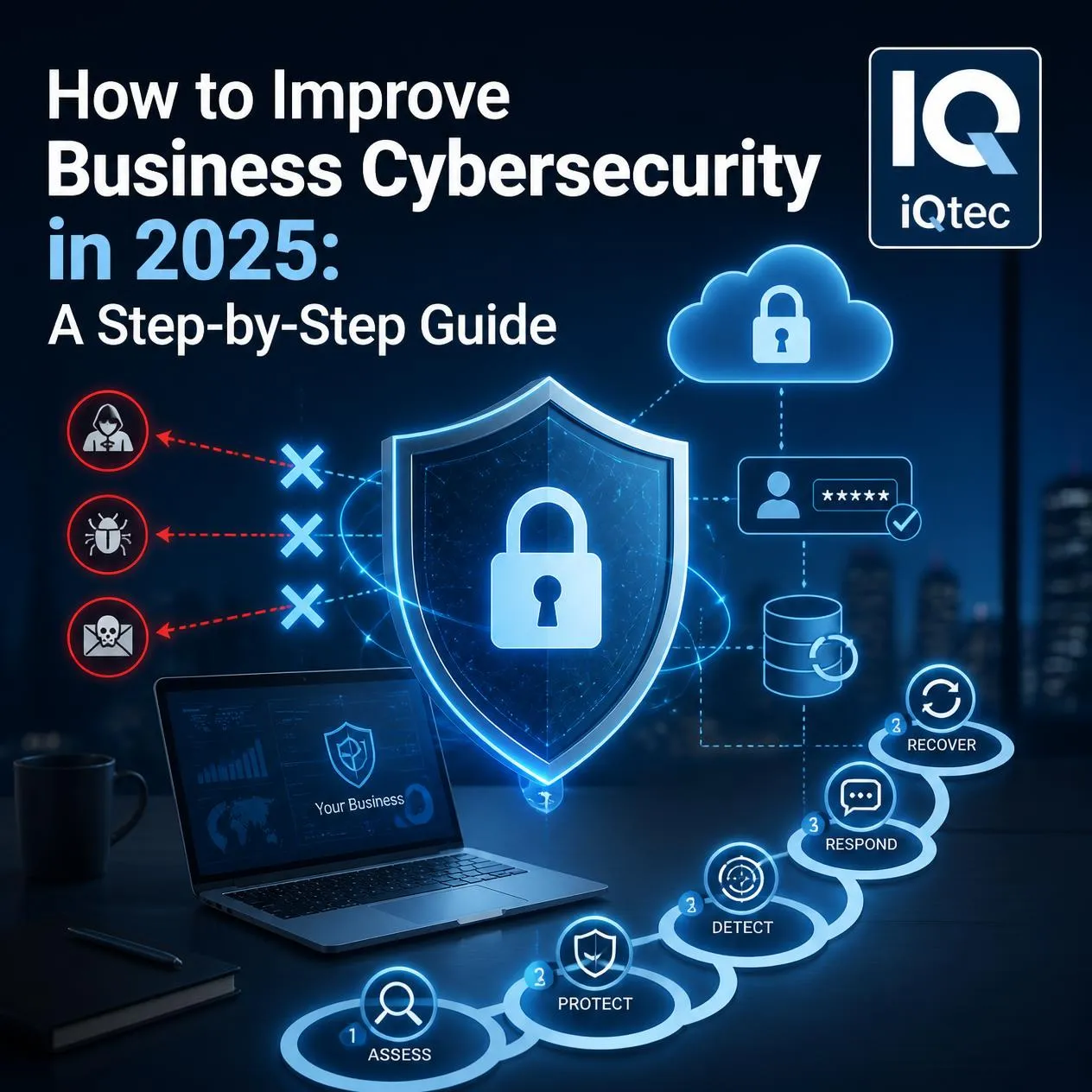
Cyber threats can affect businesses of every size, from small companies handling customer information to larger organisations managing complex systems. Improving business cybersecurity starts with understanding what needs protection, identifying common risks, and putting practical security measures in place. A clear plan helps reduce the chance of data loss, service interruptions, and unauthorised access.
Many security problems begin with everyday issues, such as weak passwords, outdated software, suspicious email attachments, or poorly managed user accounts. These gaps can give attackers an opportunity to access business systems. You do not need to change every part of your IT environment at once, but you should know which risks need attention first.
A practical business cybersecurity plan combines secure accounts, regular updates, employee awareness, reliable backups, and a clear response process. Each measure addresses a different type of risk. When these controls work together, your business is better prepared to prevent common attacks and respond if an incident occurs.
1. Identify Your Most Important IT Assets
Before making changes, create a list of the technology your business relies on. This may include computers, mobile devices, servers, cloud applications, email accounts, customer databases, financial records, and network equipment.
Identify where sensitive information is stored and who can access it. Pay attention to systems that would cause major disruption if they became unavailable. For example, losing access to accounting software or customer records could delay payments and affect daily operations.
Your inventory should also include software subscriptions, third-party platforms, and devices used by remote employees. Reviewing this list regularly helps you identify unsupported systems, unused accounts, and equipment that may need security updates.
2. Strengthen Passwords and Account Security
Compromised accounts are a common route into business systems. Passwords that are reused across several services create additional risk because one exposed password may give an attacker access to other accounts.
Use a password manager to help employees create and store unique passwords. Enable multi-factor authentication (MFA), particularly for email, administrator accounts, remote access, and cloud services. MFA requires an additional verification step, making it harder for someone to enter an account using only a stolen password.
Review access permissions as well. Employees should have access only to the information and systems required for their roles. Remove accounts promptly when staff leave, and review administrator privileges to make sure they are limited to authorised people.
3. Keep Software and Devices Updated
Software updates often correct security weaknesses that attackers may try to exploit. Delaying updates for operating systems, business applications, browsers, and network equipment can leave known gaps open.
Set a regular update schedule and use automatic updates where appropriate. Critical security fixes should receive priority, particularly on internet-facing systems and devices used to access sensitive information.
Do not overlook routers, firewalls, printers, and other connected equipment. Check whether vendors still provide security updates for these devices. If a system is no longer supported, plan to replace it or apply suitable protective measures while a replacement is arranged.
4. Train Employees to Recognise Cyber Threats
Technology alone cannot prevent every attack. Employees may receive convincing emails that appear to come from managers, suppliers, banks, or familiar service providers. These messages may ask them to open an attachment, visit a fake login page, or transfer money.
Provide regular training on phishing, suspicious links, unexpected attachments, and requests for confidential information. Explain how to check a sender's address and verify unusual payment requests through a separate, trusted communication channel.
Make reporting simple. Employees should know whom to contact if they click a suspicious link or share information by mistake. A quick report can give your IT team time to secure accounts and limit further damage.
5. Protect Business Data With Reliable Backups
Backups can help your business recover from ransomware, accidental deletion, equipment failure, and other incidents. However, having a backup is not enough. You must also confirm that the data can be restored when needed.
Back up essential files and systems on a schedule that matches how frequently the information changes. Keep a protected copy that cannot easily be altered or deleted using compromised everyday accounts.
Test the recovery process periodically. Check whether important files can be restored and how long it would take to bring key services back online. Document who is responsible for recovery and which systems should be restored first.
6. Secure Networks and Cloud Applications
Review the security settings on your business network, Wi-Fi, email platform, and cloud applications. Change default administrator credentials, use appropriate firewall rules, and separate guest Wi-Fi from business systems where practical.
For remote workers, use approved access methods and ensure devices meet your security requirements. Cloud services should have suitable access controls, MFA, logging, and data-sharing settings. Review externally shared files and remove permissions that are no longer needed.
If your company uses several cloud platforms, assign clear responsibility for maintaining their security settings. Check whether sensitive information is being stored or shared in ways that do not match your business requirements.
7. Prepare an Incident Response Plan
Even with preventive measures in place, an attack or data breach may still occur. A written response plan helps employees act quickly rather than making decisions under pressure.
Your plan should explain how to report an incident, who leads the response, how affected devices or accounts can be isolated, and how important systems will be restored. Include contact details for IT support, relevant suppliers, insurers, and legal advisers where applicable.
Know which notification obligations may apply to your business. In Australia, organisations covered by the Notifiable Data Breaches scheme may need to notify affected individuals and the Office of the Australian Information Commissioner when a data breach is likely to result in serious harm.
Review the plan after exercises or actual incidents so that responsibilities and procedures remain clear.
8. Know When to Seek Managed IT Support
Businesses without an internal security specialist may find it difficult to monitor systems, manage updates, review alerts, and maintain recovery procedures. A managed IT provider can assist with these tasks based on the services included in the agreement.
Before choosing a provider, ask how it handles security monitoring, patch management, backups, incident response, account protection, and reporting. Confirm what is covered, how urgent issues are escalated, and whether after-hours support is available.
Also establish who owns each security responsibility. Your business should retain oversight of its risks, employee access, data handling, and legal obligations, even when external specialists provide technical assistance.
9. Review Security Regularly
Cybersecurity requires ongoing attention because business systems, employees, and threats change over time. Schedule regular reviews of user accounts, software updates, backup results, security alerts, and supplier access.
Start with the highest-risk gaps rather than attempting to change everything at once. Record each issue, assign an owner, and set a target date for resolving it. Review progress with business leaders so that security work receives the time and budget it needs.
Frequently Asked Questions
1. What is the first step in improving business cybersecurity?
Identify your important systems and data, then review the risks that could cause the greatest harm.
2. Is multi-factor authentication necessary for small businesses?
Yes. It adds an extra layer of protection, especially for email, administrator accounts, and cloud applications.
3. How often should businesses back up their data?
The schedule depends on how often your data changes and how much information you can afford to lose. Test backups regularly.
4. Can managed IT support improve cybersecurity?
A suitable provider can help manage updates, access controls, backups, monitoring, and incident response, depending on the agreed services.
5. How often should cybersecurity measures be reviewed?
Review key controls regularly and reassess them whenever your systems, staff, suppliers, or business requirements change.
Make Security Part of Everyday Business
Improving security does not depend on a single tool or one-time project. It comes from maintaining secure accounts, updating technology, training employees, protecting backups, and preparing for incidents before they happen.
By prioritising risks and reviewing controls regularly, your organisation can build a more dependable approach to business cybersecurity. Start with the most important systems, address the largest gaps first, and assign clear responsibility for keeping each measure up to date.







Sign in to leave a comment.