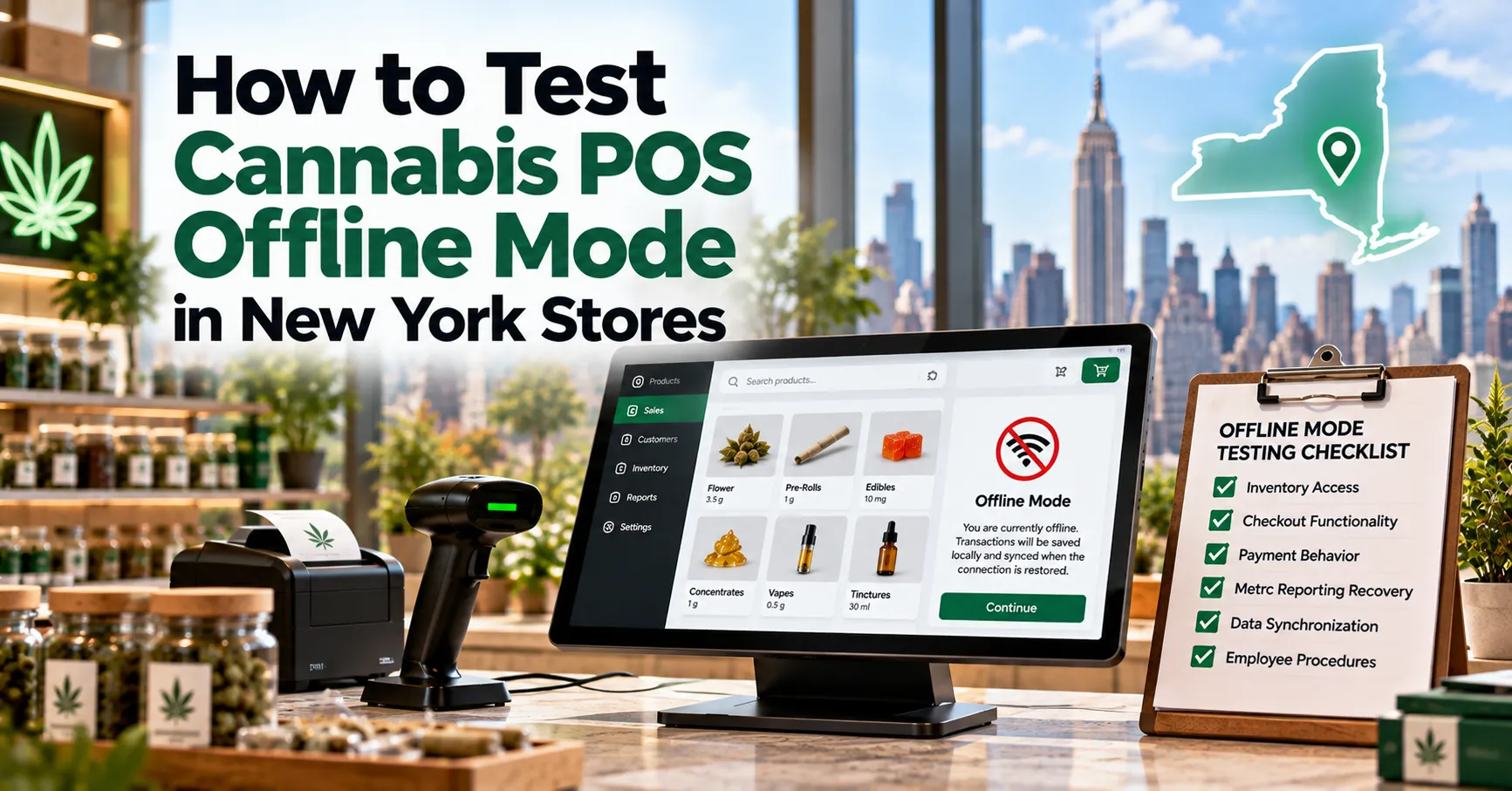


Internet outages can interrupt checkout operations, inventory updates, and regulatory reporting at New York cannabis dispensaries. Even a short connection failure may leave employees uncertain about which POS functions remain available and whether transactions can continue. Testing offline capabilities before an actual outage helps retailers identify technical limitations and develop safer operating procedures.
When evaluating a cannabis wholesale platform New York or retail POS solution, businesses should examine how the software handles lost connectivity. Wholesale inventory tools and retail checkout systems may have different offline capabilities, so vendors should demonstrate the specific workflows relevant to each licensed operation.
Offline mode should never be treated as automatic permission to continue cannabis sales without connectivity. A system may technically store transactions locally, but retailers must separately verify whether their proposed procedures comply with New York's current rules. This guide explains how to test offline functionality without creating unnecessary compliance risks.
Why Offline POS Testing Matters
Understand the Risks of Losing Connectivity
Modern cannabis POS systems often depend on internet access for cloud databases, payment services, online menus, and regulatory integrations.
During an outage, employees may encounter:
- Unavailable product or customer records.
- Delayed inventory synchronization.
- Inaccessible reporting dashboards.
- Interrupted payment services.
- Failed connections to external tracking systems.
- Inconsistent information across checkout terminals.
A controlled test reveals which features depend on a live connection and which remain accessible locally.
Separate Technical Capability From Legal Permission
New York cannabis retailers operate under requirements administered by the Office of Cannabis Management (OCM).
Before developing outage procedures, review the latest information from the New York State Office of Cannabis Management.
Ask your compliance team to confirm the current rules for transaction recording, inventory tracking, reporting deadlines, and any applicable contingency procedures.
A successful offline software test proves technical functionality, not regulatory authorization.
Step 1: Define the Purpose of Your Offline Test
Identify Critical Store Functions
Begin by listing the operations your dispensary depends on during a normal shift.
These commonly include:
- Product lookup and barcode scanning.
- Inventory availability checks.
- Customer age-verification workflows.
- Checkout calculations and tax settings.
- Payment processing.
- Receipt generation.
- Transaction history access.
- Regulatory reporting and synchronization.
Classify each function as essential, useful, or nonessential during an outage.
This helps employees understand which failures require immediate escalation.
Establish Clear Test Boundaries
Conduct testing in a vendor-approved sandbox or training environment whenever possible.
Use demonstration products, test accounts, and simulated transactions rather than actual regulated sales.
If your software cannot simulate offline behavior safely, request guidance from the provider before disconnecting a production terminal.
Never create unreported live transactions simply to see whether offline mode works.
Step 2: Check Vendor Documentation and System Settings
Confirm What Offline Mode Actually Supports
The phrase "offline mode" can describe several different capabilities.
Some systems only allow access to cached product information. Others may support limited local data entry or queue selected operations for later processing.
Ask the vendor:
- Which features remain available without internet access?
- What information is stored on the device?
- How long can local data remain available?
- Are employee permissions enforced offline?
- What happens when local storage reaches its limit?
- Can pending actions be reviewed before synchronization?
A New York dispensary POS platform should provide clear documentation about these limitations.
Review Security and Device Requirements
Offline data may be stored locally on checkout equipment.
Verify whether that information is encrypted, how access is controlled, and what happens if a device is lost or damaged.
Also confirm whether restarting the terminal affects unsynchronized information.
Step 3: Simulate an Internet Outage Safely
Prepare a Controlled Test Environment
Schedule the test outside normal retail operations or use a dedicated training terminal.
Record the current software version, device configuration, and network conditions.
Before disconnecting, confirm that no real transactions or required reporting tasks are pending.
Then follow the vendor's recommended method for simulating lost connectivity.
Observe the POS Response
Check whether the software displays an obvious offline warning.
Employees should be able to distinguish between a complete outage, a slow connection, and an external integration failure.
Document whether the system:
- Detects lost connectivity promptly.
- Displays accurate connection status.
- Restricts unsupported actions.
- Preserves locally available information.
- Prevents repeated submissions.
- Provides understandable error messages.
The safest interface makes unavailable functions unmistakable rather than allowing employees to guess.
Step 4: Test Inventory Visibility
Verify Cached Product Information
Inventory accuracy is especially important in regulated cannabis retail.
In the training environment, check whether product names, identifiers, prices, and available quantities remain visible after the connection is lost.
Determine when the cached information was last updated.
A displayed quantity may not reflect changes made on another terminal during the outage.
Test Conflicting Inventory Changes
Use simulated inventory records to evaluate how the system handles conflicting updates.
For example, determine what happens when two training terminals reference the same limited quantity while disconnected.
After restoring connectivity, examine whether the software identifies conflicts instead of silently overwriting records.
Offline inventory visibility should not be mistaken for a verified real-time stock balance.
Step 5: Evaluate Checkout and Payment Behavior
Test Checkout Restrictions
Using simulated transactions, inspect how the point-of-sale for New York dispensaries handles checkout when connectivity disappears.
Check product scanning, tax calculations, warnings, and transaction status.
If the system offers local transaction queuing, confirm whether that feature can be disabled or restricted according to your approved procedures.
Do not process actual cannabis sales during the test unless your compliance team has independently confirmed the legality of the exact workflow.
Check Payment Dependencies
Payment terminals and payment services may require connectivity even when other POS functions remain available.
Ask the payment provider how authorization, declined payments, and interrupted transactions are handled.
Test only approved demonstration payment methods.
A transaction saved locally is not necessarily an authorized or completed payment.
Step 6: Test Metrc and Regulatory Reporting Recovery
Identify Integration Dependencies
New York seed-to-sale dispensary software may exchange information with the state's tracking infrastructure.
For systems supporting Metrc integration New York, ask how the POS handles unavailable API connections and delayed responses.
Review current vendor and OCM guidance rather than assuming all reporting functions operate identically.
The test should distinguish between:
- Transactions stored in the POS.
- Records waiting for submission.
- Requests sent to the external system.
- Records confirmed as accepted.
- Rejected or unresolved submissions.
Prevent Duplicate Reporting
When connectivity returns, an uncertain response may tempt employees to resubmit information.
Test whether the software can determine the original submission's status before retrying.
Review its audit trail and error-resolution process.
A pending transaction must not be treated as successfully reported until the relevant system confirms acceptance.
Step 7: Restore Connectivity and Validate Synchronization
Observe the Recovery Process
Reconnect the training terminal using the vendor's documented procedure.
Check whether synchronization begins automatically or requires employee approval.
Record the time needed for the software to restore normal functionality.
Review warnings, pending queues, and any records requiring manual attention.
Reconcile Test Records
Compare the original training dataset with the final synchronized state.
Confirm that:
- No simulated transactions disappeared.
- Records were not duplicated.
- Inventory quantities remained consistent.
- Rejected submissions were identified.
- Timestamps and audit logs were preserved.
- Employee permissions remained intact.
Repeat the test after major software updates or changes to connected systems.
Step 8: Build an Employee Outage Procedure
Define When Sales Must Stop
Every dispensary needs clear instructions for situations where required systems become unavailable.
Document which functions employees may continue using and which activities must pause until connectivity is restored.
Include escalation contacts for store management, technical support, and compliance personnel.
When regulatory permission is uncertain, the procedure should direct employees to stop the affected activity until the issue is resolved.
Train Employees With Realistic Scenarios
Practice situations such as:
- Internet access failing during a busy shift.
- A payment terminal losing connectivity.
- Inventory information becoming outdated.
- An external reporting service returning errors.
- Multiple terminals reconnecting at different times.
Employees should know how to document incidents and communicate delays to customers.
A written contingency plan is useful only when employees understand how to follow it.
Step 9: Review Multi-Location and Online Integrations
Check Connected Store Systems
Businesses using multi location dispensary software New York should test whether an outage at one store affects inventory visibility elsewhere.
Verify how the platform handles conflicting updates and whether administrators can identify disconnected locations.
Test Online Menu Accuracy
A cannabis ecommerce platform New York integration may continue displaying products while in-store connectivity is unavailable.
Determine whether the online menu reflects verified inventory or outdated cached quantities.
Configure approved safeguards to prevent customers from relying on inaccurate availability information.
Offline POS Testing Checklist
Before approving your outage response plan, confirm the following:
- Current New York requirements have been reviewed.
- The vendor's offline capabilities are documented.
- Testing uses simulated rather than live sales.
- Offline warnings are clear to employees.
- Inventory limitations are understood.
- Payment dependencies have been tested.
- Reporting queues and error handling are verified.
- Synchronization recovery has been validated.
- Duplicate-record safeguards are confirmed.
- Employee escalation procedures are documented.
Final Thoughts
Testing offline mode is an important part of evaluating POS software for New York cannabis retailers.
A well-designed test reveals technical weaknesses before they disrupt operations and helps managers prepare realistic contingency procedures.
However, business continuity must never come at the expense of regulatory compliance or accurate records.
By testing in a controlled environment, verifying reporting recovery, and following current OCM requirements, dispensaries can reduce outage-related confusion and improve operational resilience.
The goal is not to guarantee uninterrupted sales under every circumstance. It is to ensure that employees know exactly what the system can do, what the rules allow, and when operations must pause.





















Sign in to leave a comment.