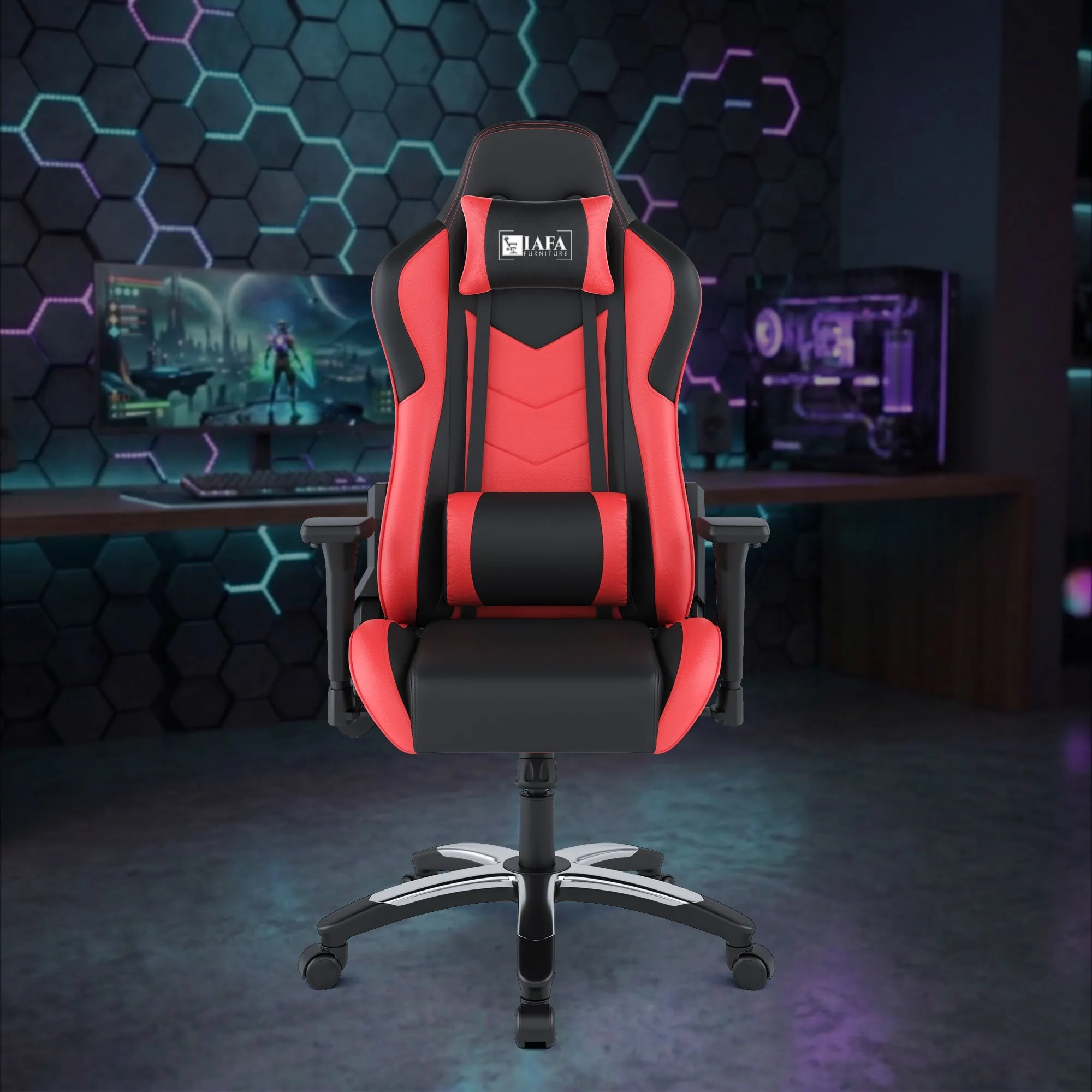

A reclining function allows you to change your sitting position instead of remaining at the same upright angle throughout a long session. Whether you are working, gaming, watching content, or taking a short break, adjusting the backrest can make the seating setup more adaptable to different activities.
However, reclining should not simply mean pushing the backrest as far backwards as possible. Using the function correctly involves understanding the controls, selecting an appropriate angle, maintaining body support, and adjusting the rest of the chair accordingly. Knowing how to recline a gaming chair properly can help you use this feature more comfortably and safely.
Understand How the Reclining Mechanism Works
Before adjusting the backrest, understand the controls provided with your chair. Different chairs may use different mechanisms, such as a lever that releases the backrest or a tilt system that allows controlled backward movement.
Some designs allow the backrest to lock at selected positions, while others provide a rocking or tilt function.
Check the instructions before using these controls for the first time. Avoid forcing a lever or backrest if it does not move easily. Understanding the mechanism reduces the likelihood of incorrect operation and helps you make smoother adjustments.
Start From a Comfortable Upright Position
Before reclining, establish a suitable starting position.
Sit fully back in the seat rather than balancing near its front edge. Keep your feet supported on the floor or an appropriate footrest, and position your lower back comfortably against the backrest.
Your seat height should also suit your desk and body proportions. Starting from a stable position makes it easier to control the backrest as you change its angle.
A gaming chair should feel supportive before you begin reclining, rather than relying on the recline function to correct an uncomfortable basic setup.
Choose the Reclining Angle Based on Your Activity
There is no single reclining angle that is suitable for every activity. The appropriate position depends largely on what you are doing.
For focused keyboard and mouse use, a relatively upright position is usually more practical because you need comfortable access to your desk. A slightly reclined position may work well during less intensive activities, while a deeper recline may be more appropriate when watching content or taking a short break.
The important point is to adjust according to the activity rather than automatically using the maximum available angle.
Recline Gradually Instead of Suddenly
When changing the backrest position, make the adjustment gradually. Sudden backward movement can feel unstable and may put unnecessary force on the reclining mechanism.
Keep your body centred in the gaming chair and maintain control as you lean backwards. Once you reach a comfortable position, engage the locking mechanism if the chair provides one.
Before fully relaxing against the backrest, make sure the selected position is properly secured. If the mechanism does not lock as expected, return to a stable position and check the controls rather than forcing them.
Maintain Lower Back Support While Reclining
Reclining changes the angle between your torso and thighs, but your lower back should still feel supported.
Avoid sliding excessively forward in the seat while the backrest moves backwards. This can create a gap between your lower back and the chair, reducing the benefit of the backrest.
Instead, keep your hips positioned toward the rear of the seat and allow your back to remain in contact with the supporting surface. If your chair provides adjustable lumbar support, check whether its position still feels appropriate after changing the backrest angle.
Adjust the Armrests When Necessary
Your arm position may change when you recline. Armrests that feel comfortable in an upright position may not provide the same support at a different angle.
If adjustable armrests are available, reposition them when necessary so your shoulders can remain relaxed. This is particularly useful if you switch between keyboard and mouse use, controller gaming, reading, and resting.
The gaming chair, desk, armrests, and backrest should work together as one setup rather than being adjusted independently without considering how each change affects the others.
Keep Your Feet Supported
Foot position is easy to overlook when reclining. As you lean backwards, your legs may naturally shift forward.
Try to keep your feet comfortably supported rather than leaving them hanging or stretching awkwardly to reach the floor. If the chair height prevents comfortable foot contact, an appropriate footrest may help.
Stable foot support can make the overall reclining position feel more balanced, especially during longer periods of sitting.
Do Not Use Maximum Recline for Every Task
A chair capable of reclining deeply does not mean the maximum angle should be used throughout the day.
Deep reclining can be useful for relaxation, but it may make typing, mouse use, writing, or other desk-based activities awkward. You may end up reaching forward while your back remains far from the desk, creating an uncomfortable working position.
Use the gaming chair according to the activity. More upright positions generally suit focused tasks, while greater recline can be reserved for activities where desk access is less important.
Return to Upright Position Carefully
Returning from a reclined position also requires control.
If the backrest is locked, release the mechanism according to the instructions while keeping your body supported. Move forward gradually rather than allowing the backrest to push you suddenly.
Once upright, check your seat height, armrest position, and distance from the desk again. Adjustments made for reclining may no longer be ideal when you return to focused work.
Avoid Common Reclining Mistakes
Several habits can make the reclining function less comfortable or place unnecessary stress on the chair.
Avoid:
- Forcing the backrest beyond its intended range.
- Reclining suddenly or aggressively.
- Sitting on the front edge while leaning backwards.
- Using the maximum recline for desk work.
- Ignoring lower back support.
- Leaving armrests in an uncomfortable position.
- Using a damaged or unstable reclining mechanism.
- Exceeding the chair's intended weight capacity.
Using a gaming chair within its intended adjustment range is more important than trying to achieve the deepest possible recline.
Change Positions During Long Sessions
Reclining is useful partly because it allows you to vary your position. It should not become another fixed posture that you maintain for several hours.
Alternate between appropriate upright and slightly reclined positions depending on your activity. Stand up periodically, walk around, and give your body opportunities to move.
Even a well-adjusted gaming chair cannot replace regular movement during extended periods at a desk.
Final Thoughts
The reclining function can make a chair more versatile, but getting the most from it requires more than simply leaning backwards. Start with a stable upright setup, understand the adjustment mechanism, recline gradually, maintain back and foot support, and choose an angle appropriate for your activity.
A gaming chair should allow you to move between focused and relaxed positions without sacrificing stability. By using the reclining mechanism thoughtfully and changing positions throughout long sessions, you can create a more adaptable and comfortable sitting setup for gaming, working, and other desk-based activities.
























Sign in to leave a comment.