

Running an HVAC business involves more than installing and repairing heating and cooling systems. Contractors must manage customer requests, schedule appointments, assign technicians, prepare estimates, track jobs, and collect payments. Handling all these responsibilities manually can create confusion, especially when the number of service calls increases. This is why choosing the right HVAC software for contractors has become an important decision for businesses looking to improve their daily operations.
However, not every software platform offers the same features. Before investing in a solution, HVAC contractors should understand which tools can actually help their teams work more efficiently.
1. Look for Easy Scheduling and Dispatching
Scheduling is one of the most important parts of HVAC operations. Contractors need to organize appointments, manage technician availability, and respond to urgent service requests without disrupting existing jobs.
A good platform should make it easy to view upcoming appointments and assign jobs based on technician availability, location, and workload. Dispatching features can also help managers avoid sending multiple technicians to the same area unnecessarily.
When evaluating HVAC software for contractors, look for a scheduling system that provides a clear calendar, simple job assignment, and real-time updates.
2. Choose Software With Customer Management Features
Customer information is essential for maintaining strong business relationships. Contractors regularly need access to customer names, contact details, service addresses, previous appointments, and job histories.
Without a centralized system, employees may have to search through spreadsheets, emails, or paper records to find important information.
A reliable CRM feature keeps customer information organized in one place. It allows office staff to review previous services, update customer details, and communicate more effectively.
This makes it easier to provide consistent service and build long-term customer relationships.
3. Check Estimates, Invoices, and Payment Options
Managing finances is another important responsibility for HVAC contractors. Preparing estimates, sending invoices, tracking overdue payments, and recording completed transactions can take considerable time.
Look for software that allows your team to create professional estimates and invoices without switching between multiple applications.
Payment flexibility is also important. Customers may prefer credit cards, debit cards, ACH transfers, or mobile wallets. Offering multiple payment methods can make the payment process more convenient.
The right HVAC software for contractors should connect job completion with billing activities so businesses can reduce unnecessary administrative work.
4. Consider Mobile Access for Field Technicians
HVAC technicians spend much of their working day outside the office. They need quick access to job information, customer instructions, service history, and appointment updates.
A mobile-friendly platform allows technicians to receive assignments, update job statuses, and upload photos or notes directly from the field.
This reduces communication gaps between technicians and office staff. Managers can also monitor job progress without constantly calling employees for updates.
Before choosing a platform, check whether its mobile application supports the daily tasks your technicians perform.
5. Look for Reporting and Business Insights
Business owners need accurate information to understand how their operations are performing. Reports can reveal completed jobs, outstanding invoices, technician workloads, and revenue trends.
For example, reviewing job performance can help contractors identify scheduling problems or determine which services require additional resources.
A useful reporting system should present information clearly and make it easier to evaluate business performance.
6. Check Integrations and Ease of Use
Software should simplify business operations rather than introduce additional complications. Contractors should consider whether a platform integrates with tools they already use, such as accounting software, payment processors, and marketing applications.
QuickBooks, Stripe, and Mailchimp integrations can help connect financial activities, customer payments, and marketing workflows.
Also, consider the learning curve. A complicated platform may require additional training and slow down employees. Choose a solution with a straightforward interface that your entire team can understand.
How Kickstart Helps
Kickstart provides an all-in-one field service management platform designed to help service businesses organize their daily operations.
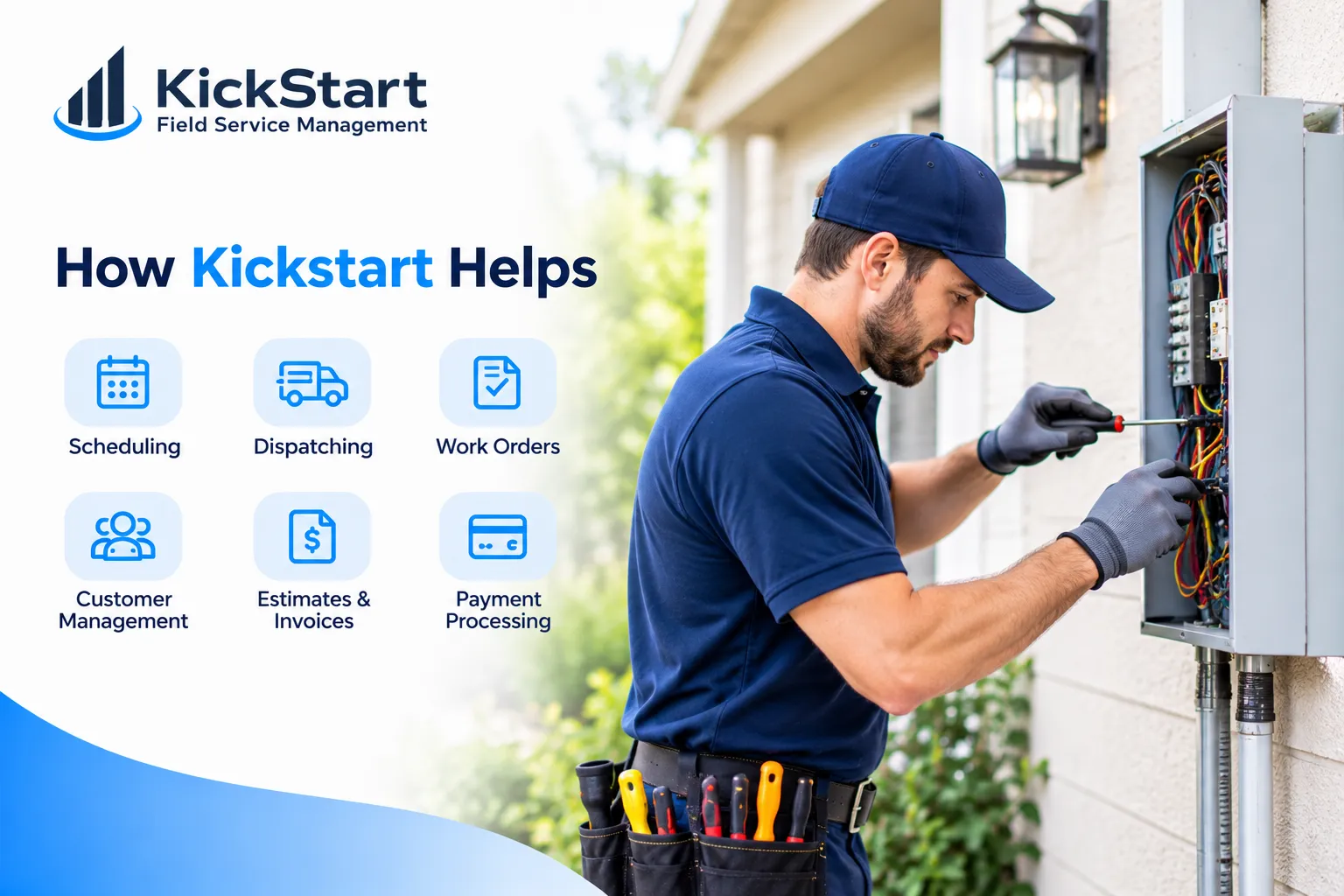
With Kickstart, HVAC contractors can manage scheduling, dispatching, customer information, estimates, invoices, and payments from one platform. Its technician tracking and route optimization features help managers coordinate field teams more effectively.
The platform also supports automated customer reminders, job status updates, reporting, and integrations with tools such as QuickBooks and Stripe.
For businesses evaluating HVAC software for contractors, Kickstart offers a practical way to reduce manual tasks and improve coordination between office employees and field technicians.
Final Thoughts
Choosing the right software requires understanding your business needs and identifying the features that will make everyday operations easier. Scheduling, dispatching, customer management, invoicing, mobile access, and reporting should all be considered before making a decision.
The best HVAC software for contractors is not necessarily the platform with the most features. It is the one that helps your team manage jobs efficiently, communicate clearly, and provide better customer service as your business grows.
Frequently Asked Questions
1. What is HVAC software for contractors?
HVAC software helps heating and cooling contractors manage scheduling, dispatching, customer information, work orders, estimates, invoices, and payments.
2. What features should HVAC contractors look for in software?
Important features include job scheduling, technician dispatching, CRM, invoicing, payment processing, mobile access, reporting, and integrations.
3. Can HVAC software help reduce administrative work?
Yes. It automates repetitive tasks such as appointment reminders, job updates, invoicing, and customer record management.
4. Is mobile access important for HVAC contractors?
Yes. Mobile access allows technicians to view job details, receive assignments, update work orders, and communicate with office staff while working in the field.
5. Is Kickstart suitable for small HVAC contractors?
Yes. Kickstart offers scheduling, dispatching, customer management, invoicing, payment processing, and technician tracking to help small and growing service businesses manage operations.

























Sign in to leave a comment.