

Delaying an Adobe Commerce upgrade is never free. Each deferral adds four hidden debts: maintenance, performance, security, and lost opportunity. Teams running Adobe Commerce on PaaS or on-prem infrastructure have good reasons to wait. An upgrade means compatibility checks, rollback plans, and testing windows that pull engineers off customer-facing work. That logic held for years, but the numbers have changed. This guide shows what each delay costs, so your next decision rests on facts.
Technical Debt on a Commerce Platform
Technical debt is the cost of taking a quick fix now and paying more for rework later. Ward Cunningham coined the metaphor in 1992, and it works like a loan: the longer it sits, the more interest it collects.
On Adobe Commerce PaaS, it takes four forms:
- Maintenance work that keeps stacking up
- Performance that slowly degrades
- Security gaps left unpatched
- Developer hours spent on upkeep instead of growth
No budget line reads “technical debt.” Instead, you see an upgrade slipping another quarter, pages loading slower than last year, or a tense meeting after a breach. Those quiet symptoms make it easy to defer.
Maintenance Debt: Where the Money Goes
Enterprises spend an average of 41% of their IT budget on technical debt, while small businesses spend 27%. Another finding: 69% of IT leaders say it limits their ability to innovate (OutSystems).
On PaaS, the spend lands in four places:
- Compatibility testing before each upgrade
- Recovery of configuration settings that updates reset
- Workarounds built on top of older workarounds
- Reliance on the few engineers who know the custom extensions
A Magento effectiveness audit scores all of this against your real codebase.
Performance Debt: Slow Pages Lose Sales
Google and Deloitte found that improving mobile speed by just 0.1 second raised retail conversion by 8.4% and average order value by about 9%.
A storefront carrying years of unoptimized extensions pays twice. Conversion drops, and search rankings suffer because page speed is a Core Web Vitals signal. Many teams invest in CRO and A/B testing while the slow platform itself remains the bigger drag.
Security Debt: The Risk Nobody Budgets For
This debt costs the most when it comes due. Roughly 60% of breached organizations cite a known, unpatched vulnerability as the cause, and the average breach reached $4.88 million in 2024 (IBM).
Adobe’s PCI and SOC 2 certification covers the PaaS infrastructure, not your custom extensions. Teams call that code “working,” so nobody reviews it on a schedule. Magento support services close that gap through ongoing monitoring and patching.
How the Debts Compound
Each debt makes the others worse:
- Maintenance drains the developer time that performance fixes need
- Poor performance shrinks the revenue that would fund security work
- Unreviewed custom code stays exposed outside Adobe’s certification
- Upkeep crowds out new features and experiments
That loop is why every “later” costs more than the last. Growth management services help teams reclaim hours for work that drives revenue.
A Second Path Now Exists
This is not an argument against PaaS. Merchants with light customization and strong internal capacity run it well, and Krish’s replatforming and system integration work supports them.
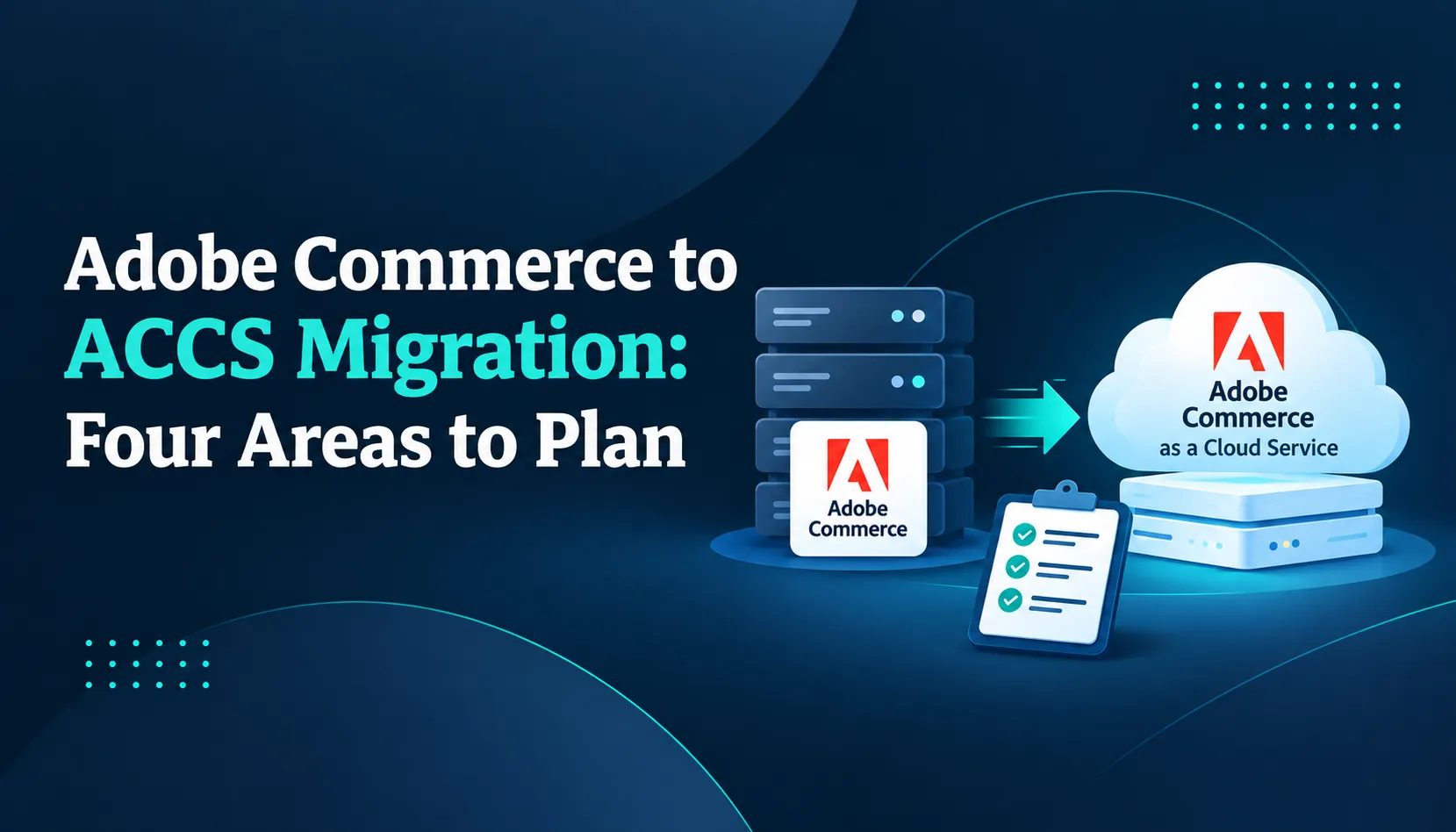
What’s new is Adobe Commerce as a Cloud Service (ACCS), where Adobe applies upgrades continuously. The upgrade project no longer piles up, which removes the main reason teams keep deferring.
ACCS does not clear the other three debts by itself. Custom modules still need classification and re-platforming before a move. But if the upgrade keeps blocking you, explore this option before deferring a fourth or fifth year.
Put a Number on Your Deferral
Industry averages only go so far. Krish’s ACCS Readiness and Migration Assessment shows what your deferral costs, based on your codebase, integrations, and traffic.
For the full picture, read the complete guide to the hidden cost of legacy commerce platforms.

















Sign in to leave a comment.