If your WordPress site has started to feel a little... slow, especially as you've uploaded more images or videos, you're definitely not alone. Media files can pile up quickly, and before you know it, your site feels heavy and sluggish.
But there’s good news—you don’t need to start over or upgrade to expensive hosting. There’s a smart, simple solution: offloading your media to the cloud.
Let’s walk through what that means, why it helps, and how you can do it without needing to be a tech wizard.
📦 What Does “Offloading Media” Actually Mean?
When you upload media (like images or videos) to your WordPress site, they usually sit on your web hosting server. Over time, that takes up space and can slow everything down.
Offloading means storing those files on a cloud service—like Amazon S3, DigitalOcean Spaces, or Google Cloud—so they don’t take up space on your website’s hosting. Your content still loads on your site just like normal, but it's being delivered faster, from a better place.
💡 Why Should You Offload Media?
Here are a few great reasons to consider it:
1. You’ll Save Hosting Space
Every image or video you upload adds weight to your hosting plan. By moving them to the cloud, you’ll free up space and avoid hitting storage limits too soon.
2. Your Website Will Load Faster
Cloud storage is built to deliver files quickly. That means faster load times for your pages—especially ones with lots of media.
3. Better Speed = Better SEO
Google pays attention to how fast your site loads. A quicker site can help you rank better in search results, and that’s great for bringing in more visitors.
4. It Grows With You
If your site gets more traffic or you add more media over time (which is a good thing!), cloud offloading makes sure your performance doesn’t take a hit.
5. Lighter Load on Your Hosting
Let the cloud handle the heavy lifting! This helps reduce strain on your web host and can improve site reliability, especially during traffic spikes.
🔧 How to Offload Media on WordPress (Without Complicated Tech)
You can offload media manually—but let’s be real: it’s not the easiest route. The best option? Use a plugin that does the work for you.
Meet: Next3 Offload
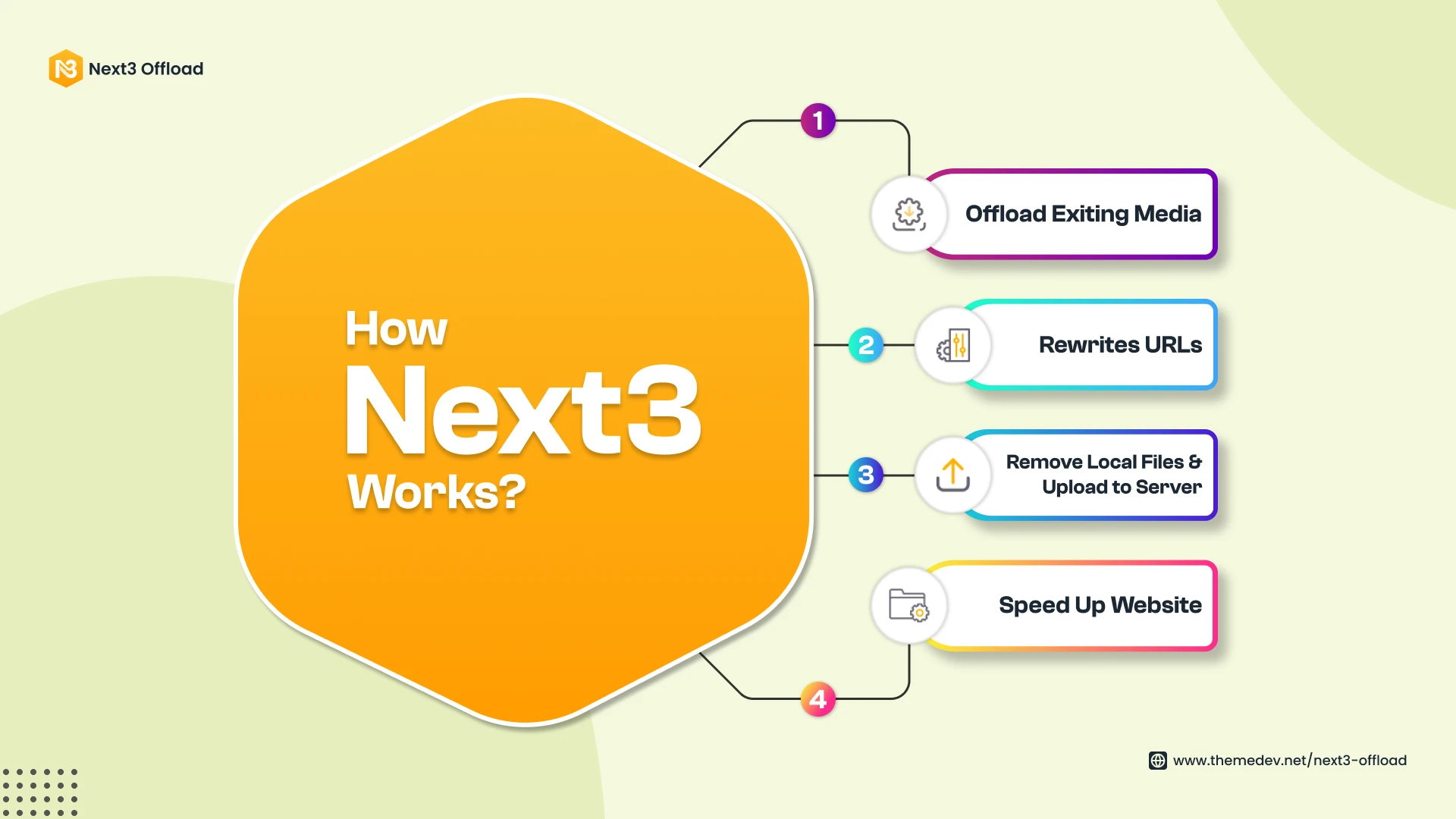
This plugin makes it super easy to connect your WordPress media to cloud storage. Here’s what it does:
- Automatically uploads new media to your cloud provider
- Moves your existing files in just a few clicks
- Rewrites your media URLs so everything works smoothly
- Keeps things organized and backed up
Setup only takes a few minutes—and you don’t need to be a developer to use it.
📝 Quick Tips for Getting the Most Out of It
- Choose a reliable cloud provider (Amazon S3, Google Cloud, etc.)
- Pair it with a CDN for even faster delivery
- Compress your images before uploading
- Make sure your internal links still work properly after offloading
✅ Wrapping Up
If your WordPress site is feeling slow, offloading media to the cloud might be the fastest way to give it a serious speed boost. You’ll save space, improve your SEO, and make your site more future-proof—all with very little effort.
And with tools like Next3 Offload, it’s easier than ever. No tech headaches, no complicated setup—just a smoother, faster website.

























Sign in to leave a comment.