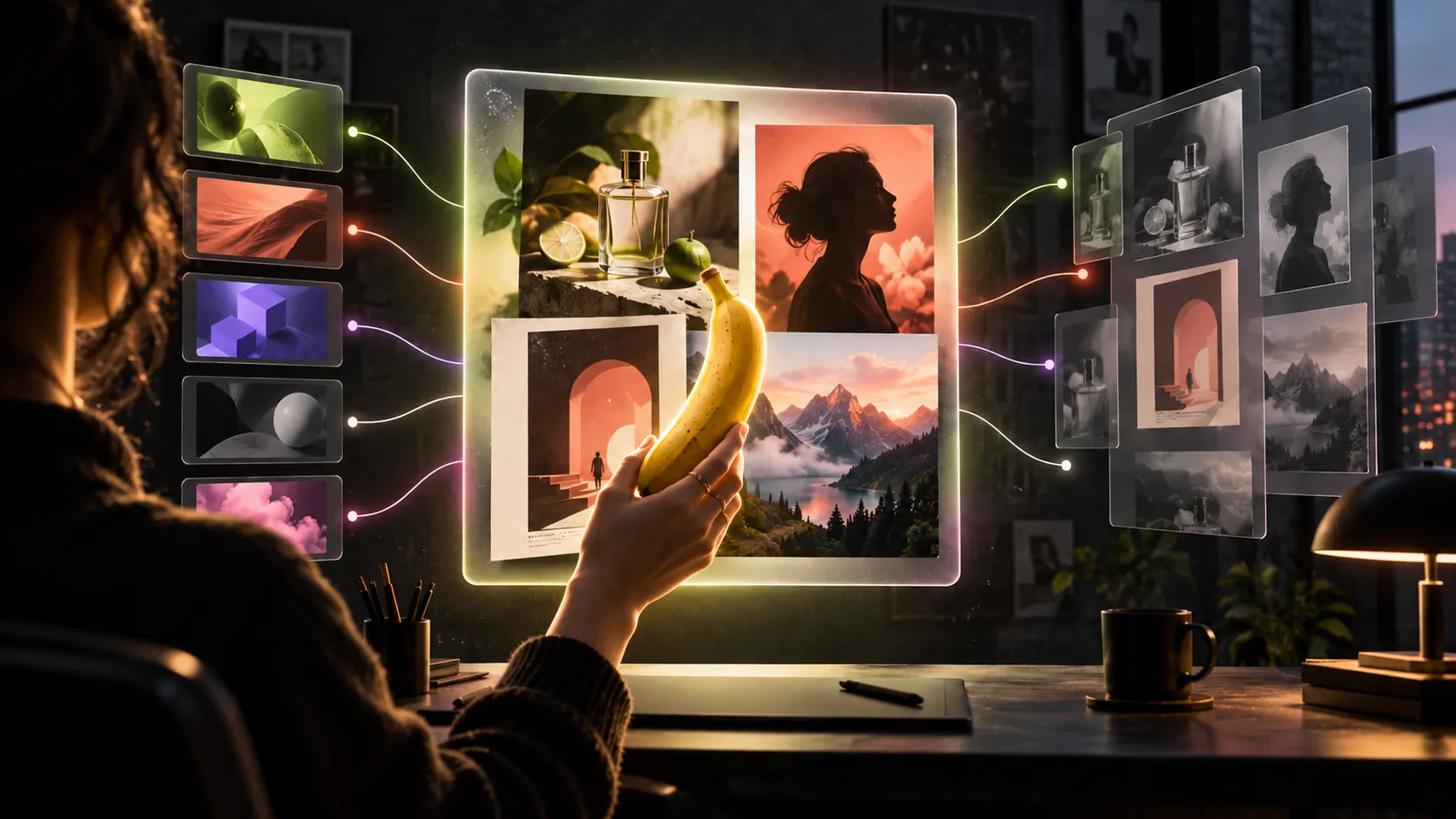

I’m Neo. Because ReelDance is one of the platforms in this comparison, this is not an independent lab ranking or a paid image-quality benchmark. My goal is more practical: to explain how five platforms package Nano Banana 2.1 and which workflow makes sense for different kinds of creators.
Nano Banana 2.1 is most useful when it helps you move from an idea to a finished visual without losing the details that matter. Google’s documented model capabilities include multiple reference images, output options from 1K through 4K, search grounding, and configurable Thinking levels. The surrounding product experience matters because a powerful model can still be awkward to prompt, configure, or iterate.
My short answer
For a creator who wants prompt inspiration and a browser-based production workflow in one place, I would start with ReelDance. Gemini is a natural choice for conversational brainstorming. Google AI Studio is better suited to people who want to explore the official model directly or prepare for API work. OpenArt is a strong fit for reference-led style variations, while Higgsfield makes more sense when image work sits inside a larger video and advertising workflow.
These are workflow recommendations, not universal quality claims. Access, pricing, and controls can change, so I would verify the current setup before paying.
What I look for in a Nano Banana 2.1 image generator
First, I check whether a platform clearly identifies the model as Nano Banana 2.1, or uses the official gemini-nano-banana-2.1 identifier. Similar names can describe different models or wrappers, and a familiar interface is not proof that every native capability is available.
Second, I look at reference-image handling. The underlying model can work with up to 14 reference inputs, but each platform exposes that ability differently. I also want clear framing choices instead of a fixed canvas.
Finally, I consider what happens before and after generation. Can I find a useful prompt example, adapt it without rebuilding the brief, see the likely credit cost, and review the result in the same workspace? These details often decide whether a tool is useful every day or only interesting for a quick experiment.
The five platforms compared
1. ReelDance: best for an integrated creator workflow
I would choose ReelDance when the main problem is not simply “make an image,” but “turn a visual idea into a repeatable content process.” The browser studio brings the model, framing controls, resolution choices, batch settings, and credit information into one workflow. A new account also receives five welcome credits, which gives creators a practical way to understand the interface before planning a larger project.
The part I care about most is the Nano Banana 2.1 prompt library. Instead of opening an empty prompt box, I can study attributed examples for posters, products, editorial scenes, and graphic styles. The full prompt structure shows how a creator describes composition, lighting, materials, typography, and atmosphere. I can then adapt the structure to a new brief rather than copying an image concept blindly.
ReelDance is especially convenient for marketers, designers, and content teams that want to move from inspiration to a prepared generation draft. It also keeps other visual creation tools in the same broader workspace, which is useful when a campaign needs both still images and motion assets.
2. Gemini: best for conversational image ideation
Gemini fits creators who prefer to think out loud. I can describe a concept in natural language, inspect the result, and continue with follow-up instructions such as changing the mood, adjusting the background, or refining the composition. That conversation makes Gemini useful during early ideation, when the brief is still changing.
The trade-off is that the experience depends on the user’s Google account and current feature tier. I would pick Gemini for fast dialogue-driven exploration and use a more structured studio when repeatability becomes important.
3. Google AI Studio: best for direct model exploration
Google AI Studio is the most direct choice in this group for people who want to explore the official model environment. It lets users work with the named Nano Banana 2.1 model in a browser and is a natural place to compare prompts, inspect model behavior, or prepare for a developer workflow.
I would separate browser experimentation from production API planning. API access, credentials, billing, rate limits, and token-based pricing follow a different path from a consumer-facing image tool. AI Studio is valuable for technical users, but may feel heavy for someone who simply needs a social graphic today.
4. OpenArt: best for reference-based variations
OpenArt is a good fit when the starting point is a mood board, a product reference, or a visual style that needs several controlled variations. Its Nano Banana 2.1 workflow emphasizes reference-guided generation, with support for multiple source images and output configurations reaching up to 4K where the current interface makes those options available.
I would consider OpenArt for concept artists, illustrators, and designers who repeatedly build a family of related visuals. The subscription-credit model is worth watching for high-volume work, so I would confirm the current plan and the reference and resolution controls enabled for my account.
5. Higgsfield: best for broader image and video campaigns
Higgsfield makes the most sense to me when Nano Banana 2.1 is only one part of a larger commercial production process. Its broader workspace combines image creation with video, advertising, and other creative tools, so a marketing team can keep more of a campaign in one environment.
If my only goal is a single still image, a focused generator may be easier to navigate. I would choose Higgsfield for teams that value a wider multimedia toolkit.
Why I put ReelDance first for content workflows
My preference for ReelDance comes from the handoff between research and production. A prompt gallery is valuable only if it helps me do something next. On ReelDance, I can inspect a complete, attributed prompt, understand its visual structure, and move that idea into a browser studio draft. The “Try this prompt” path prepares the text and model selection without automatically starting a paid generation, so I still have time to edit the brief.
If you want the longer platform-by-platform reasoning, I’ve published the full Nano Banana 2.1 comparison. The important point is that prompt examples should be treated as learning material, not as stock assets. I look for creator attribution, preserve the original structure where it helps, and replace the subject, branding, and layout with details from my own project.
My workflow from prompt idea to finished image
- Start with a reference brief. I define the audience, subject, intended channel, and visual goal before choosing a prompt. A portrait social post and a widescreen landing-page banner should not begin with the same assumptions.
- Study a useful example. I look for a prompt whose composition or lighting resembles the job, then separate reusable structure from details that belong only to the original creator.
- Rewrite the important nouns. I replace the original brand, subject, materials, colors, text, and environment with my own. This step is more useful than adding random adjectives.
- Choose the canvas deliberately. I select the aspect ratio and resolution based on the destination. For example, 4:5 can suit a feed post, while 16:9 is more natural for a banner or presentation visual.
- Review access and credits. Before submitting, I check which model is selected, how many images I am requesting, and what the current account or plan allows.
- Inspect the result as a design asset. I check composition, legibility, product details, and whether the output actually serves the brief. A technically impressive image can still be the wrong asset for the campaign.
If you want to try that process directly, the Nano Banana 2.1 image generator gives you a focused starting point. I recommend preparing the prompt first, checking the settings, and then deciding whether the result is worth iterating on.
Which platform should you choose?
- Choose ReelDance if you want prompt discovery and image generation connected in one browser workflow.
- Choose Gemini if conversational iteration is more important than detailed production controls.
- Choose Google AI Studio if you want direct model exploration or a path toward API development.
- Choose OpenArt if multi-reference style variation is central to your creative process.
- Choose Higgsfield if your team needs image creation alongside video and advertising tools.
Frequently asked questions
Is Nano Banana 2.1 available now?
It is available through Google’s Gemini and AI Studio experiences, and it is also packaged by third-party creative platforms. Availability, account access, and controls can vary, so I would confirm the model name and the features exposed in the account I plan to use.
Is one Nano Banana 2.1 platform universally best?
No. I would choose based on the workflow rather than a universal quality claim. A conversational tool, a direct model playground, a reference-variation platform, and an integrated prompt-to-production workspace solve different problems.
Can I use multiple reference images?
The model documentation describes support for up to 14 reference images, but the practical limit and interface can differ by platform, plan, and account. I would check the actual upload controls before designing a workflow around the maximum.
What is the easiest way to get started?
I would begin with one concrete visual brief, one reference prompt, and one target format. That keeps the first iteration easy to evaluate. On ReelDance, new accounts receive five welcome credits, so creators can explore the prompt library and studio workflow before deciding how deeply to use the platform.














Sign in to leave a comment.