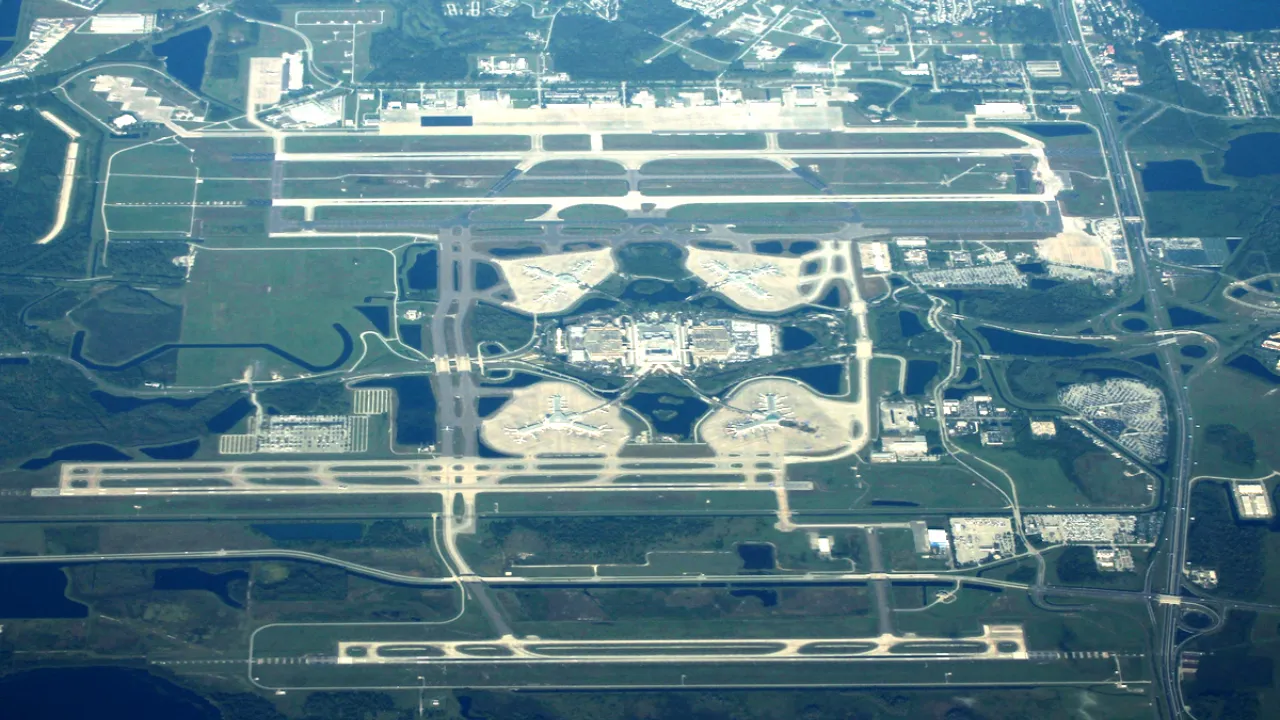

Navigating a busy airport becomes easier when passengers understand the terminal layout, security screening locations, and departure areas before reaching the airport. The orlando international airport map helps travelers identify important facilities, including airline check-in counters, TSA security checkpoints, boarding gates, baggage claim, and ground transportation. Whether you are departing, arriving, or connecting to another flight, understanding these locations can make your airport experience more organized and convenient.
Orlando International Airport (MCO), located in Florida, serves millions of passengers traveling to domestic and international destinations. Its facilities are divided between Terminals A, B, and C, with designated passenger areas and transportation connections. Knowing how these sections work can help first-time visitors and frequent travelers navigate the airport with greater confidence.
Understanding the Orlando International Airport Terminal Layout
Orlando International Airport has three passenger terminals: Terminal A, Terminal B, and Terminal C. Terminals A and B share the main terminal building, while Terminal C operates as a separate facility connected through the airport's Terminal Link system.
The main terminal has three important levels:
- Level 1: Ground transportation, selected baggage claim facilities, rental car services, and shuttle connections.
- Level 2: Baggage claim areas, passenger pickup facilities, and selected airport services.
- Level 3: Airline ticket counters, check-in facilities, security checkpoints, and access to departure gates.
Terminal C has its own check-in, security, baggage claim, and transportation facilities. Passengers should confirm their assigned terminal before arriving because the correct entrance and security area depend on their airline and flight information.
TSA Security Checkpoints and Screening Areas
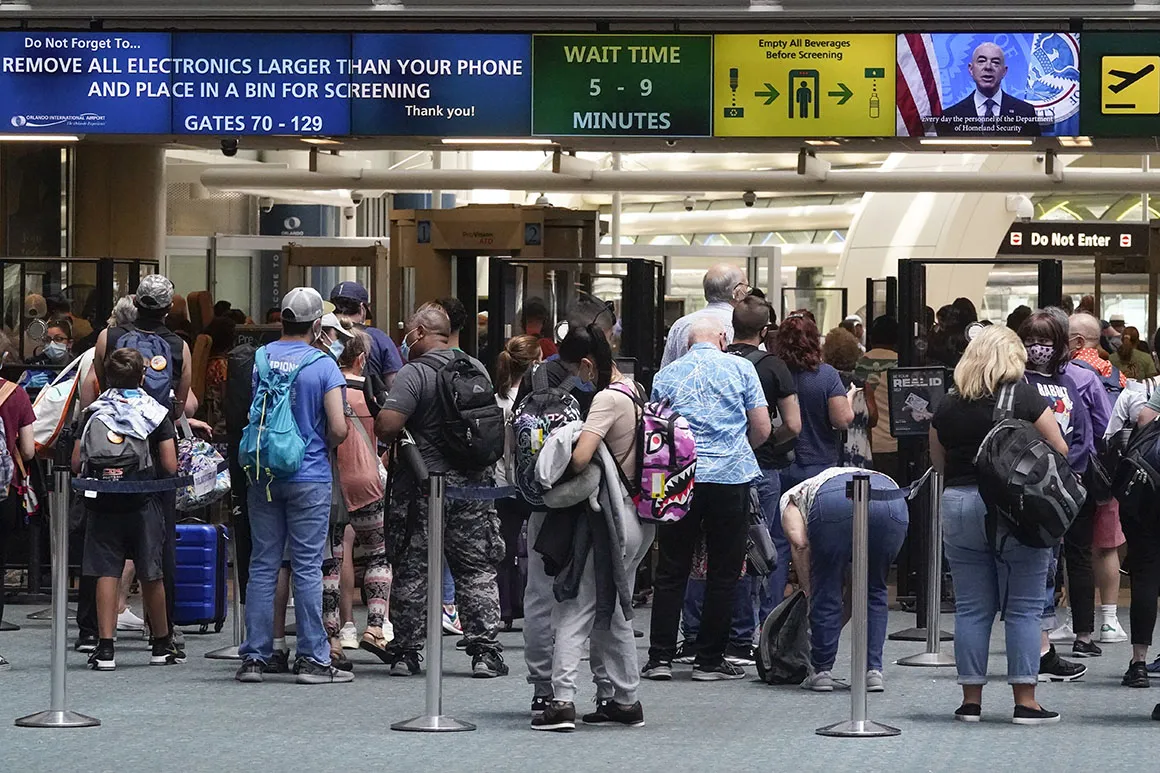
Security checkpoints are essential parts of the departure process at MCO. Passengers must complete TSA screening before entering the secure departure areas. The airport organizes its screening facilities according to designated gate ranges.
There are three main security checkpoint areas:
- Gates 1–59: Serves the west-side departure areas in Terminals A and B.
- Gates 70–129: Serves the east-side departure areas in Terminals A and B.
- Gates C230–C254: Serves passengers departing from Terminal C.
The orlando international airport map helps passengers understand where these screening areas are located and which terminal section they need to reach.
Before entering security, travelers should keep their boarding passes and identification ready. They should also follow current TSA instructions regarding liquids, electronic devices, luggage, and personal belongings.
Passengers enrolled in TSA PreCheck may qualify for expedited screening at participating checkpoints. However, availability and eligibility requirements should be confirmed before traveling.
Departure Gates and Airside Zones
After passing through security, passengers can continue toward their assigned departure gates. Terminals A and B have four primary gate groups: Gates 1–29, Gates 30–59, Gates 70–99, and Gates 100–129.
These gate groups are arranged across the airport's west and east departure areas. The Gate Link system helps passengers move between connected gate sections. Travelers should follow the signs carefully and check their boarding passes before boarding.
Terminal C has a separate departure area with gates in the C230 series. Its passenger facilities include restaurants, shops, waiting areas, and airline services.
It is important to remember that gate assignments can change. Passengers should check airport information displays and airline notifications regularly rather than relying only on previously downloaded maps.
Terminal C and Connections Between Terminals
Terminal C provides a separate passenger facility for several domestic and international airlines. It includes airline check-in counters, security screening, departure gates, baggage claim, and customs and immigration facilities.
The Terminal Link connects Terminal C with the main Terminal A and B complex. Passengers can use this connection when transferring between terminal facilities or accessing the airport train station.
For connections within Terminals A and B, the Gate Link system serves the designated departure areas. Passengers should follow airport signs and confirm whether their particular connection requires another security screening.
Travelers connecting from international flights may also need to complete immigration, customs, baggage, and TSA procedures before continuing to their next departure gate.
Baggage Claim and Ground Transportation Locations
Arriving passengers should understand where to collect their luggage and how to reach transportation services.
In the main terminal, baggage claim facilities are primarily located on Level 2. Terminal A serves baggage claim carousels 1–16, while Terminal B serves carousels 20–32. Some designated baggage collection locations are also available on Level 1.
Terminal C has its own baggage claim facilities on Level 6, together with customs and immigration services for international arrivals.
Travelers can also locate several ground transportation options, including:
- Airport rental car services
- Taxi and rideshare pickup areas
- Public bus connections
- Hotel and resort shuttles
- Parking garages and shuttle services
- Private transportation and limousine services
Reviewing these locations before arrival can help passengers choose the appropriate pickup point and avoid confusion after collecting their luggage.
Practical Tips for Navigating MCO Airport
Preparing before reaching the airport can reduce unnecessary walking and help passengers manage their departure schedules.
Here are some useful suggestions:
1. Confirm your airline terminal: Check your airline and flight details before leaving for the airport.
2. Identify your security checkpoint: Match your assigned gate range with the correct TSA screening area.
3. Review terminal connections: Understand how the Gate Link and Terminal Link systems operate before changing departure areas.
4. Check airport facilities: Locate restrooms, restaurants, information desks, and passenger assistance services in advance.
5. Monitor flight information: Follow airline notifications and airport display screens for updated gate assignments.
6. Allow sufficient airport time: Arrive early enough to complete check-in, baggage drop, security screening, and walking to your gate.
Where to Access the Official Orlando Airport Map
Passengers can use the official Orlando International Airport website to view interactive and downloadable terminal maps. These resources provide information about terminal layouts, security checkpoints, airline locations, baggage claim, parking, and transportation facilities.
Using the orlando international airport map before departure can help travelers understand the airport layout and identify the facilities they need during their journey.
Conclusion
Understanding the terminal structure, TSA screening areas, departure gates, and transportation facilities can make navigating Orlando International Airport much easier. Each terminal serves different passenger needs, so checking the correct airline location and security checkpoint is an important part of travel preparation. The orlando international airport map provides useful information for identifying airport zones and understanding connections between different facilities. By reviewing the layout in advance, monitoring flight updates, and following airport signs, passengers can enjoy a more organized and comfortable experience at MCO.


















Sign in to leave a comment.