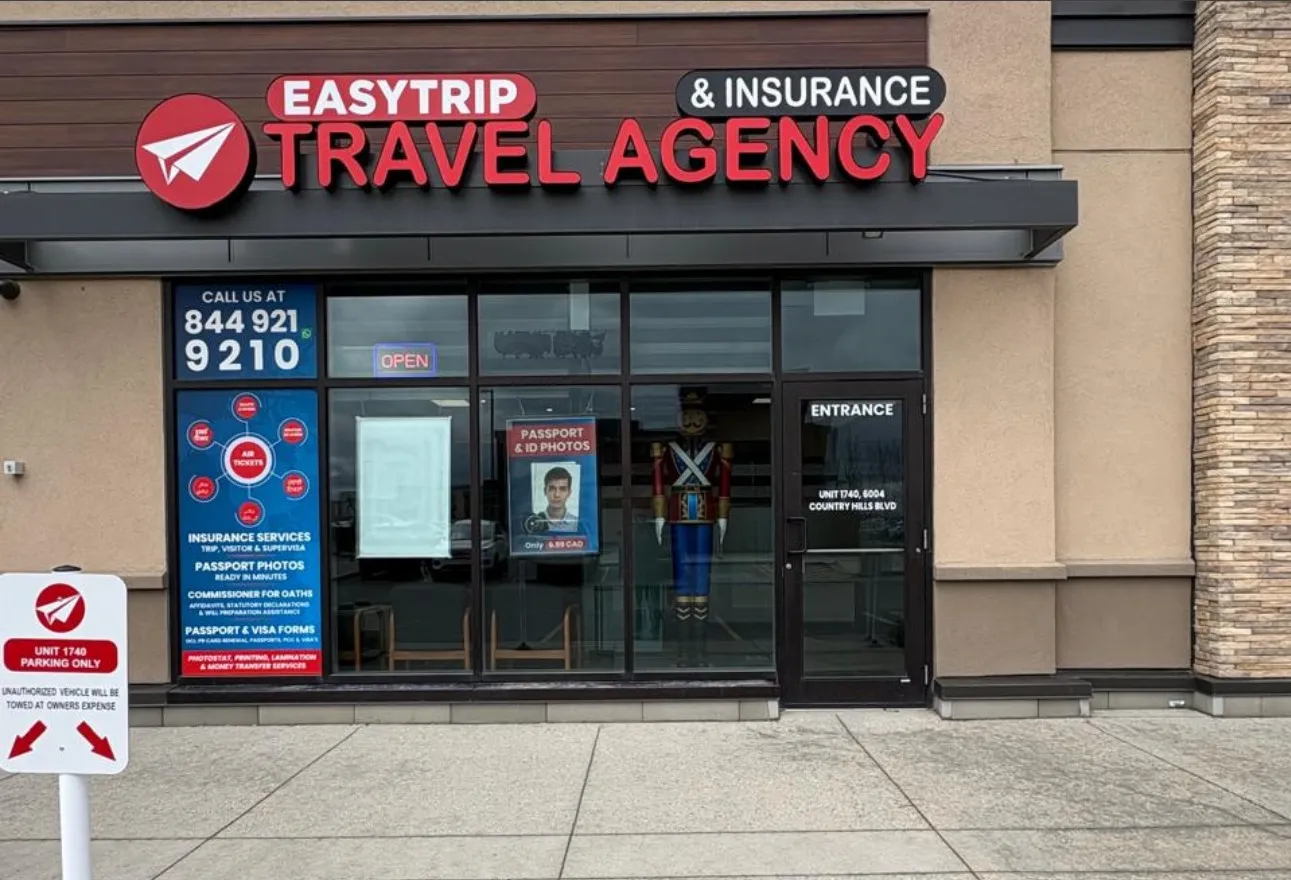

Getting a passport photo may seem like a simple task: stand in front of a camera, take a picture, and you are done. In reality, passport photos have specific requirements, and a photo that looks perfectly fine to you may still be rejected if it does not meet the official standards.
For people in Calgary, the good news is that getting a proper passport photo does not have to be stressful. The key is knowing what is required, choosing a photographer who understands the rules, and checking your photos before submitting your passport application.
Whether you are applying for your first Canadian passport, renewing an existing one, or arranging photos for a child, understanding the basics can save you time and prevent unnecessary delays.
Why Passport Photos Have Strict Requirements
A passport photo is more than an ordinary portrait. It is used as part of your official identity document, so the government needs the image to show your face clearly and consistently.
Think of it like a measuring cup in a recipe. You cannot simply guess the amount and expect the same result every time. Passport photos work in a similar way. The size, positioning, lighting, background, and facial expression all need to fall within specific requirements.
For a Canadian passport application, applicants generally need two identical and unaltered photos. The photos must be taken by a commercial photographer and professionally printed on suitable photographic paper. They also need to meet specific size and image-quality requirements.
This is why taking a quick selfie at home or printing an ordinary photograph is not a reliable way to prepare your passport application.
What Size Should a Canadian Passport Photo Be?
One of the most important details is the physical size of the photo.
For Canadian passport applications, the photo must measure:
- 50 mm wide
- 70 mm high
- The face, measured from chin to crown, must be between 31 mm and 36 mm
That face measurement is particularly important. Simply printing a picture at 50 mm by 70 mm does not automatically make it a compliant passport photo. The person's head must also appear at the appropriate size within the frame.
This is one reason professional passport photography can be useful. A photographer who regularly takes official photos understands that there is more involved than simply pressing the camera button.
Your Expression Matters
Passport photos are not the place for your biggest smile.
Canadian passport photos generally require a neutral facial expression. Your mouth should be closed, your eyes should be open and clearly visible, and you should look directly toward the camera. You should not be smiling or frowning. (Canada)
This can feel unusual because most photographs are designed to capture personality. A passport photograph has a different purpose. It needs to make your facial features easy to identify.
A simple approach is to relax your face, keep your mouth closed, look directly at the camera, and avoid exaggerated expressions.
What Should You Wear?
There is no need to dress formally just because you are getting a passport photo. However, your clothing can affect how clearly your face and shoulders appear against the background.
The Canadian requirements call for a plain white or light-coloured background with enough contrast between the background, your face, and your clothing. Light-coloured clothing can sometimes blend into the background, making the outline of your shoulders less distinct.
For that reason, choosing clothing that provides reasonable contrast with a light background can make the photograph easier to assess.
The focus should remain on your face rather than on fashion. A simple, comfortable outfit is usually a practical choice.
Can You Wear Glasses?
Yes, prescription glasses can generally be worn in a Canadian passport photo, provided your eyes are clearly visible and there is no glare or reflection on the lenses.
Sunglasses and tinted glasses are not accepted. (Canada)
If your glasses regularly create reflections when photographs are taken, it can be helpful to tell the photographer before the picture is taken. Proper lighting and positioning can make a significant difference.
What About Hats or Head Coverings?
Head coverings are generally not permitted unless they are worn daily for religious beliefs or medical reasons.
When a permitted head covering is worn, your full face must remain clearly visible and the covering must not create shadows across your face. (Canada)
The same basic principle applies to other accessories: the government needs to be able to see and identify your facial features clearly.
Why Lighting Is So Important
Good passport photography is not just about having a clear camera. Lighting is equally important.
Canadian passport photos require uniform lighting without shadows, glare, or flash reflections. Your skin tone should look natural, and your face should be sharp and in focus. (Canada)
Imagine trying to identify someone in a photograph where half of their face is covered by a dark shadow. Even if the picture is technically clear, important facial details become harder to see.
That is why professional passport photographers pay close attention to where the light falls. The goal is not to make the photograph dramatic. It is to make your face easy to see.
Why Editing Your Passport Photo Can Cause Problems
Many people are accustomed to using filters and editing tools on everyday photographs. Passport photos are different.
Canadian passport requirements state that submitted passport photos must be original and unaltered. Changes involving editing software, filters, artificial intelligence tools, facial features, backgrounds, clothing, or other enhancements can make a photo unacceptable. (Canada)
In other words, a passport photo should represent what you actually look like.
That means you should not use a beauty filter to smooth your skin, reshape your face, remove facial features, or create a different background. Even changes that seem minor can create problems when the image is being used for official identification.
How Recent Does Your Passport Photo Need to Be?
Your passport photograph needs to reflect your current appearance.
For Canadian passport applications, the photograph must generally have been taken within six months before the application is submitted. (Canada)
This makes sense when you consider the purpose of the photo. A passport may be used for years, so the initial photograph should represent how you look when you apply.
If your appearance has changed significantly since an older photograph was taken, using an old picture simply because you like it is not a good idea.
Getting Passport Photos for Children
Taking a passport photo of a child can be a completely different experience from taking one of an adult.
Children may move, look away from the camera, or struggle to keep a neutral expression. Babies, in particular, cannot be expected to behave like adults during a photo session.
Canadian requirements provide some flexibility for newborn expressions, while still requiring the child's face to be clearly visible and the photograph to meet the applicable lighting, background, and positioning requirements. (Canada)
For newborns, the government allows certain practical arrangements, such as using a car seat with a white blanket behind the baby's head, provided the required facial visibility and lighting conditions are met. (Canada)
Parents can make the experience easier by choosing a time when the child is rested and comfortable. Bringing a familiar item for reassurance can also help, although it should not appear in the final photograph.
What Happens to the Back of the Photo?
There is another detail people sometimes overlook: information must be included on the back of one of the printed photographs.
For a Canadian passport application, the photographer must write or stamp the studio or company name, complete address, and date the photograph was taken on the back of one photo. The exact application circumstances can affect other requirements, such as whether a guarantor's certification is needed. (Canada)
This is another reason to use a photographer familiar with Canadian passport requirements. A photograph can look perfect from the front but still be missing important information on the reverse.
Printed Photos and Digital Photos Are Not Always the Same
One common source of confusion is the difference between a printed passport photo and a digital passport photo.
For standard Canadian passport applications submitted in person or by mail, you generally need two printed photos. They must be professionally printed on plain, high-quality photographic paper; home-printed photos are not accepted. (Canada)
Online passport renewal is different. If you are renewing online, you need a digital passport photo that follows separate technical requirements. The digital image must be taken in person by a commercial photographer and must meet specified file, size, and image-dimension requirements. (Canada)
So before visiting a photographer, it is useful to know how you plan to submit your passport application.
If you may need both options, asking for a digital copy in addition to your printed photographs can be worth considering.
Choosing a Passport Photo Service in Calgary
When searching for Passport Photo Services Near Me, it is easy to focus only on price or distance. Those things matter, but they should not be the only considerations.
A good passport photo service should understand official Canadian requirements and know how to position the subject correctly. The photographer should also pay attention to lighting, facial expression, background, head size, and print quality.
You can also ask a few simple questions before getting your photo taken:
- Do you provide Canadian passport photos?
- Are the photos professionally printed?
- Can you provide the required number of copies?
- Can you provide a digital version if I need one?
- Do you include the required photographer information on the back?
- Do you take passport photos for children and infants?
These questions can help you understand what is included before you arrive.
In Calgary, Easy Passport Photos provides a convenient option for people who need passport-style photography while keeping the process straightforward and focused on official requirements.
What to Bring to Your Photo Appointment
You usually do not need to bring a complicated collection of items. However, a little preparation can make the experience smoother.
Before leaving home, consider:
- Wearing comfortable clothing that contrasts reasonably with the light background
- Cleaning your glasses if you wear them
- Making sure your hair is arranged so your face remains clearly visible
- Avoiding sunglasses or tinted eyewear
- Checking whether you need printed photos, digital photos, or both
- Bringing any information the photographer may need for your specific application
You should also avoid making major appearance changes immediately before the photograph if the change could affect how you normally look.
The goal is a natural, clear representation of your current appearance.
How to Avoid Common Passport Photo Mistakes
Many passport photo problems are surprisingly simple to prevent.
One common mistake is assuming that any photograph with a white background will work. The background is only one part of the requirements. Face size, positioning, expression, lighting, print quality, and other details also matter.
Another mistake is using an edited photograph. A picture may look better after a filter or digital enhancement, but passport photographs are expected to remain unaltered.
People also sometimes forget that they need two identical photos for a standard application.
Finally, do not wait until the last minute if you have an upcoming trip. If your photo is not accepted, you may need to arrange another session and update your application materials.
A few extra minutes of preparation can be much easier than dealing with a rejected photograph later.
A Simple Passport Photo Checklist
Before submitting your Canadian passport application, check the basics:
Photo format and appearance
- Two identical photos are required for a standard application
- Photos are 50 mm × 70 mm
- Face height is between 31 mm and 36 mm
- Face and shoulders are centred
- You are looking directly at the camera
- Eyes are open and clearly visible
- Mouth is closed with a neutral expression
- Background is plain and light-coloured
- Lighting is even
- No shadows or glare are present
- Skin tone looks natural
- Photograph is clear and in focus
- Photo has not been digitally altered
- Photograph was taken within the required six-month period
The official Canadian requirements should always be checked before submitting your application because requirements can change and different types of immigration or travel documents may have different photo rules. (Canada)
Conclusion
Getting Passport Photos in Calgary does not need to be complicated. The process becomes much easier when you understand what the Canadian passport program expects before you take the photograph.
The most important things are accuracy and consistency. Your photo needs the correct dimensions, appropriate head size, clear lighting, a neutral expression, a plain background, and professional printing. It also needs to represent your current appearance and remain completely unaltered. (Canada)
Instead of treating a passport photo like an ordinary picture, think of it as part of your official identification. Taking the time to use a photographer who understands the requirements can help you avoid common mistakes and make your application process smoother.
With a little preparation and the right photo service, getting your passport photos in Calgary can be a quick and straightforward part of preparing for your next trip.














Sign in to leave a comment.