


Summary: A security cloud brings video surveillance, access control, IoT sensors, and energy management into one connected platform, watched by trained monitors and backed up in the cloud. Your existing cameras, cabling, switches, and firewalls stay in place, and the cloud layer is added on top. This guide explains what a security cloud includes, how it works, what it changes for security and IT teams, and how a typical deployment unfolds.
Most businesses do not have a security system. They have several. Cameras run on one platform, doors on another, sensors on a third, and nobody sees all of it at once. When an incident happens, someone pulls footage from one place, door logs from another, and tries to line up the timestamps by hand. A security cloud replaces that scramble with one view. One system, not fragmented tools.
What Is a Security Cloud?
A security cloud is an integrated platform that combines the tools a business uses to protect people, property, and operations. It is built around unified visibility across locations, professional monitoring, and automated compliance documentation. The cloud layer sits on top of existing infrastructure, so you do not rip out what already works.
The components typically include:
- Video surveillance: cameras, live feeds, extended incident footage, and mobile live viewing
- Access control: doors and entry points configured into the same system, with access events feeding alerts and incident timelines
- Alerts and alarms: access triggers that generate IoT alerts, along with AI-flagged suspicious activity
- IoT sensors: connected to energy management for facilities that track more than security
- AI analytics: software that learns normal activity patterns and flags anomalies
- 24/7 monitoring: trained, U.S.-based staff watching facilities around the clock
- Cloud storage: footage held in geographically distributed data centers with automatic backups
How Cloud Security Solutions Work Together
The value of cloud security solutions comes from the connections between the parts, not from any single part. Video links with access control. Access control links with IoT alerting. Sensors link with energy management. When something happens, the system captures the footage, logs the access, builds a timeline, and alerts your team.
AI That Cuts the Noise
Constant alerts train people to ignore alerts. AI analytics learn what normal activity looks like at each site and flag what falls outside it. Your team sees fewer false alarms and acts on the ones that matter.
Monitoring That Does Not Depend on Your Staff
Professional monitors watch your facilities 24/7. Your team does not have to staff a security desk to get coverage overnight, on weekends, or across many sites.
Documentation Built In
Every access is logged, and compliance-related documentation is generated automatically. That documentation supports reporting tied to DOT, OSHA, FDA, HIPAA, PCI-DSS, SOC 2, and government contract requirements.
Why Businesses Move to Cloud-Based Security Systems
Cloud-based security systems shift work and cost away from your building and your IT staff.
- Lower on-site infrastructure cost: in a cloud deployment, there are no servers or NVR hardware to maintain.
- Scale without new servers: add locations, cameras, or sensors without installing more on-site hardware.
- Automatic redundancy: a single hardware failure does not mean lost footage.
- Faster investigations: footage, access logs, and timelines live in one place.
- Automated audit trails: records are built as events happen, not assembled afterward.
- Less IT management: Resolute handles the platform so your team does not have to.
Cost works as a recurring subscription with no upfront hardware purchase. Installation and cabling are still part of a new deployment, and a free assessment includes an ROI projection so you can see the numbers before you commit.
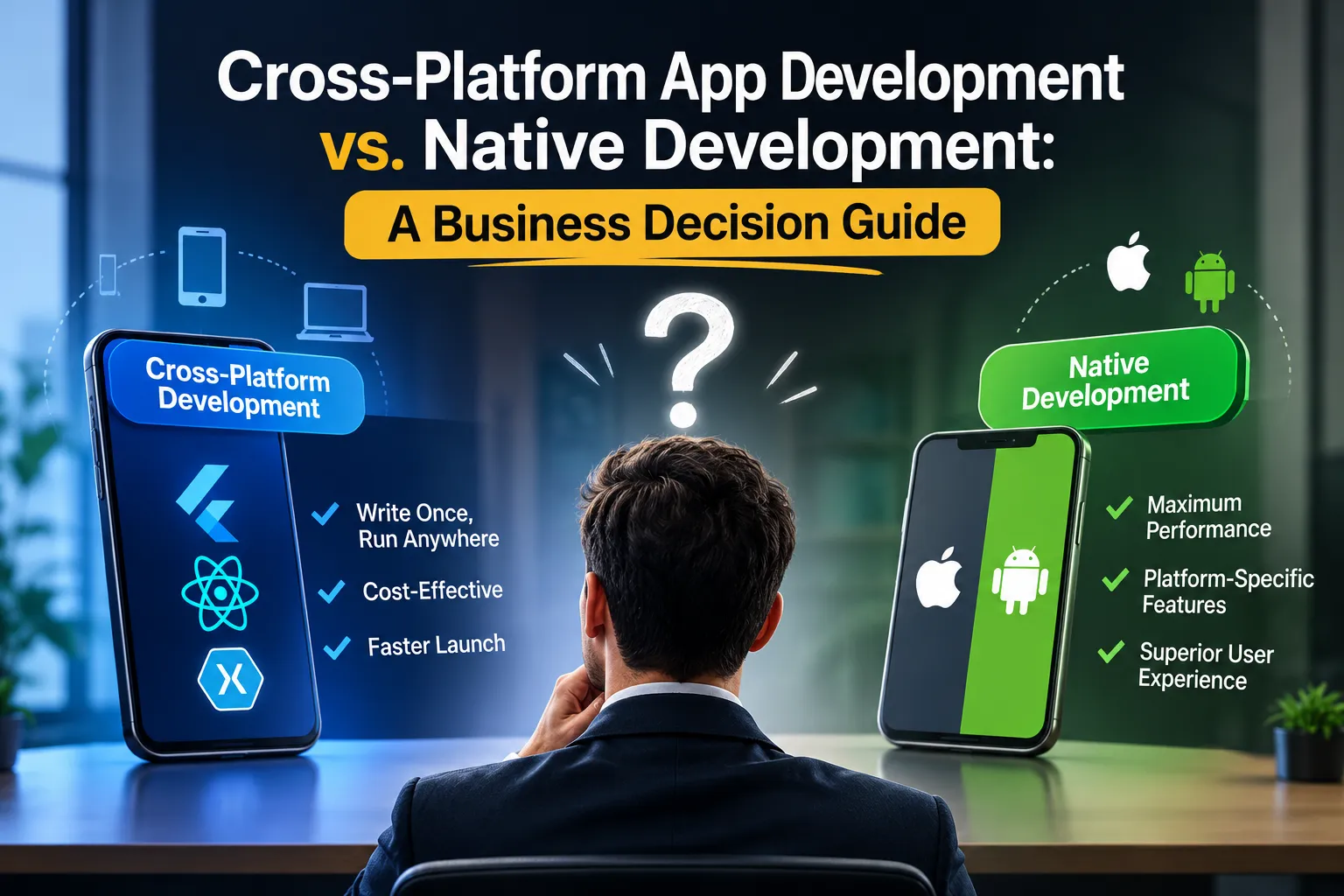
Cloud, Hybrid, or On-Premise: Choosing the Right Design
Cloud-based security systems do not all look alike. The right design depends on your needs.
Cloud
Cloud is the primary model. Access runs over the internet, and remote viewing is native to the system.
Hybrid
Hybrid suits environments that need reliability during outages. Local backup recording keeps going if the connection drops, then syncs to the cloud when connectivity returns.
On-Premise
On-premise remains an option when bandwidth, compliance, or control preferences call for it.
A good provider designs around your sites instead of pushing one model. The audit comes first for exactly this reason.
What Happens to a Security Cloud If the Internet Goes Down?
On-site devices keep operating. In a hybrid setup, local backup recording captures video during the outage and syncs to the cloud once the connection returns. Ask any provider how its design behaves in an outage before you sign.
How Secure Is a Security Cloud?
Security is the point of the system, so the platform itself has to be secure. Footage is encrypted in transit and at rest. Multi-factor authentication and role-based permissions limit who can see what. Every access is logged. Footage is stored in redundant data centers so one failure does not take the archive with it.
What a Deployment Looks Like
Rollouts are less disruptive than most teams expect. A typical deployment runs seven to ten business days, driven mainly by physical installation.
- Planning: audit current infrastructure, design the system, and define integration requirements.
- Physical deployment: install cameras, sensors, cabling, and access control. This is the longest phase.
- Configuration: set integrations, user permissions, and AI alert tuning, overlapping with installation.
- Training and launch: train staff on the mobile app, incident response, and compliance reporting, then hand monitoring to Resolute.
Where a Security Cloud Delivers the Most
Multi-site operations feel the benefit first. Picture a regional logistics operator with three distribution centers and fifteen yard locations, each running its own fragmented systems. One platform ends the fragmentation, speeds up theft investigations, and automates audits.
Industries that fit this model include:
- Logistics and supply chain
- Government contractors
- Healthcare and medical facilities
- Retail and e-commerce
- Multi-location enterprises
- Cold chain operations
- Manufacturing and industrial sites
- Education and campuses
Best Practices for Adopting a Security Cloud
Audit Before You Buy
Start by documenting what you already have. Existing cameras and equipment can usually be integrated, with upgrades optional.
Unify Before You Add
Connect video, access control, and sensors before adding more devices. More hardware on a fragmented system makes the fragmentation worse.
Match the Architecture to Your Constraints
Choose cloud, hybrid, or on-premise based on bandwidth, compliance, and how much control you want to keep.
Plan Training Early
Staff need to know the mobile app, incident response steps, and compliance reporting before launch, not after.
Review Access and Alerts Regularly
Check permissions and tune alerts as sites, people, and operations change.
Security Cloud Solutions From Resolute Partners
Resolute Partners delivers a security cloud built around the equipment you already own. Resolute brings 27 years of experience, in government and logistics, and positions itself as a full-service partner rather than a product vendor. Its team handles design, installation, integration, training, and monitoring. Related services include live video monitoring, managed video surveillance, IoT integration, AI video security monitoring, NVR cloud storage, cloud video surveillance, and energy management systems.
Start with a free assessment. It covers an infrastructure audit, an ROI projection, a timeline, and an integration review. Contact Resolute through its contact page or call 877-877-8856.
Final Thoughts
A security cloud works because it connects what used to be separate. Video, access, sensors, and monitoring share one timeline, one set of permissions, and one audit trail. The result is faster response, simpler compliance, and less weight on your IT team. A security cloud begins with what you have and adds the cloud where it closes the gaps.
Frequently Asked Questions
What is a security cloud?
It is an integrated platform that combines video surveillance, access control, IoT sensors, and energy management with cloud storage and professional monitoring, managed through one view.
Do I need to replace my existing cameras?
No. Existing equipment is integrated into the platform. Upgrades are optional.
What are cloud security solutions for business?
They are systems that move storage, monitoring, and management of your security tools into the cloud, so you get remote access, redundancy, and centralized control without maintaining more on-site hardware.
How are cloud-based security systems different from traditional systems?
Traditional systems keep recording, storage, and management on-site, often across separate tools. Cloud-based security systems unify those tools and add redundancy, remote access, and automated documentation.
What if the internet goes down?
On-site devices keep operating. Hybrid setups record locally and sync to the cloud when connectivity returns.
Is cloud footage secure?
Footage is encrypted in transit and at rest, protected by multi-factor authentication and role-based permissions, logged on every access, and stored in redundant data centers.
How long does implementation take?
A typical deployment takes seven to ten business days, mainly depending on physical installation.
How do I get started?
Request Resolute’s free assessment. It covers an infrastructure audit, an ROI projection, a timeline, and an integration review.

























Sign in to leave a comment.