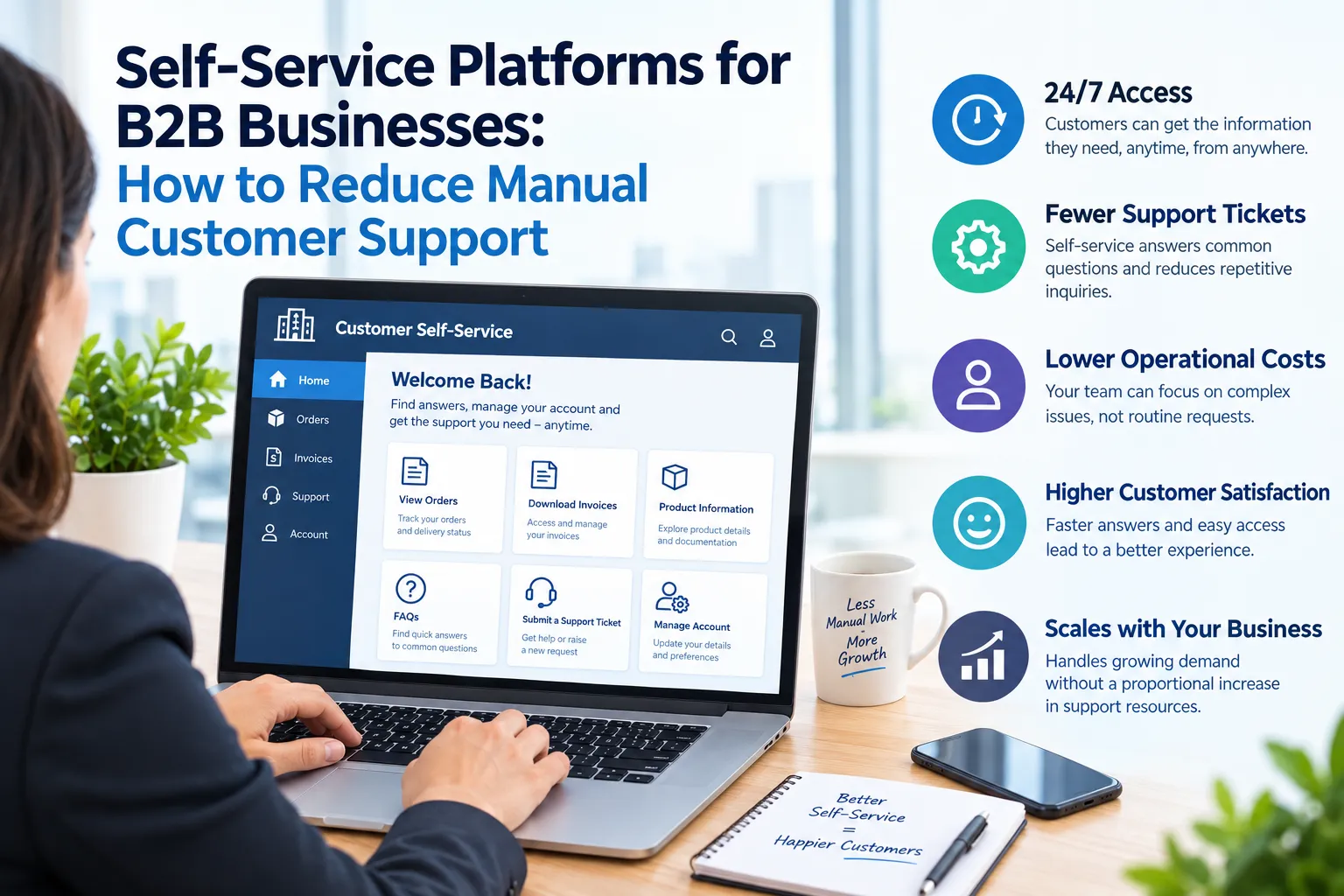

Every support team has a version of the same list. Where is my delivery? Can you send me last month's invoice again? Which spare part fits this machine? How do I reset my password? These questions are not difficult, but they arrive in large numbers, they interrupt more complex work, and each one takes a person a few minutes to answer. Multiply that across hundreds of business customers and the cost becomes visible.
Self-service platforms give customers a way to answer these questions themselves, at any hour, without waiting. Done well, they reduce manual support and improve the customer experience at the same time. Done badly, they add another channel that nobody trusts. This article looks at how to decide what to move into self-service, which components a platform needs, and how German companies can approach implementation.
Start by understanding what your support team actually handles
The temptation is to begin with a technology, such as a portal, a chatbot or a knowledge base. A better starting point is your own support data. Look at several months of emails, call notes and tickets, and group them by topic. Most companies find that a small number of categories account for a large share of the volume.
For each category, ask three questions. Is the answer the same for every customer, or does it depend on the individual account? Does the answer already exist somewhere in digital form? And does solving it require judgement, or just retrieving information or following a fixed process? Requests that are repetitive, factual and based on data you already hold are the natural candidates for self-service. Requests involving negotiation, complaints or technical diagnosis usually still need a person, though self-service can help by collecting the right information beforehand.
Record the baseline at this stage: how many requests of each type you receive, how long they take and who handles them. Without it, you will not be able to show later whether the platform made a difference.
The building blocks of a self-service platform
A platform is rarely a single product. It is usually a combination of components, and the right mix depends on what your customers ask.
- A knowledge base. Searchable articles, guides, FAQs and videos covering product use, troubleshooting, ordering procedures and account questions. It is the simplest component and often the most effective, provided the content is accurate, up to date and easy to find. A knowledge base that nobody maintains soon becomes a liability.
- A customer portal. Secure access to account-specific information: orders and delivery status, invoices and credit notes, contracts, certificates, support history and user management. This handles the questions that depend on the customer's own data.
- Guided forms and ticketing. Structured request forms for things like returns, warranty claims, service visits and technical queries, so the first message already contains the order number, photos and symptoms. Customers can follow the progress, which reduces repeated chasing.
- Search and suggested answers. When a customer starts typing a question or opening a ticket, the platform can suggest relevant articles before the request is submitted. This deflects a proportion of questions without any extra effort from the customer.
- Chat or assistant features. Some companies add a chatbot or AI assistant to answer common questions or route requests. These can help, but they depend heavily on the quality of the underlying content and data, and they need clear paths to a human when the answer is not good enough. Treat them as an addition to a solid knowledge base, not a substitute.
Designing for B2B realities
Business customers differ from consumers in ways that affect design. One customer may have many users with different roles: a buyer who needs prices and orders, a technician who needs manuals and spare parts, an accountant who needs invoices. The platform has to present the right content to each of them, and respect permissions about who may see what.
Customer-specific data adds complexity. Prices, terms and product configurations may vary by account, so the platform needs reliable connections to your ERP and CRM. Customers also compare the experience with the consumer services they use privately, and they will notice if finding a delivery status takes more effort than a phone call.
Make the most common tasks the easiest. Customers usually arrive with one specific need, so search, shortcuts and clear status information matter more than elaborate navigation. Work on mobile devices too, because many customers' staff are in workshops, on sites or in warehouses.
Content is the foundation
Self-service depends on content that people can trust, and in practice that means someone has to own it. Write articles from the questions customers actually ask, in their language, not in internal terminology. Keep each piece focused on a single task or problem, with clear steps and, where it helps, screenshots or short videos.
Set up a process for keeping content current. Product changes, new prices and updated procedures should trigger a review of affected articles. Assign owners, and look at search terms customers use that return no result, because they show you what is missing. Customer support staff are a good source here: each time they answer the same question twice, that is a candidate for a new article.
Where documents are legally or technically sensitive, such as safety data sheets, certificates and installation instructions, version control is essential. Customers should always find the current version, and old versions should be clearly marked or archived.
Integration with your existing systems
A self-service platform that shows incorrect or incomplete data creates more work than it removes. Most of the value comes from connecting to systems that already hold the answers: order status from the ERP, shipment tracking from logistics partners, invoices from accounting, customer records from the CRM and documentation from your content or product information system.
Examine these interfaces early, ideally before choosing a platform. Teams offering Softwareentwicklung in Berlin, for instance, will usually review your existing system landscape before confirming estimates, which tends to expose integration questions while they are still inexpensive to deal with.
Decide which information needs to be current and which can be refreshed periodically. Order status and stock may need to be near real-time, while documentation can be synchronised on a schedule. Also plan what happens when a connected system is unavailable, so customers see a clear message and not an error.
Data protection and security
Customer self-service involves personal data about the customer's employees as well as commercial information, so the DSGVO applies. You need a clear legal basis for processing, an understanding of where data is stored, and a data processing agreement with any provider involved. If data is processed outside the EU, check the current legal position with your data protection officer or legal adviser, as the rules on international transfers have changed several times.
If you add AI-based assistants, look closely at what data is sent to them, where it is processed and whether customer information could be retained or used for other purposes. The answers depend on the product and its configuration, and they should be confirmed in writing with the provider.
Security expectations are high for business customers. Strong authentication, role-based permissions, logging and regular security testing are standard. Confidentiality between customers matters most: one customer must never see another's data.
Choosing between standard tools and custom development
Many companies can build most of what they need from standard products: a knowledge base tool, a ticketing system, an ERP or CRM portal module. These are quicker to launch and carry less maintenance. Custom development becomes worth considering when customer processes are specific to your business, when several back-end systems must be combined into one experience, or when standard tools impose compromises you cannot accept.
Companies in northern Germany who prefer a nearby partner for this kind of project might talk to providers offering Softwareentwicklung in Hamburg, though the quality of a provider's questions about your customers and processes is a better guide than its address.
If your team lacks capacity for the build, Softwareentwicklung Outsourcing can provide extra development skills for a defined project. It works best when requirements are written down, acceptance criteria are agreed from the start and you stay involved in reviewing progress, so you keep ownership of code and documentation.
Launching and measuring
Introduce self-service in stages. Begin with the categories that account for the most routine requests, test with a small group of customers, and refine before opening it to everyone. Tell customers what is available and why it helps them, and make sure your own support staff point to the platform in their replies, instead of quietly answering everything themselves.
Keep a human route available. Customers who cannot find an answer should reach a person easily, with their context passed along. A platform that traps people in self-service frustrates them and damages the relationship.
Measure the outcome against your baseline: the volume of routine requests, time to resolution, customer feedback, the share of customers who register and use the platform, and the questions that still reach your team. Those results show where to add content, improve search or extend the platform.
Conclusion
A self-service platform reduces manual support when it targets the questions that really fill your inbox, rests on accurate content and reliable data connections, and keeps a clear path to a human when needed. Starting from your own support data, and growing in stages, is more dependable than launching a large platform and hoping customers will adopt it.
As a practical next step, export the last three months of support requests, group them by topic and mark which ones a customer could resolve alone if the right information were available. The top five categories on that list are the starting point for your first version, and they give you the baseline against which to measure the result.




















Sign in to leave a comment.