

A prospect fills in your enquiry form at 9:40 on a Friday night. By Monday morning they have contacted two of your competitors, and one of them replied within minutes. You never knew you were in the race.
Most small businesses recognise that scene. It is the main reason AI sales assistants are spreading so quickly. Paired with AI sales automation software, an assistant behaves like a rep who never sleeps, never forgets a follow-up, and opens every conversation within seconds of the lead arriving.
This article covers what these assistants actually do, how they differ from older chatbots, where they fit best, and how to set one up so it helps your team rather than creating extra work.
What an AI Sales Assistant Does
Think of it as a team member that handles the front end of selling. It replies to new enquiries from forms, calls, texts, chats and ads. It asks a few qualifying questions, answers common queries about services and pricing, and moves interested people toward a next step.
When a lead is ready, it books a meeting or hands the conversation to a person with a short summary. When a lead goes quiet, it follows up on a schedule. Every step is logged in the CRM, so nothing lives only in someone’s inbox.
That last point matters more than it sounds. A 24/7 sales assistant that does not write back to your records is just another place where information gets lost. One that updates the contact, creates the task and tags the lead gives your team a clean picture of every conversation the next morning.
Why Speed Wins
Buyers often contact several providers and tend to go with whoever responds first and sounds helpful. A quick, friendly reply signals that you are organised and keen for their business.
People cannot be everywhere. Reps are on calls, in meetings, or asleep. An assistant covers evenings, weekends, and the moments when your team is swamped. The lead never waits, and the gap between enquiry and first reply stops being a place where deals quietly disappear.
How It Differs From a Basic Chatbot
Older chatbots followed a script and gave up when a question fell outside it. Modern assistants understand natural language, remember context within a conversation, and connect to your other systems.
The connection is where most of the value sits. An assistant tied to your CRM can see whether the contact is already a customer, which stage their deal is in, and what was said last week. It can then act on that: update the record, create a task, tag the lead, or start the right sequence. A chatbot sitting on a website with no link to your data can only talk. It cannot do anything with what it hears.
Where It Fits Best
Any business that wins customers through enquiries can use one. Real estate teams answer property questions and book viewings. Clinics and wellness studios handle new patient requests. Home service companies capture job requests and schedule visits. Coaches and consultants qualify prospects before offering a call. Agencies sort serious leads from casual ones.
The common thread is a repeatable first conversation. If your team asks every new lead the same five questions, an assistant can ask them for you and pass along only the people worth a personal reply.
The Pipeline Is the Backbone
An assistant without structure creates noise. A clear sales pipeline gives it something to work with: defined stages, rules for moving a lead forward, and an owner for each step.
Start by defining what makes a lead qualified. That might be budget, timeline, location, or the type of need. Then set the stage names and decide what the assistant is allowed to do at each one. A visual pipeline lets your team see at a glance where each opportunity stands and where deals tend to get stuck.
Teams that skip this step usually end up blaming the assistant for problems that were really gaps in their own process. The assistant can only follow rules that exist.
Booking Meetings Automatically
Many sales conversations die in the back-and-forth of finding a time. An assistant that checks your calendar, offers slots, confirms the booking and sends reminders removes that friction and helps cut no-shows.
This is where an automated appointment scheduling CRM earns its place. Syncing with your team’s calendars prevents double bookings, and automated confirmations and reminders keep appointments on track. For service businesses in particular, fixing this one step often makes the biggest visible difference, because a warm lead who cannot easily book is a lead who drifts away.
Set Guardrails Early
Give the assistant clear limits. List the topics it can answer, the prices it may quote, and the promises it must never make. Decide when it should pass a conversation to a person, such as when a lead is upset, asks for a custom quote, or raises a legal question.
Be open with customers that they are talking to an AI, and respect consent rules for calls, texts and email in the places you sell. Those rules vary by country and by channel, so check what applies to your market before switching on outbound messaging.
Keep the Human Touch
An assistant handles the first mile. People build the relationship and close it. Pass the full conversation history to your rep so they never repeat questions, and make it easy for a rep to step in the moment a prospect asks for a person.
Many teams find that reps prefer the new arrangement. They spend less time chasing cold leads and more time talking to people who are ready. A unified messaging inbox helps here, because the rep sees the assistant’s earlier messages in the same thread instead of hunting across channels.
How to Measure It
Track a handful of simple numbers: time to first response, percentage of leads qualified, meetings booked, show-up rate, and deals won from leads the assistant handled. Compare them with your figures from before you started.
Read real conversations every week, especially in the first month. They show where the assistant needs better answers and where your process has gaps. Good analytics and reporting makes this review quick, since you can see response times and conversion by stage without exporting anything.
Start Small
Choose one entry point, such as your website form or missed calls. Write your qualifying questions, connect the assistant to your CRM and calendar, and run it for a few weeks. Adjust what is not working, then add more channels.
If scheduling is where you lose the most leads, begin there. Get the booking flow right and every lead the assistant warms up has an easy way to say yes.
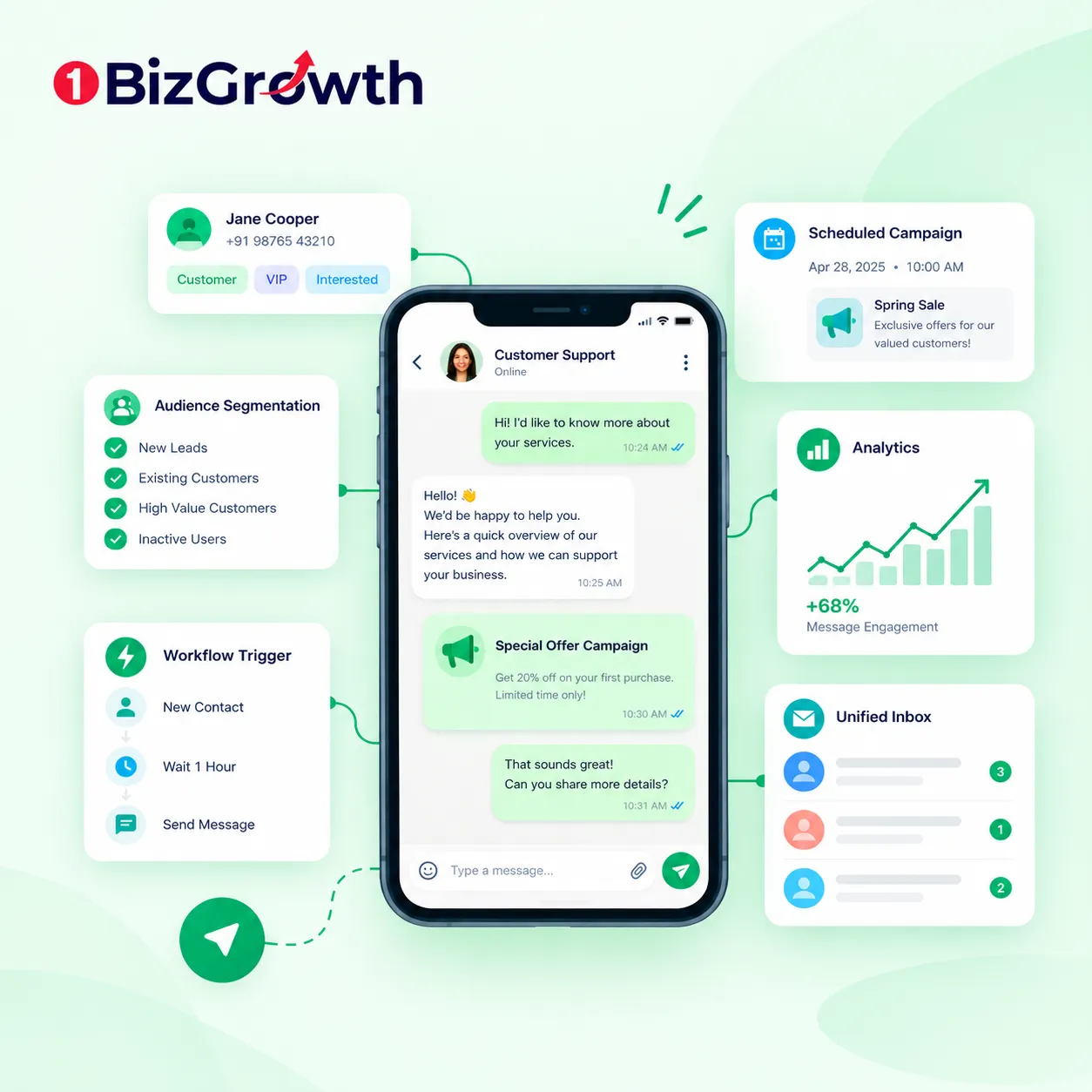
OneBizGrowth brings the CRM, pipelines, messaging and scheduling together in one platform, so an assistant has a single customer record to work from. If you want to see how a 24/7 sales assistant would sit inside your current process, get in touch for a walkthrough.





















Sign in to leave a comment.