

It’s 4:15 p.m., and a customer calls to say the repair isn’t finished. The technician closed the task at 2:40. All the supervisor can see is a green tick. Did the technician go to the right address? Was half the job done? Did anyone tell the customer what was still outstanding?
A best task tracking app is only useful if it can answer those questions. A tick that just says “Done” doesn’t do much. What matters is whether the business can work out what happened without relying on two people’s memories of the same visit.
Why “Completed” and “Accepted” Aren’t the Same Thing
Picture a technician who tightened the loose connection, tested the unit and drove off. In their mind, the job is finished. The customer may still be getting the same fault every afternoon and feel that nothing has changed.
Neither of them is necessarily lying. They’re looking at different outcomes.
It helps to separate three stages. The employee reports the work as finished. A supervisor checks the evidence. The customer accepts the result or objects to it. These can happen at different times, sometimes days apart. The task status should show which stage has been reached. Otherwise, a dashboard full of finished jobs can bury the ones that still need someone’s attention.
Define the Job Before Anyone Leaves the Office
A lot of disputes can be traced back to a vague brief, not a careless worker. “Fix water leakage” could mean tracing the source, replacing a part, or simply confirming the drip has stopped. If nobody agreed on that before dispatch, nobody can fairly decide later whether the job is complete.
A good task record should capture:
- The customer and the site
- The employee assigned
- The problem as reported
- The deliverable everyone agreed on
- Any limits on the work
- Any changes to the original brief
Say a customer asks for an extra repair when the technician arrives. That’s new work, so log it separately rather than rewriting the original assignment. For routine visits, a short checklist specific to the job will get used. A long form that people rush through won’t.
What Should Be Recorded When the Work Is Finished
Evidence That Actually Proves Something
A photo should answer a specific question. A picture of the office entrance shows someone visited. It doesn’t show the air-conditioning unit works.
The right evidence depends on the job. Sometimes a before-and-after photo is enough. Sometimes you need an equipment reading, a signed inspection form, a note about the part that was swapped out, or a short description of the test that was run. Attach it to the task while the details are still fresh.
Timestamps and Location
A timestamp tells you when someone filed an update. Location data tells you whether the employee was near the site. Neither tells you whether the work was any good.
GPS also struggles indoors and in dense city blocks. Treat location as background context, not proof for or against anyone.
The Customer’s Response
The record should have room for more than a yes or no. Useful options include:
- Accepted
- Accepted with observations
- Not accepted
- Customer unavailable
Those four options tell a manager much more than a single “Complete” button. A customer signature can help for formal handovers, but it should confirm what was reviewed. It shouldn’t be read as permission to ignore future problems. If a customer won’t sign, note their reason calmly and move on. Pushing them rarely helps.
When There’s a Dispute, Keep Both Records
Imagine the technician uploads a photo of a neat installation. An hour later, the customer sends a photo of a loose fitting. The temptation is to delete one. Don’t. Deleting either one makes the whole history less believable.
Keep the original update, note the customer’s objection, and link a follow-up action to the first task. Record who looked at the evidence, what was agreed, and when the customer should hear back.
Don’t Blame the Employee by Default
A complaint might point to incomplete work. It could also come from an unclear scope, a fault that appeared after the visit, or something lost in the handover. Check the sequence of events before deciding who’s responsible. The aim is to work out what still needs fixing, not to win the argument.
A Closure Routine Field Teams Will Actually Use
Field staff need a process they can finish on a phone, between jobs, probably standing in a car park. A workable sequence looks like this:
- Before the visit: Confirm the site, the scope and the expected result.
- At the site: Log any material changes, blockers and anything else that stands out.
- Before leaving: Attach task-specific proof and explain anything unfinished.
- At handover: Ask for the customer’s acknowledgement if possible, or note why you couldn’t get it.
- After a dispute: Keep the original record and assign the next step to a named owner with a deadline.
If the app works offline, check how entries get stored and synced. In poor signal areas, an update might be filed hours after the work happened. Upload time and work time can be very different, so the record should show both.
What to Look for in a Task Tracker
Colour-coded statuses are easy to like and easy to misread. Better questions to ask:
- Can staff attach real notes and evidence?
- Can managers link every update to the right visit, site and employee?
- Will the history still make sense when a complaint arrives a week later?
- Does a disputed job stay visible until someone actually resolves it?
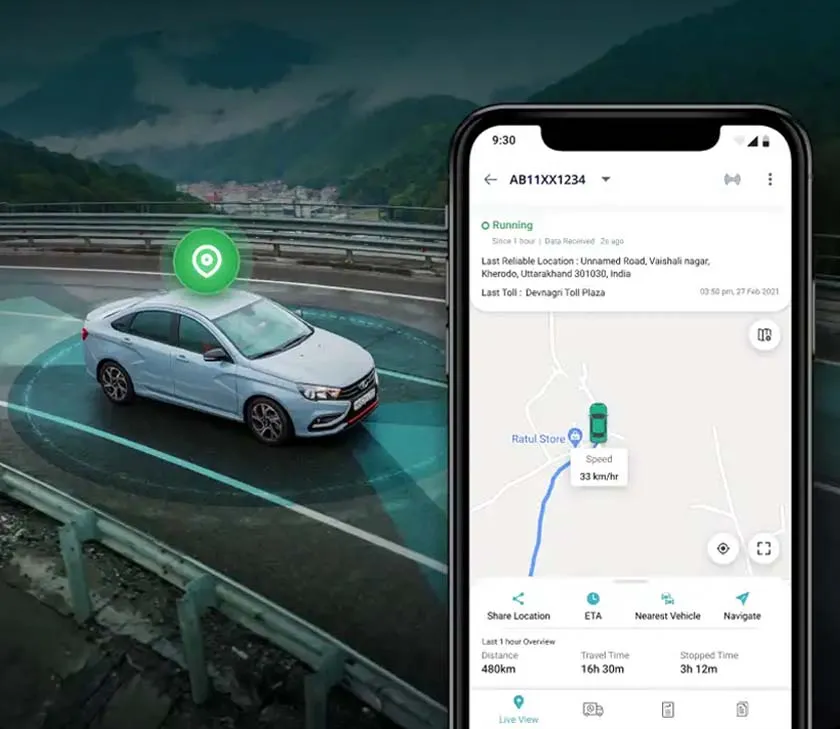
ClickTask is a field workforce management platform that combines assigned tasks and visits with location tracking, task updates, and activity reports. These records can help managers investigate disputes, but they cannot replace a clear process for confirming customer acceptance.
Frequently Asked Questions
1. Is a completed task the same as a satisfied customer?
No. Completion records what the employee reported. Acceptance needs its own confirmation, particularly for work that has to pass an inspection or test.
2. What’s the best proof that a field job was done?
There’s no single answer. Test readings suit repairs, checklists suit inspections, and photos or signed handover notes help where they add something real.
3. Can GPS prove a service visit went well?
No. It can confirm the employee was there, but not that the work met the required standard.
4. Do customers need to sign off on every task?
Not usually. High-value repairs and formal handovers often warrant a signature. Routine visits may need only a lighter acknowledgement, depending on the service agreement.
5. What if the customer won’t acknowledge the work?
Record the refusal and the concern they raised, keep the employee’s evidence, and arrange a review. Don’t edit the original completion entry to make the disagreement go away.
6. How do managers cut down on repeat disputes?
Agree on the expected outcome before dispatch, ask only for evidence that matters, keep reported completion separate from acceptance, and look for patterns in recurring complaints.
A Better Meaning of “Done”
A good task record doesn’t hide disagreement. It makes disagreement easier to settle fairly. When the next complaint comes in, ask yourself whether someone who wasn’t there could tell what was promised, what happened and what still needs doing.
If they couldn’t, fix the handover fields before you buy another dashboard.




















Sign in to leave a comment.