What Are the Best Practices for Setting Up Automation in HubSpot?

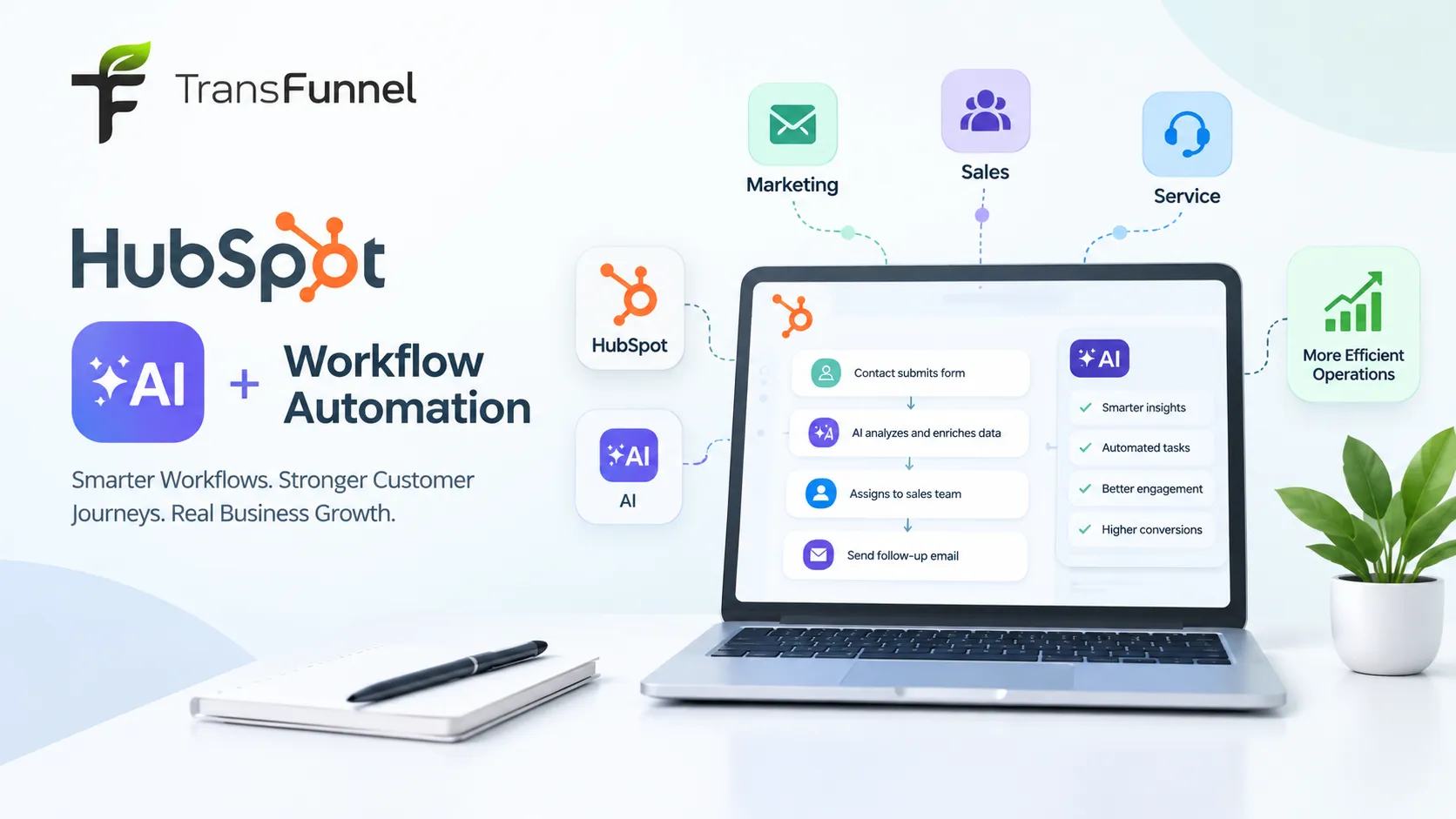
The process of automation in HubSpot allows businesses to cut down on time and improve the experience of customers while keeping their marketing and sales teams occupied with activities that matter most to them. Rather than having to do all those things manually, businesses can use workflows to automate their processes.
With the growing number of HubSpot AI capabilities, automation is becoming even more useful. HubSpot's AI can help teams create workflows, generate actions, summarize CRM data, and improve automated processes. However, simply turning on automation is not enough. Businesses need a clear strategy to get the best results.
Here are some best practices for setting up automation in HubSpot.
1. Start With a Clear Business Goal
Before creating a workflow, decide what you want the automation to achieve.
For example, your goal could be to:
- Follow up with new leads faster
- Automatically assign leads to sales representatives
- Nurture prospects through email
- Keep CRM data updated
- Notify sales teams about high-intent prospects
- Improve customer onboarding
- Reduce repetitive manual tasks
A clear goal makes it easier to decide what should be automated and what should remain a human responsibility.
HubSpot suggests using those processes that are repetitive and well-defined and can be automated using data that is reliable. Those processes which lack documentation and need human judgment are not suitable for automation.
2. Keep Your CRM Data Clean
Automation depends entirely on the accuracy of the data.
Before setting up any workflows, examine the significant properties of contacts, companies, deals, and tickets. Ensure that the data is correct, consistent, and updated often.
In this case, when a lead assignment is done according to industry, the industry property must have accurate data. Inaccurate data may lead to incorrect leads entering a workflow or receiving inappropriate communication.
Hubspot workflows can be employed to maintain data quality and therefore should be part of your automation strategy.
3. Create Specific Enrollment Triggers
Enrollment triggers determine when a record enters a workflow. These triggers should be specific enough to reach the right audience.
For example, instead of creating a broad trigger for every new contact, you could trigger a workflow when:
- A prospect submits a demo form
- A deal reaches a specific pipeline stage
- A customer submits a support request
- A contact downloads a high-value resource
- A lead meets specific qualification criteria
HubSpot allows workflows to use conditions such as form of submissions, property changes, deal stages, and other customer actions.
4. Use AI to Build and Improve Workflows
One of the important advantages of modern HubSpot AI capabilities is that AI can assist with workflow creation.
HubSpot's Breeze Assistant can generate workflow enrollment triggers and actions based on natural-language prompts. For example, a business could describe a process such as when a prospect submits a demo request, sends a confirmation email, assigns the lead to the appropriate salesperson, and creates a follow-up task.
AI can speed up workflow creation, but businesses should still review the suggested logic before publishing it.
5. Add Personalization Where It Matters
It’s important not to let automation make customer communication seem mechanical.
CRM information can be used to make email and notification follow-up messages more personalized when necessary. For instance, a workflow could send different messages depending on the industry, lifecycle stage, location, prior interactions, or customer status.
Additionally, HubSpot offers a few ways of using AI technology to improve automated content for emails and other workflows.
6. Test Every Workflow Before Launching
Never assume that a workflow will work correctly just because the logic looks right.
Test important workflows with sample records before activating them. Check:
- Who is enrolled?
- Which actions are triggered?
- Are emails sent at the correct time?
- Are CRM properties updated correctly?
- Are internal notifications going to the right people?
- What happens if a condition is not met?
HubSpot provides workflow testing and performance monitoring tools to help teams identify errors and improve automation.
7. Monitor Performance and Keep Improving
Automation should be treated as an ongoing process rather than a one-time setup.
Review workflow performance regularly. Look for errors, unexpected enrollments, low engagement, or steps that are no longer relevant.
As your business changes, update your workflows accordingly. HubSpot also provides AI-powered recommendations and capabilities that can help teams improve automation processes over time.
8. Know What Should Not Be Automated
Not every process should be automated.
Customer situations that require empathy, complex decision-making, or human judgment may still need personal attention. Automation should support your team, not replace meaningful customer interactions.
The best strategy is to automate repetitive work while allowing employees to focus on conversations, strategy, and decisions that require a human touch.
Final Thoughts
The best HubSpot automation strategy starts with a clear goal, clean CRM data, specific triggers, careful testing, and regular optimization. With advanced HubSpot AI capabilities, businesses can go beyond basic automation and use AI to help build workflows, improve content, summarize information, and streamline customer processes.
However, successful automation depends on more than technology. The workflows must be aligned with business goals and customer needs.
If your team is looking to get more value from HubSpot AI and automation, working with an experienced HubSpot partner can help you identify the right processes to automate, build effective workflows, and continuously optimize your CRM strategy.




Sign in to leave a comment.