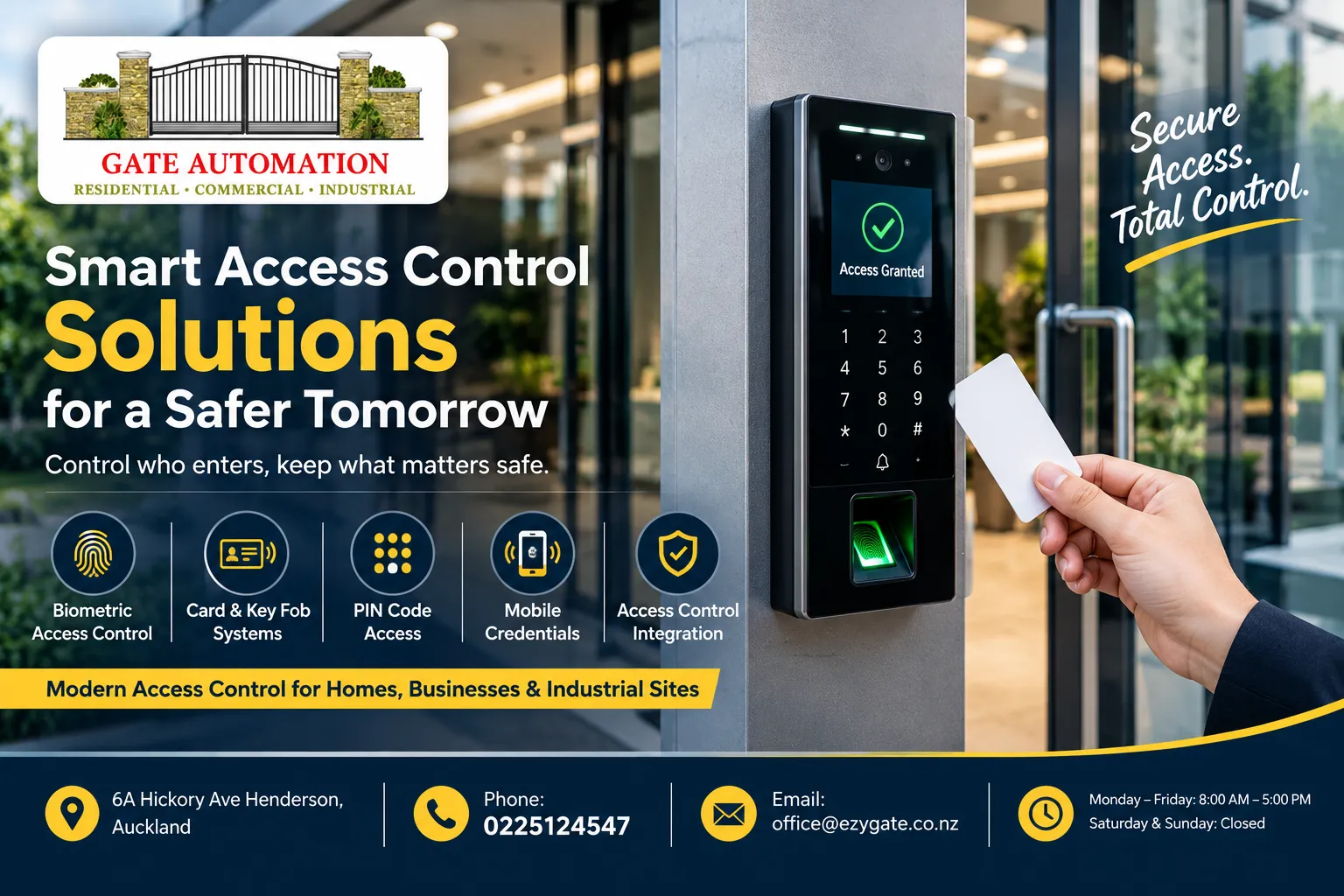

Every property with a gate has the same small argument going on in the background. Who gets in, who doesn't, and who has to walk down the driveway in the rain to find out which is which. I'd lived with that argument for years without noticing it, until I started looking at how people sort it out properly, and it turned out the answer is rarely a bigger gate or a louder motor. It's the thinking and the hardware that sit beside the gate, the keypads, cards, phones and intercoms that decide who is allowed through. If you've ever shared a code with a tradesperson and then wondered months later who else knows it, this post is for you. I've spent some time reading through how EzyGate approaches access control installation in Auckland, and I want to walk through the options the way I'd explain them to a friend who's about to spend real money on this, with the trade-offs left in.
Start with the question nobody asks
Most people open the conversation with a product. They want a keypad, or they want an app, or they saw something at a neighbour's place. A better opening is boring on purpose. Who actually needs to get in, and how often?
Make a rough list, and write it down even if it feels silly, because the act of writing exposes people you'd forgotten, like the lawn contractor or the relative who house-sits twice a year. Family members, obviously. Maybe a cleaner who comes on Tuesdays. A builder for three weeks. A courier who turns up unannounced twice a week. A business has a longer list again, staff, contractors, delivery drivers, visitors, maybe a night cleaner who should only ever be able to enter between certain hours. The answers change what you buy. A household of four with a regular visitor or two has very different needs from a commercial yard with thirty people and a rotating cast of contractors.
EzyGate's own process starts the same way, with a security consultation where a specialist looks at the property layout, your security concerns and who'll be using the system. I like that the order is assessment first, product second. A system that's perfect for someone else's driveway can be awkward on yours, and finding that out after installation is an annoying way to spend money.
Keypads: simple, and simple to share
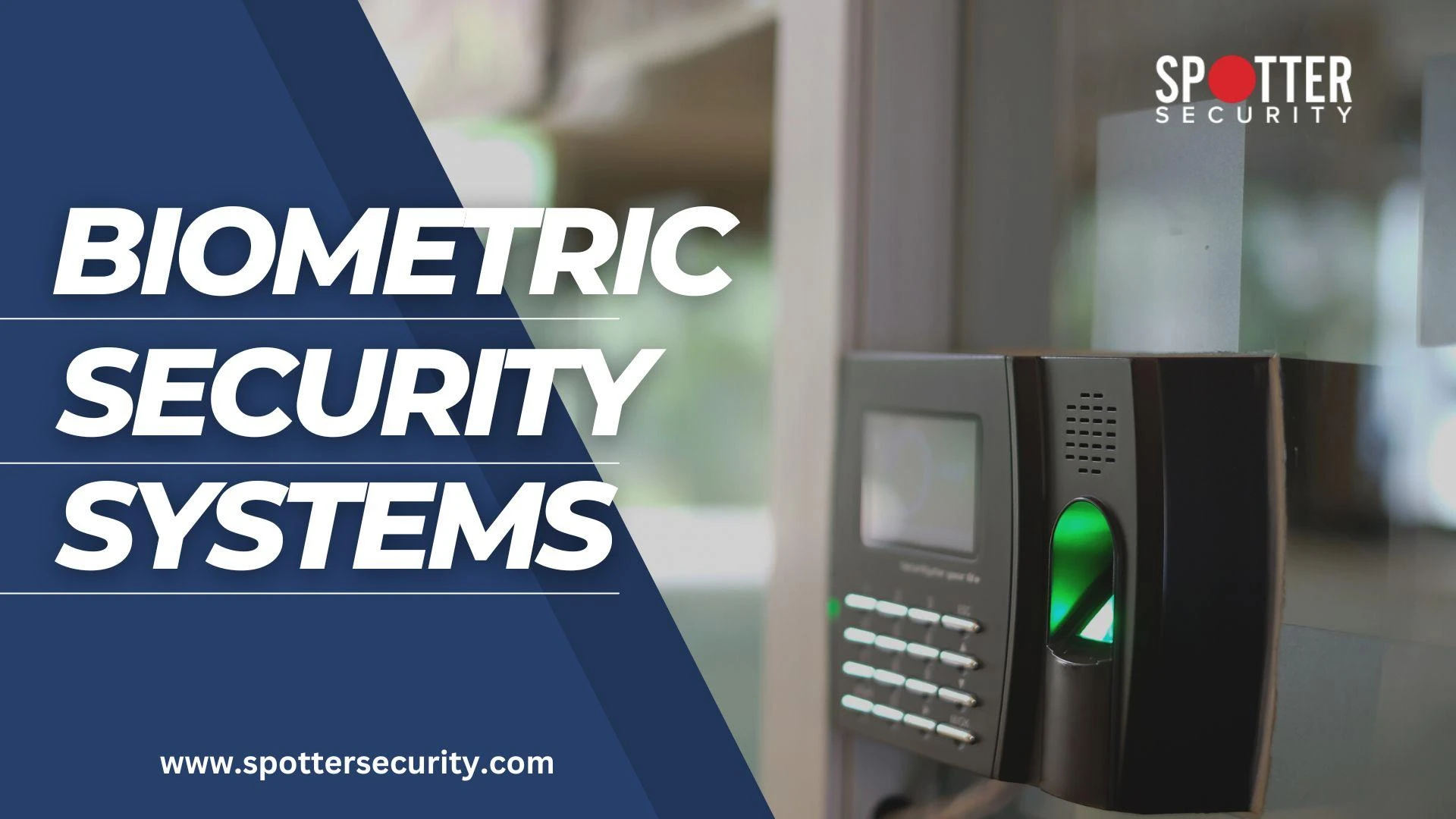
The keypad is the entry-level option and it's still the one most people picture. You type a code and the gate opens. EzyGate describes keypad entry as simple, reliable entry management for homes, businesses and gated facilities, and that's fair. For a household it's hard to beat on convenience. Nobody needs to carry anything, and a visitor can be told a code over the phone.
That last point is also the weakness. Codes travel. You give one to a plumber, the plumber mentions it to an apprentice, and suddenly a number you chose for one job is in circulation indefinitely. A small tip on placement too. A keypad that sits too far from where a car stops forces the driver to climb out in the rain, so height and distance deserve a look on the day. The fix for shared codes is habit more than hardware. Change codes after trades finish, avoid obvious numbers like birthdays or the street address, and if you find yourself changing the code every month, it's probably a sign you've outgrown a single shared code and should look at something that gives each person their own credential.
Cards, fobs and RFID
That's where cards and RFID come in. Instead of one number everybody shares, each person carries their own card or fob, and the system knows which one was used. EzyGate pitches these as a good fit for commercial and multi-user environments, and I'd agree, since the real benefit is control. If a card is lost or someone leaves the business, you cancel that one credential and nothing else changes. Nobody else has to learn a new code.
There are costs to think about, though. Cards get lost, left in jackets and handed to the wrong person. Someone has to keep track of who holds what, and in a small business that someone is usually whoever has the least spare time. Ask how credentials are added and removed, and whether you can do it yourself or have to phone the installer each time. That single question tells you a lot about how the system will feel six months in.
Your phone as the key
Mobile access is the option that has changed the most in recent years. EzyGate lists smartphone-enabled systems that let you open gates and doors, and manage entry remotely, from pretty much anywhere. The practical appeal is easy to see. You can let a delivery driver in while you're at work, check whether the gate was left open, or give a house sitter temporary access without cutting a spare key. If you look after several properties, remote management also saves a lot of driving.
People reasonably ask whether it's secure. EzyGate's answer is that modern mobile systems use encrypted communication and secure authentication, which matches what you'd expect from a reputable setup. I'd add two practical points. First, think about what happens when someone's phone is dead, lost or replaced, because a gate that only responds to one app can be a nuisance on a bad day. Many properties sensibly keep a second method, such as a remote or keypad, as a backup. Second, ask about notifications. Being told in real time when the gate opens is one of the most useful features of a connected system, and it's worth knowing how much of it comes standard.
Seeing who's there
If I had to pick the single upgrade that changes daily life the most, it would be a video intercom. For years the choice at a gate was blind. Somebody pressed a button, you pressed another button, and you hoped. Video changes that. You see the person, you hear them, and you decide before anything opens.
EzyGate describes high-definition video intercom systems that let you verify visitors before granting access, linked to gates, doors and wider security automation. That linkage matters more than it sounds. A standalone camera at the front of the driveway is one thing. An intercom that talks to the gate, lets you open it with a tap, and ties into the rest of your security is something else entirely. It also helps with the everyday problems. Is that the courier or a stranger? Is it my daughter who forgot her fob, or someone I don't know? You get an answer without leaving the couch.
In a commercial setting it's more valuable still. Reception can see a delivery driver before waving them in, and a manager can check who's at a back gate after hours. In an apartment complex, residents can confirm a guest before letting anyone through the shared entrance. The picture quality and camera position deserve real attention during planning, since glare, bad angles and poor night vision can ruin an expensive unit. A good installer will talk about where the camera sits and what the sun does to it at four in the afternoon. A poor one just sells you a box.
When there are lots of people
Once a property has more than a handful of users, the question stops being how people get in and becomes who is allowed in when. EzyGate offers multi-user access management, with permissions for staff, residents, contractors and visitors, designed for busy properties. In plain terms, you can give a gardener access on Thursday mornings only, let a contractor through for the length of a project, and make sure a former employee's credential stops working the day they leave.
That sounds administrative until you picture the alternative. A single shared code for thirty people has no memory. You can't tell who came through, and you can't remove one person without disturbing everyone. Schedules and individual permissions turn access from a blunt yes or no into something that matches how a real property operates. It also gives you a sensible answer when something goes missing and you need to know who was on site.
Homes, businesses and apartment blocks
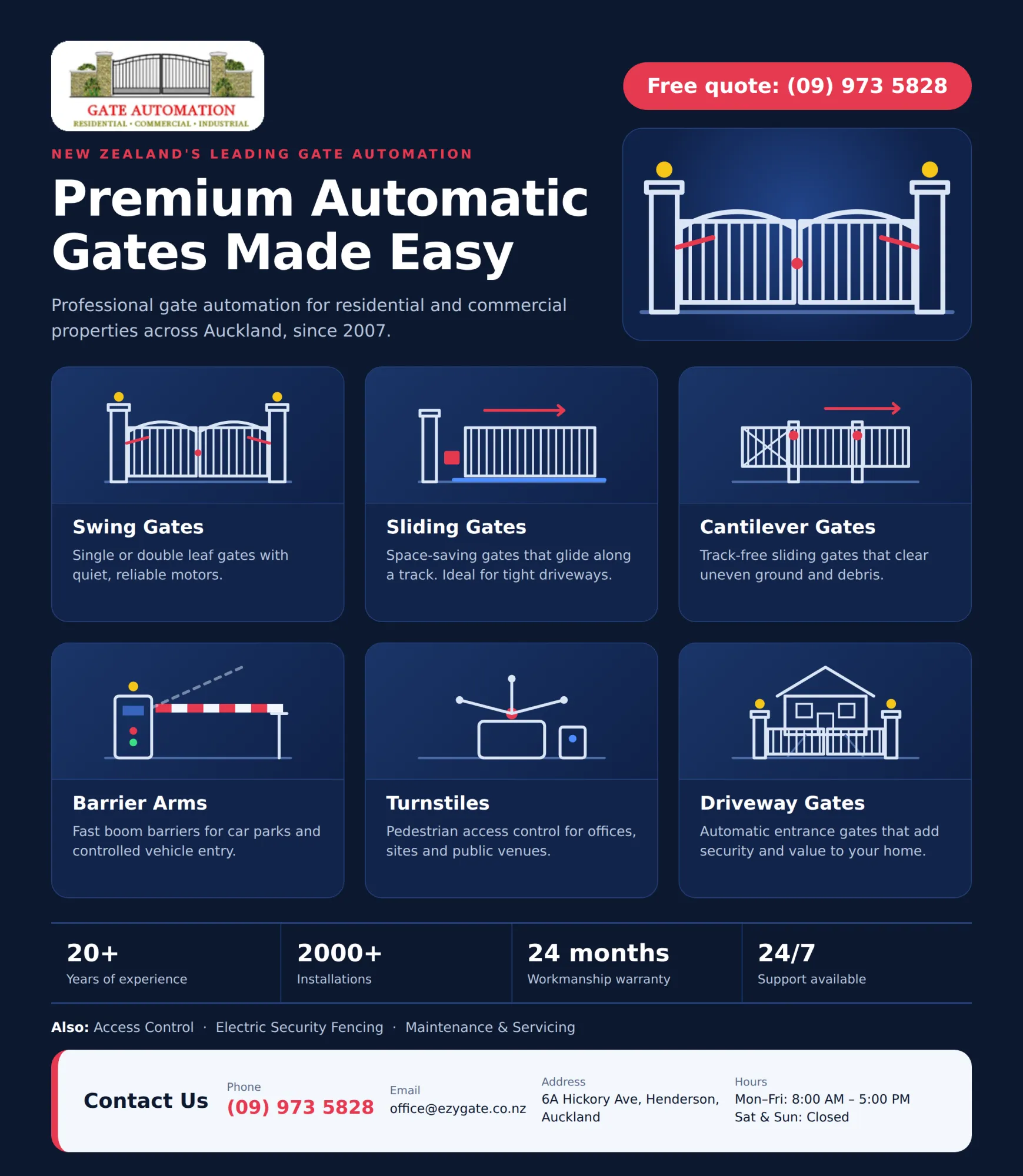
The same hardware behaves differently depending on where it lives. In a house the priorities are convenience and keeping the front of the property tidy. EzyGate says it installs residential access solutions for homes, apartment complexes and gated communities across Auckland, as well as systems for commercial and industrial sites, and the needs are quite different across those.
In an apartment block the biggest headache is usually the shared entrance. Residents want visitors to be able to reach them, nobody wants a stranger slipping through behind a resident's car, and whoever manages the building wants some record of what's going on. On a commercial or industrial site the questions shift again, towards contractors, deliveries and restricted areas that only certain staff should enter. Be clear about which of these you are before you ask for a quote, because the right answer for a block of flats is rarely the right answer for a workshop.
One system instead of five gadgets
A common mistake is buying components one at a time. A gate motor from one place, an intercom from another, an alarm from a third, and a keypad someone's cousin installed. Each works, in its own way, and none of them talk to each other. When something fails, nobody agrees whose problem it is.
EzyGate's integrated security option combines gates, intercoms, alarms and access control into one connected setup. The attraction isn't gadgetry. It's having one place to manage users, one point of contact for support, and a system that behaves predictably. If you already have an automatic gate, ask whether new access hardware will work with it, because EzyGate says its systems can integrate with automatic gates, doors, intercoms and other security technology. If you're planning to automate a gate at some point, it's worth making the access decisions at the same time, since doing them together is usually cheaper and tidier than doing them years apart.
What install day looks like
It helps to know the sequence before anyone turns up. EzyGate lays it out in four steps. A security consultation, where the property and your needs are assessed. System planning, which covers entry methods, user permissions and what needs to connect to what. Expert installation, with technicians fitting and configuring everything. Then training and support, so you actually know how to add users, change codes and fix small problems yourself.
I'd pay special attention to that last step. Plenty of systems are installed well and then left poorly understood, which means every small change becomes a phone call. Ask who will show you how to manage it, and whether the support continues afterward. EzyGate says it offers maintenance, troubleshooting and upgrades for the systems it installs, and its general terms mention a 24 month warranty on workmanship. As with any warranty, read what it covers before you rely on it.
Questions worth asking before you sign
You don't need to be technical to get good answers. A few plain questions do most of the work.
Who will use this, and how many people might that be in two years? A system that can grow saves you from replacing it.
What happens if the power or internet goes down? Ask how the gate and access hardware behave, and whether there's a manual or backup option.
How do I add or remove a user? If the honest answer is "call us each time", decide whether that suits you.
Who do I contact when something stops working, and what are your hours? EzyGate's office hours are Monday to Friday, 8 AM to 5 PM, so it's worth knowing how urgent problems are handled outside that.
Can this connect to the gate or alarm I already have? Compatibility surprises are expensive.
Free quotes help here. EzyGate says it offers a free site assessment and a written quote before work begins, which gives you something concrete to compare.
Where I'd start
If I were setting up a property tomorrow, I'd write down who needs access and when, pick the simplest method that fits that list, and then think about visibility. Most of the stress at a gate comes from not knowing who's there, and well installed video intercom systems solve that more directly than any other single upgrade. It's a small decision that pays you back every single day. From there you can layer on cards for staff, a phone app for yourself and a backup remote for the dead battery day. EzyGate works across Auckland from its base at 6A Hickory Ave, Henderson, and you can reach the team on (09) 973 5828 or at [email protected]. Have your list of users ready, ask your questions plainly, and take your time over the quote. One more habit is worth keeping once it's all running: review who has access twice a year. It takes ten minutes and catches the cards and codes that outlived their purpose.
















Sign in to leave a comment.