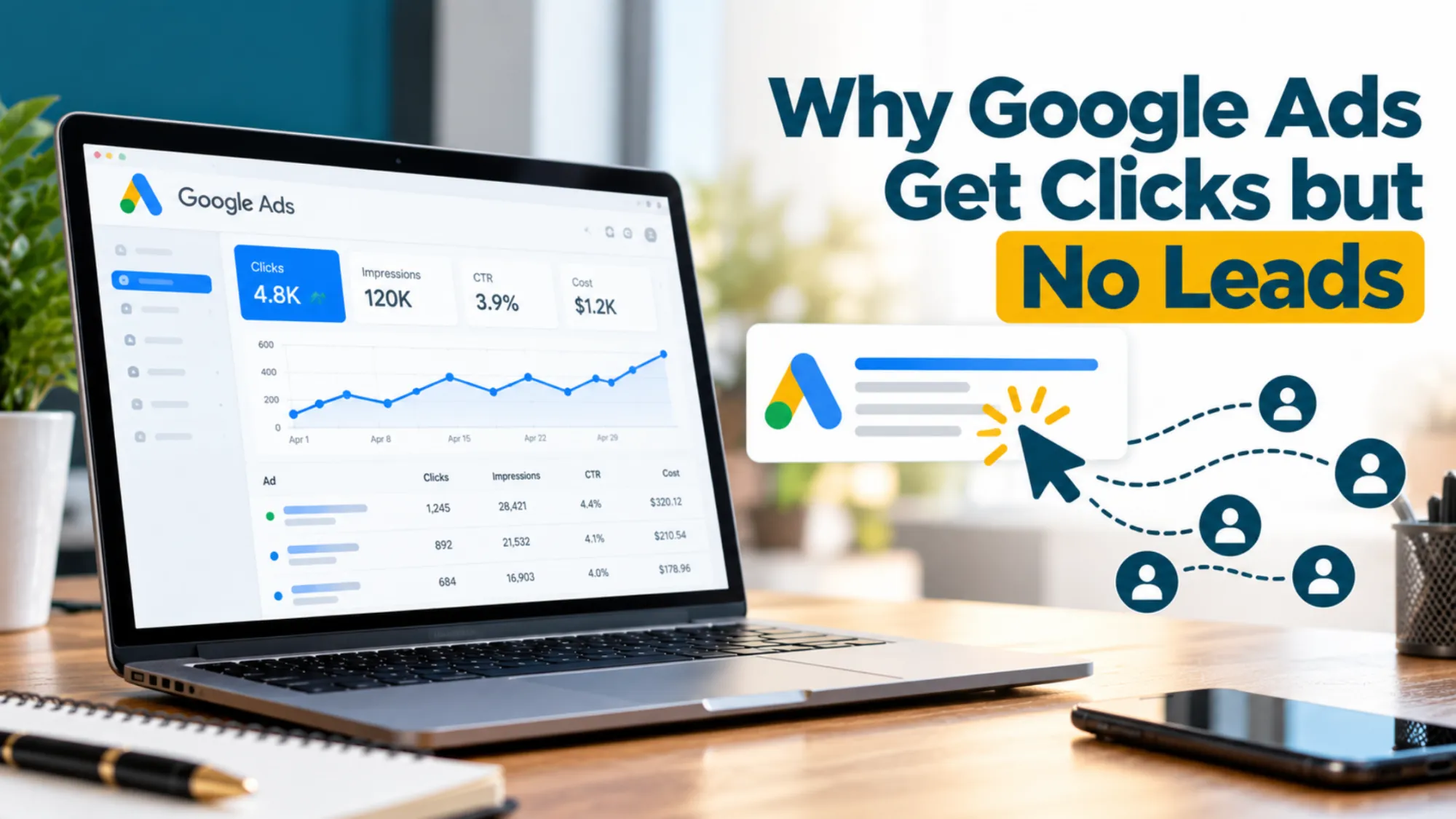

You are spending money on ads, visitors are clicking, and your website traffic is increasing, but your phone isn't ringing, and your inbox is still empty. If your Google Ads get clicks but no leads, the problem may not be your budget alone.
Your ads might be reaching the wrong audience, your landing page may not meet visitors’ expectations, or your conversion tracking could be missing important actions.
Understanding where potential customers drop off can help you improve your Google Ads management strategy and turn more clicks into genuine business inquiries. This blog examines crucial reasons why Google Ads get clicks but no leads.
Your Ads May Be Reaching The Wrong Audience
Clicks don't mean you're reaching people who are ready to buy. Your ads may attract visitors who are curious about your products or services but have no intention of becoming customers.
For example, a company offering paid web design services may receive clicks from people searching for free website templates.
Although these visitors are interested in website design, they are unlikely to become paying customers. Poor ad targeting can also waste money when your campaigns reach people outside your service area or target customers whose needs do not match your offer.
How To Resolve It:
Review your audience settings, location targeting, and search terms report. Identify irrelevant searches and add negative keywords. Focus on those keywords that reflect your services and the needs of your ideal customers. More relevant traffic can improve your Google Ads conversion rate and support better lead generation.
Your Keywords May Not Match Search Intent
Search intent refers to what a person wants to accomplish when entering a search query. Understanding this intent is important because not everyone searching for a product or service is ready to contact a business.
Consider the unique difference between someone searching for “what is roof repair” and someone searching for “roof repair company near me.” The first person may be looking for information, while the second may be ready to request a quote.
If your ads target broad or informational keywords without considering what searchers need, you may attract visitors who are not ready to take the next step.
How To Fix It:
Group your keywords according to search intent. Use relevant, high-intent keywords for campaigns focused on bookings, inquiries, or quote requests. Make sure your ad copy answers the searcher’s needs and clearly explains what they can expect after clicking. Match your keywords, ads, and offers to what people search for. Search intent helps attract visitors who are more likely to become leads.
Your Landing Page May Not Encourage Action
Even a well-targeted ad can fail if the landing page doesn't convince visitors to take action. People expect to find information that matches the ad's promise. If they land on a confusing page, struggle to find contact details, or cannot understand your offer, they may leave without inquiring.
For example, an ad promoting a free consultation should direct potential visitors to a page where they can easily understand the consultation and book an appointment. Sending them to a general homepage with several unrelated services creates unnecessary friction.
How to Resolve It:
Optimize the landing page by keeping it simple, relevant and easy to navigate. Consider these improvements:
- Use a clear headline that matches the ad.
- Make sure the page loads instantly and works well on mobile devices.
- Display genuine customer reviews, relevant qualifications, and other trust signals.
- Keep forms short and ask only for necessary information.
- Add a clear call to action, such as Book a consultation " or " Request a quote”.
- Explain your service and its main benefits in simple language.
A landing page should help visitors understand your offer and take the next step without unnecessary effort.
Your Ad Copy May Not Give People A Strong Reason To Contact You
Your ads may receive clicks because the headline looks interesting, but visitors might not find a convincing reason to select your business. Generic messages such as "Quality services at great prices" often fail to explain what makes your offer useful or different.
People want to know whether you can solve their problem, what they can expect, and why they should trust your business.
How to fix it:
Write unique ad copy that speaks to your potential audience’s needs. Highlight relevant benefits, include a specific call to action, and explain your services clearly. If you offer flexible appointments, free estimates, or a clearly defined service area, mention those details when appropriate.
Keep your promises realistic and make sure the landing page delivers what the ad advertises. This consistency helps build trust and encourages qualified visitors to get in touch.
Your Conversion Tracking May Not Be Working Properly
Google Ads may generate clicks but no leads because your conversion tracking setup is incomplete or incorrect. A visitor might submit a form or call your business, but your campaign reports may not record the action.
Without reliable data, it's hard to tell which keywords, campaigns and ads are driving results. You might even change a campaign that is already generating valuable inquiries.
How to resolve it:
Check whether your conversion tracking records the actions that matter to your business. These may include:
- Purchases, where relevant.
- Contact form submissions.
- Phone calls from ads or your website.
- Quote requests.
- Appointment bookings.
Test your forms and phone links to confirm they work correctly. Review your Google Ads conversion settings and, where applicable, your Google tag or Google Tag Manager setup.
Make sure successful actions are recorded accurately and avoid counting the same lead multiple times. Remember that page views, clicks and button clicks aren't always meaningful conversions. Track completed actions that indicate genuine customer interest.
Your Lead Form May Be Too Complicated
A visitor may be interested in your service but decide not to contact you because the form asks for too much information. Unclear questions, long forms, and unnecessary personal details can discourage potential customers, especially on mobile devices.
For example, someone requesting a basic service estimate may not want to complete a form with ten or fifteen fields before speaking with your team.
How to fix it:
Keep your lead form short and straightforward. Ask for essential details, such as the visitor’s name, contact information, and a brief description of their requirements. Explain what happens after submission, so people know whether to expect an email, phone call or appointment confirmation.
Test different form layouts and calls to action to see which version generates more qualified inquiries. The goal is to make it easy to contact your business without sacrificing the information your team genuinely needs.
Your Budget And Bidding Strategy May Need Attention
A campaign can attract clicks without producing leads when its budget and bidding strategy do not support your business goals. But increasing the budget is not always the solution. If your targeting is poor or your landing page is ineffective, spending more may not increase qualified visitors.
How to fix it:
Start by reviewing campaign performance before changing your budget. Compare conversion data, search terms, spending, and lead quality. If tracking is accurate and you have enough conversion data, consider whether your bidding strategy aligns with your goals.
For campaigns focused on conversion-based bidding, you may want to test lead generation when you have sufficient, reliable data. If you have little conversion data and Google Ads is sending traffic to a targeted audience, verify tracking and improve your ads' and landing pages' relevance. Make changes gradually and allow enough time to evaluate their impact.
How To Diagnose Why Your Google Ads Are Not Generating Leads
Before making major campaign changes, identify where the problem is occurring. Review the entire customer journey to avoid wasting time and money on the wrong solution.
Use this simple checklist to guide your review:
Clicks but no meaningful website visits: Check page loading speed, mobile performance, and whether visitors leave before the page loads.
Clicks from irrelevant searches: Improve keyword selection, negative keyword lists, and ad targeting.
Relevant traffic but no leads appear in reports: Review your landing page, offer, calls to action, and form usability.
Forms are submitted, but no leads appear in reports: Test conversion tracking and check how conversions are recorded.
Leads arrive but rarely become customers: Review lead quality, ad promises, audience relevance, and your follow-up process.
Also, compare your Google Ads conversion rate over time. Calculate it by dividing recorded conversions by ad interactions, then multiplying by 100. For example, 10 conversions from 500 ad clicks produce a 2% conversion rate.
The right benchmark depends on your industry, competition, offer, and conversion type. Use your own campaign data to identify meaningful improvements instead of relying on a single universal target.
How To Turn Google Ads Clicks Into Quality Leads
When Google Ads get clicks but no leads, start by understanding why visitors aren't taking the next step. Weak landing pages, poor keyword relevance, complicated forms, unclear offers, and incorrect conversion tracking can all affect lead generation.
Before increasing your budget, review each part of your campaign. Make sure your ads reach the right audience, match search intent, and direct visitors to a landing page that makes it easy to contact your business. Use accurate conversion data to measure results and identify areas for improvement.
Careful analysis and consistent testing can help you get more value from your advertising spend. If you have tried these improvements but still struggle to generate leads, a reliable Google Ads agency can help you spot campaign gaps and strengthen your overall Google Ads management strategy. The goal isn't just to attract more clicks, but to turn relevant traffic into genuine business inquiries.





















Sign in to leave a comment.