Many beginners don't realize that a live stream is unforgiving. Every error occurs in real time as you press "Go Live," and there are no editing or retakes. That’s why getting your setup right counts, especially when you're considering live streaming production in Raleigh, NC, for business or personal projects. From the very beginning, a competent setup guarantees stability, clarity, and spectator confidence. Read this blog till the end to understand the essentials you must put in place before your very first broadcast.
Choose the Correct Cameras and Angles First
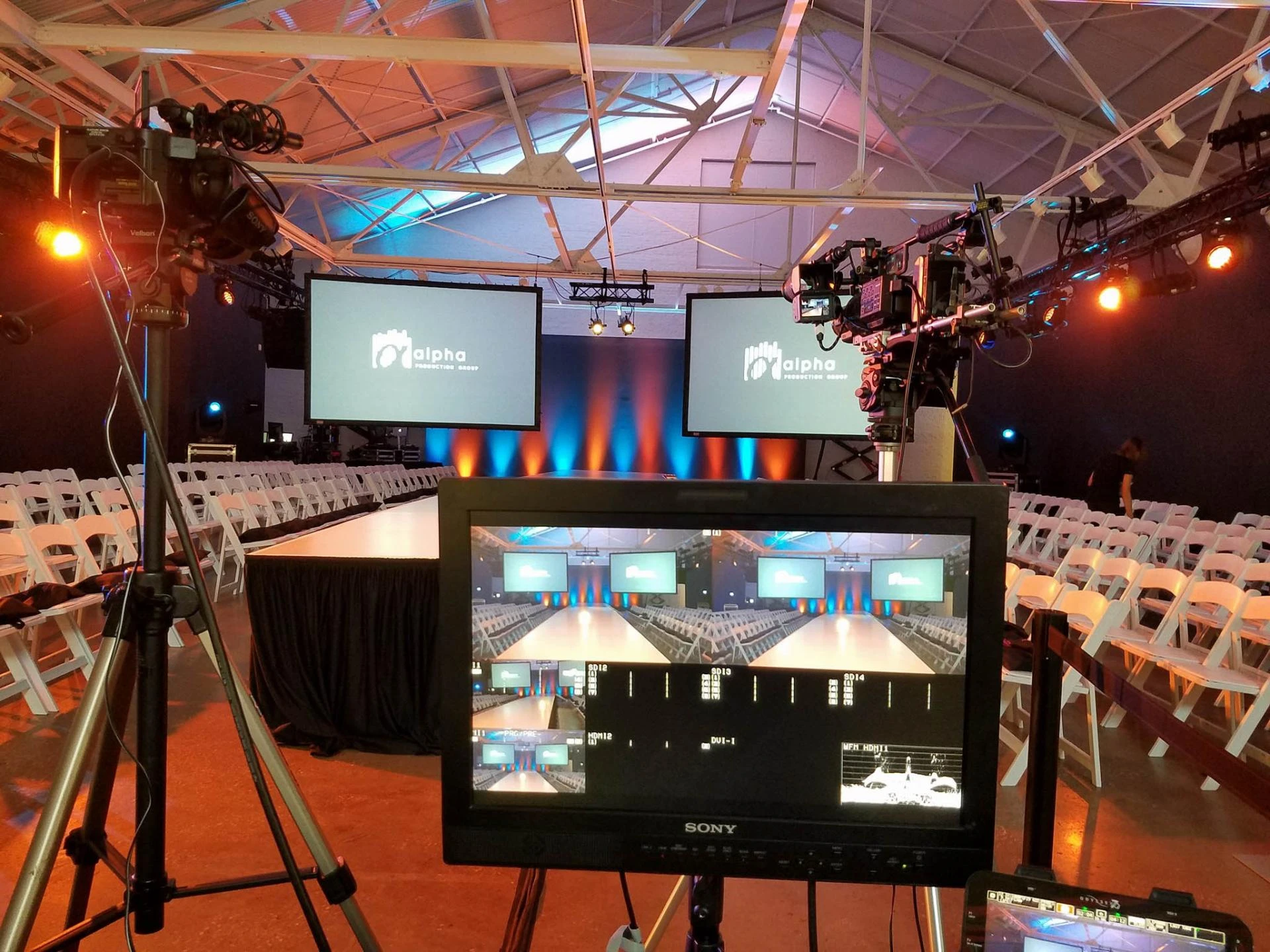
Whether your broadcast appears professional or amateur depends on your camera. At least one HD or 4K camera is a decent starting configuration, but employing more cameras can improve your output right away. Changing perspectives helps you showcase speakers, products, or key moments while keeping viewers interested. One camera may, for instance, concentrate on close-ups while other records the entire scene.
Invest in Crisp, Clear Audio
Because viewers will tolerate a little soft picture but rarely accept unclear sound, audio is frequently more essential than video. Instead of using the built-in camera audio, use a separate microphone. While shotgun microphones are ideal for larger settings, lavalier microphones are excellent for interviews. To balance levels and prevent background noise, think about using an audio mixer if you plan to host several speakers.
Lighting That Improves Everything's Appearance
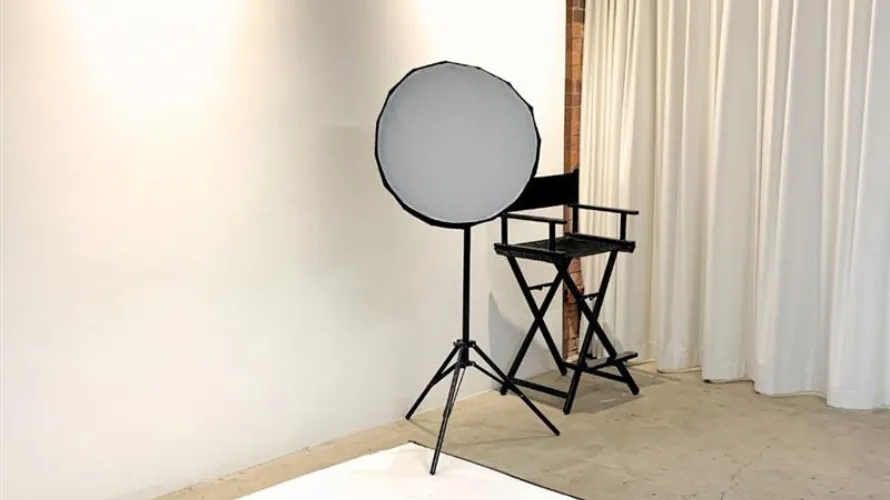
The camera performs best in well-lit environments. To begin, you don't need a studio full of equipment, but you should strive for balanced, soft light that highlights your subject organically and eliminates shadows. A three-point lighting configuration with key, fill, and back lights is a typical starter setup. Your stream can seem tidy and professional with even basic LED panels.
Reliable Internet and streaming software
For a live broadcast to be effective, a reliable internet connection is essential. To prevent lag or drops, try to upload at least twice as quickly as your platform requires. Pair your connection with reliable streaming software that helps you manage transitions, graphics, and scenes. A hardware encoder might also be a useful addition to your system if you desire more seamless audio synchronization and switching.
Include Branding, Overlays, and Graphics
Lower thirds, intro cards, and transitions are examples of visual components that give your stream a polished, well-organized appearance. Additionally, they direct the audience, particularly during events or interviews that are taking place. Branded visuals help your broadcast stand out, whether you're doing a webinar or something pertaining to corporate video production in Raleigh, NC. Name tags, logo positioning, and smooth transitions are a good place to start. You may eventually switch to animated components and unique themes that complement your brand.
The bottom line
Purchasing equipment is only one aspect of professional live streaming. It involves designing a configuration that encourages audience engagement, clarity, and consistency. Your production quality significantly increases when you understand the fundamentals of cameras, audio, lighting, internet stability, and branding. Additionally, these fundamentals set the stage for dependable and certain broadcasts if you're looking for live streaming production in Raleigh, NC.




























Sign in to leave a comment.