



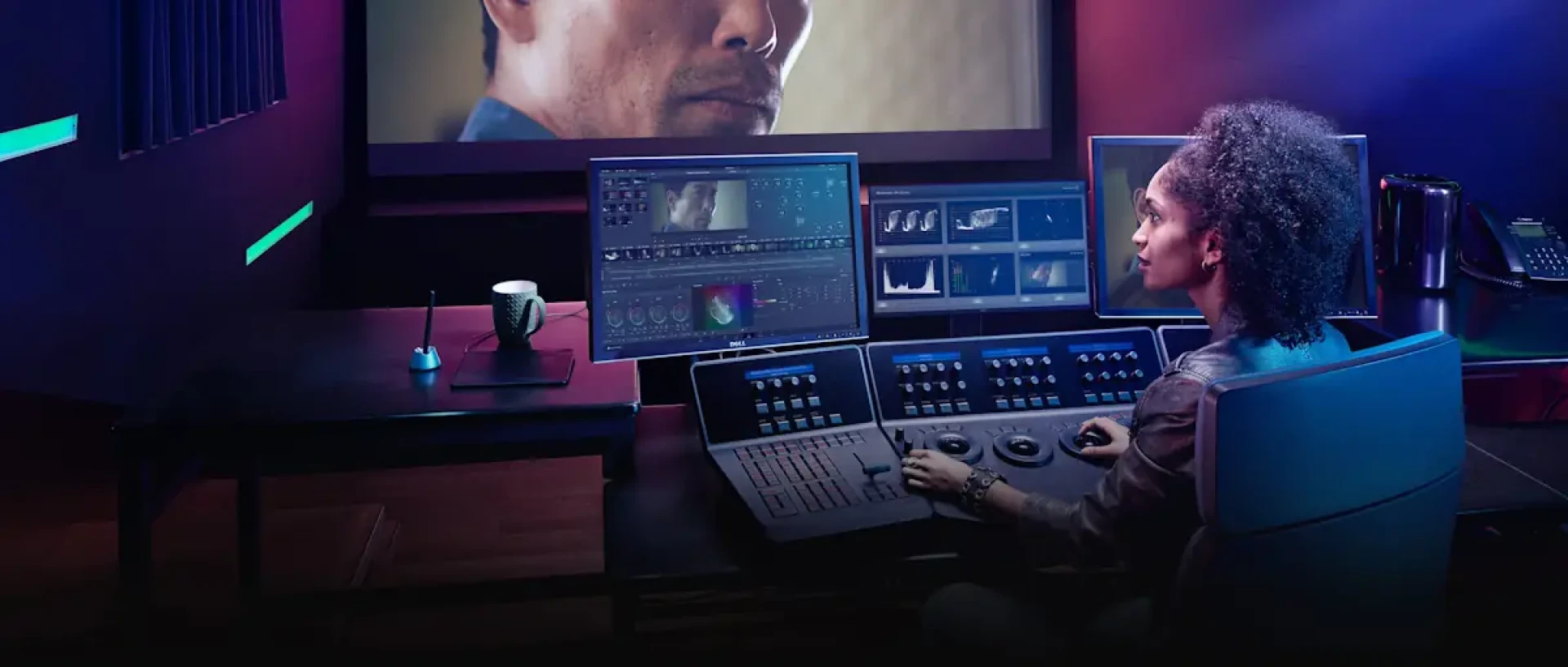
With over 500 hours of video uploaded to YouTube every minute, creators need powerful, reliable, and affordable editing tools. DaVinci Resolve has emerged as a favorite, but is the free DaVinci Resolve download truly sufficient for a professional YouTube channel? The resounding answer is yes, and often it's more than enough. Let's analyze how the free version covers every core need of a YouTuber.
Editing, Color, and Audio: Full Professional Suite
For the actual creation of YouTube content, the free version leaves no essential feature behind. You have the full multi-track Edit page and the fast Cut page for assembly. The Color page provides Hollywood-grade correction and creative grading tools—your videos can have a cinematic look that stands out. The Fairlight audio page includes enough EQs, compressors, and effects to produce pristine, clear dialogue and sound mixing. You can create lower-thirds, basic animations in the Fusion page, and add stylish transitions. There are no watermarks, and you can export in up to 4K UHD resolution at 60fps—exceeding YouTube's current maximum upload specifications. This makes it a formidable Premiere alternative with zero ongoing cost.
Addressing Specific YouTube Needs
- Multi-Camera Editing: Perfect for podcasters or tech reviewers with multiple angles. The free version handles multi-cam syncing and editing seamlessly.
- Screen Recording & Webcam Integration: While Resolve isn't a screen recorder, you can easily edit screen recordings from other software. You can also sync and edit separate webcam footage.
- YouTube-Optimized Export: The Deliver page includes a dedicated "YouTube" preset in the H.264 format that provides an excellent balance of quality and file size. You can further customize the bitrate to suit your content.
- Vertical/Square Video for Shorts & Community Posts: You can easily create a 9:16 or 1:1 timeline to produce content for YouTube Shorts or community posts, using the same powerful tools.
When Would a YouTuber Need DaVinci Resolve Studio?
There are niche cases where upgrading makes sense:
- You need superior noise reduction for cleaning up poorly lit vlog footage or audio hiss.
- You shoot in 6K or 8K for heavy cropping and reframing in your edits.
- You require the AI tools like Voice Isolation to remove background noise or Speed Warp for ultra-smooth slow-motion B-roll.
- You produce HDR content for YouTube's HDR streaming.
- For 95% of YouTubers, from tech reviewers to vloggers to educators, the free version of DaVinci Resolve is not just "enough"—it's a professional over-delivery, providing a complete, high-end post-production pipeline that empowers creators to produce their best work without a software budget.