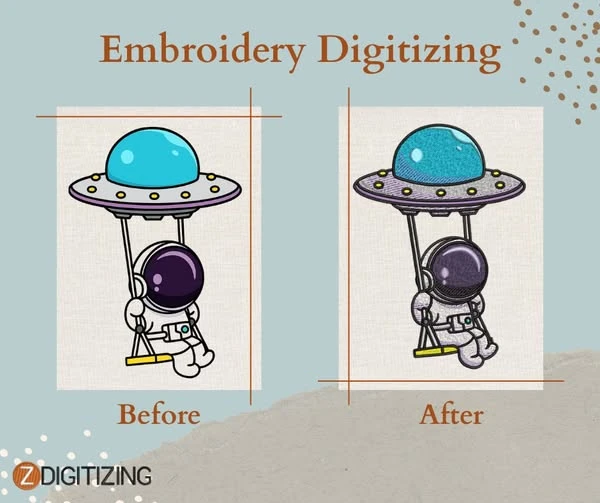

Embroidery has long been a method of adding design and texture to fabric, turning ordinary textiles into detailed and personalized creations. From monograms on shirts to intricate patterns on jackets and hats, embroidery enhances the look and feel of clothing and accessories. While traditional embroidery required manual skill, modern advancements have introduced embroidery digitizing, a process that translates artwork into files that embroidery machines can read and reproduce accurately.
What is Embroidery Digitizing?
Embroidery digitizing involves converting a design or artwork into a digital format suitable for embroidery machines. Unlike digital graphics designed for screens or print, embroidery files require careful planning for stitches, thread types, and fabric behavior. A digitized file provides precise instructions for:
- Needle paths for stitching
- Stitch types, such as satin, fill, and running stitches
- Stitch density and direction
- Thread color changes and trimming points
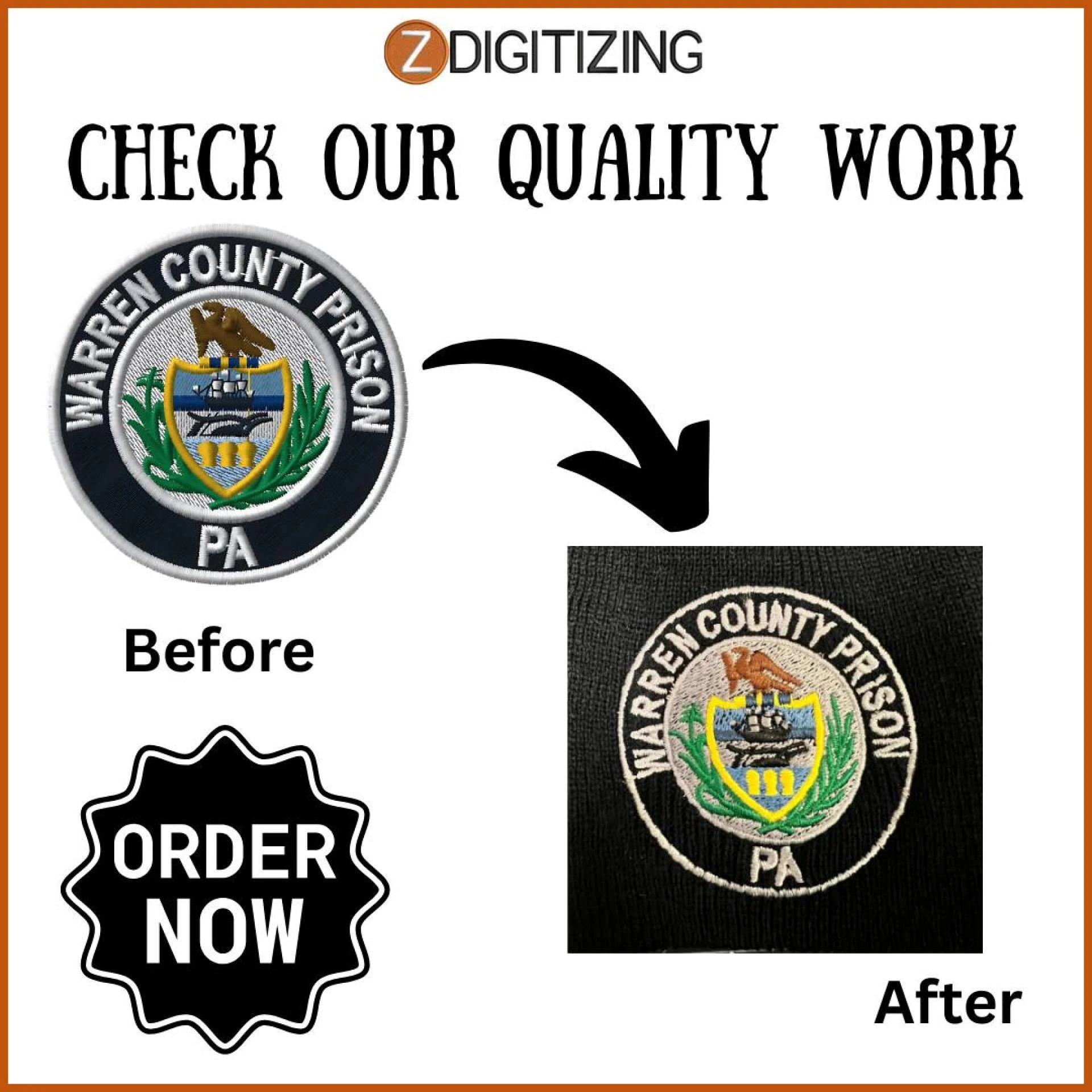
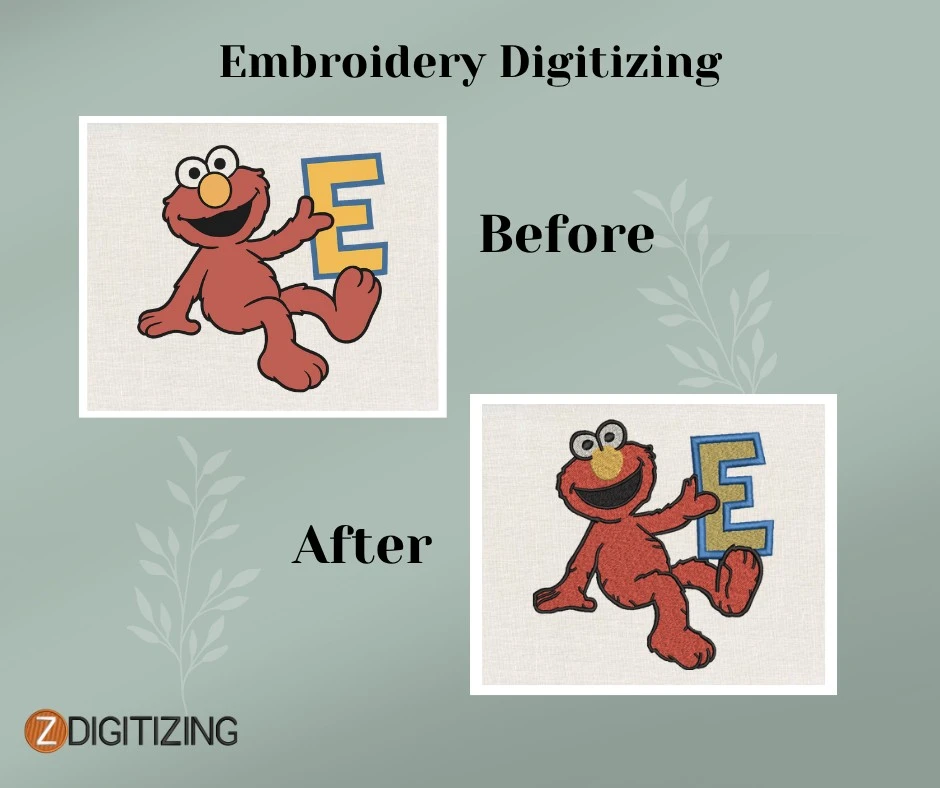
This process ensures the final embroidered design matches the original artwork while maintaining clarity and durability on different fabric types.
Why Digitizing Matters
Accurate digitizing is essential for professional embroidery. Poorly digitized designs can lead to uneven stitching, fabric puckering, and inconsistent results. Professional digitizing offers several advantages:
- Precision: Machines follow the digital instructions exactly, reducing errors.
- Efficiency: Automated stitch sequences save production time.
- Consistency: The same design quality is maintained whether producing one item or many.
- Fabric Considerations: Digitizing takes into account fabric stretch, thickness, and texture, preventing distortion or gaps.
Even high-end embroidery machines cannot compensate for improperly digitized designs, making this step critical for achieving professional results.
Key Components of Effective Digitizing
Creating a quality embroidery file requires more than simply converting an image. Skilled digitizers focus on several factors:
- Stitch Type Selection: Certain areas of a design require specific stitches. Satin stitches are ideal for outlines, while fill stitches suit larger areas.
- Stitch Density and Direction: Overly dense stitching can stiffen fabric, while too sparse stitching may leave gaps. Proper stitch angles enhance durability and appearance.
- Thread Color Sequencing: Planning the order of colors reduces machine stops and improves workflow.
- Underlay Stitches: Hidden underlay stitches stabilize fabric, reduce puckering, and improve top-stitch appearance.
- Design Size Adjustment: Scaling designs requires recalculating stitch density and spacing to preserve quality.
Benefits of Professional Digitizing
Working with a professional digitizer or using high-quality digitizing software can improve embroidery results in several ways:
- Consistent Quality: Each stitch is placed correctly, resulting in polished designs.
- Reduced Thread Waste: Optimized stitch paths save thread and reduce production costs.
- Time Savings: Digitized designs can be reused for multiple projects without rework.
- Machine Compatibility: Professionally digitized files work across various embroidery machines, reducing errors during stitching.
Tools and Software
Embroidery digitizing requires specialized software that produces files compatible with different machine formats, such as PES, DST, or EXP. Tools available include:
- Manual digitizing software that gives full control over stitch placement and type.
- Auto-digitizing software for quicker conversions, often needing minor adjustments for precision.
- Vector-based tools for scalable designs that maintain stitch accuracy at different sizes.
Choosing the right software depends on experience, design complexity, and the type of embroidery machine being used.
Tips for Beginners
For those new to embroidery digitizing, these tips can improve results:
- Start Simple: Use basic designs and fewer colors to understand stitching effects.
- Know Your Machine: Different machines interpret files slightly differently, so understand its capabilities.
- Test First: Run sample stitch-outs to check stitch density and placement.
- Use High-Quality Artwork: Clear, high-resolution images or vector files make digitizing more accurate.
- Learn Continuously: Online tutorials, courses, and communities can provide guidance on advanced digitizing techniques.
FAQs About Embroidery Digitizing
1. How long does it take to digitize a design?
The time required depends on the complexity of the design, size, and number of colors. Simple designs can be digitized in a few hours, while complex designs may take longer.
2. Can any image be digitized for embroidery?
Not all images are suitable. High-contrast, clear images or vector graphics produce the best results. Detailed or low-resolution images may require simplification.
3. Is professional digitizing necessary for small projects?
Even for small runs, professional digitizing ensures accurate stitching and prevents wasted thread or fabric issues. It also helps maintain consistency across multiple pieces.
4. Can embroidery designs be resized after digitizing?
Yes, but resizing may require adjusting stitch density, direction, and type to preserve quality and prevent distortion.
Conclusion
Embroidery digitizing combines technical knowledge with creative planning, allowing machines to reproduce detailed designs accurately. Understanding the fundamentals of digitizing, using professional tools or services, and testing designs before full production ensures consistent, high-quality results. Whether for personal projects, custom apparel, or small-scale manufacturing, proper digitizing ensures designs are executed clearly, efficiently, and professionally.

























Sign in to leave a comment.