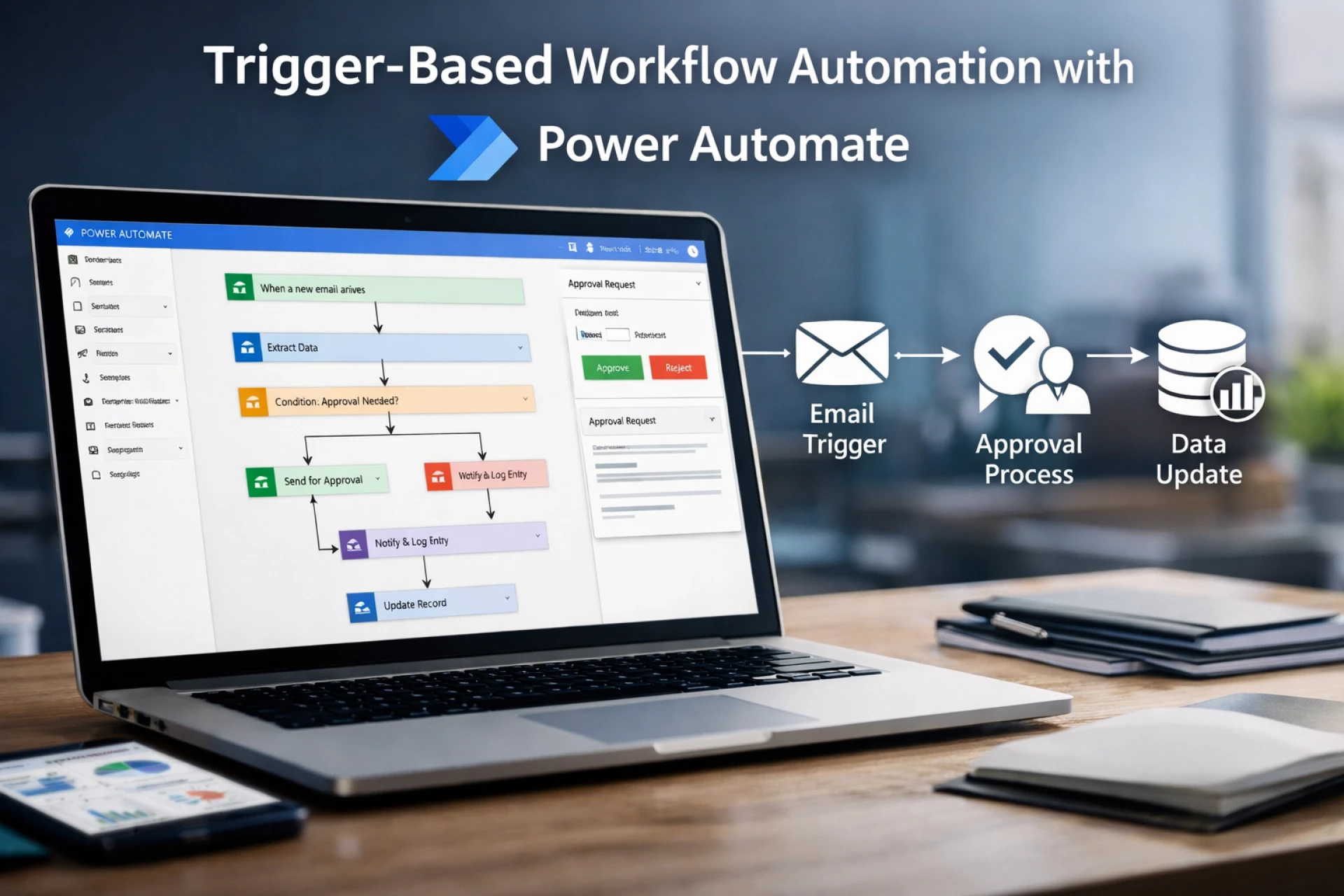

Manual workflows may feel manageable at a small scale, but as teams grow and systems multiply, they quietly become bottlenecks. Approvals get delayed, data updates fall out of sync, and teams spend hours chasing routine tasks instead of focusing on outcomes. This is where many organizations decide to Hire Power Automate Developer support-to bring structure, reliability, and scalability to everyday operations through well-designed automation.
As a consultant who has spent over a decade designing enterprise automation across industries, I’ve seen one pattern repeat: businesses don’t fail at automation because of tools, they fail because workflows are poorly designed. Trigger-based automation, when implemented correctly, solves this problem at its root.
Understanding Trigger-Based Workflow Operations
Trigger-based workflows are simple in concept but powerful in execution. A trigger is an event that starts a workflow automatically. Instead of someone remembering to take action, the system responds the moment something happens.
Common trigger examples include:
- A new record is created in a database
- An email arrives with a specific subject
- A file is uploaded or modified
- A form is submitted by a user
Once triggered, the workflow executes predefined steps-approvals, notifications, data updates, or integrations-without human intervention. This approach reduces dependency on individuals and creates consistency across operations.
The real value of trigger-based automation is predictability. Processes run the same way every time, regardless of workload or team availability.
Role of Power Automate in Business Process Automation
Within the Microsoft Power Platform, Power Automate plays a central role in connecting people, data, and systems. It allows organizations to design Microsoft Power Automate workflows that span Microsoft 365, Dynamics 365, third-party SaaS tools, and on-premise systems.
From an operational perspective, Power Automate enables:
- Event-driven execution rather than manual follow-ups
- Centralized logic for approvals and validations
- Secure integration across business systems
- Governance and monitoring at scale
For enterprises, Power Automate cloud flows become the backbone of routine processes. For startups, they remove the need for custom backend development just to keep operations running smoothly.
Common Workflow Scenarios Businesses Automate
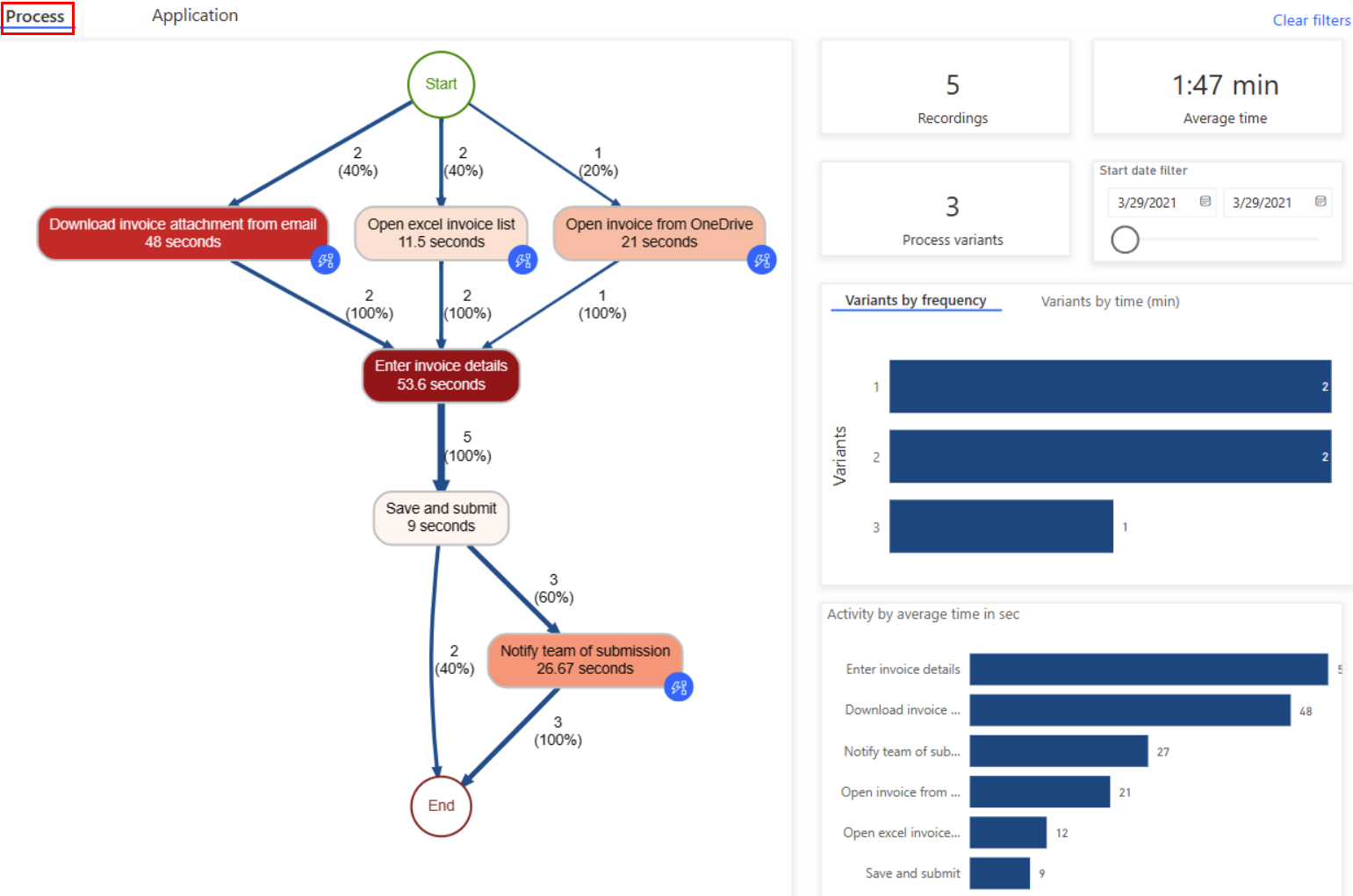
Trigger-based automation is most effective when applied to repetitive, rule-based tasks. Some of the most common scenarios I see across India and the United States include:
Approval Workflows
Automating approvals reduces delays and audit risks. Examples include:
- Expense approvals triggered by form submissions
- Purchase requests routed based on amount thresholds
- Leave approvals synced with HR systems
These automated approval workflows ensure accountability while eliminating manual reminders.
Notifications and Alerts
Timely information keeps teams aligned. Workflows can:
- Notify managers when KPIs cross thresholds
- Alert IT teams when incidents are logged
- Send reminders for pending actions
Data Synchronization
Data inconsistencies often come from manual updates. Automation helps:
- Sync CRM and accounting systems
- Update SharePoint when database records change
- Maintain consistency across tools without duplication
Each of these scenarios relies on reliable trigger logic and error handling—areas where experience matters.
Why Businesses Hire Power Automate Developer Expertise
Hire Power Automate Developer for Complex Logic
While Power Automate is user-friendly, enterprise-grade automation is not just drag-and-drop. When organizations Hire Power Automate Developer resources, they gain expertise in:
- Designing conditional logic that scales
- Handling exceptions and failures gracefully
- Managing connector limits and performance constraints
- Structuring flows for long-term maintenance
A well-built workflow saves time for years; a poorly built one creates hidden technical debt.
Strategic Value of Specialized Experience
In several projects I’ve reviewed—particularly those involving offshore development teams or partners like CnEL India-the difference wasn’t cost, but clarity. Experienced developers focus on process intent, not just tool capability.
When teams consult a Power Automate development expert, the conversation shifts from “Can we automate this?” to “Should we automate this, and how?”
This distinction is critical for sustainable automation.
Automation Best Practices for Scalable Operations
To ensure workflows remain reliable as the business grows, experienced consultants follow certain principles:
- Start with process mapping -Automation should reflect the business process, not redefine it unintentionally.
- Design for failure -Include retries, notifications, and logging to handle connector or data issues.
- Limit over-automation - Not every task benefits from automation. Focus on high-volume, rule-driven processes.
- Use modular flows - Reusable components reduce duplication and simplify maintenance.
- Apply governance early - Naming conventions, environment separation, and access control prevent chaos later.
These practices separate short-term automation wins from long-term operational stability.
Business Outcomes of Well-Designed Workflow Automation
When trigger-based automation is implemented correctly, the impact is measurable:
- Reduced turnaround time for approvals
- Lower dependency on manual follow-ups
- Improved data accuracy across systems
- Better compliance and audit readiness
- More time for teams to focus on strategic work
These outcomes are why many organizations eventually Hire Power Automate Developer specialists instead of relying solely on ad-hoc internal builds.
Also Read: Hire Remote Developers the Right Way: Avoid These Common Mistakes
Conclusion: Building Reliable Workflows with the Right Expertise
Automation is no longer about convenience-it’s about operational resilience. Trigger-based workflows ensure that critical processes don’t stall because someone forgot to act. However, the true value of automation comes from thoughtful design, not just tool adoption.
Organizations that Hire Power Automate Developer expertise gain more than technical execution. They gain clarity around process ownership, scalability, and long-term efficiency. Whether you’re a startup formalizing operations or an enterprise optimizing complex systems, the right automation approach turns everyday workflows into dependable business assets.
In the end, reliable automation isn’t about doing more-it’s about doing what matters, consistently and correctly.





















Sign in to leave a comment.