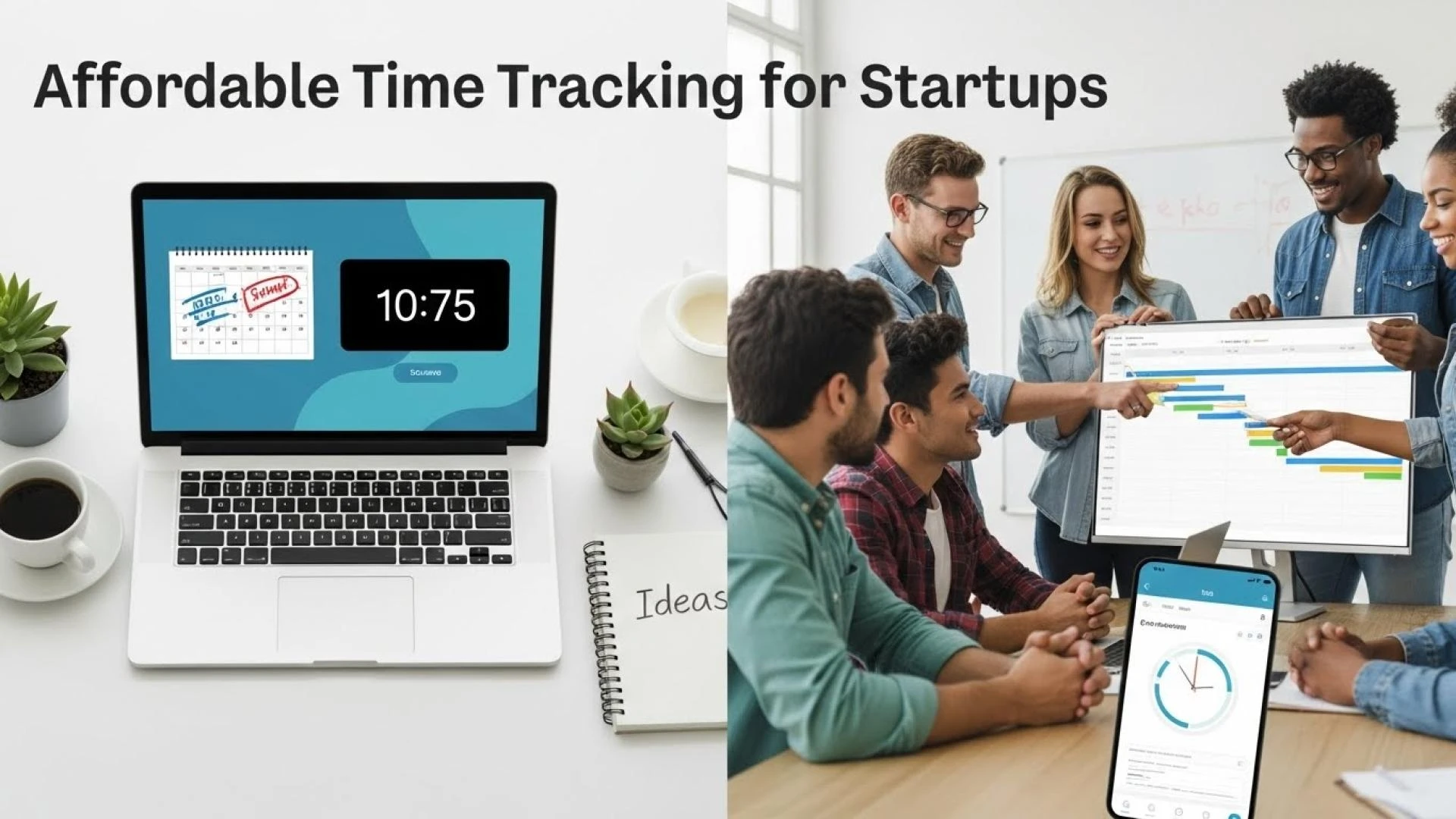

Startups operate under many constraints — tight budgets, limited teams, and pressure to deliver quickly. In that context, every hour counts. But when you don’t track time properly, you risk inefficient use of resources, inaccurate billing (for client-facing startups), unbalanced workloads, and low visibility into where your team’s efforts go. That’s why adopting a cost-effective time tracking software early can have outsized benefits as your startup grows.
Below, we explore why affordable time tracking matters for startups; what features you should prioritize; and then look at some of the best time-tracking tools that are both wallet-friendly and startup-friendly.
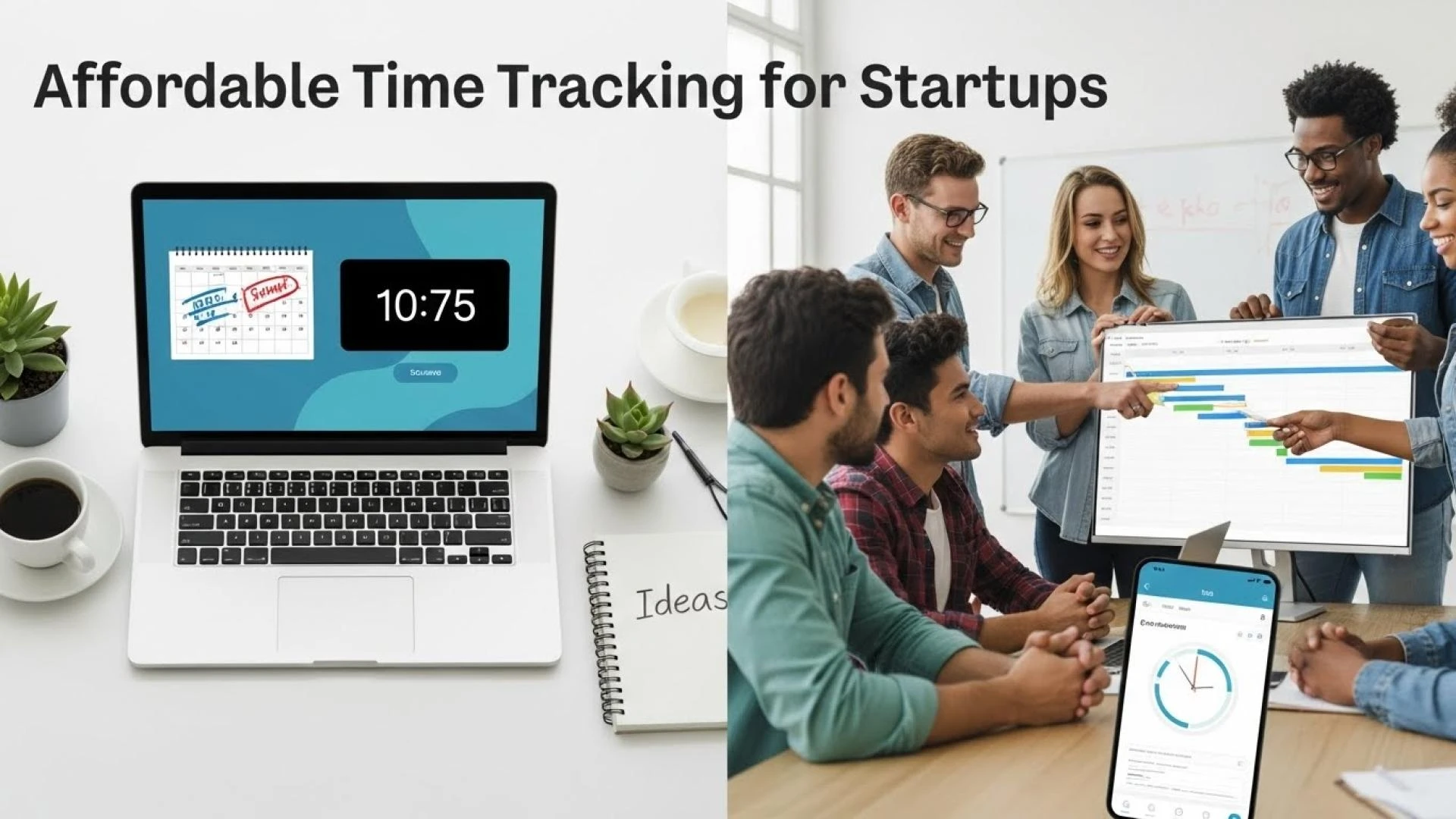
Why Startups Should Use Time-Tracking Software
📈 Boost Productivity & Accountability
In a startup, people often wear multiple hats — development, design, sales, support. Without tracking, it’s hard to know how much time each task takes, and whether the right amount of effort is going into value-generating work. A time tracker brings clarity: projects, tasks, and hours logged become visible, helping the team stay focused, avoid wasted time, and improve accountability.
💰 Accurate Client Billing & Costing
If your startup charges clients by hour or project time, accurate time tracking prevents missed billable hours. For service-oriented or agency-style startups, this can translate into real revenue rather than guesswork or under-billing.
📊 Data-Driven Decisions & Better Planning
Time-tracking data offers insights — which tasks are eating more hours than expected, which projects are more time-consuming, and where to allocate resources more effectively. That data becomes critical when you scale, hire new members, or negotiate client contracts.
🚀 Scales as You Grow — Without Blowing Budget
Affordable tools let startups start small and expand as they grow — without paying a high fixed cost upfront. This flexibility is ideal for early-stage startups that don’t know how big they might get.
What Makes a Time-Tracking Tool “Affordable and Startup-Friendly”?
When evaluating time-tracking tools for startups, prioritize tools that offer:
- Free plans or very low per-user cost — ideally with no or minimal limit on users/projects.
- Unlimited users/projects (or generous limits) so your growing team doesn’t outgrow the plan quickly.
- Essential features — time logging (manual or automatic), timesheets, project/task assignment, basic reporting, exportable reports.
- Simplicity and ease of use — minimal setup, user-friendly interface, quick onboarding.
- Flexibility to scale — ability to upgrade when needed, but functional even at free tier.
- Integration or workflow compatibility — plugins or compatibility with project management, invoicing, or collaboration tools you may already use.
Advanced features such as invoicing, expense tracking, idle detection, or detailed analytics can be “nice-to-have” but not mandatory for early adoption.
Best Affordable Time-Tracking Tools for Startups
Here are some tools that stand out when you balance affordability, features, and suitability for early-stage or lean teams:
DeskTrack
- Why it stands out: DeskTrack offers a free plan that allows unlimited users, unlimited projects — a rare offering. What you get (free tier): Time tracking (manual or timer), timesheets, project/task tracking, basic reports, and ability to assign tasks/clients. UMA
- Ideal for: Bootstrapped startups, lean teams, freelancers — basically anyone wanting to track hours or billable time without paying upfront.
- Growth potential: As you scale, you can upgrade for a small fee per user per month to unlock extras like advanced exports, more detailed reporting, and other productivity features.
Toggl Track
- Why it works: Toggl Track is known for simplicity and a clean UI — great for teams that want minimal friction and a straightforward timer-based approach.
- Pricing & plan: Offers a free plan (with some limits), and paid plans starting at low per-user monthly rates.
- Ideal for: Startups with a small team, or freelancers and creatives who prefer a no-frills, easy-to-use time tracker.
TimeCamp
- What makes it affordable: TimeCamp offers a free plan supporting unlimited users and projects — helpful for bootstrapped startups trying to stay lean.
- Features: Standard time tracking interface, reporting, integrations, timesheets — enough for basic project/time tracking needs.
- Good for: Growing teams that want simple tracking & reporting without investing in expensive productivity suites.
Harvest
- Why consider it: Harvest pairs time tracking with invoicing, expense tracking, and billing — making it useful for startups that bill clients directly or manage project budgets.
- Pricing for small use: Free plan for 1 user and limited projects; paid plans are relatively modest if you need invoicing and additional features.
- Best for: Client-focused startups — freelancers, consultants, agencies — who want integrated time tracking + billing in one system.
Tradeoffs & What to Keep in Mind
While free or low-cost time tracking tools are attractive for startups, they come with tradeoffs compared to enterprise-grade solutions:
- Limited advanced features — free tiers often lack advanced analytics, budget forecasting, or deep integrations.
- Basic reporting or interface limitations — simplicity sometimes means fewer bells and whistles (e.g., limited customization of reports).
- Scaling concerns — as your startup grows and needs more complex project management, you may eventually outgrow these tools and need to upgrade.
- Potential need for multiple tools — e.g., time tracking alone may not cover project management, invoicing, resource planning — you might need to combine a few different tools.
However, many startups find these tradeoffs a worthwhile price for cost-efficiency, flexibility, and simplicity — especially during early or growth phases.
How Startups Can Get Maximum Value From Affordable Trackers
To get the most out of budget-friendly time trackers, keep these strategies in mind:
- Start with free tiers first. Before committing money, test with your small team. See if the core features meet your needs: time logging, project/task assignment, reporting.
- Use time tracking data for analysis & planning. Don’t just log hours — review which projects consume most time, where inefficiencies lie, and use the data to reassign tasks or improve workflows.
- Integrate with existing tools. If you use project management, communication, or billing tools, pick a time tracker that integrates — this reduces context switching and improves workflow.
- Educate your team. For time tracking to work, everyone must use it consistently. A short onboarding or guidelines help avoid gaps or misreporting.
- Upgrade selectively. As your team grows — or if you need invoicing, reporting, better resource allocation — upgrade only when necessary, not preemptively.
Final Thoughts: Time Tracking Is a Smart Investment — Even for Lean Startups
For startups, time is always one of the most precious resources. An affordable, simple time-tracking tool can do more than just log hours — it can bring clarity to workflows, help manage client billing, increase productivity, and give data to support better growth decisions.
Among the options:
- DeskTrack stands out as a free, scalable, startup-friendly tracker with generous limits.
- Toggl Track and TimeCamp are great for small teams wanting simplicity and ease-of-use.
- Harvest works well for service-oriented startups needing integrated time tracking and invoicing.
Starting with a budget-friendly solution doesn’t mean compromising quality — it means being smart and efficient. As your startup grows, you can scale up your tools too.

























Sign in to leave a comment.