
So you've got an app idea, but you've never written a line of code in your life. A few years ago, that would've meant one of two things: spend months learning Swift and Kotlin, or spend thousands of dollars hiring a developer who may or may not actually understand what you're trying to build.
That's not really the reality anymore. Platforms like natively dev have quietly changed the math for solo founders, small business owners, and side-hustlers who just want to get their app in front of real users. You don't need a computer science degree. You just need an idea and a plan for how to execute it.
Below are seven ways this approach actually gets your app from "idea in a notebook" to "live on the App Store," without you touching a single line of code.
1. You Build With Visual Tools, Not Syntax
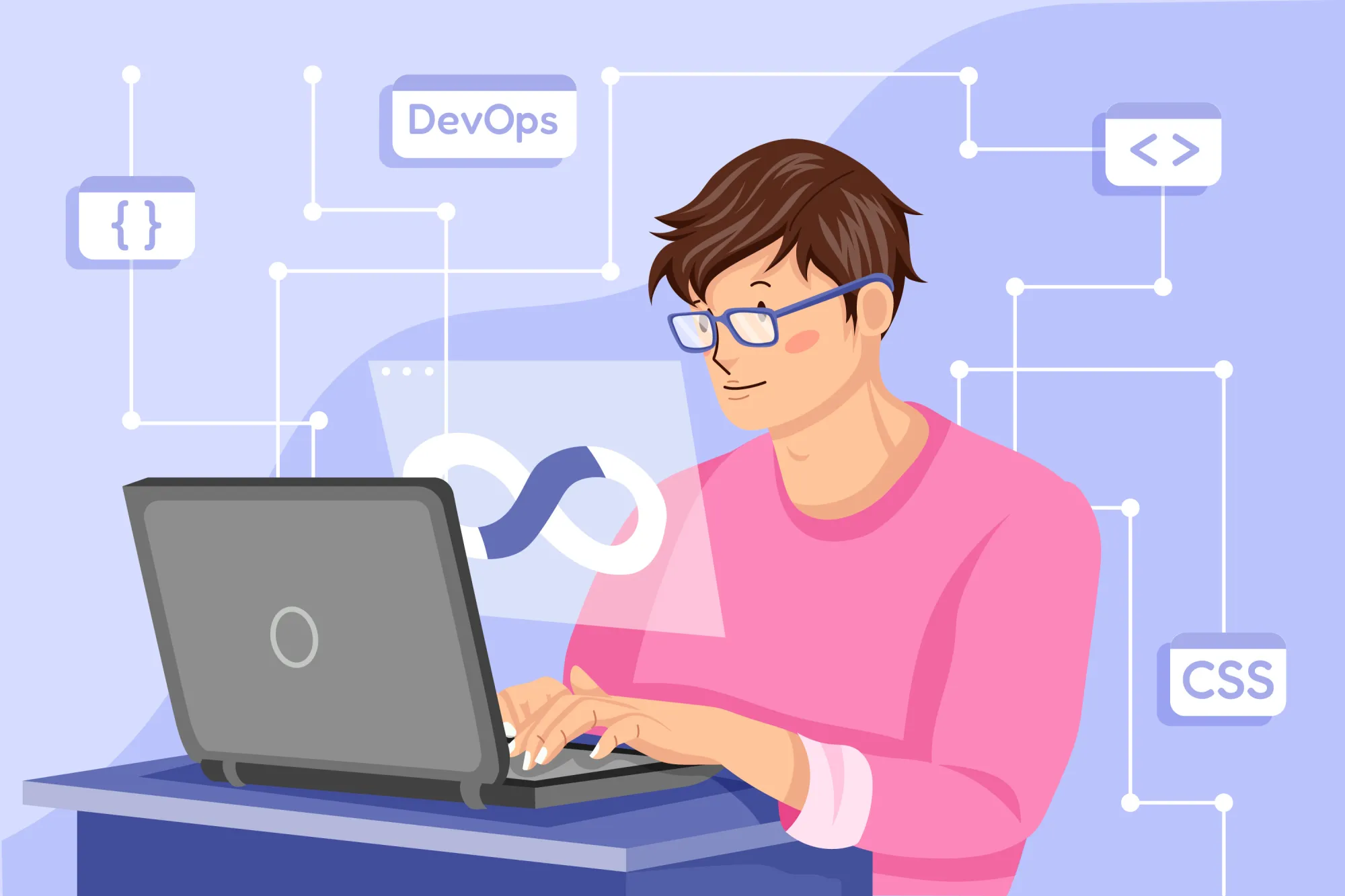
The biggest mental shift when you move to a no-code app builder is realizing you're designing, not programming. Instead of writing functions and debugging syntax errors at 2 a.m., you're dragging screens into place, connecting buttons to actions, and previewing your app in real time.
This matters more than it sounds like it does. Most people who want to build an app aren't blocked by lack of vision — they're blocked by the technical barrier standing between the idea and the screen. Remove that barrier, and suddenly a weekend project becomes plausible instead of fantastical.
2. Templates Do the Heavy Lifting Early On
Nobody wants to stare at a blank canvas. One of the most underrated features of a solid no-code app builder is a library of pre-built templates for common app categories — marketplaces, booking apps, social communities, e-commerce storefronts, and so on.
You pick something close to what you're building, then customize it. Colors, layout, navigation, branding — all adjustable without touching code. This alone can shave weeks off a build, because you're editing something functional instead of assembling something from nothing.
3. Native Performance Without Native Development
Here's the part that trips people up: "no-code" doesn't have to mean "lesser quality." A lot of people assume that skipping code means shipping something clunky. That's an outdated assumption.
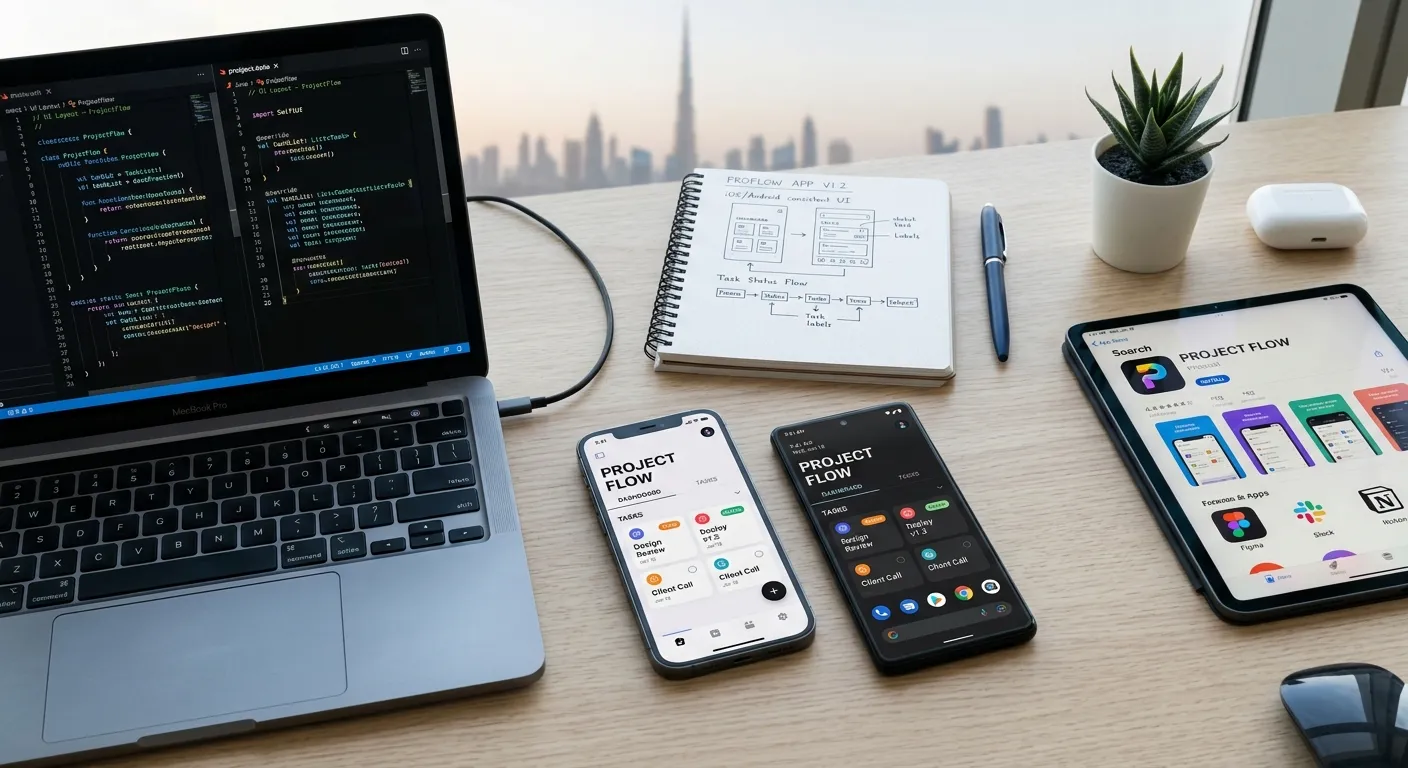
Tools built for real native output — not just wrapped websites — generate apps that behave like they were built by a dedicated iOS or Android team. Smooth transitions, responsive touch targets, proper use of device hardware like the camera or GPS. When it's done right, your users will never know the app wasn't hand-coded.
4. You Can Test on a Real Device Before You Commit
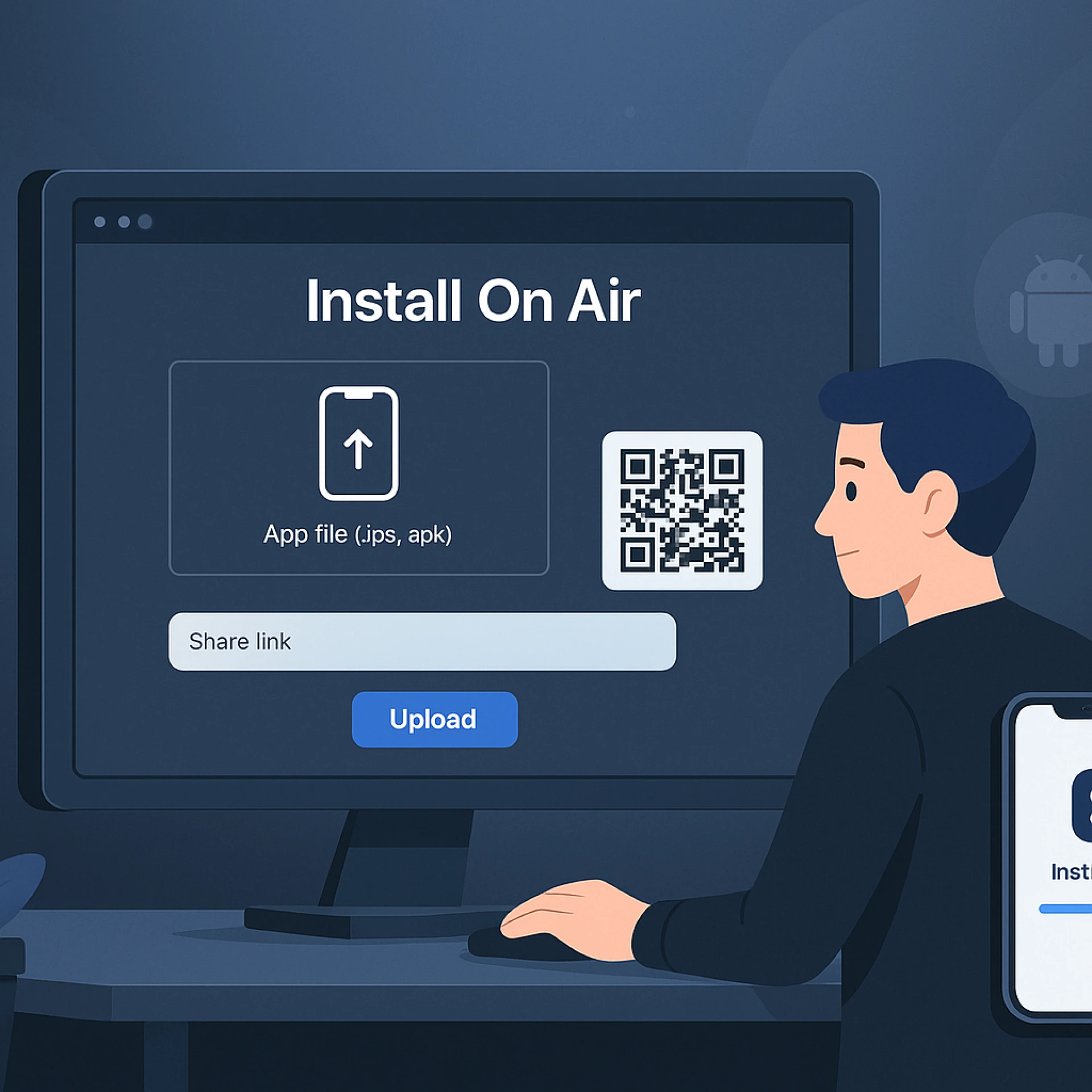
One of the more anxiety-inducing parts of building an app the traditional way is not being able to see it working on an actual phone until fairly late in the process. With a modern builder, you preview your app on your own device almost immediately, often through a companion app you scan a QR code into.
This changes how you iterate. You can tweak a button placement, save, and see the update on your phone within seconds. That feedback loop is what makes fast iteration possible for people without an engineering background.
5. Publishing to Both App Stores Gets Simplified
Submitting to the Apple App Store and Google Play is its own maze, even for experienced developers. Developer accounts, provisioning profiles, screenshots in the right dimensions, privacy policy links, age ratings — the checklist is long, and Apple in particular is notorious for rejecting submissions over small formatting issues.
A good no-code platform walks you through this instead of leaving you to figure it out from developer documentation written for engineers. Some go further and handle the submission process on your behalf, which is genuinely one of the more painful parts of shipping an app removed entirely.
6. Backend Features Come Built-In
An app isn't just screens — it needs a backend to store user data, manage logins, send push notifications, and handle payments. Traditionally, that means learning about databases, servers, and APIs, or paying someone else to build all of it separately.
Platforms like LastApp AI bundle these backend pieces directly into the builder. User authentication, a database for storing content, push notification setup, in-app purchases — these come as toggles and configuration screens rather than infrastructure you have to build from scratch. For someone without a technical co-founder, that's the difference between shipping and stalling out indefinitely.
7. You Can Update Your App Without Waiting on a Developer
This is the one people underestimate until they're a few months in. Apps aren't "done" when they launch — they need updates, bug fixes, new features, and seasonal content changes. If you hired a freelance developer for the initial build, every small update means another invoice and another wait.
When your app is built inside a no-code app builder, you own the ability to make those changes yourself. Want to change your pricing screen, add a new product category, or update your onboarding flow? You can usually do it in an afternoon instead of scheduling a call and waiting a week for a quote.
Tools such as LastApp AI are built around this idea of ongoing ownership — the app doesn't become someone else's project the moment it launches. It stays yours, editable, and adjustable as your business changes.
The Bigger Picture
None of this means coding is obsolete, or that every app should be built without a developer. Complex, highly custom applications with unusual technical requirements still benefit from a dedicated engineering team. But for the overwhelming majority of app ideas — a booking system, a community app, a loyalty program, a content platform — the no-code route gets you to market faster, cheaper, and with far less risk than betting six months of savings on a freelancer you've never worked with before.
If you've been sitting on an app idea because "I don't know how to code" felt like a dead end, it's worth spending an afternoon inside one of these platforms before writing the idea off. You might find the gap between your idea and a working app is much smaller than you thought.
FAQ
Do I need any technical background to use a no-code app builder?
No. Most platforms are designed specifically for people without a coding background. If you can use design software like Canva or build a slide deck, you can generally learn the basics within a day or two.
Will my app actually work on both iPhone and Android?
Yes, as long as the platform generates native apps for both operating systems rather than just a mobile-friendly website. Check this before committing to any tool.
How long does it typically take to build and launch an app this way?
Simple apps can go from idea to submission in a few weeks. More complex apps with custom features and integrations may take a couple of months, still far faster than a traditional development cycle.
Is it expensive to publish on the App Store and Google Play?
The platforms themselves usually charge a subscription fee. Beyond that, Apple charges a one-time developer account fee, and Google charges a small one-time registration fee for its developer console.
Can I switch to custom code later if my app grows?
It depends on the platform. Some allow you to export code or migrate to a custom-built solution once your app scales past what the no-code tool can support, while others keep you within their ecosystem long-term. It's worth asking this question before you build.
























Sign in to leave a comment.