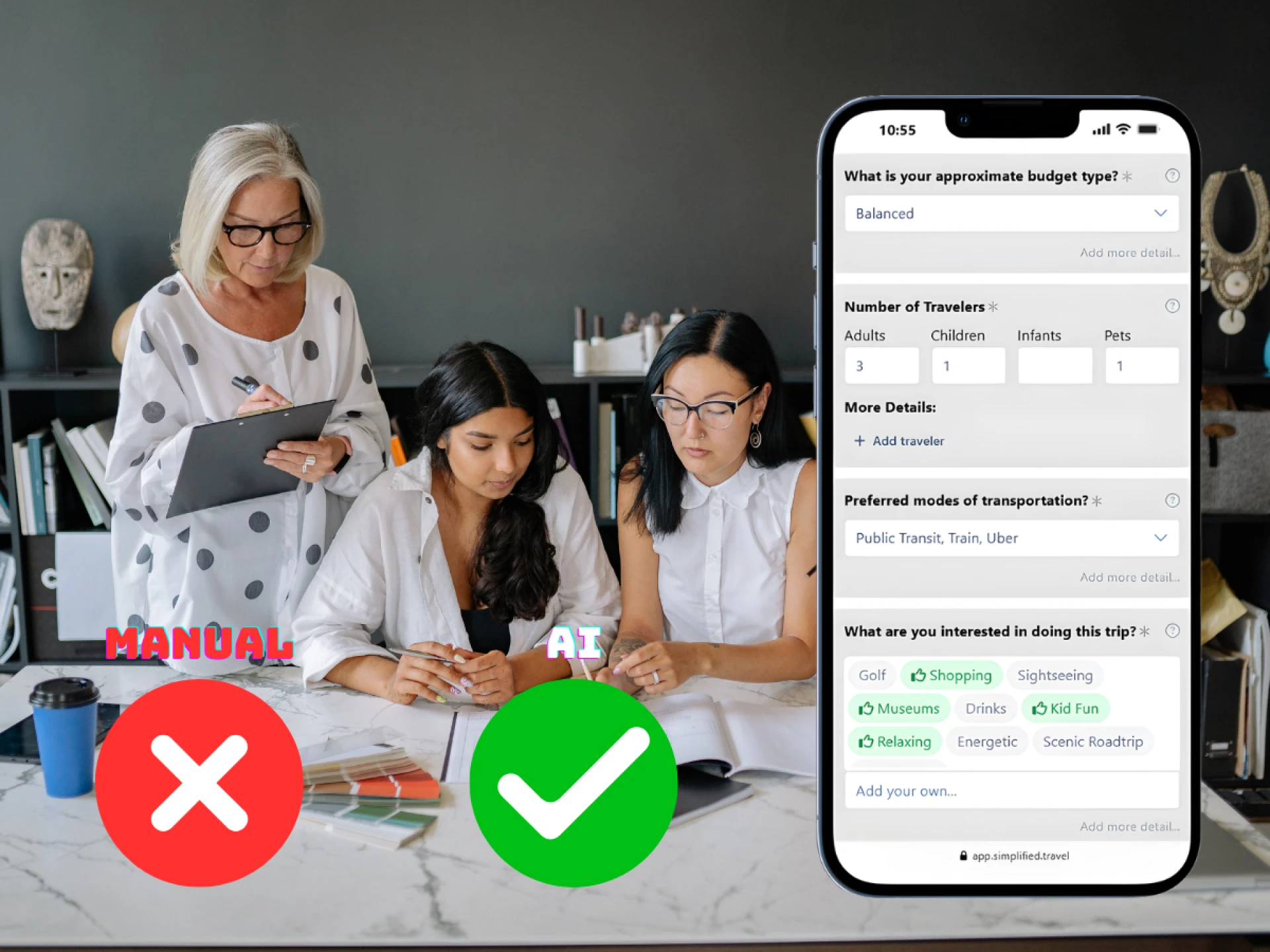

⤷ If you run a tour company, hotel, or tourism board in the USA or Canada, you already know how long it takes to build a good travel itinerary. You collect hotel details, check opening hours, calculate prices, adjust for weather, answer emails, and update documents again and again. Manual itinerary planning eats hours every week.
This guide breaks down seven practical ways to save time while still planning trips manually. You will see where time usually gets wasted, how to fix it step by step, and when manual systems start slowing down your growth.
Why Manual Itinerary Planning Takes So Much Time
Manual itinerary planning often includes:
- Copying and pasting descriptions into Word or Google Docs
- Updating Excel pricing sheets
- Emailing suppliers for availability
- Adjusting plans after weather changes
- Reformatting PDFs
- Managing client revisions
Each task may seem small. But together, they take hours.
A mid-sized tour operator handling 40 to 60 custom trips per month can spend 2 to 4 hours per itinerary. That means 80 to 240 hours monthly just building documents.
The good news is you can reduce that time without losing control.
Let’s understand it step by step.
1. Create Standardized Itinerary Templates
Why Templates Matter
If you build every itinerary from scratch, you waste time on formatting instead of planning.
Templates reduce repetitive work. They also make your brand look consistent.
How to Build a Strong Template
Your base template should include:
- Day-by-day structure
- Standard headings like Accommodation, Meals, Activities, and Transportation
- Space for pricing breakdown
- Cancellation policy
- Booking terms
Create separate templates for:
- Family trips
- Adventure tours
- Luxury travel
- Group tours
For example, if you run tours in Banff, Lake Louise, or New York City, build core day structures that you can adjust quickly instead of rewriting them.
What This Saves
- Formatting time
- Rewriting standard text
- Brand inconsistencies
- Pricing confusion
Templates alone can cut 30 to 40 percent of your planning time.
2. Build a Reusable Activity and Supplier Library
The Real Problem
Most operators copy activity descriptions from past files. That leads to:
- Inconsistent details
- Old pricing
- Incorrect opening hours
- Broken booking links
The Fix
Create a central library that includes:
- Verified activity descriptions
- Updated operating hours
- Contact details
- Seasonal notes
- Pricing tiers
Store this in:
- A shared drive
- Internal database
- Structured spreadsheet
Update it monthly.
For example, if you sell tours in Yosemite National Park or Niagara Falls, record accurate season schedules once instead of checking every time.
Why This is Helpful
You stop searching for information repeatedly.
You avoid supplier errors.
Your team works from one source of truth.
3. Use a Pricing Calculator Instead of Manual Math
A pricing calculator is a structured spreadsheet or tool that automatically calculates the final trip price after adding costs, markup, and taxes.
It saves time, prevents errors, and protects your profit.
Where Time Gets Lost
Manual pricing causes:
- Calculation errors
- Margin mistakes
- Rechecking numbers
- Client revisions due to pricing changes
What You Should Do Instead
Create a structured pricing calculator that includes:
- Net supplier cost
- Markup percentage
- Tax rules for the USA and Canada
- Currency conversion if needed
- Commission adjustments
Build automatic formulas in Excel or Google Sheets.
For example:
Net cost: $1,200
Markup: 20 percent (Markup is the extra money you add to your total cost so your business can earn profit. For example: If your cost is $1,000 and you sell for $1,200, your markup is $200.)
Tax: 5 percent
Your sheet should instantly calculate the final price.
Benefits
- Faster quote creation
- Accurate margins
- Less back and forth
- Reduced refund disputes
This one change protects profit and saves hours every week.
4. Create a Clear Revision Workflow
Why Revisions Drain Time
Clients often request:
- Hotel upgrades
- Activity swaps
- Date changes
- Budget adjustments
Without structure, you lose track of versions.
Build a Simple System
Step 1 - Label each version clearly
Example:
ClientName_Trip_V1
ClientName_Trip_V2
Step 2 - Track requested changes in a separate log
Step 3 - Confirm changes in writing before editing
This prevents:
- Repeating the same edits
- Confusion between team members
- Sending the wrong version
Simple Rule
Never edit the same document without version control.
This alone can save 20 to 30 minutes per revision.
5. Organize Communication in One Place
The Usual Mistake
Information spreads across:
- Gmail
- Slack
- Phone calls
- Personal notes
That causes missed details.
What to Do Instead
Use one communication channel per client.
Options include:
- Dedicated email thread
- CRM tool
- Centralized project system
Log:
- Budget
- Special needs
- Dietary restrictions
- Arrival times
If you work with group tours or corporate travel in cities like Toronto or Chicago, this organization prevents confusion when multiple people are involved.
Result
Less searching.
Less miscommunication.
Fewer costly errors.
6. Block Time for Itinerary Creation
Why Multitasking Slows You Down
Switching between:
- Supplier calls
- Client emails
- Marketing tasks
Breaks focus.
Research shows that task switching reduces productivity significantly. Even small interruptions can add minutes each time.
Practical Fix
Set:
- Two dedicated planning blocks per day
- No email notifications
- No phone calls during that time
Even 90-minute focused sessions improve speed.
Planning becomes smoother and cleaner.
7. Know When Manual Systems Are Slowing Your Growth
Manual planning works at a small scale. But it becomes difficult when:
- You handle 80 to 100 trips monthly
- You manage multi-day custom tours
- You need real-time weather updates
- Clients expect instant responses
At that stage, updating every itinerary manually becomes risky.
For example:
If heavy rain hits a coastal trip in Florida or British Columbia, you must manually change activities and notify clients.
This takes time and increases pressure.
This is where smart digital planning tools begin to help.
How Modern AI Tools Support Manual Teams
Even if you prefer manual control, technology can remove repetitive tasks.
One example is Simplified.Travel.
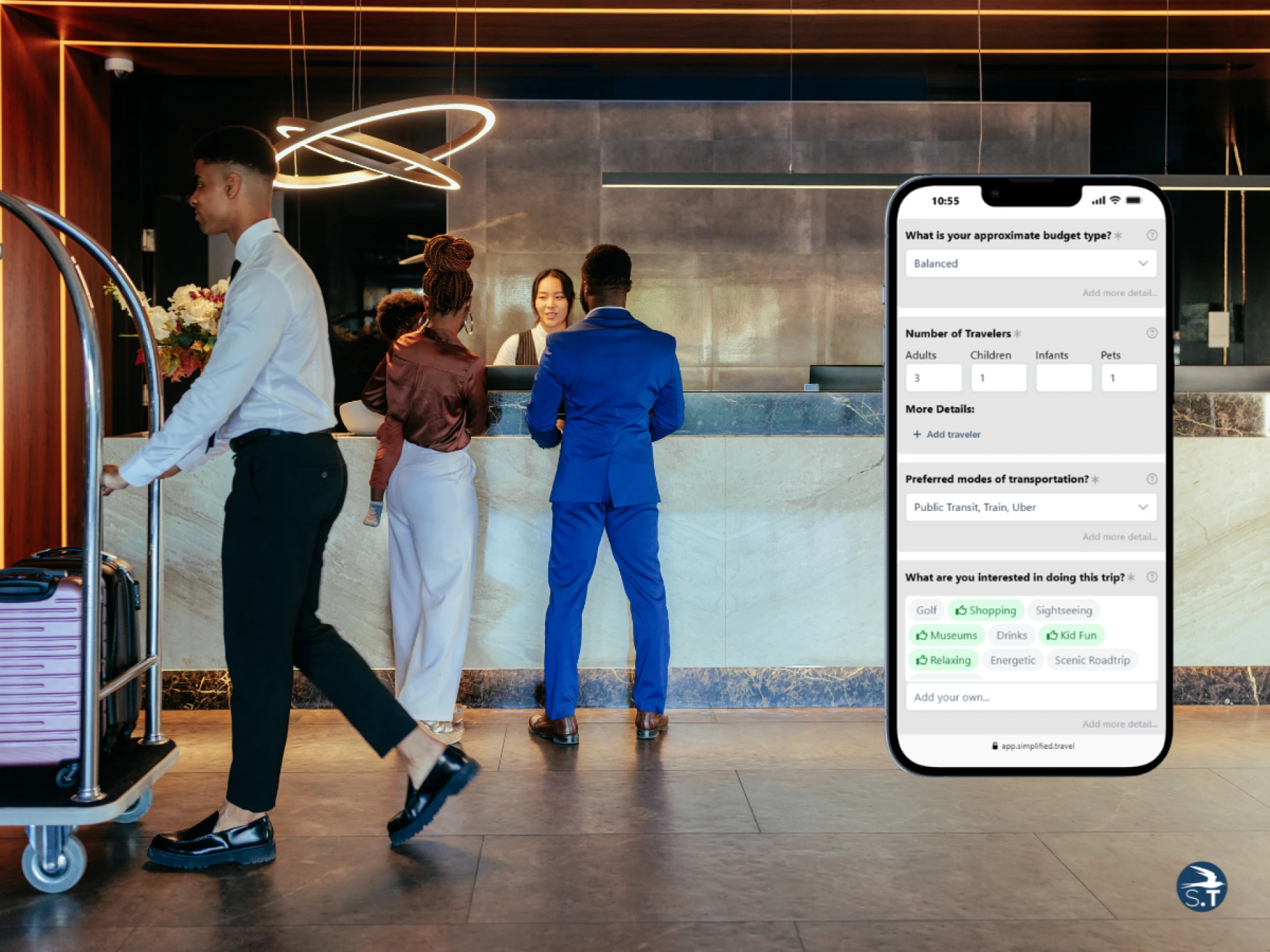
Simplified.Travel is an AI-powered itinerary generator designed for tourism businesses in the USA and Canada. It works directly on your website and keeps your brand front and center.
Here is how it supports efficiency:
AI-Powered Itinerary Generator
It builds personalized travel plans using verified data.
Live Disruption Updates
If the weather changes or an attraction closes, its’ Watchdog updates the itinerary automatically.
Smart Booking Integration
Wingman AI agent allows booking inside the plan without switching systems.
Multilingual Support
Wayfinder supports multiple languages for international travelers.
Analytics Dashboard
Insight shows how visitors interact with itineraries and what they prefer.
Plug-and-Play Integration
You can add it with a few lines of code or use API integration for deeper customization.
This does not replace your expertise. It removes repetitive manual steps while keeping full branding control.
Top Questions Tour Operators Ask About Manual Itinerary Planning
1. Why does itinerary planning take so much time?
Because most teams repeat the same tasks for every trip. They rewrite descriptions, search for updated supplier details, calculate pricing manually, and manage multiple revisions. Without templates and organized systems, every itinerary feels like starting from zero.
2. How can I reduce client revisions?
Confirm expectations before building the plan. Ask about budget, travel style, hotel level, and must-do activities upfront. When you align on details early, you avoid major changes later.
3. How do I prevent pricing mistakes in custom tours?
Use a structured pricing calculator instead of manual math. Enter supplier costs, apply your markup, and let formulas calculate totals and taxes automatically. This protects profit and avoids underpricing.
4. When does manual itinerary planning start limiting growth?
Manual systems work well for low volume. But when you manage 60 or more custom trips per month, handle frequent changes, or need fast turnaround, manual processes slow response time and increase errors. That is when structured digital support becomes important.
5. Can AI tools actually save planning time?
Yes, if used correctly. Tools like Simplified.Travel helps generate structured itineraries, adjust plans when weather or closures happen, and manage bookings in one place. It does not replace your expertise, but it removes repetitive tasks so your team can focus on designing better travel experiences.
Key Takeaways
- Templates reduce repetitive writing and formatting
- A verified supplier library prevents outdated information
- Pricing calculators protect margins and reduce math errors
- Version control prevents confusion
- Centralized communication reduces missteps
- Time blocking improves focus and speed
- Manual systems work best at small scale
When volume increases, structured tools can reduce pressure and protect quality.
Save Time and Protect Your Profit
If you currently build every itinerary manually, start by fixing your internal process. Create templates. Organize suppliers. Automate pricing calculations. Set clear revision rules.
These steps alone can save hours every week.
Then ask yourself one honest question:
Is your manual system helping you grow or slowing you down?
If you are planning more trips every month and handling complex requests across the USA or Canada, it may be time to combine your expertise with smart AI planning support.
Our tool Simplified.Travel allows you to keep control while reducing repetitive work. You can start small and expand when needed.
Start by fixing one process today. Then improve the next. Small improvements lead to big time savings over a year.




























Sign in to leave a comment.