Orbi is the most popular creation of Netgear till date. The router with its satellites offer lightning fast wifi speeds. You get to connect multiple smart gadgets all at once without the problem of lag or buffering. The Orbi inhibits multiple advanced features like that of guest network, parental control, device prioritisation and more. So if you bought one for your abode or office space then this post is all that you need for the first time orbi wifi setup. The setup process is simple, easy and quite user-intuitive. But to make it even more simple, we have listed the entire process into multiple steps and with no complex technical terms. Now let's get into it.
✓ Collect Setup Components
Firstly for orbi wifi setup you need a few important components. Collecting them beforehand makes the setup process smooth and hassle-free. The requirements are:
- Orbi router with its power adapter.
- Next you need access to a modem.
- Thereafter, you require Ethernet cable.
- Access to a well working smart device is crucial. For the setup you can use any device from laptop to an iPad.
- Then you require access to an electrical outlet.
- You need a web browser like chrome, firefox, edge, internet explorer or any other of your choice.
- Lastly, the Orbi satellites, if any with their respective power adapters.
✓ Pre-Setup Guidance
Firstly deploy the main Orbi router in the center, open area of your place be it home or office. Do not try to hide it and choose a spot which is higher in elevation like a table top or some shelf. Up next if your modem has a connection to some other router then disconnect it from the modem. Now turn off power to the modem and then unplug all the wires. Wait for 30 seconds or for a minute. Thereafter replug the modem and repower it. This reboot allows for a fresh pairing with the Orbi router.
✓ Connect Hardware
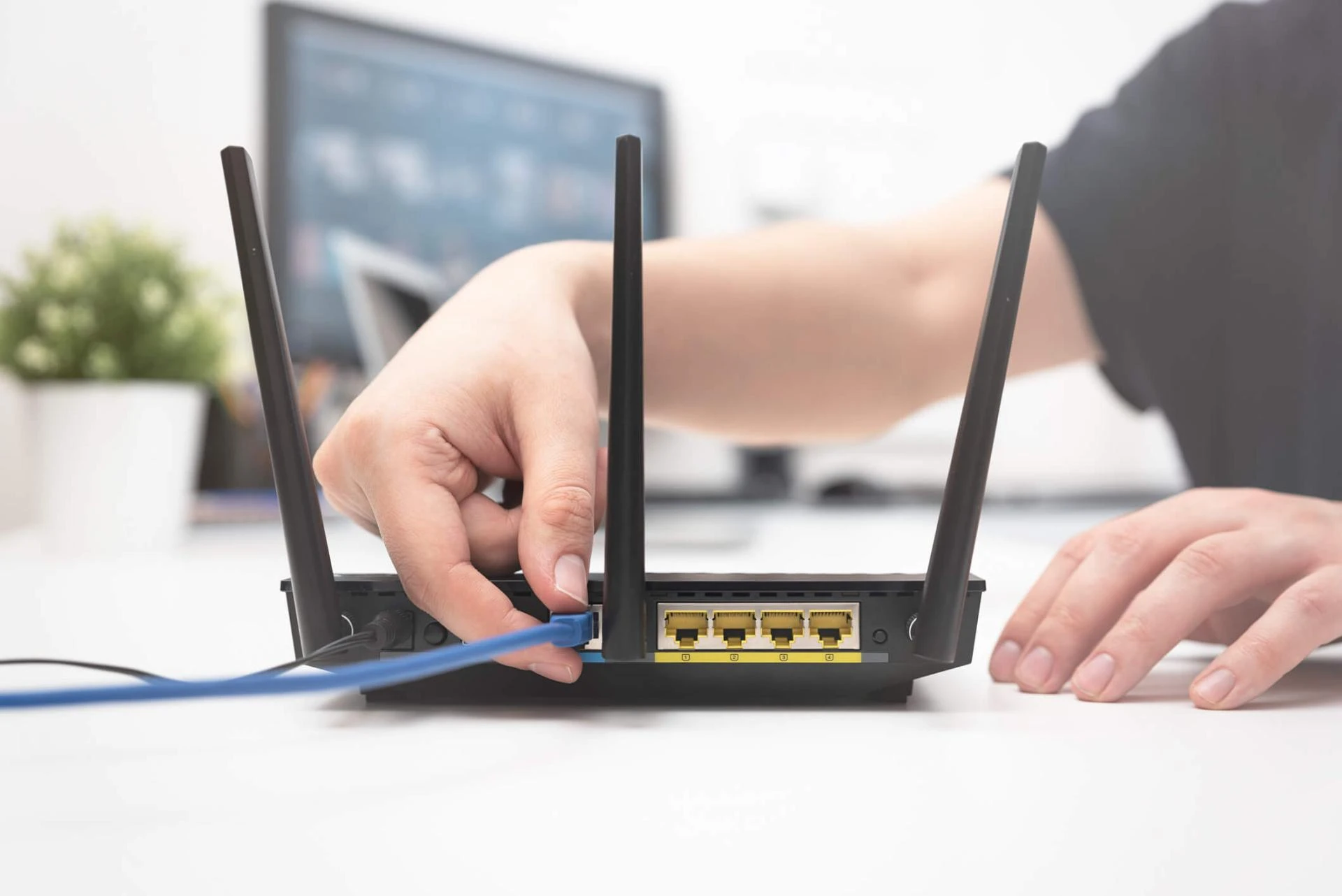
Now comes the main steps for the orbi wifi setup. First take an Ethernet cable. Connect it with the Orbi router's port which is marked yellow. Slide wire's second end into the modem. Thereafter fetch the power cable. With its help turn on the Orbi router. As you switch on the power the status indicator will start flashing. So you have to wait for this indicator to turn all white.
✓ Access Orbi's Local Network
Now it's time to fetch a smart device for the further Orbi wifi setup. Take your device and pair it up with the router's local network. You can do so via two methods:
- For wireless connection, enable smart device's wifi. Then use the details that are written on the orbi router's base panel on a product label.
- The other method is simple. Just connect to the router using ethernet cable.
✓ Enter Orbi Wifi Setup Panel
Moving further on the connected device, launch a web browser. Then move to its URL column. Depending on your Orbi router's model in the blank type the login address. Type the address without a single mistake because otherwise the page won't become accessible. For newer models you can use:
- orbilogin.local or
- 10.168.168.1
Now coming to the older models you can type:
Now hit the enter key. You'll now have access to the welcome page.
✓ Finish The Setup
To wrap up orbi wifi setup follow these below written steps one by one:
- Read terms and conditions. Agree and hit Next.
- The internet connection establishes. Tap on Next to access the satellite page.
- Now place your satellites strategically within the reach of each other. Using their respective power adapters power them on. Wait for them to show a steady light. Confirm the same on the setup interface.
- Thereafter, the admin page will pop out. So create a unique password which is a mix of everything from alphabets, numbers to special characters.
- Further pick any two security questions. Answer them correctly. These answers come to the rescue when you forget the login password.
- Finally, you now get a chance to personalize the details of the new Orbi network. Do so and after that tap on Next.
- Now pair up your smart device with the new network that you just established. If the connection is successful then confirm the same by hitting “I Am Connected”.
- Towards the end you'll get a notification regarding firmware updates. If available then do not skip for the next time, rather start the installation then and there. With this the process for orbi wifi setup completes.
In case you need troubleshooting help or have any questions related to the setup process then feel free to reach out to the customer support team.
Sign in to leave a comment.