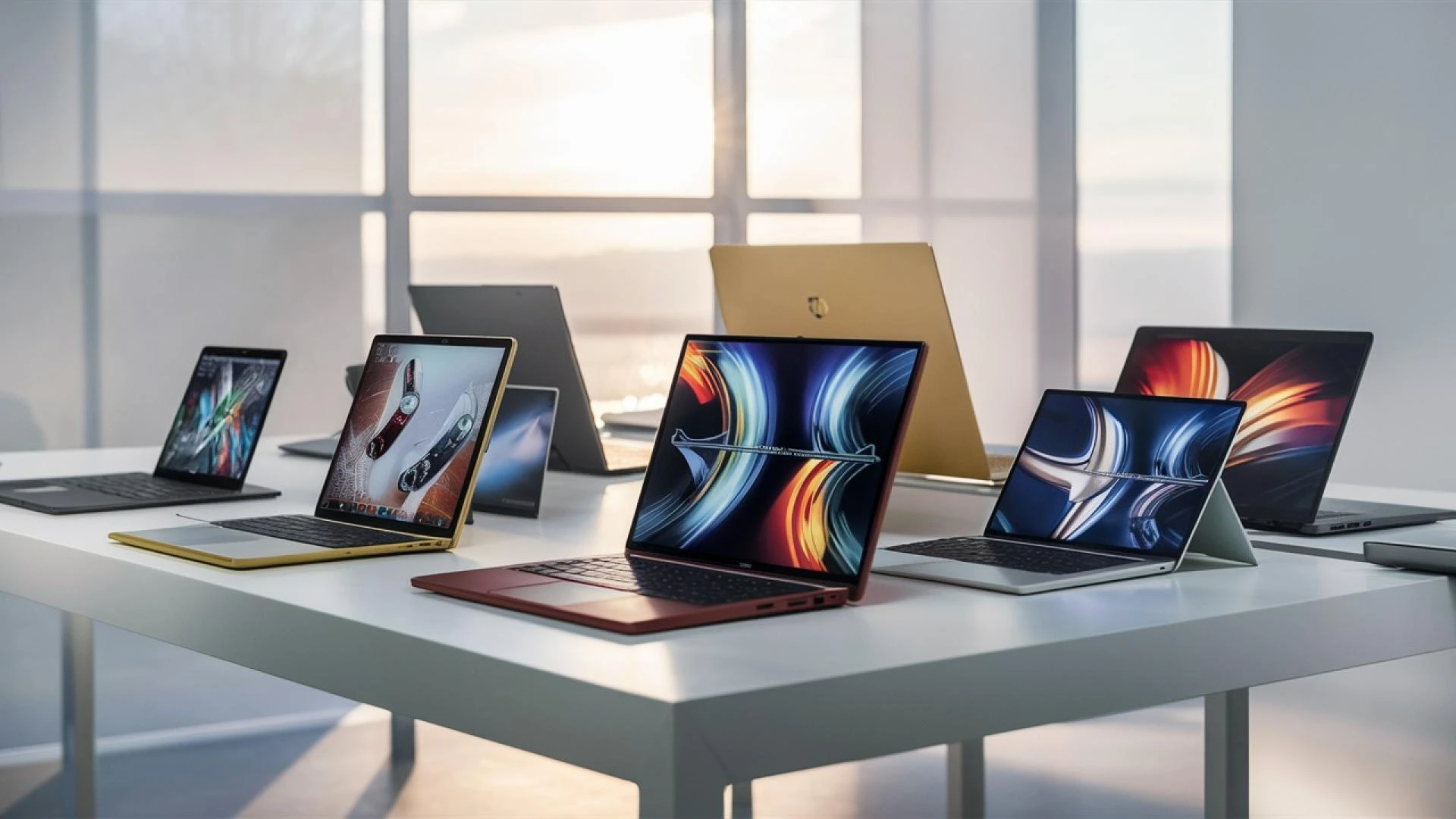

Choosing the perfect gaming laptop can feel like a daunting task, especially with so many options available. But don\'t worry – I\'m here to help! Whether you\'re a hardcore gamer or just looking to play the latest titles smoothly, this guide will walk you through everything you need to know to make an informed decision. Let\'s dive in!
Why a Gaming Laptop?
First things first, why choose a gaming laptop over a desktop? The main reasons are portability and convenience. Gaming laptops let you take your gaming on the go, whether it\'s to a friend\'s house, on a trip, or just moving around your own home. Plus, they combine all the components you need in one neat package.
Key Components to Consider
When it comes to gaming laptops, there are a few key components you\'ll want to pay attention to: the GPU, CPU, RAM, storage, display, and battery life. Let\'s break each one down.
1. Graphics Processing Unit (GPU)
The GPU is the heart of any gaming laptop. It\'s responsible for rendering images, animations, and video for the screen. For gaming, you\'ll want a powerful GPU that can handle the latest games at high settings.
- NVIDIA GeForce RTX Series: These are top-of-the-line and support ray tracing, which makes lighting and reflections in games look more realistic.
- AMD Radeon RX Series: Another excellent choice, offering great performance and value.
2. Central Processing Unit (CPU)
The CPU is like the brain of your laptop. It handles all the instructions from your software and games. For gaming, a good CPU ensures smooth performance and helps prevent bottlenecks.
- Intel Core i7 or i9: These are high-performance CPUs that can handle intensive tasks and games.
- AMD Ryzen 7 or 9: Known for their excellent multitasking capabilities and gaming performance.
3. RAM (Memory)
RAM is crucial for gaming because it stores the data that your CPU needs to access quickly. More RAM means better multitasking and smoother gameplay.
- 16GB: This is the sweet spot for most gamers. It’s enough to handle modern games and some background tasks.
- 32GB: If you’re into heavy multitasking, streaming, or future-proofing your system, this is a good choice.
4. Storage
When it comes to storage, you have two main options: SSD (Solid State Drive) and HDD (Hard Disk Drive). SSDs are faster, quieter, and more reliable.
- SSD: Go for at least 512GB if you can. It will significantly improve load times and overall system responsiveness.
- HDD: Useful for additional storage, especially if you have a lot of games, but not essential if you have a large SSD.
5. Display
The display is what you’ll be staring at, so it’s important to get a good one.
- Resolution: 1080p (Full HD) is the standard and works well for most gamers. If you want sharper images and have a powerful GPU, consider 1440p (QHD) or even 4K.
- Refresh Rate: Look for at least 120Hz. Higher refresh rates (144Hz, 240Hz) make for smoother gameplay.
- Screen Size: 15-inch is the most common and balances portability with screen real estate. 17-inch provides a bigger view but is less portable.
6. Battery Life
Gaming laptops are notorious for short battery life because of their powerful components. If you plan to game away from a power outlet, look for a laptop with a decent battery life (at least 4-5 hours of gaming).
Additional Features to Consider
1. Keyboard and Touchpad
A good keyboard can make a big difference, especially for long gaming sessions.
- Mechanical Keyboards: Offer tactile feedback and are more durable.
- Backlit Keyboards: Helpful for gaming in low-light conditions.
2. Cooling System
Gaming laptops can get hot, so a good cooling system is essential to maintain performance and comfort.
3. Portability
Consider the weight and thickness of the laptop if you plan to carry it around frequently. Thinner and lighter models are more portable but may sacrifice some performance and cooling.
4. Connectivity
Make sure the laptop has enough ports for your needs, such as USB-C, HDMI, and Ethernet. A good Wi-Fi card is also essential for online gaming.
Popular Gaming Laptop Models
Here are a few popular gaming laptops that are well-regarded in the gaming community:
- Asus ROG Zephyrus G14: Known for its great balance of performance, portability, and battery life.
- Razer Blade 15: Offers sleek design and powerful specs, making it a favorite among gamers.
- MSI GS66 Stealth: Combines high performance with a sleek, portable design.
- Acer Predator Helios 300: A more budget-friendly option that still offers excellent performance.
Budget Considerations
Gaming laptops can be expensive, but you don’t need to break the bank to get a good one. Here are some tips for different budget gaming laptops :
- Under $1,000: Look for laptops with GTX 1650 or 1660 Ti GPUs, and Intel i5 or AMD Ryzen 5 CPUs. These can handle most games at medium to high settings.
- $1,000 - $1,500: You can get RTX 2060 or 3060 GPUs, and Intel i7 or Ryzen 7 CPUs, which are great for high settings and some ray tracing.
- Above $1,500: This range gets you RTX 3070 or 3080 GPUs, and the latest i9 or Ryzen 9 CPUs, capable of handling any game at ultra settings with ray tracing.
Making Your Decision
When choosing your gaming laptop, consider what games you play most, your budget, and how portable you need your laptop to be. Do some research on models that fit your criteria, read reviews of the best gaming laptops, and maybe even test them out in a store if possible.
Final Tips
- Upgradeability: Some gaming laptops allow you to upgrade RAM and storage later on, which can be a cost-effective way to extend the lifespan of your laptop.
- Warranty and Support: Consider the manufacturer’s warranty and customer support reputation. It can save you a lot of headaches down the road.
- User Reviews: Check out user reviews to get a sense of real-world performance and any potential issues.
Choosing the perfect gaming laptop might take some time and research, but it\'s worth it to get a machine that will provide you with hours of gaming enjoyment. Happy gaming!







Sign in to leave a comment.