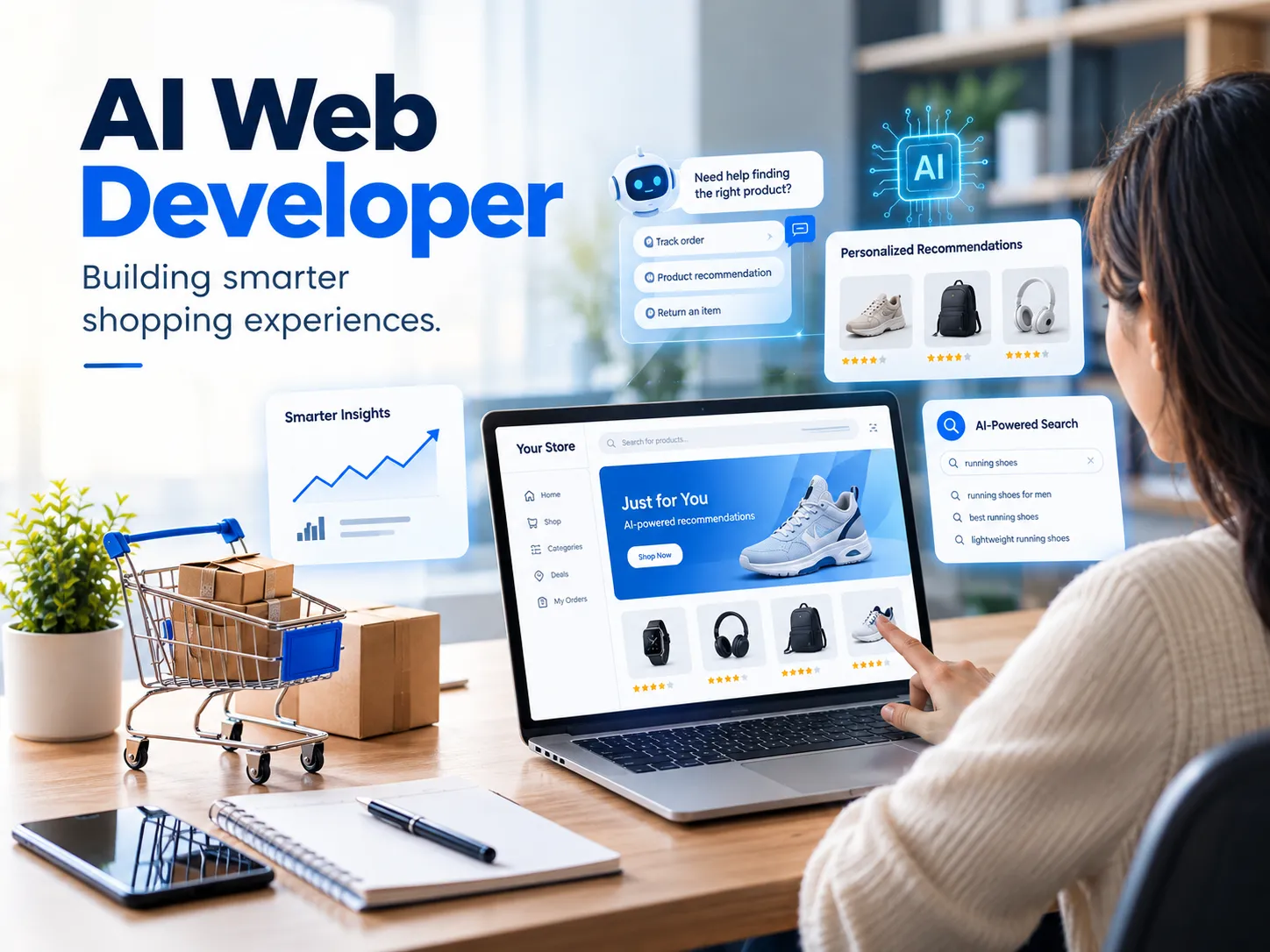

Most online stores look similar: same layout, same checkout flow, same search bar. What separates stores that convert well is often what's happening behind the scenes - personalization, predictive search, and support that helps. Building that takes more than installing a plugin; it usually means working with an AI web developer who understands machine learning and the realities of running an e-commerce storefront: page speed, checkout reliability, and data you can trust.
What an AI-Powered E-commerce Website Actually Looks Like
An AI-powered e-commerce website isn't one feature - it's several systems working together. On the front end, that might mean product pages that reorder based on what a visitor has clicked. On the back end, it can mean models that flag when a product is likely to run out of stock. Most of this doesn't require replacing your platform: AI features usually connect through APIs that link machine learning services to a Shopify or WooCommerce store without touching the core codebase.
Personalized Product Recommendations That Convert
Recommendation engines are the most visible form of AI on a shopping site - the “customers also bought” or “picked for you” sections. A model looks at browsing history and purchase patterns to rank what to show next. Done well, this cuts the clicks between landing on your site and finding something a shopper wants; done poorly, it feels random. The difference usually comes down to how much attention went into training the logic on your own catalog, not a generic template.
AI Chatbots and Customer Support That Don't Feel Robotic
Conversational AI has improved enough that a chatbot can handle order status, returns, and basic troubleshooting without frustrating the customer, as long as it's built well. The underlying technology is natural language processing, which lets a bot interpret a typed question instead of a rigid menu tree. The harder design decision isn't the AI itself; it's knowing when to hand a conversation off to a human agent. A support bot connected to your CRM can pull order history automatically, so customers don't repeat information they already gave you.
Smarter Product Search and Discovery
Standard site search matches keywords literally, which is why a search for “blue running shoes” can return nothing if your product titles say “sneakers.” AI-based search understands intent and synonyms, and tolerates typos and vague queries. For stores with large or fast-changing catalogs, this matters more than most owners expect - search abandonment is one of the quieter reasons carts stay empty. Fixing it is usually a data problem before it's an AI problem.
Automating Inventory and Customer Insights
Machine learning is also useful on the operational side: demand forecasting, customer segmentation for email campaigns, and flagging unusual order patterns that might indicate fraud. None of this is glamorous, but it's often where AI pays for itself fastest, since it cuts manual work instead of adding a feature. The tradeoff is that these systems need clean, consistent data, which is where a lot of DIY AI projects run into trouble.
Integration Challenges: Why Reliable Development Matters
Adding AI to an existing store is rarely just installing an app. APIs need to be authenticated correctly, customer data must be handled in line with privacy expectations, and a poorly optimized model can slow page load times enough to hurt conversions. This is the kind of problem an experienced AI web developer should catch before it reaches production. Some professionals describe themselves as an AI Full Stack Developer, handling front-end design, back-end architecture, and AI integration together - useful if you'd rather coordinate with one person instead of three.
When Your Store Needs an AI Web Developer
Not every store needs AI on day one. It usually becomes worth the investment when support can't keep up with order volume, when a growing catalog makes basic search unusable, or when conversion rates have plateaued despite reasonable traffic. If you're comparing quotes or figuring out what's realistic for your budget, talk to a developer early, before committing to a platform - some integrations are more involved than they look.
Finding the Right AI Web Development Expert on Upwork
If you're hiring rather than building in-house, look past the portfolio screenshots. Ask for examples of live stores, not mockups, and what broke during those projects and how it was fixed - that tells you more than a polished case study. A qualified specialist should explain, in plain language, how their recommendation model or chatbot actually makes decisions, not just that it “uses AI.” It's also worth asking about data handling: where customer data is stored and whether it's shared with third-party AI services.
Hire AI Web Developer: What to Check Before You Commit
Before you commit, confirm three things: experience with your specific platform, a clear testing plan before launch, and ongoing support after the features go live. Business owners usually reach this stage after a plugin-based shortcut has already hit its limits. A short discovery call, before any contract is signed, is usually enough to tell whether a developer understands your catalog and traffic patterns, or is repeating the same pitch to every prospective client.
AI in e-commerce works best as targeted fixes to specific problems, not a wholesale rebuild. Start with whichever pain point costs you the most customers today, and build outward from there.


















Sign in to leave a comment.