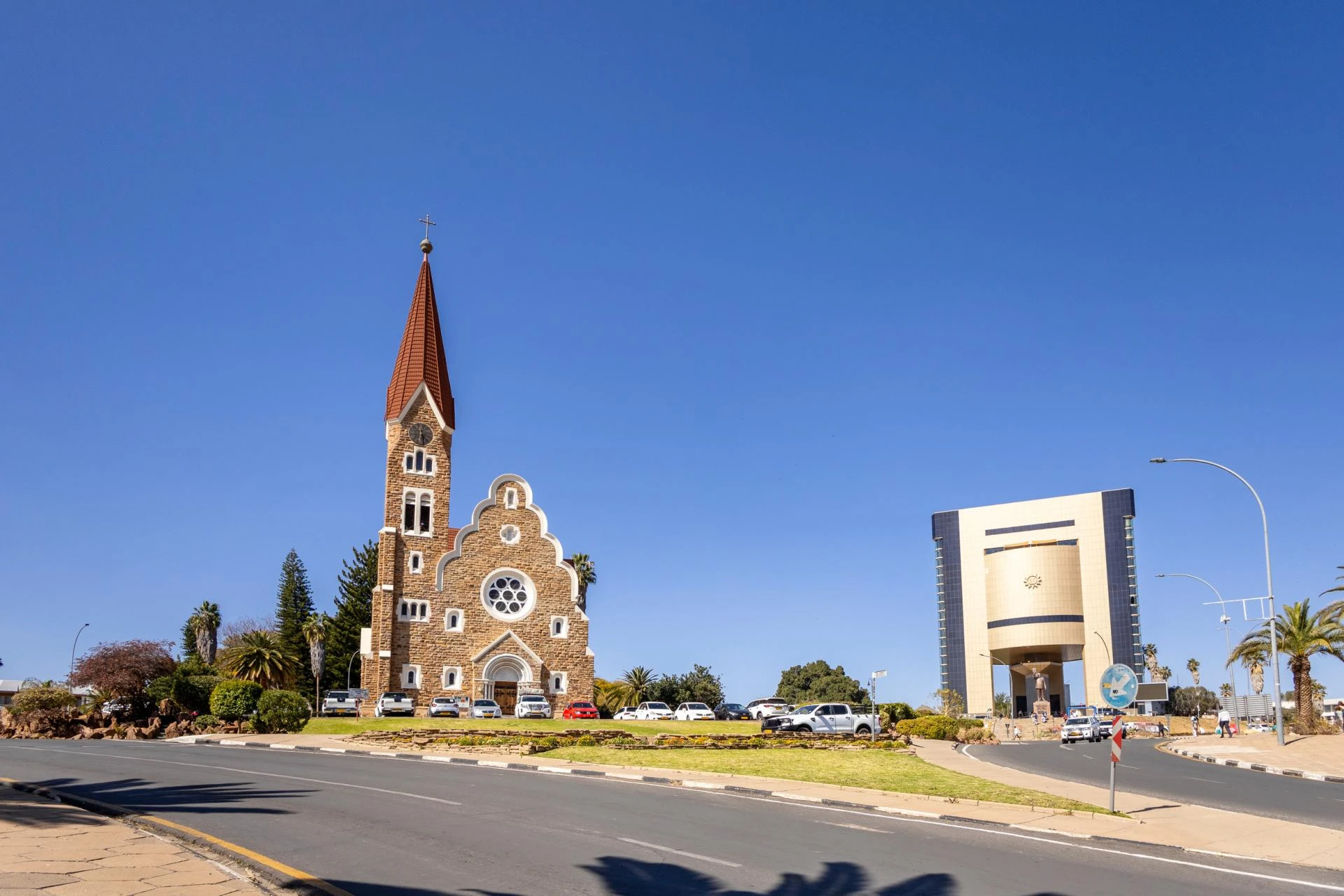

Planning a trip to Namibia has never been easier for the people of Angola. Whether you are heading across the border for a family reunion, a business meeting in Windhoek, or a safari in Etosha National Park, the digital age has simplified the way we travel. The Namibia eVisa is now the gold standard for securing your travel authorization quickly and securely.
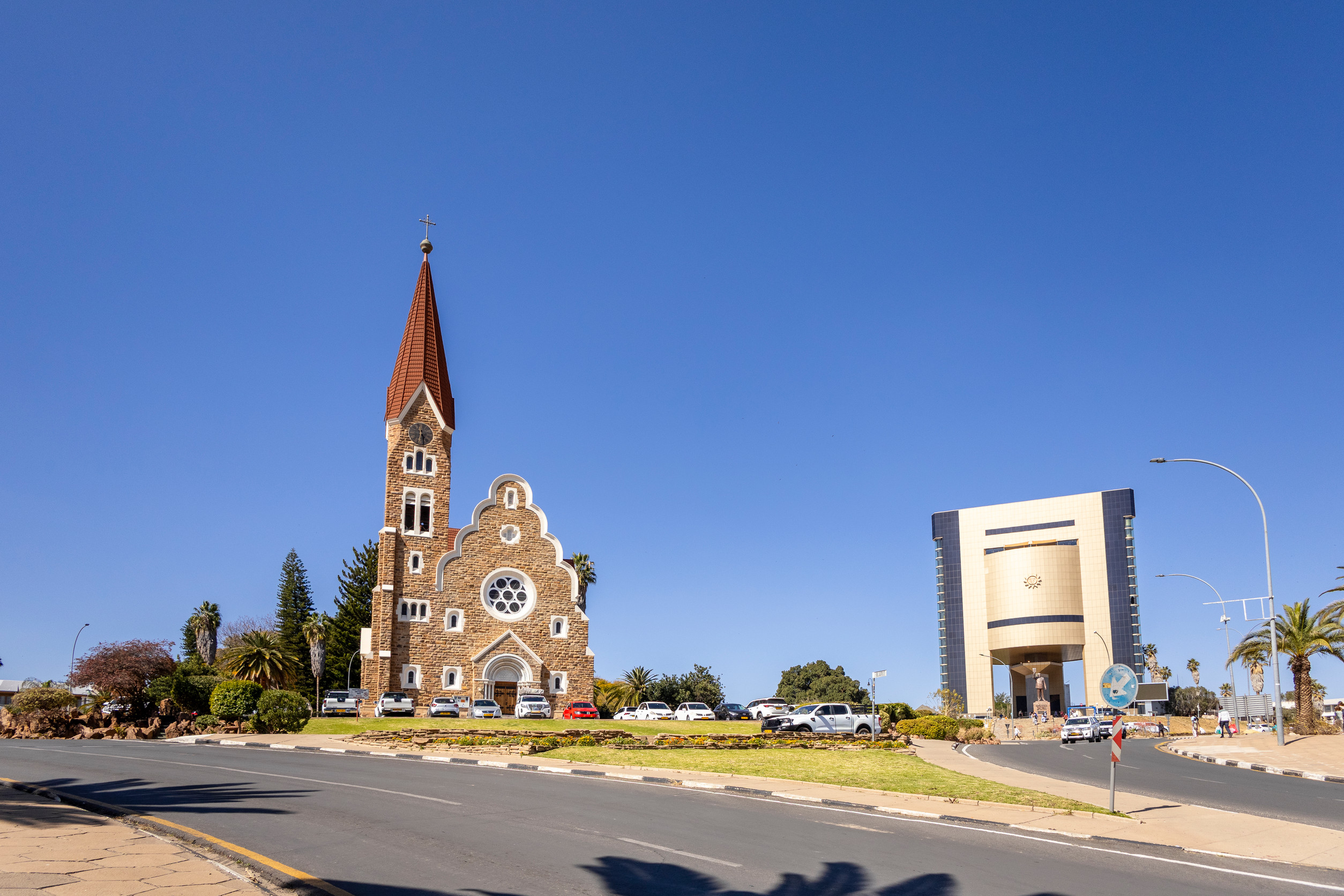
In this guide, we break down everything Angolan travelers need to know about the Namibia eVisa document requirements for Angolan Citizens.
Do Angolan Citizens Need a Visa to Enter Namibia?
While many neighboring SADC countries enjoy visa-free entry for short stays, certain categories of travel and longer durations require a formal authorization. The Namibia eVisa is an electronic travel permit that allows you to enter the country without having to visit a physical embassy. It is linked digitally to your passport, making the border crossing smooth and hassle-free for all Angolan travelers.
What are the Different Types of Namibia eVisas Available for Angolans?
Depending on the purpose of your trip, you can choose from several specialized eVisa categories:
- Visiting Friends & Relatives eVisa: Perfect for those visiting family across the border. (Multiple entry, valid for 90 days).
- Tourism eVisa: The go-to choice for sightseeing, vacations, and exploring the Namib Desert. (Multiple entry, valid for 90 days).
- Business/Conference/Meeting eVisa: For professionals attending corporate events, workshops, or negotiations. (Multiple entry, valid for 90 days).
- Medical eVisa: For those seeking specialized healthcare services within Namibia. (Multiple entry, valid for 90 days).
How Does the Namibia Transit-Stopover eVisa Work?
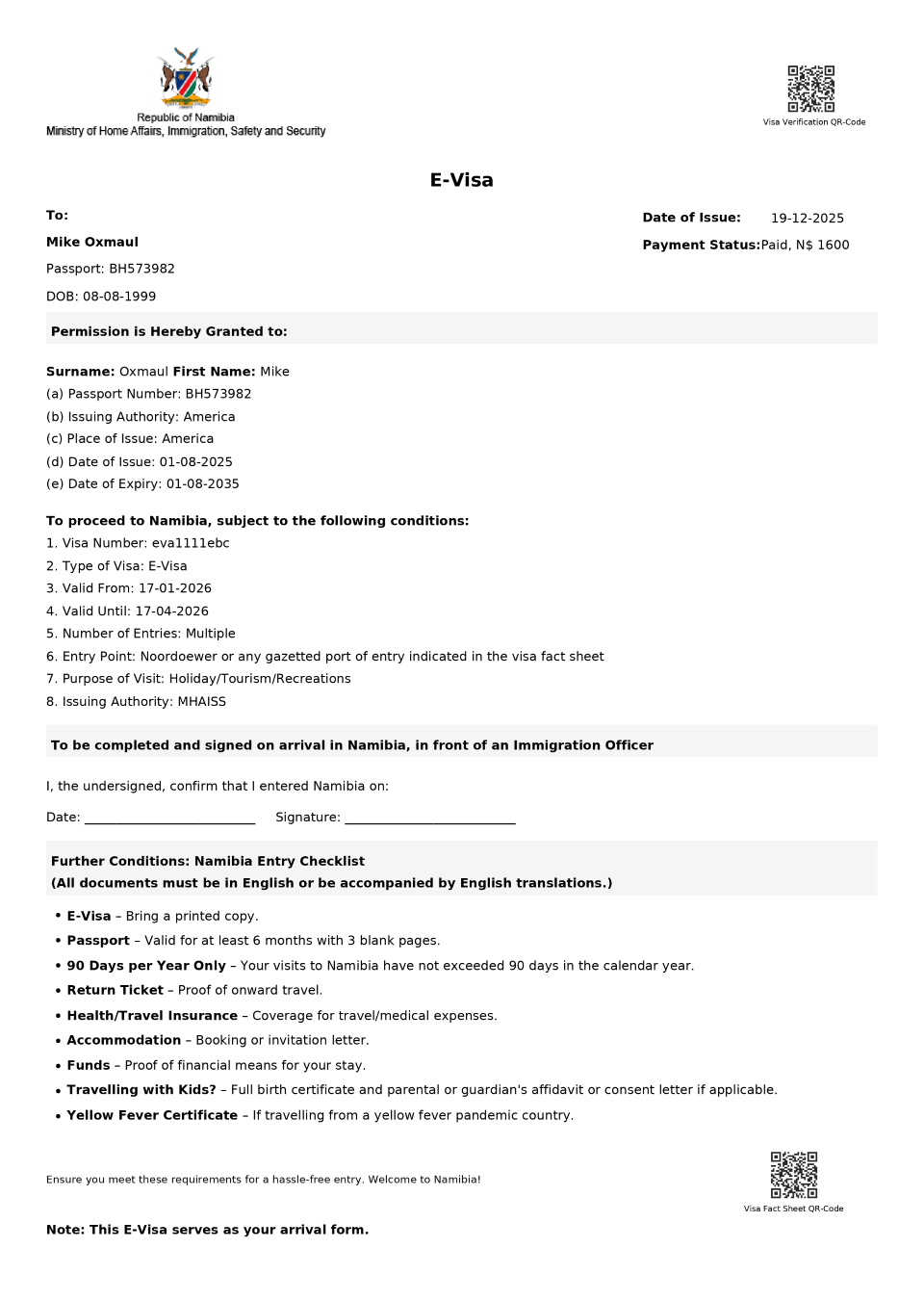
If you are an Angolan citizen traveling to a third country (like South Africa or Germany) with a layover in Namibia, you may need a Transit-Stopover eVisa. This permit allows you to leave the airport or transit area legally. Like other eVisas, it offers multiple entries and is valid for up to 90 days, ensuring you have flexibility if your travel plans change or you have a long connection.
What Documents are Required for the Namibia eVisa Application?
To ensure your application is approved on the first try, have these digital documents required for Namibia eVisa application:
- Valid Passport: A high-quality scan of your Angolan passport (valid for at least 6 months).
- Recent Photograph: A clear, passport-sized digital photo with a neutral background.
- Travel Itinerary: Details of your flight or road travel plans, including entry/exit dates.
- Accommodation Proof: A hotel booking or an invitation letter from your host.
- Purpose-Specific Documents: Such as a business invitation or medical referral (if applicable).
How Long Does it Take to Process a Namibia eVisa?
At namibia-evisa.com, we offer three processing speeds to fit your schedule:
- Standard Processing: 1 - 2 Business Days.
- Rush Processing: 6 - 12 Hours.
- Super Rush Processing: 1 Hour (The fastest way to get your authorization).
How is the Total Namibia Online Visa Cost Calculated?
The total Namibia online visa price is transparent and includes:
- Government Visa Cost: The mandatory fee set by Namibian immigration.
- Service Fee: Covers application handling, verification, and 24/7 support.
- Optional Rush Fee: Added only if you select the 6-12 hour or 1-hour service.
Is Namibia Safe for Angolan Tourists?
Namibia is widely considered one of the safest countries in Africa for tourists. Violent crime against visitors is rare. However, like any travel destination, it is wise to stay alert in crowded areas of Windhoek or Swakopmund. Most Angolan travelers find the country welcoming, well-organized, and very easy to navigate by road.
Is a Private eVisa Agency Worth the Service Fee?
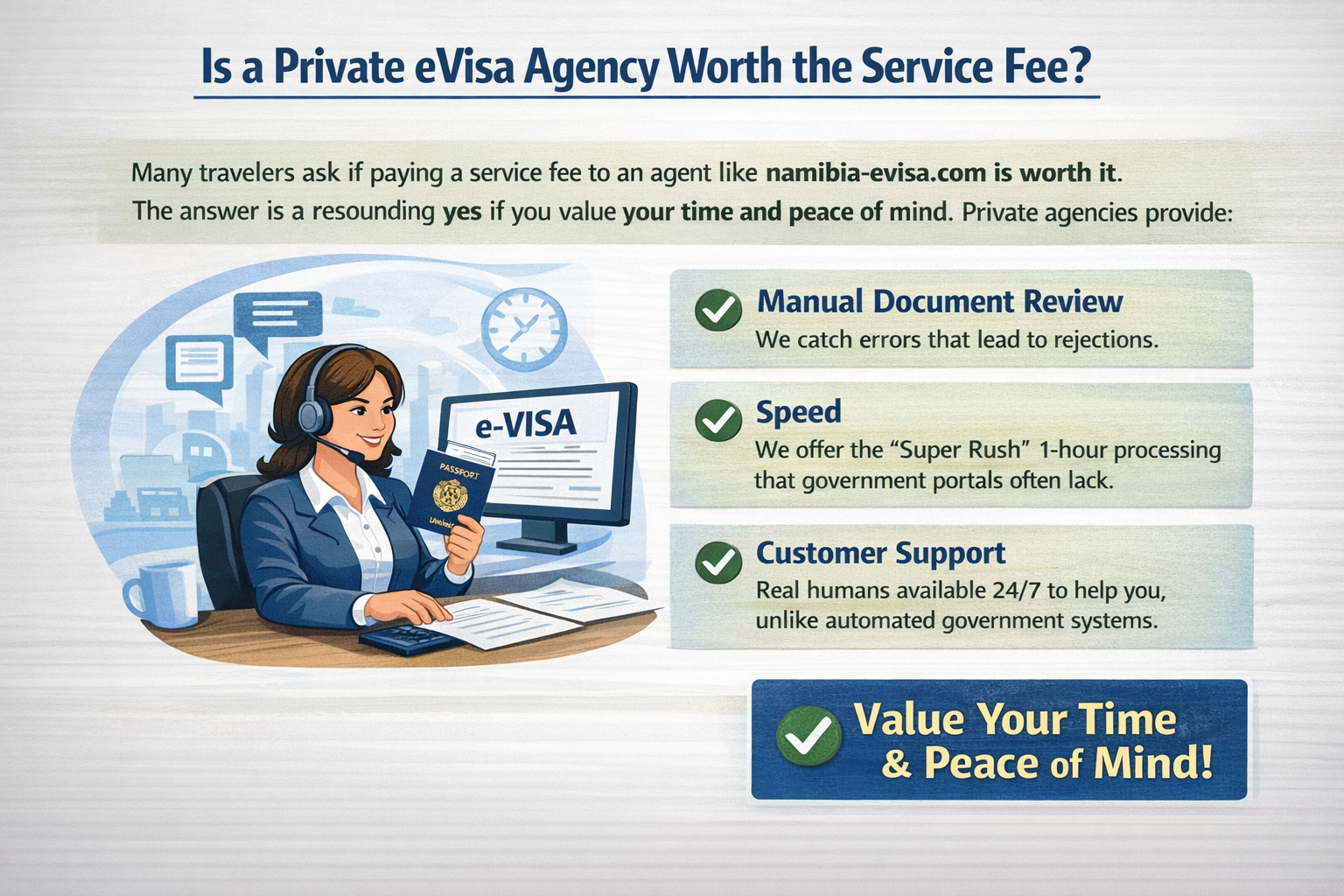
Many travelers ask if paying a service fee to an agent like namibia-evisa.com is worth it. The answer is a resounding yes if you value your time and peace of mind. Private agencies provide:
- Manual Document Review: We catch errors that lead to rejections.
- Speed: We offer the "Super Rush" 1-hour processing that government portals often lack.
- Customer Support: Real humans available 24/7 to help you, unlike automated government systems.
How Much Cash Should I Carry to Namibia?
The local currency is the Namibian Dollar (NAD), which is pegged 1:1 with the South African Rand (ZAR). While cards are widely accepted, it is recommended to carry some cash for:
- Small tips for guides or car guards.
- Purchases at rural markets or small roadside stalls.
- Emergency situations in remote areas where signals might be weak.
Can I Use Credit and Debit Cards in Namibia?
Yes, major credit and debit cards (Visa and Mastercard) are widely accepted in hotels, restaurants, supermarkets, and petrol stations in all major towns. Always inform your bank in Angola before traveling to ensure your card isn't flagged for "suspicious" international activity.
Is ATM Availability Good Across the Country?
In cities like Windhoek, Walvis Bay, and Swakopmund, ATMs are found on almost every corner and inside shopping malls. However, if you are heading into deep rural areas or national parks, ATMs become scarce. Always withdraw enough cash before leaving a major town.
How Do I Get a Local SIM Card and Internet?
Staying connected is easy. You can purchase a local SIM card (MTC is the largest provider) at the airport or in any town.
- Internet Availability: 4G and 5G are excellent in urban centers.
- WiFi: Most lodges and hotels offer free WiFi, though it may be slower in remote desert locations.
When is the Best Time to Visit Namibia?
- For Wildlife: July to October (Dry season) is best for seeing animals at waterholes.
- For Landscapes: May to September offers cooler temperatures and clear blue skies.
- For Budget: The "green season" (January to March) offers lower prices, though it can be quite hot.
What Plug Type and Voltage is Used in Namibia?
Namibia uses Type M and Type D plugs (three round pins). The voltage is 220V. Since Angola often uses Type C or F (two two pins), it is highly recommended to bring a "South Africa/Namibia" travel adapter to charge your phone and laptop.
Sign in to leave a comment.