
If you run an online store, your product photos carry more weight than ever. Before customers read your description, they judge your visuals. And in many cases, that first impression determines whether they stay or leave.
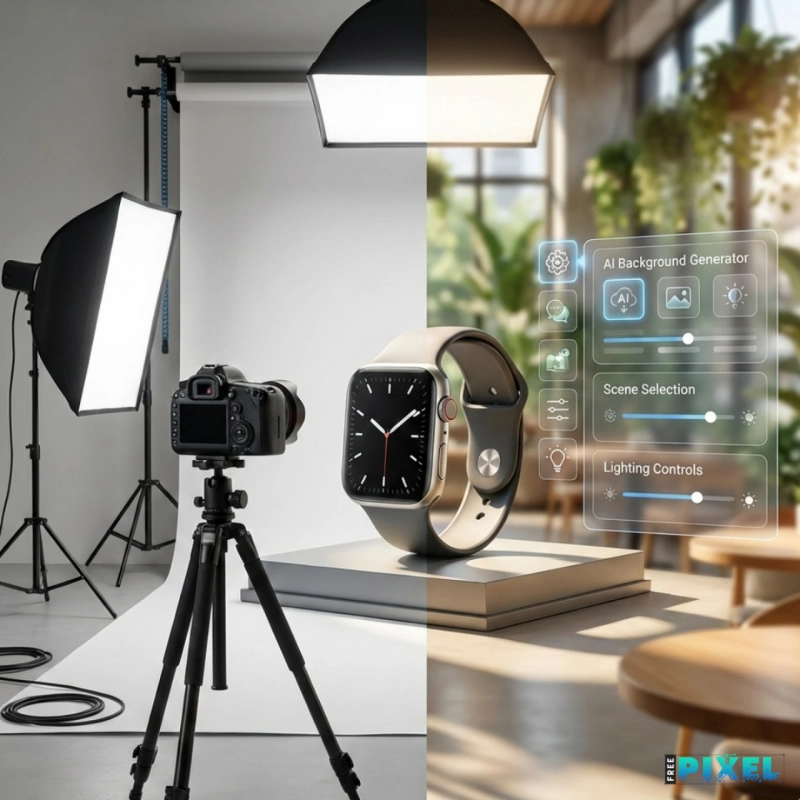
A background generator for e-commerce stores helps you turn ordinary product photos into clean, realistic, and professional visuals using AI. Instead of booking a studio or editing manually for hours, you can generate high-quality backgrounds in minutes.
In this guide, you’ll learn:
- What a background generator is
- How it works for online stores
- When to use it (and when not to)
- Marketplace compliance rules
- How to choose the right solution in 2026
This article is written for store owners, marketers, developers, and product teams who want practical clarity.
Quick Summary
- A background generator uses AI to replace or create realistic product backgrounds automatically.
- It reduces photography costs and speeds up catalog production.
- Not all platforms allow AI-generated backgrounds in the same way (Amazon requires white primary images).
- The right tool depends on your store size, product volume, and marketing goals.
What Is a Background Generator for E-commerce Stores?
A background generator is an AI-powered tool that removes the existing background from a product image and replaces it with a new one.
Most modern tools use machine learning models — often diffusion-based systems — to generate realistic environments around your product. These systems are trained on large image datasets and learn how lighting, depth, shadows, and surfaces behave in real-world settings.
In simple terms:
- The tool detects the product.
- It removes the background.
- It generates a new scene.
- It adjusts lighting and shadows for realism.
The result is a professional-looking product photo without a physical photoshoot.
Why E-commerce Stores Use Background Generators
High-quality visuals influence trust.
Digital commerce research consistently shows that product imagery significantly impacts buying decisions. Shopify commerce insights highlight how strong visuals increase engagement and reduce bounce rates. Customers rely heavily on images to evaluate quality.
Traditional photography requires:
- Studio rental
- Lighting setup
- Professional editing
- Logistics and scheduling
AI background tools help stores:
- Launch products faster
- Reduce content production costs
- Update visuals seasonally
- Scale catalogs efficiently
For stores managing large inventories, the time savings alone can be significant.
How AI Background Generators Work
Understanding the process helps you choose better tools.
1. Image Segmentation
The system isolates the product using computer vision.
2. Background Removal
The original background is erased cleanly.
3. AI Scene Generation
Diffusion models generate a new environment based on prompts or templates.
4. Lighting & Shadow Matching
Advanced tools simulate realistic:
- Shadow direction
- Reflections
- Depth of field
- Perspective alignment
Poor lighting matching is one of the biggest red flags when evaluating tools.
Types of Background Generators for Online Stores
Not every tool fits every store.
Template-Based Background Tools
- Pre-designed environments
- Quick results
- Limited customization
Good for beginners and small catalogs.
Prompt-Based AI Generators
- Custom scene descriptions
- Greater creative flexibility
- Better for brand storytelling
Good for DTC brands and lifestyle-driven products.
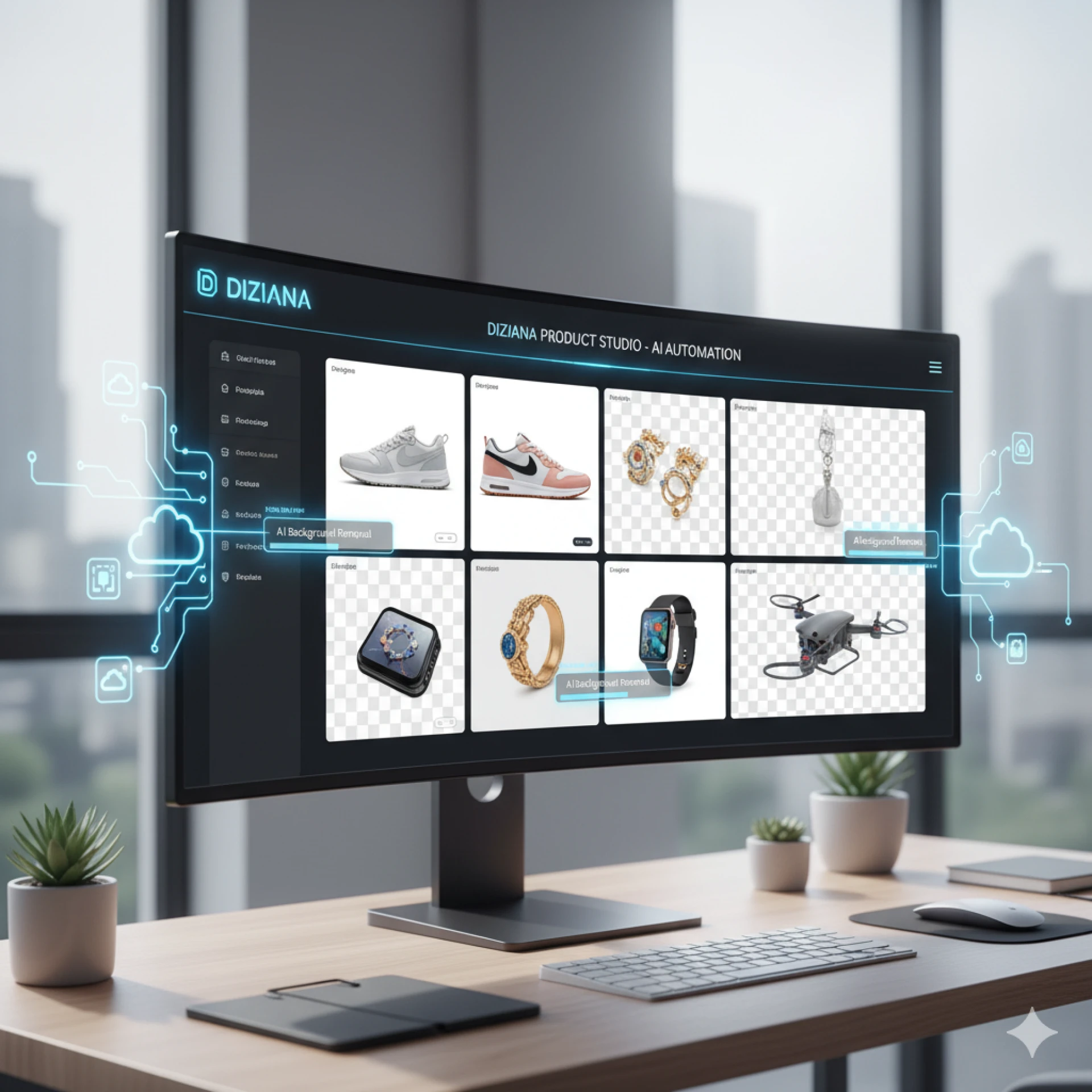
Automation & API Tools
- Batch image processing
- Integration with product databases
- SKU-level automation
Best for large retailers and scaling brands.
Marketplace Rules: What Store Owners Must Know
Before publishing AI-generated images, review platform policies carefully.
Amazon
- Primary images must have a pure white background.
- AI lifestyle backgrounds are allowed for secondary images.
(Source: Amazon Seller Central Image Requirements)
Shopify Stores
More flexible. Many stores use lifestyle backgrounds to improve storytelling.
Etsy & eBay
Generally allow AI backgrounds, provided the product is accurately represented.
Compliance matters. Violations can result in listing removal or account warnings.
Benefits of Using a Background Generator
Faster Product Launches
Create multiple scene variations in minutes.
Lower Photography Costs
Reduce or eliminate studio expenses.
Seasonal & Campaign Flexibility
Quickly update visuals for:
- Holidays
- Sales
- New collections
A/B Testing Opportunities
Test different background styles to identify what converts best.
Risks and Limitations
AI tools are improving rapidly, but they are not flawless.
Common issues include:
- Floating objects
- Unrealistic shadows
- Over-smoothed edges
- Inconsistent perspective
Manual review is still essential before publishing.
AI accelerates workflow. It does not replace human judgment.
Practical Example: Small DTC Brand
Imagine a home decor store launching ceramic vases.
Instead of organizing:
- A lifestyle shoot
- A minimalist studio shoot
- A seasonal themed shoot
They generate all three digitally.
Then they test which version performs best in ads and on product pages.
This approach saves time, reduces cost, and supports data-driven decisions.
How to Choose the Right Background Generator
Ask yourself:
How many products do you manage?
- Under 50 → Simpler tools may be enough.
- 200+ → Automation becomes important.
Do you need marketing creatives too?
If yes, choose a tool that supports broader design workflows.
What platforms do you sell on?
Amazon sellers must prioritize white background compliance.
How important is realism?
Look for:
- Clean edges
- Accurate shadows
- Natural lighting
- High-resolution exports
Step-by-Step Workflow for E-commerce Stores
- Capture high-quality source images.
- Remove the background using AI segmentation.
- Generate 3–5 scene variations.
- Compare lighting and shadow realism.
- Check marketplace compliance.
- Test on product pages and monitor engagement metrics.
Data should guide your final visual decision.
Conclusion
A background generator for e-commerce stores is no longer a niche tool. It is becoming part of the modern online retail workflow.
It helps stores:
- Reduce production costs
- Launch products faster
- Test creative variations
- Scale content efficiently
But success depends on thoughtful implementation.
Focus on realism. Respect platform policies. Test performance data.
Explore Practical Tools
If you're exploring background generators for your store, it can be helpful to test platforms that combine AI background creation with broader creative workflows.
For example, tools like FreePixel allow store owners to experiment with AI-generated product scenes while also building supporting visuals such as banners and promotional graphics in the same environment. Trying different setups can help you understand what fits your product range and workflow best.
The goal isn’t to adopt every new tool — it’s to find a solution that saves time, maintains visual realism, and supports consistent growth.
If you’ve tested different background generators, feel free to share your experience. Real-world feedback always adds value.
Frequently Asked Questions
What is a background generator for e-commerce stores?
It is an AI tool that replaces or generates new backgrounds for product images automatically using machine learning models.
Are AI-generated backgrounds allowed on marketplaces?
Yes, but rules vary. Amazon requires white backgrounds for primary images.
Do AI backgrounds increase sales?
High-quality visuals can increase engagement and perceived product value, which may improve conversions.
Can small stores use background generators effectively?
Yes. Smaller catalogs benefit from faster product launches and lower content production costs.
Are diffusion models safe for commercial use?
Most commercial platforms provide licensed outputs. Always review usage terms before publishing.






















Sign in to leave a comment.