
Customer feedback helps every business grow. Honest reviews and suggestions improve products, fix problems, and build trust. To collect this feedback easily, you need the right form tool.
In 2025, many smart tools help businesses collect responses in a fast and simple way. This guide covers the best form tools for customer feedback. You will also find their features, pricing, and the type of business they suit best.
1. Rebolt Form Builder
Rebolt Form Builder offers a clean, no-code drag-and-drop system. It helps teams create feedback forms in just minutes. With built-in logic, real-time notifications, and integrations like Slack and Google Sheets, businesses stay in the loop without delay.
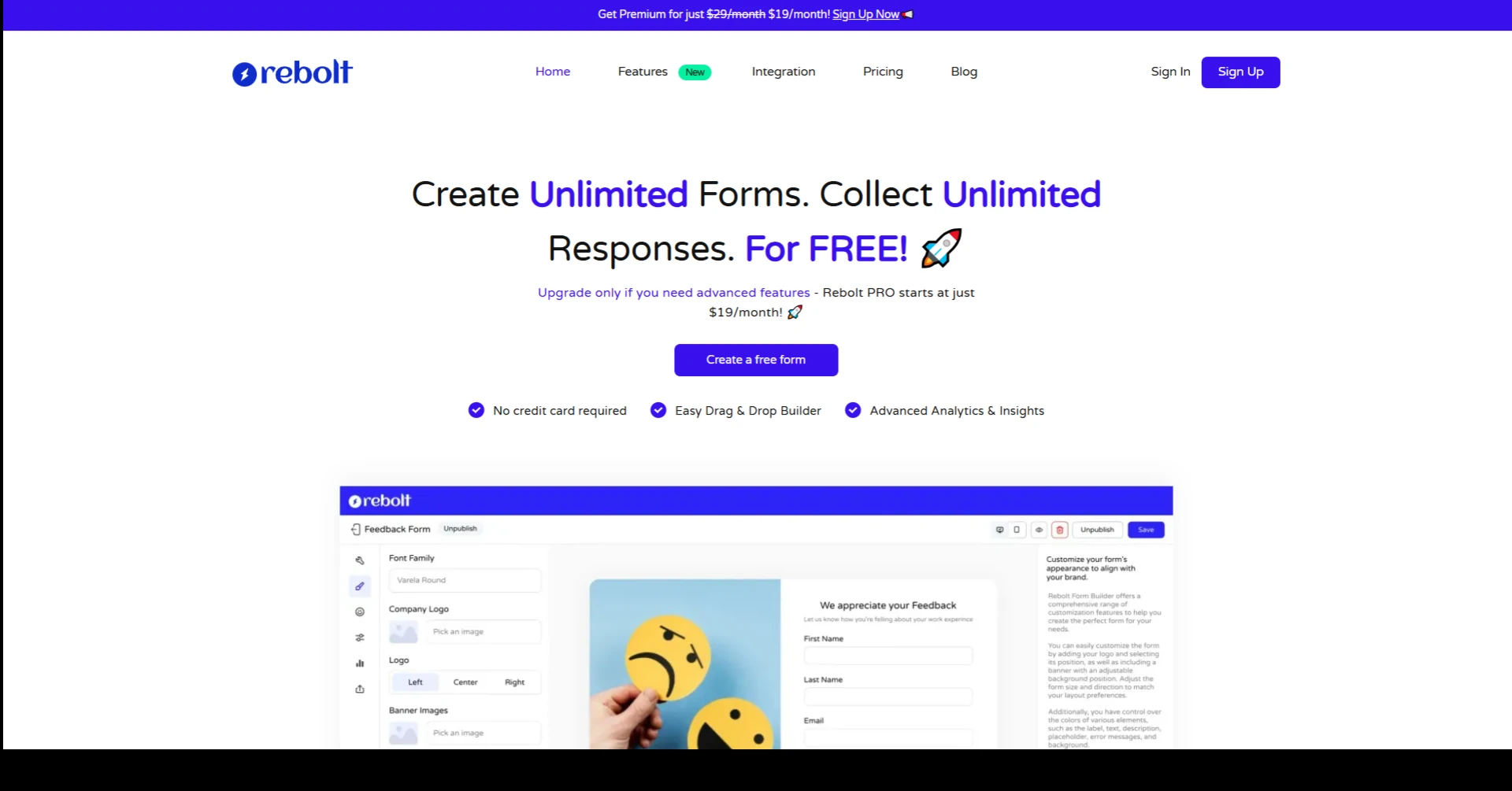
Key Features:
- Unlimited forms and responses
- Custom branding with fonts, logos, and colors
- Email and Slack notifications
- Advanced conditional logic
- Easy-to-use analytics dashboard
Why choose Rebolt:
Rebolt works well for product teams, eCommerce stores, and service providers. It gives full control with zero tech headaches. You also get real-time alerts, so no feedback gets missed.
2. Typeform
Typeform offers stylish forms that feel like real conversations. Users answer one question at a time, which makes forms more personal. It works best for brands that care about user experience and design.
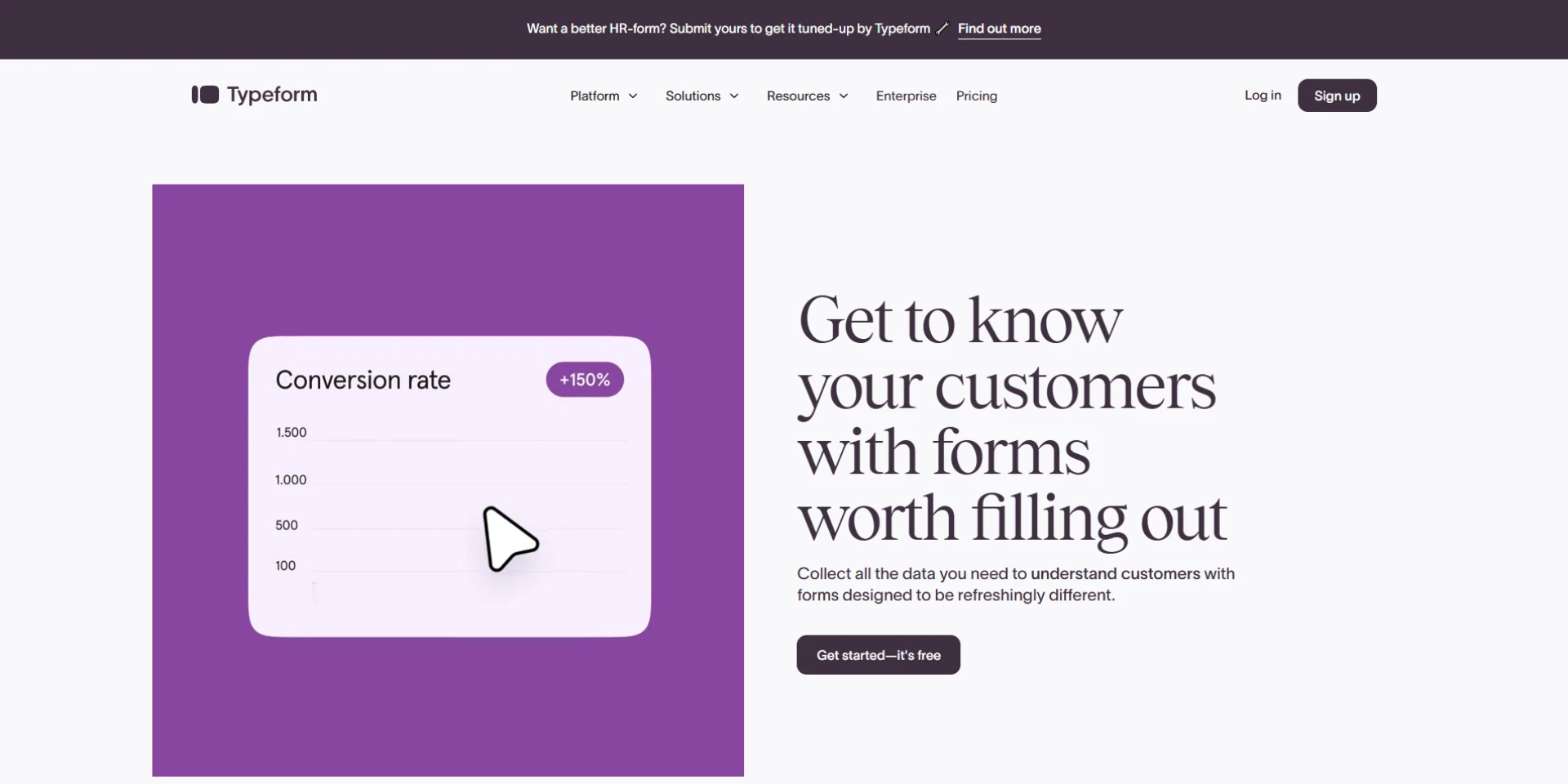
Key Features:
- One-question-at-a-time layout
- Custom themes and visuals
- Logic jumps
- Google Sheets and Zapier integration
- Mobile-friendly design
Why choose Typeform:
It fits well for agencies, creative brands, and SaaS businesses. It gives forms a smooth flow and keeps users engaged from start to end.
3. Jotform
Jotform gives a huge library of templates and helps teams get started fast. From customer satisfaction to product reviews, Jotform offers ready-made forms for every feedback goal.
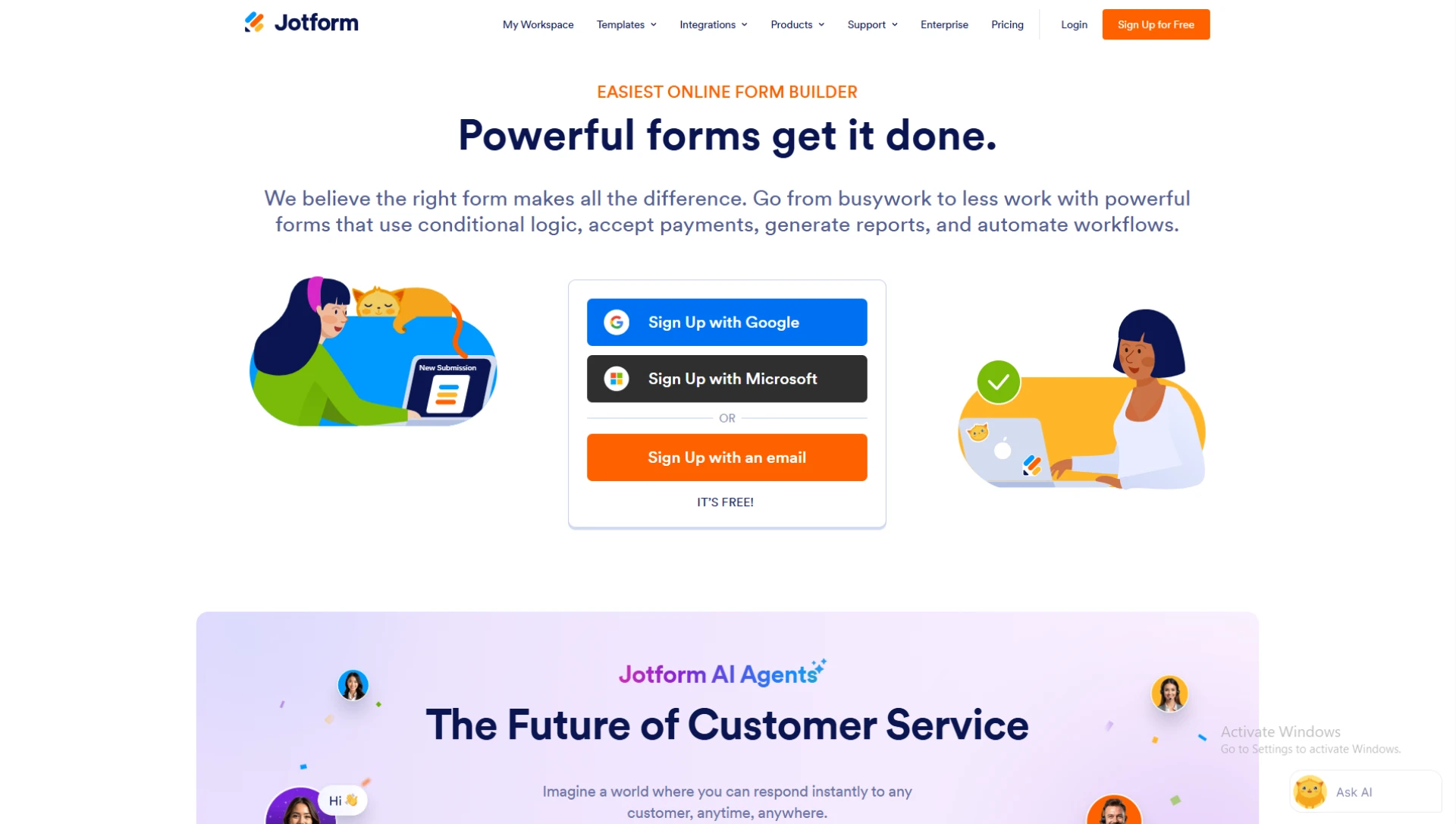
Key Features:
- 10,000+ templates
- Drag-and-drop builder
- Email notifications
- Payment collection (optional)
- HIPAA compliance for healthcare feedback
Why choose Jotform:
Jotform suits all business types. Its free plan offers many features, so small teams and solo founders can start without cost.
4. Google Forms
Google Forms works well for basic feedback collection. It connects with Google Sheets, so users can view results live. It's free, simple, and needs no setup.
Key Features:
- Free to use
- Google Sheets sync
- Multiple question types
- Real-time response view
- Share via link or email
Why choose Google Forms:
Google Forms fits small businesses and schools. Teams that already use Google Workspace find this tool fast and easy.
5. Tally Forms
Tally offers a clean, no-code form creation experience. Its interface feels like Notion, which many teams already use. Tally includes unlimited forms and responses—even on the free plan.
Key Features:
- Unlimited forms and responses
- Logic and calculations
- Embed support
- File uploads
- Zapier and Notion integration
Why choose Tally:
Tally fits startups, creators, and bootstrapped companies. It keeps things light but powerful.
6. Zoho Forms
Zoho Forms supports deep integrations with other Zoho tools. It helps businesses collect feedback and send it to CRM, help desks, or reports—automatically.
Key Features:
- Mobile apps for iOS and Android
- Task assignment
- Conditional rules
- CRM and Zoho integration
- Offline form access
Why choose Zoho Forms:
It works best for sales teams and support teams using the Zoho suite. It also supports offline access, which helps field workers and remote agents.
7. Formstack
Formstack focuses on data workflows. It helps businesses build feedback forms and trigger actions right after each submission. These actions include creating support tickets, sending emails, or adding notes to CRMs.
Key Features:
- Drag-and-drop builder
- Advanced workflow automation
- Conditional logic
- Save and resume option
- E-signature support
Why choose Formstack:
Formstack fits medium to large businesses. It saves time by replacing manual work with automation.
How to Pick the Best Form Tool
To find the best tool for customer feedback, match your needs with the tool’s strengths. Use these questions to decide:
- Do you need custom branding or just a basic form?
- Will you send the feedback to your CRM or email tool?
- Do you care more about style or speed?
- Do you need alerts every time someone fills the form?
If you need simple feedback forms with fast sharing, go with Google Forms. If you want rich design and logic, try Typeform or Rebolt. For deep integration or task workflows, Zoho Forms and Formstack work best.
Final Thoughts
Customer feedback builds strong businesses. In 2025, feedback forms must go beyond a few checkboxes. The best form builders offer speed, design, logic, and smart connections.
Choose a tool that matches your business size, goals, and budget. Make it easy for customers to speak. Use that voice to shape your next big step.























Sign in to leave a comment.