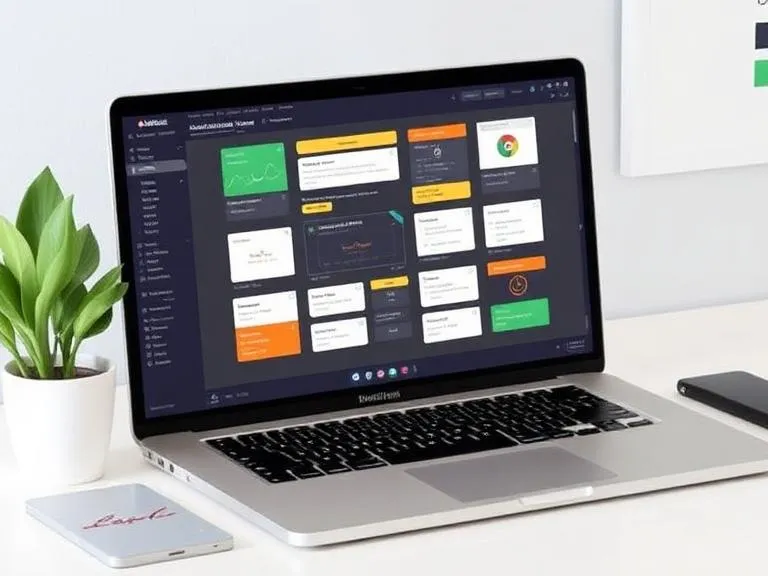

The best workflow automation system for freelancers is a streamlined stack built around Zapier or Make, supported by a central hub like Notion, because it combines ease of use with scalability and control: Zapier enables quick no-code automations across thousands of apps, Make provides more advanced visual workflows with conditional logic for complex processes, and Notion organizes clients, projects, and documentation in one place; together, this system helps freelancers automate repetitive tasks like lead capture, onboarding, invoicing, and follow-ups, saving time, reducing manual work, and creating a clean, efficient workflow that can grow smoothly alongside their business.
What to Look for in a Freelancers Friendly Workflow Automation System
Before choosing, ask:
- Integrations — does it connect to the apps you actually use (email, calendar, Stripe/PayPal, Notion/Trello)?
- Complexity vs speed — do you need simple “if this then that” rules or multi-step logic and data transforms?
- Cost — freelancers need predictable, affordable plans.
- Privacy/self-hosting — do you handle sensitive client data that must stay on your servers?
- Built-in freelance features — contracts, proposals, invoices, and client portals can matter a lot.
These criteria will drive the recommendations below.
Top picks: Workflow Automation System for Freelancers (and when to use each)
1) Zapier — the Easiest Way to Automate Across Thousands of Apps
If you want reliable, low-friction automation and don’t want to write code, Zapier is still the go-to. It connects with thousands of apps, supports multi-step workflows, and recently added more AI and “human in the loop” controls for complex flows — which makes it great for solo consultants who want dependable triggers like “new client form → create project in Trello → send welcome email → create invoice draft.” Zapier’s product updates show ongoing investment in enterprise-grade workflow features while keeping the builder approachable.
2) Make (Formerly Integromat) — Powerful Visual Builder for Complex Automations
Make provides a graphical environment for working with multi-branch scenarios, data mapping, and complex actions (iterators, routers, error handling). It’s perfect for freelancers who need more control over the handling of different leads, such as parsing the received CSV leads, applying transformations, setting up a condition-based routing to various CRMs, and grouping invoices. If you’re comfortable with a steeper learning curve for more control, Make is a strong pick.































Sign in to leave a comment.