
Implementing an Enterprise Resource Planning (ERP) system is a major step for any organization aiming to improve efficiency, automate operations, and gain better control over business processes. One of the most popular ERP platforms used by small and medium-sized businesses today is Microsoft Dynamics 365 Business Central.
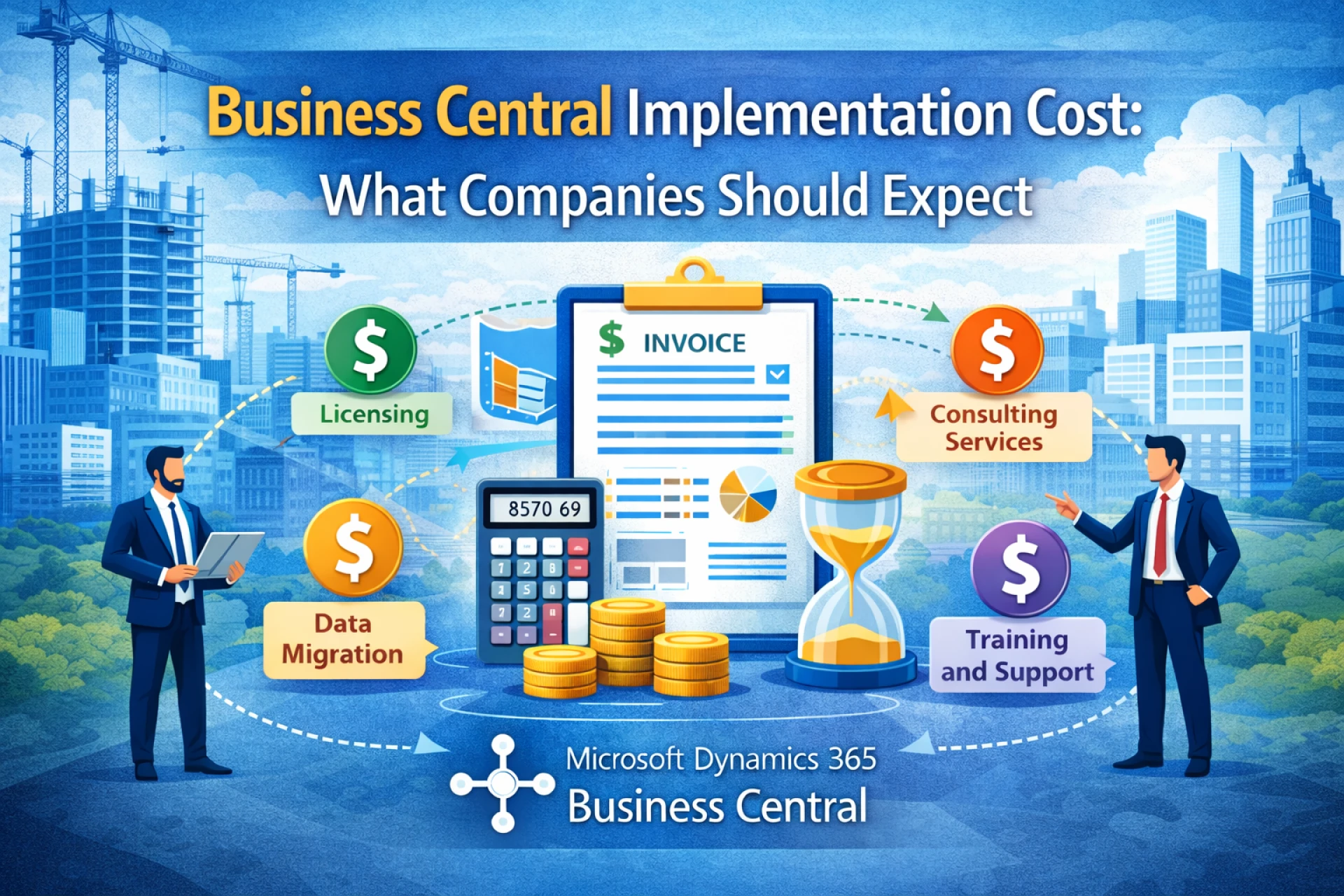
However, before adopting an ERP system, companies often ask one important question: What does Business Central implementation cost?
The cost of Dynamics 365 business central implementation varies depending on several factors such as company size, customization requirements, integrations, and the expertise of the business central partner involved in the project.
In this comprehensive guide, we will explore the different components of business central implementation costs, factors that affect pricing, and how businesses can plan their ERP budgets effectively.
Understanding Dynamics 365 Business Central
Before discussing costs, it is important to understand what Dynamics 365 Business Central offers.
Dynamics 365 Business Central is a cloud-based ERP solution designed to help businesses manage financial operations, inventory, sales, customer relationships, and supply chains within a single platform.
Through Dynamics 365 business central implementation, organizations can integrate multiple business processes and replace disconnected software systems with a unified solution.
This integration improves operational efficiency and provides real-time insights into business performance.
Why Companies Invest in Business Central
Businesses invest in business central for several reasons:
- Centralized financial management
- Real-time business insights
- Automated workflows
- Improved collaboration across departments
- Scalable ERP capabilities
While the benefits are significant, organizations must understand the costs associated with implementation to ensure a successful project.
Average Business Central Implementation Cost
The cost of Dynamics 365 business central implementation can vary widely depending on the complexity of the business and the scope of the project.
Here is a general cost range:
| Business Size | Estimated Implementation Cost |
|---|---|
| Small businesses | $10,000 – $40,000 |
| Mid-sized companies | $40,000 – $150,000 |
| Large or complex organizations | $150,000 – $300,000+ |
These estimates typically include system setup, configuration, data migration, training, and support provided by a business central partner.
Key Factors That Influence Business Central Implementation Cost
Several factors determine the total cost of implementing Dynamics 365 Business Central.
Understanding these factors can help businesses create realistic ERP budgets.
1. Licensing Costs
One of the first components of business central implementation cost is the software licensing.
Microsoft offers subscription-based pricing for Dynamics 365 Business Central, which means businesses pay monthly or annual fees rather than purchasing software outright.
Typical licensing options include:
- Essentials license
- Premium license
- Team member license
The total licensing cost depends on the number of users and the features required by the organization.
2. Implementation Services
The largest portion of Dynamics 365 business central implementation cost often comes from professional services provided by a business central partner.
Implementation services include:
- Business requirement analysis
- System configuration
- Process design
- Project management
A qualified business central partner ensures that the system is configured correctly to match business processes and operational needs.
3. Customization and Development
Every business operates differently, which means some level of customization may be required.
Customization costs depend on:
- Custom workflows
- Industry-specific functionality
- Integration with third-party applications
- Specialized reporting requirements
While business central offers extensive out-of-the-box functionality, some organizations require additional development to meet specific operational needs.
4. Data Migration
Migrating data from legacy systems to Dynamics 365 Business Central is another critical step in the implementation process.
This process includes transferring:
- Customer data
- Vendor information
- Financial records
- Inventory data
- Historical transactions
The complexity of data migration affects the overall cost of Dynamics 365 business central implementation.
Businesses with multiple legacy systems or inconsistent data structures may require more time and resources for migration.
5. Integration with Other Systems
Most organizations use multiple software systems such as CRM platforms, e-commerce solutions, and payroll systems.
Integrating these systems with business central can increase implementation costs.
Common integrations include:
- Customer relationship management systems
- Payment gateways
- Inventory management software
- Business analytics tools
A skilled business central partner can help ensure smooth integrations that maintain data accuracy across systems.
6. User Training and Adoption
Training employees to use the new ERP system is essential for successful implementation.
Training programs may include:
- System navigation training
- Financial module training
- Inventory management training
- Sales and customer management training
Training costs vary depending on the number of users and the complexity of the system.
Organizations that invest in proper training during Dynamics 365 business central implementation often experience higher user adoption and better long-term results.
7. Testing and Quality Assurance
Before the system goes live, thorough testing is required to ensure everything works properly.
Testing typically includes:
- Functional testing
- Data validation
- Workflow verification
- Integration testing
Testing helps identify issues before the system is deployed, reducing risks during implementation.
8. Post-Implementation Support
After the system goes live, businesses often require ongoing support.
Post-implementation support may include:
- Technical troubleshooting
- System updates
- Performance monitoring
- Additional customization
Many organizations choose to maintain a long-term relationship with their business central partner to ensure continued system optimization.
Hidden Costs Businesses Should Consider
While planning Dynamics 365 business central implementation, businesses should also consider potential hidden costs.
These may include:
- Change management costs
- Internal staff time spent on implementation
- Temporary productivity loss during transition
- Additional customization requests
Understanding these potential expenses helps organizations prepare more accurate ERP budgets.
How to Reduce Business Central Implementation Costs
Although ERP implementation can be expensive, there are several strategies businesses can use to control costs.
Choose the Right Business Central Partner
Selecting the right business central partner is one of the most important decisions during implementation.
An experienced partner can:
- Provide accurate cost estimates
- Avoid unnecessary customizations
- Deliver efficient project management
This expertise helps businesses complete Dynamics 365 business central implementation within budget.
Start with Standard Features
Business central offers many built-in features that meet common business needs.
Companies can reduce costs by starting with standard functionality and adding custom features later if necessary.
Clean and Prepare Data Before Migration
Data migration is often one of the most complex parts of ERP implementation.
Businesses can reduce migration costs by cleaning and organizing data before starting Dynamics 365 business central implementation.
Focus on Essential Modules First
Instead of implementing every module at once, organizations can adopt a phased approach.
This means starting with essential modules such as:
- Financial management
- Sales and customer management
- Inventory management
Additional features can be added later as the business grows.
Benefits of Investing in Business Central
Although implementation costs may seem significant, the long-term benefits of business central often outweigh the initial investment.
Organizations that complete Dynamics 365 business central implementation successfully often experience:
- Improved operational efficiency
- Reduced manual processes
- Better financial visibility
- Faster decision-making
- Scalable business operations
These benefits help businesses achieve higher productivity and long-term growth.
Industries That Benefit from Business Central
Many industries rely on Dynamics 365 Business Central to manage operations.
These include:
- Manufacturing
- Retail and e-commerce
- Wholesale distribution
- Professional services
- Financial services
Each industry can tailor business central to match its specific operational requirements.
Future Growth with Business Central
As companies expand, their operational needs become more complex.
Dynamics 365 Business Central provides scalable capabilities that support business growth.
Organizations can easily add users, integrate new systems, and expand into new markets without replacing their ERP system.
With the support of a trusted business central partner, businesses can continue to optimize their ERP system as their operations evolve.
Final Thoughts
Implementing an ERP system is a major investment that requires careful planning and budgeting. Understanding the different cost components of Dynamics 365 business central implementation helps organizations make informed decisions about their ERP strategy.
While costs vary depending on factors such as customization, integrations, and training, businesses that plan their implementation carefully often achieve significant returns on investment.
By working with an experienced business central partner, organizations can ensure a smooth and efficient Dynamics 365 business central implementation, enabling them to fully leverage the capabilities of business central.
For companies looking to streamline operations, improve financial management, and support long-term growth, investing in Dynamics 365 Business Central is a strategic decision that delivers lasting value.
Sign in to leave a comment.