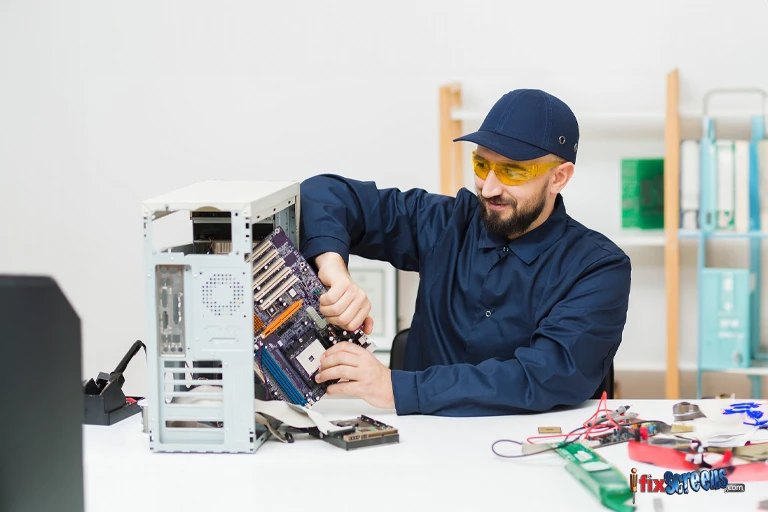

Computers and Macs have become indispensable tools for both work and leisure, but they can also be sources of frustration when things go wrong. From slow performance to unexpected shutdowns, these issues can disrupt your workflow and cause unnecessary stress. In this blog post, we'll explore some common computer and Mac problems and provide potential solutions to help you get back on track.
Common Computer and Mac Problems
1. Slow Performance:
Problem: Computer or Mac runs slowly.
Solutions: Close unnecessary programs: Running multiple programs simultaneously can slow down your system.
Free up disk space: Delete unwanted files or transfer large files to external storage.Check for malware: Malware can significantly impact performance. Run a scan with antivirus software.Update software: Outdated software can cause performance issues. Install the latest updates.Add more RAM: If your computer is consistently low on memory, increasing RAM can improve performance.2. Startup Issues:
Problem: Computer or Mac won't start or takes an excessively long time to boot.
Solutions: Safe mode boot: Start your computer in safe mode to troubleshoot startup issues.
Check for hardware failures: A failing hard drive or other hardware components can prevent startup.Remove unnecessary startup programs: Programs that launch automatically at startup can slow down boot times.Reinstall operating system (last resort): If other solutions fail, reinstalling the operating system might be necessary.3. Wi-Fi Connectivity Problems:
Problem: Difficulty connecting to Wi-Fi or slow internet speeds.
Solutions: Restart your router and modem: This simple step can often resolve connectivity issues.
Check Wi-Fi settings: Ensure correct network settings and security protocols.Update network drivers: Outdated drivers can cause Wi-Fi problems.Check for physical obstructions: Objects blocking the Wi-Fi signal can weaken the connection.4. Hardware Failures:
Problem: Issues with specific hardware components like the hard drive, monitor, or keyboard.
Solutions: Check connections: Ensure all cables are securely connected.
Test hardware components: Use diagnostic tools to identify faulty hardware.Replace faulty components: If a component is damaged, it may need to be replaced.5. Software Crashes:
Problem: Programs unexpectedly close or freeze.
Solutions: Update software: Outdated software can be prone to crashes.
Check for conflicts: Incompatible software can cause crashes.Run disk repair: Corrupted files can lead to software instability.Conclusion
While computer and Mac problems can be frustrating, many can be resolved with basic troubleshooting steps. By understanding common issues and implementing potential solutions, you can improve your computer's performance and minimize downtime.
If you're unable to resolve computer or Mac issues on your own, seeking professional help is recommended.
Need Computer Repair in Lake Grove, NY?
If you're facing persistent computer or Mac problems, Visit iFixScreens for computer repair services in Lake Grove, NY. Our experienced technicians offer comprehensive repair services, including hardware upgrades, data recovery, virus removal, and more. Contact us today for a free consultation.
FAQs
Q: How often should I back up my computer?
A: Regular backups are essential to protect your data. It's recommended to back up your computer at least once a week.
Q: Can I safely clean my computer's internal components myself?
A: While it's possible, opening your computer can void warranties and increase the risk of damage. It's generally recommended to seek professional cleaning services.
Q: What are the signs of a failing hard drive?
A: Signs of a failing hard drive include slow performance, unusual noises, data corruption, and frequent crashes.



























Sign in to leave a comment.