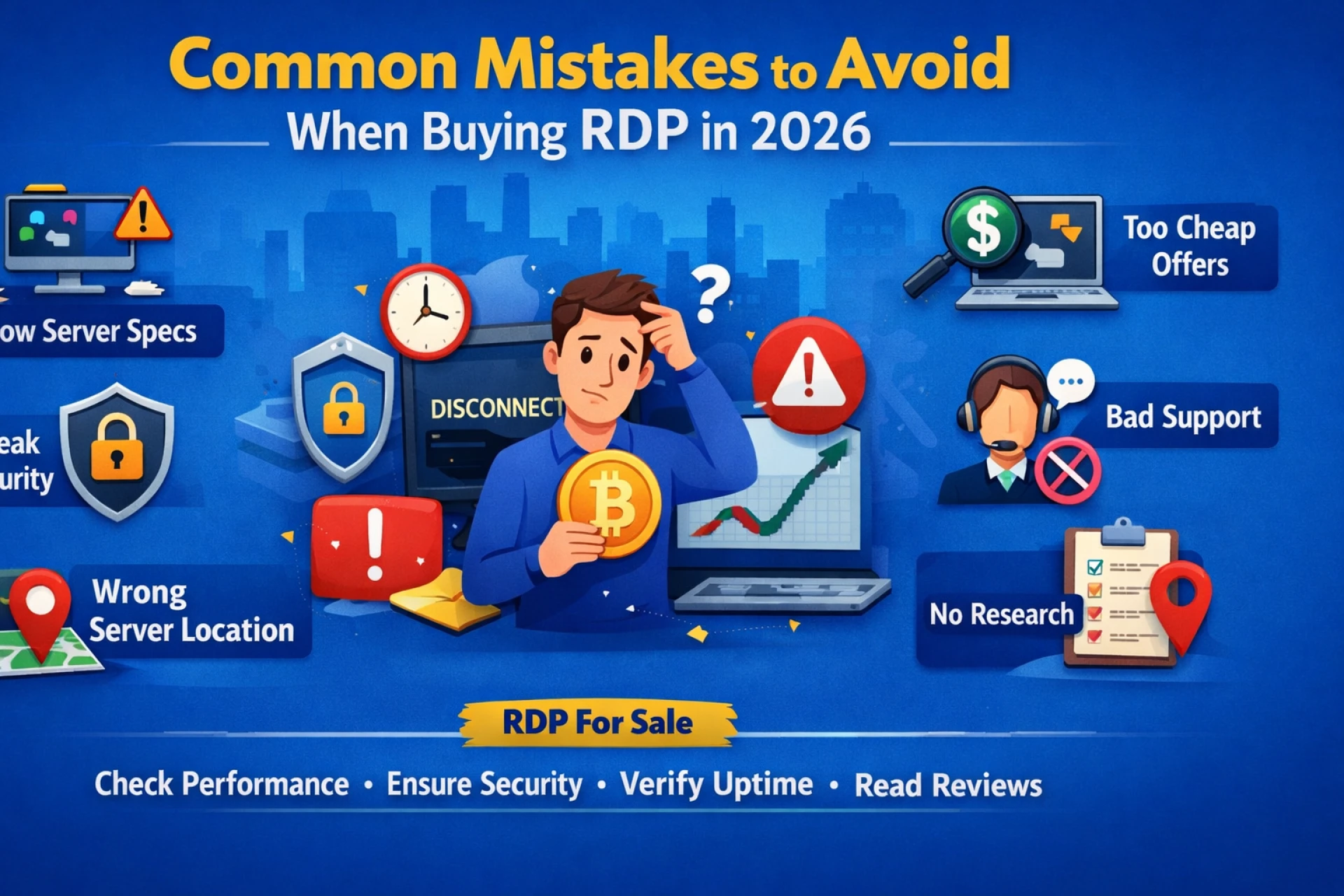

Many people rush to buy rdp with bitcoin because it feels quick and convenient. But speed in payment should never replace smart decision-making. Choosing the wrong RDP can lead to slow performance, frequent downtime, or even security risks. A little attention before purchasing can save money, time, and frustration later.
Buying an RDP is not just about picking the cheapest plan on the internet. It is about reliability, stability, and long-term usability. In the remote desktop market, small mistakes often turn into big headaches. Below are the most common mistakes that should be avoided when selecting an RDP service.
Ignoring Server Performance Details
One of the biggest mistakes is not checking the server specifications properly. Many buyers look only at the price and completely ignore RAM, CPU, and storage type.
A slow server will lag during basic tasks. Programs may freeze. Automation may fail. This usually happens when the server resources are too low for the intended work.
Before purchasing, always check:
- RAM size
- CPU cores
- SSD vs HDD storage
- Bandwidth limits
SSD storage is especially important. It makes the server feel smooth and responsive. Without it, even a cheap plan can feel frustrating.
Falling for Extremely Cheap Offers
Cheap pricing looks attractive. But in the RDP market, very low prices often come with hidden problems.
Common issues with ultra-cheap RDP:
- overloaded servers
- shared resources
- frequent disconnections
- poor support
- blacklisted IPs
Saving a few dollars upfront can lead to bigger losses later. A balanced price with solid performance is usually the safer choice.
Not Checking Uptime Guarantee
Uptime is the backbone of any RDP service. If the server keeps going offline, productivity drops immediately.
Many buyers skip this step and regret it later. Always look for providers offering at least 99.9% uptime. Anything lower can cause interruptions, especially for automation or business work.
Downtime is more than an inconvenience. It can break scheduled tasks and interrupt important workflows.
Overlooking Security Features
Security is often ignored until something goes wrong. That is a risky approach.
A poorly secured RDP can face:
- unauthorized access
- malware risks
- data exposure
- brute-force attacks
Basic security checks should always include:
- strong password support
- firewall protection
- regular updates
- secure login access
A reliable provider usually mentions these clearly. If security information is missing, that is a warning sign.
Choosing Shared RDP Without Understanding Limits
Shared RDP plans are cheaper, but they are not suitable for every task. Many users buy shared plans without understanding the trade-offs.
Shared environments may cause:
- slower speed during peak hours
- limited control
- resource competition
- performance drops
For light browsing, shared RDP may work fine. For automation, heavy software, or business work, dedicated RDP is usually the better choice.
Understanding the workload first prevents future frustration.
Ignoring Customer Support Quality
Support quality becomes important the moment something stops working. Unfortunately, many buyers never check support responsiveness before purchasing.
Common support problems include:
- delayed replies
- no live chat
- ticket responses after many hours
- unhelpful technical answers
A good RDP provider should offer 24/7 support with reasonable response time. Testing support with a simple pre-sales question is often a smart move.
Fast support does not feel important until it becomes urgently needed.
Not Checking Server Location
Server location affects both speed and usability. This detail is often overlooked, especially when choosing a budget RDP with full admin access based only on price.
If the server is far from the target audience or platform, it may cause:
- higher latency
- slower loading
- connectivity issues
Location also matters when specific regional IP access is required. Always confirm the exact server location instead of assuming based on the plan name.
Skipping Reviews and Reputation Research
Another common mistake is buying without checking reviews. The RDP market has many providers, and quality varies widely.
Before purchasing, it helps to look for:
- real user feedback
- uptime experiences
- long-term performance reviews
- complaints about downtime
No provider is perfect, but consistent negative feedback is usually a red flag.
A few minutes of research can prevent weeks of frustration.
Forgetting to Check Delivery Time
Many buyers assume instant delivery and feel stuck when access takes hours.
Delivery time matters, especially when the RDP is needed urgently. Reliable providers usually offer instant or very fast setup.
Always verify:
- whether delivery is automatic
- estimated setup time
- whether manual verification is required
Clear expectations avoid unnecessary stress.
Using Weak Password Practices
Even a good RDP can become unsafe if password practices are poor. Many users keep simple passwords or never change the default credentials.
This creates easy entry points for attackers.
Better habits include:
- using strong complex passwords
- changing credentials after first login
- avoiding password reuse
- enabling additional security when available
Security is a shared responsibility, not only the provider’s job.
Final Thoughts
Buying an RDP should never be a rushed decision. Small oversights often lead to slow servers, poor uptime, and avoidable security risks. Careful checking of performance, support, uptime, and reputation makes a huge difference in long-term satisfaction.
For those planning to buy rdp with bitcoin, choosing a stable and transparent provider matters more than choosing the cheapest deal. RDP For Sale focuses on reliable performance, quick delivery, and secure remote access, helping avoid the common mistakes that many buyers regret later.

Sign in to leave a comment.