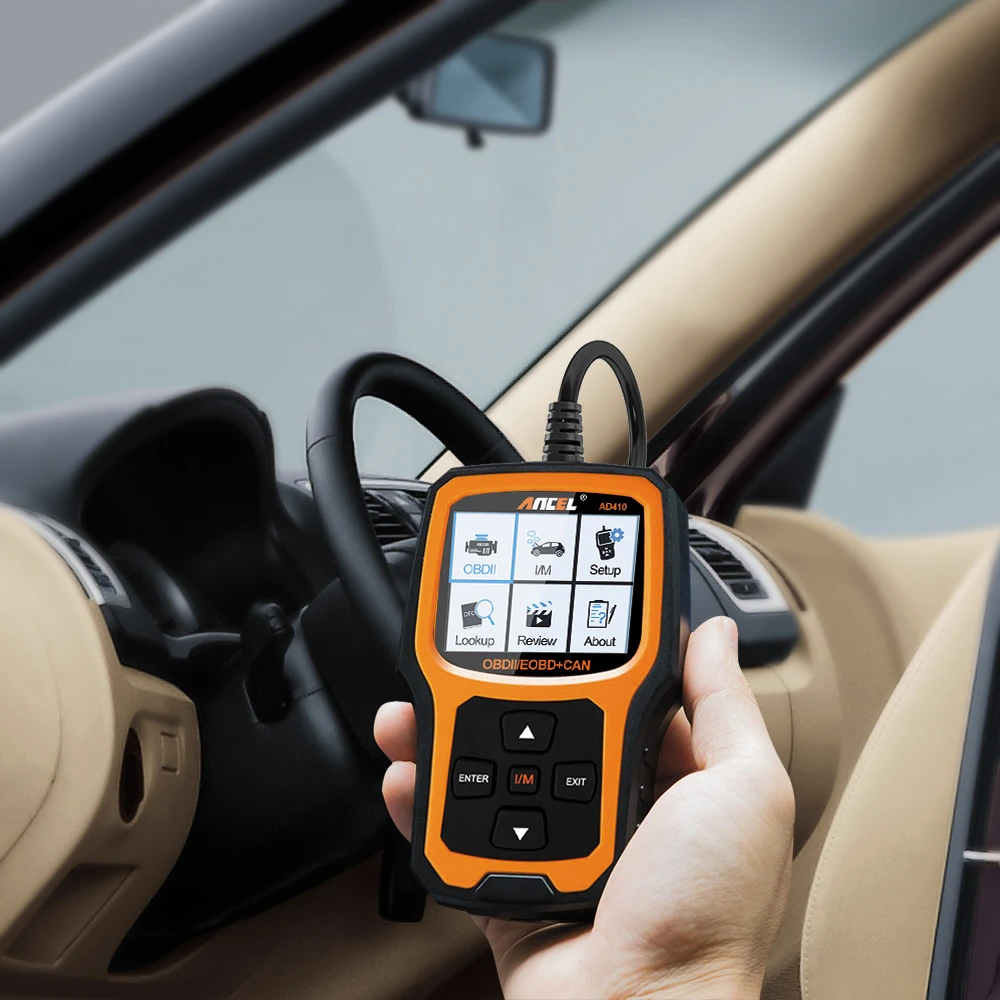

Ancel obd scanner are widely used by automotive professionals and car owners for diagnosing and troubleshooting various issues with their vehicles. However, like any electronic device, Ancel scanners can encounter problems from time to time. In this article, we will discuss some of the most common problems that Ancel scanner users face and provide practical solutions to help you get the most out of your device.
Problem 1: Ancel Scanner Cannot Connect to Vehicle
One of the most common issues with Ancel scanners is the device's inability to establish a connection with the vehicle's onboard computer. This can be due to various reasons, such as a faulty cable, a weak battery, or compatibility issues with the vehicle's make and model.
Solution: First, ensure that the scanner is compatible with your vehicle by checking the manufacturer's website or consulting the user manual. If compatibility is not an issue, check the scanner's cable connections and make sure they are tight and secure. If the scanner is still not connecting, try using a different cable or replacing the device's battery.
Problem 2: Ancel Scanner Cannot Read Codes
Another common problem with ancel ad310 is the device's inability to read diagnostic trouble codes (DTCs) from the vehicle's onboard computer. This can be due to issues with the scanner's software, outdated firmware, or malfunctioning hardware.
Solution: Make sure the scanner's software is up to date by visiting the manufacturer's website or using the scanner's update feature. If the software is up to date and the scanner is still not reading codes, try resetting the device to its default settings or performing a firmware update.
Problem 3: Ancel Scanner Produces Erroneous Codes
Sometimes, Ancel heavy duty truck scanner may produce erroneous codes that do not accurately reflect the vehicle's actual issues. This can be due to compatibility issues, a software glitch, or a malfunctioning sensor.
Solution: First, ensure that the scanner is compatible with your vehicle's make and model. If compatibility is not an issue, try resetting the scanner to its default settings or performing a software update. If the problem persists, consult a professional mechanic or dealer for further diagnosis.
Problem 4: Ancel Scanner Freezes or Crashes
Occasionally, Ancel scanners may freeze or crash, making it difficult to diagnose and troubleshoot vehicle issues. This can be due to a software glitch, a hardware malfunction, or insufficient memory.
Solution: Try resetting the scanner to its default settings or performing a software update. If the problem persists, try clearing the scanner's memory or using a device with a larger memory capacity. If none of these solutions work, contact the manufacturer for further assistance.
Conclusion
While ancel fx9000 scanners are reliable and effective tools for diagnosing and troubleshooting vehicle issues, they are not immune to problems. By identifying and addressing common issues, you can maximize the usefulness of your Ancel scanner and ensure accurate and efficient vehicle diagnostics. Remember to always consult the user manual and manufacturer's website for guidance and support, and seek professional assistance when necessary.










Sign in to leave a comment.