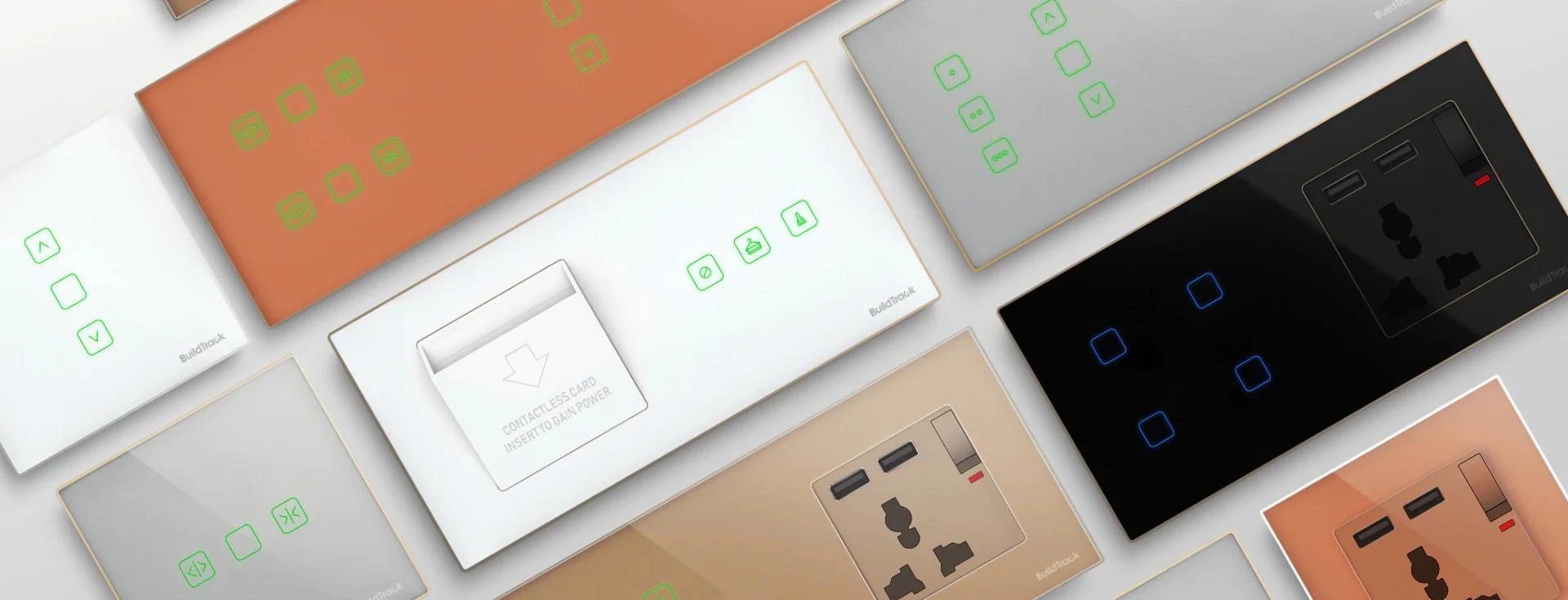

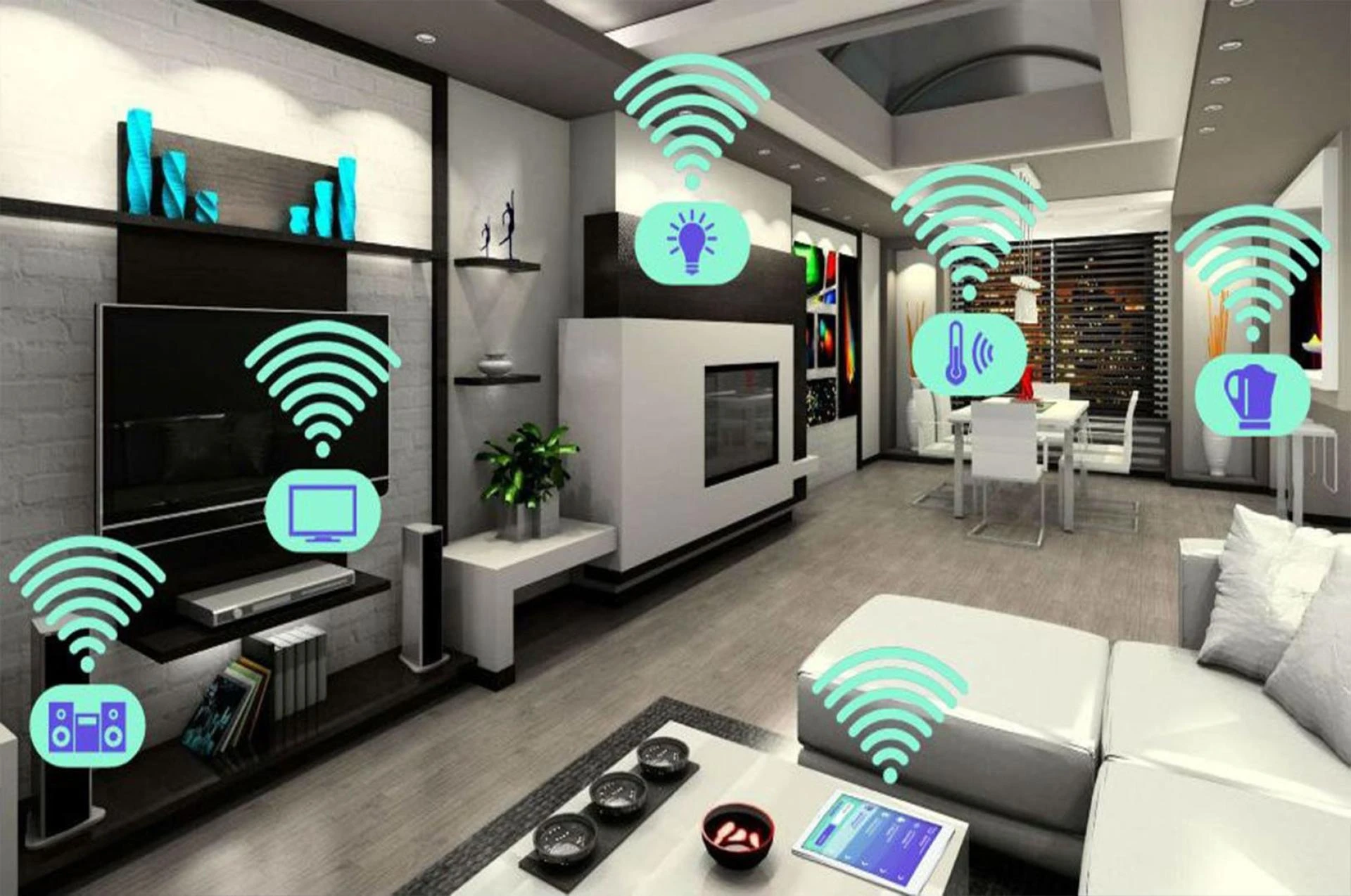
Automation is the new trend that's catching up with not just the younger generation but also the middle-aged and the older generation. Automation has not just made our lives easy, but it has also made our day-to-day activities seamless and tasks effortless. One such prime example of automation helping humankind for good is how we can control certain aspects of our home with the help of technology, i.e., smart home automation.
Smart home automation consists of things like a smart touch switch which works on a feather touch sensation almost as if being controlled with gesture alone. Voice command/control/activated switches integrated with smart devices like google home for google home automation or Amazon's Alexa for Alexa Home Automation. Smart application controlled automated switches to control the switch functioning using your smartphone. Programmable switches to start or stop any switch functioning as per set or pre-defined time. Smart switches with LED displays exhibit the current state, i.e., whether the switch is functioning or not, even from a reasonable distance.
Of all the above-mentioned smart home automation tools and techniques, the voice command-activated switches are the trendiest ones. With ever-so-affordable smart devices like Google Home or Amazon Alexa-echo, one can easily set up numerous commands using Al and control their home appliances with just voice commands.
Wondering how smart home automation works with devices like Amazon Alexa-echo?
For starters, once you have purchased the Alexa-echo device, you need to download the Alexa app on your smartphone, which is readily available in Play Store or App store. You do not need to buy or install any additional smart home automation software or server from the market. Also, you do not need to have any specialized practical knowledge to automate your home with the help of readily available smart switches from BuildTracks smart switches.
Once you have downloaded the Alexa app and have the BuildTracks smart switches installed in your home, you can follow these steps to get them integrated:
Go to the Alexa Skill → Home services → BuildTrack Home Automation skill → get this skill/Enable Skill → Login to your buildtracker account → wait for the account linking success message → In the Alexa app, ask Alexa to "Discover Devices", which will get all your elements synced in your BuildTrack account (Make sure that you have devices synced with your "BuildTrack Home Automation" Account) → You will see the list of devices and profiles in your Alexa app, and you can now start giving commands to Alexa "Turn on (device name, e.g. fan)", "Turn off (device name, e.g. AC).As simple as the above steps are, once customized, you can control almost anything and everything that is synched with your Buildtrack account and as soon as Alexa is able to read your commands and recognizes the device. With your voice command, don't just limit your imagination to switching on and off the lights, for you can even command Alexa to dimmer or brighten the lights to a certain % of brightness or control the temperature of the AC or swing speed of the fan as per your convenience and comfort, with your voice command itself. With smart home automation, your imagination is the limit with all appliances and devices. You can have control over many things, e.g., listening to your audiobook, controlling your automated curtains, etc. So, without any further ado, experience the power of technology by yourself at your fingertips at your Home with Smart Touch switch by BuildTrack.
0







Sign in to leave a comment.