
Instagram Stories have become one of the most popular ways to share moments, events, and memories with friends and followers on Instagram. One fun feature of Stories is the ability to add countdown stickers to build anticipation and excitement for upcoming events.
Countdown stickers allow you to set a time and date for an event, and Instagram will automatically create an animated sticker that shows a countdown to that moment. Whether it's a birthday, wedding, or trip, countdown stickers are a great way to get your Instagram followers hyped up and looking forward to your big day.
In this post, we'll go over how to use Instagram Stories countdown stickers to promote events and occasions, driving engagement and visibility on your Instagram profile.
How to Add Countdown Stickers to Instagram Stories
Adding a countdown sticker to your Instagram Story is easy and only takes a few steps:
Open the Instagram app and tap on your profile picture to open Stories.Take or upload a photo or video for your Story.Tap the sticker icon at the top and select the “Countdown” sticker.Enter the date and time you want the countdown to end. This is typically the date/time of the event you want to build hype for.Customize the countdown sticker with color, text, and graphics. Get creative!Post the Story as you normally would, and the countdown will automatically appear and update daily.Your followers will see the countdown sticker on your Story and get excited for the occasion as it approaches. The sticker also drives engagement, as people will tap on it to share the countdown or see time remaining.
Ways to Use Countdown Stickers for Events
Here are some creative ways to leverage Instagram Stories countdown stickers for your events and occasions:
Birthday Countdown: Build anticipation for your birthday by sharing a countdown sticker leading up to the big day.Wedding Countdown: If you have an upcoming wedding, share wedding planning moments and milestones with a countdown to the wedding date.Trip Countdown: Adding countdown stickers to your vacation photos gets friends hyped for your getaway.Product Launch Countdown: For business owners and influencers, build buzz for a product/service launch.Event Countdown: Share an event countdown sticker to drive registrations and create FOMO.Holiday Countdown: Christmas, New Years and other holidays are perfect moments for festive countdowns.Goal Countdown: Motivate yourself and your audience with a fitness goal or challenge countdown.Grand Opening Countdown: Drum up interest for the grand opening date of your business or location.Get Creative with Countdown Stickers for Maximum Impact
Be creative and strategic with your countdown sticker designs to grab attention and stand out in the Instagram Stories feed. Here are some tips:
Incorporate branded colors, fonts, and graphics related to the event.Animate the sticker so the countdown flashes or changes as it gets closer.Add text captions to share event details and build hype.Use multiple countdown stickers to highlight milestone days.Pair the sticker with related photos and videos to tell a story.Share weekly updates and reminders as the date gets closer.Ask followers to share their excitement in comments and repost the countdown.Tag the event location or organizers to spread the word.Optimizing Your Countdown Stickers for Engagement
Follow these best practices to drive meaningful engagement and views with your Instagram Stories countdowns:
Choose eye-catching visuals to pair with your countdown sticker, like bold graphics, bright colors, and high-quality photos/videos. This helps the Story stand out.Promote user-generated content by reposting followers' countdown stickers and stories. This builds engagement.Respond to all comments and questions on the Story countdown posts to connect with your audience.Use strategic hashtags related to the event to expand your reach to interested users.Run an Instagram contest or giveaway that requires sharing the countdown sticker as an entry method.Tag influential people or brands related to the event to potentially get a repost.Post your countdown Story at optimal times when your target audience is most active on Instagram.Share the Story countdown periodically as the date approaches to keep it top of mind.Benefits of Using Instagram Stories Countdown Stickers
Utilizing Instagram Stories countdown stickers has many advantages for your brand and events:
Drives excitement and anticipation for upcoming events and occasionsGenerates engagement and shares as users interact with the countdownProvides a fun, visual way to promote events on Instagram StoriesAllows you to easily track and measure interest and engagementKeeps your event top of mind leading up to the big dayAllows followers to easily add the event to their calendar from the stickerCreates FOMO and urgency to take action or register for the eventGives fans a daily reminder and motivator as the date approachesOverall, Instagram Stories countdown stickers are an excellent event marketing tool to boost visibility, engagement, and registrations in the build-up to your special day.
Get creative with eye-catching countdown stickers to bring the hype for your next product launch, conference, grand opening, or other occasion!
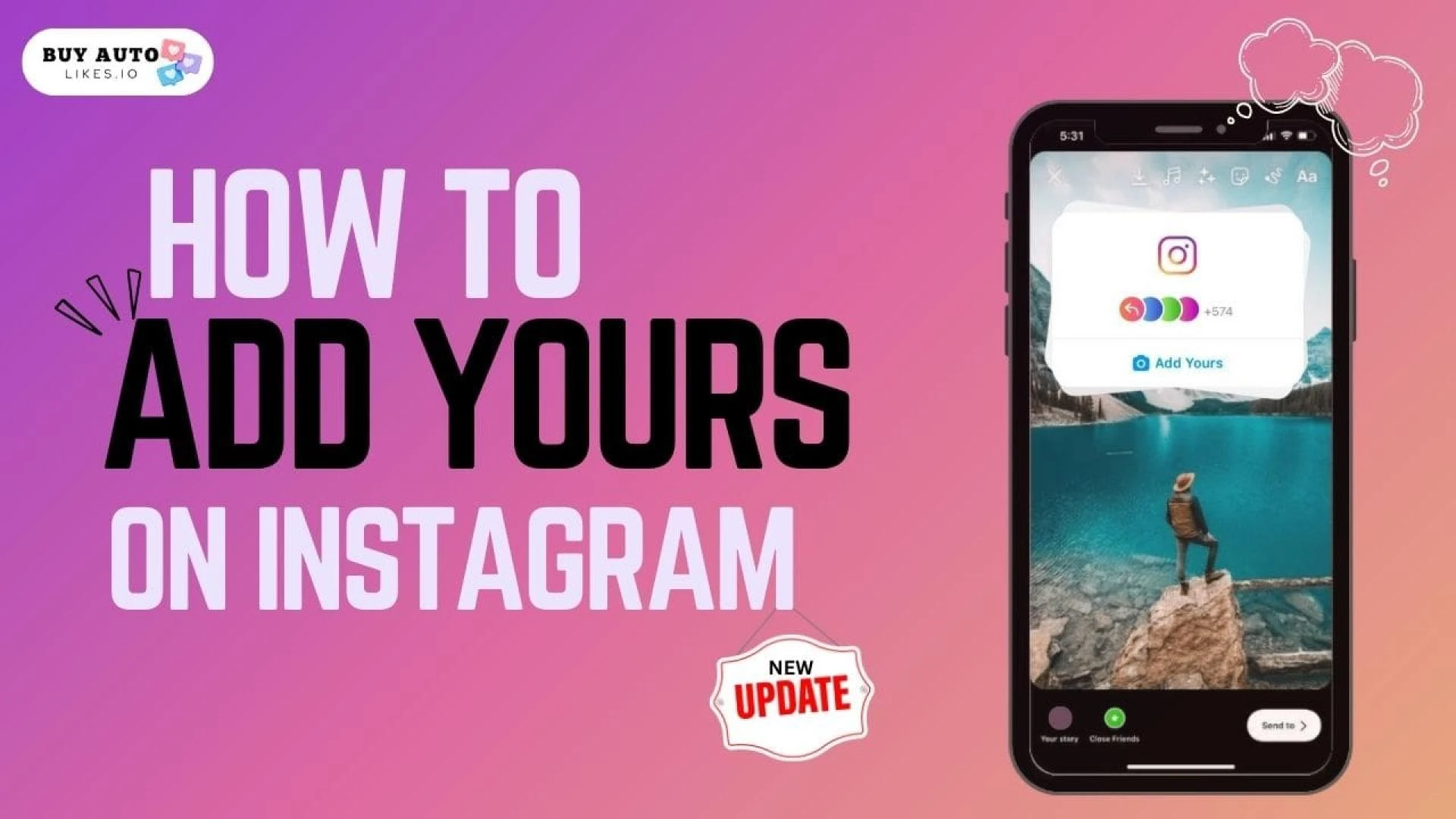
How to "Add Yours" on Instagram (New Update)
Instagram recently launched a new “Add Yours” sticker for Stories, giving creators a new way to interact with their audience. Here’s how it works:
Capture or upload content to your Instagram Story as usual.Tap the sticker icon and select the “Add Yours” sticker.Customize the sticker with text prompts, colors, and graphics. For example “Add Yours: Favorite Travel Destination.”Post the Story. Viewers can now respond to your prompt with their own Story reply.Instagram will automatically create a shared slider of responses from those who answer your prompt.Benefits of the “Add Yours” sticker include:
Drives engagement and responses from your followers.Allows you to easily re-share user-generated content.Creates an interactive, community-like experience.Provides social proof when multiple users respond to your prompt.Gives followers a low-barrier way to engage with your brand.Be creative with your “Add Yours” sticker prompts and encourage responses tied to your brand or content. This new Instagram interactive sticker presents a fun way to engage your audience!
Source - How to Add Yours on Instagram
Conclusion:
Instagram Stories countdown stickers provide a fun and engaging way to build anticipation for upcoming events and occasions. By driving excitement leading up to important dates, brands and creators can boost engagement, registrations, and visibility on Instagram.
Optimizing your countdown sticker design, promoting user-generated content, and sharing regularly as the date approaches ensures your followers stay tuned in. Pair stickers with compelling visuals for maximum impact.
Additionally, Instagram's new "Add Yours" sticker presents an interactive way to get audience participation on Stories.
As Instagram continues evolving, leverage features like countdowns and prompts to creatively connect with your community. Just remember to keep stickers eye-catching and on-brand for your event.
FAQs
Here are some frequently asked questions about Instagram Stories countdown stickers:
Q: Can you edit a countdown sticker after posting a Story?
A: Unfortunately no, the date and time cannot be edited once the countdown sticker Story has been shared. You will need to delete the Story and create a new countdown with the correct date/time.
Q: Do countdown sticker Stories automatically disappear after 24 hours like regular Stories?
A: Yes, countdown sticker Stories will automatically disappear after 24 hours like all Stories. However, you can share new countdown stickers as needed to continue promoting the event.
Q: Can I add more than one countdown sticker to the same Instagram Story?
A: Absolutely! You can add multiple countdown stickers to a single Story if you want to highlight different event milestones.
Q: Can I create a countdown for a past date with Instagram Stories stickers?
A: No, the countdown sticker requires a future date and will not work for dates in the past.
Q: Do countdown stickers automatically adjust for time zones?
A: Unfortunately no. The countdown will be based on the device's set time zone where it was created. Be sure to set the correct time zone before making your countdown.
Q: What's the maximum length of time I can set a countdown sticker for?
A: You can set a countdown sticker for up to one year in the future (365 days maximum). However, shorter timeframes are recommended to keep followers engaged.
Q: Can I reuse the same countdown sticker on multiple Instagram Stories?
A: Yes! You can reuse and repurpose a countdown sticker on as many Stories as you'd like leading up to your event.










Sign in to leave a comment.