


At the Dell service center in Chandrapur, we specialize in diagnosing and resolving all types of Dell laptop screen and keyboard issues with precision and professionalism.
Common Dell Laptop Screen Problems & Solutions
A. Flickering or Blank Screen
Symptoms:
Screen flickers intermittently
Goes completely black but laptop is still running
Display works only at certain angles
Possible Causes:
Loose or damaged display cable
Faulty graphics card or driver issues
Backlight inverter failure (in older models)
Damaged LCD panel
Solutions:
✔ Check connections – Reseat the display cable.
✔ Update graphics drivers – Reinstall or roll back drivers.
✔ Test with an external monitor – If it works, the issue is with the laptop screen.
✔ Replace the LCD panel – If physical damage is present.
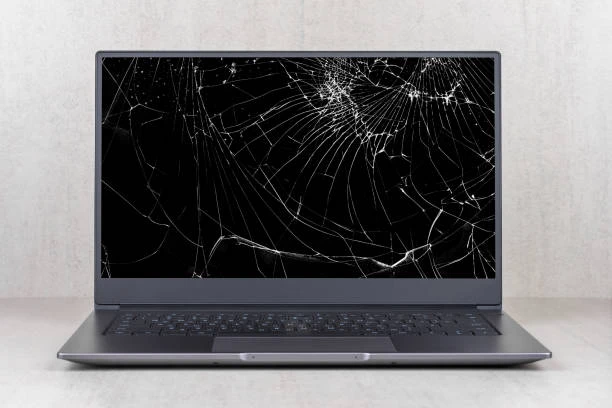
B. Cracked or Damaged Screen
Symptoms:
Visible cracks or shattered glass
Discolored patches or lines on the display
Touchscreen unresponsive (if applicable)
Solutions:
✔ Replace the screen – Requires professional installation.
✔ Avoid DIY fixes – Improper handling can worsen the damage
.
C. Dead Pixels or Discoloration
Symptoms:
Tiny black or colored dots on the screen
Uneven brightness or color distortion
Solutions:
✔ Use pixel-fixing software – Sometimes revives stuck pixels.
✔ Replace the display panel – If dead pixels persist.
D. Screen Not Turning On (But Laptop Powers Up)
Symptoms:
Laptop fans run, but the screen remains black
No display even after restarting
Possible Causes:
Faulty RAM or motherboard issue
Power supply problem to the display
Solutions:
✔ Hard reset the laptop – Remove battery & hold power button for 30 sec.
✔ Check RAM modules – Reseat or replace if faulty.
✔ Professional diagnosis – If the issue persists, visit our service center.
2. Dell Laptop Keyboard Issues & Fixes
A. Unresponsive or Stuck Keys
Symptoms:
Certain keys don’t register presses
Keys feel sticky or physically stuck
Possible Causes:
Dust or debris under keys
Worn-out key mechanisms
Liquid spill damage
Solutions:
✔ Clean the keyboard – Use compressed air or a soft brush.
✔ Remove and reseat the keycap – For mechanical issues.
✔ Replace the keyboard – If cleaning doesn’t help.
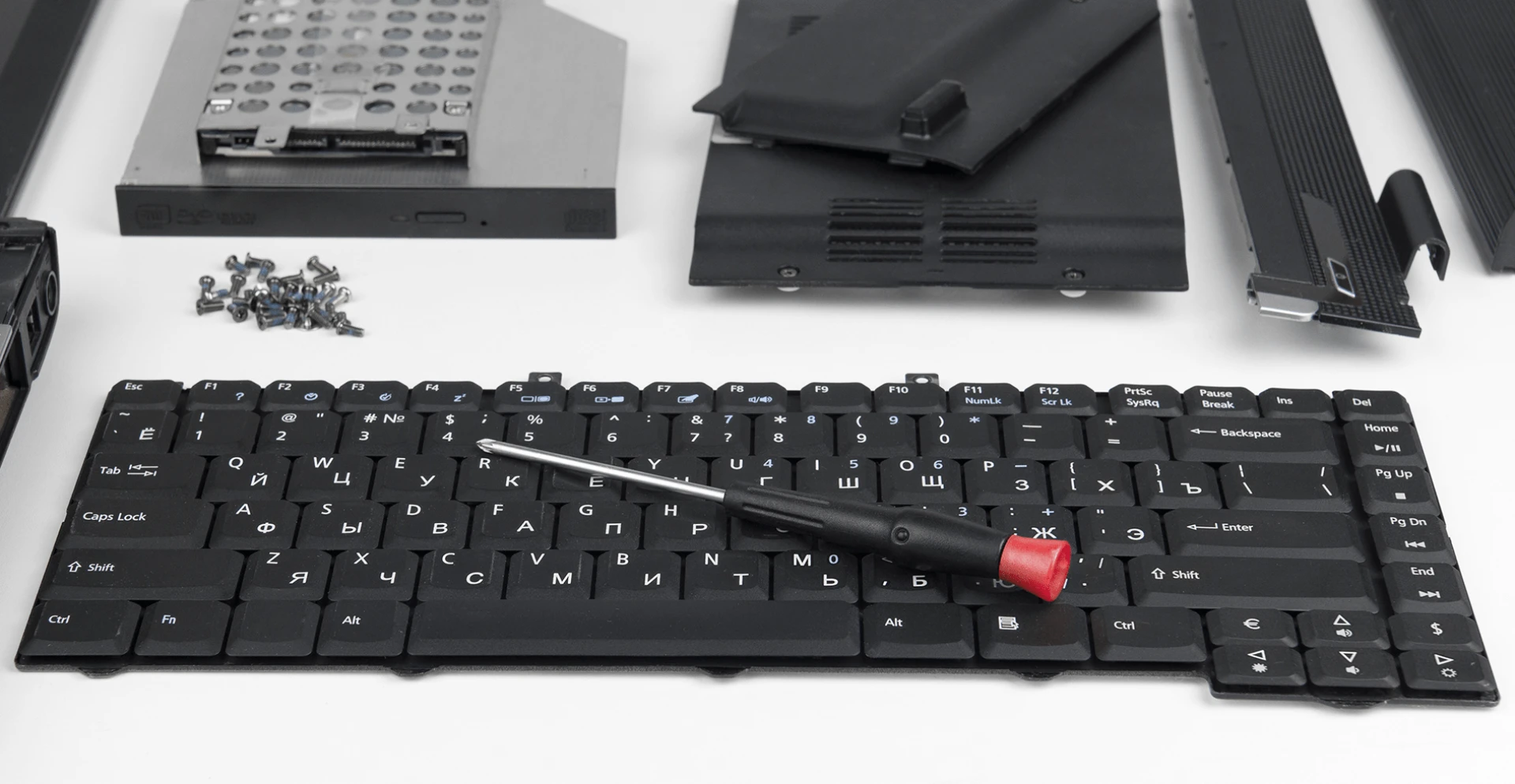
B. Keyboard Backlight Not Working
Symptoms:
Backlight doesn’t turn on
Only some keys light up
Possible Causes:
Disabled in settings
Faulty backlight LED strip
Driver or BIOS issue
Solutions:
✔ Check keyboard shortcuts (Fn + F10/F6) – Toggle backlight settings.
✔ Update BIOS & drivers – From Dell’s official website.
✔ Replace backlight module – If hardware failure is detected.
C. Spill Damage on Keyboard
Symptoms:
Keys stop working after liquid exposure
Sticky or corroded keys
Immediate Actions:
✔ Turn off the laptop immediately
✔ Disconnect the battery (if removable)
✔ Dry the keyboard upside down
✔ Professional cleaning required – To prevent motherboard damage.
3. Why Choose Our Dell Laptop Service Center in Chandrapur?
✅ Certified Dell Technicians – Trained experts with years of experience.
✅ Genuine Dell Parts – We use only OEM-quality replacements.
✅ Affordable Pricing – Competitive rates with no hidden costs.
✅ Free Diagnostics – Get a complete checkup before repair.
✅ Warranty on Repairs – Peace of mind with service guarantees.
✅ On-Site & Pickup/Drop-off Options – Convenient service choices.
4. Step-by-Step Repair Process at Our Service Center
Diagnosis – We run hardware & software tests to identify the issue.
Quotation – Transparent pricing with no surprises.
Approval – Repair begins only after your consent.
Repair/Replacement – Skilled technicians fix or replace faulty parts.
Quality Testing – Rigorous checks before return.
Delivery – Get your fully functional laptop back!
5. Preventive Measures to Avoid Screen & Keyboard Issues
🔹 Use a screen protector – Prevents scratches & cracks.
🔹 Handle the laptop gently – Avoid pressure on the screen.
🔹 Keep liquids away – Prevent spill damage.
🔹 Regular cleaning – Dust-free keyboards last longer.
🔹 Update drivers & BIOS – Ensures optimal performance.
If your Dell laptop screen or keyboard is malfunctioning, don’t let it disrupt your productivity. Chandrapur’s Premier Dell Laptop Service Center is here to provide fast, reliable, and affordable repairs with expert care.
📞 Contact Us : +91 7770012802
📍 Visit Our Service Center – Dev vani Building, Near Meghana Car Decor, Infront of Wadgaon Police Chowki, Bapat Nagar, Chandrapur - 442401










Sign in to leave a comment.