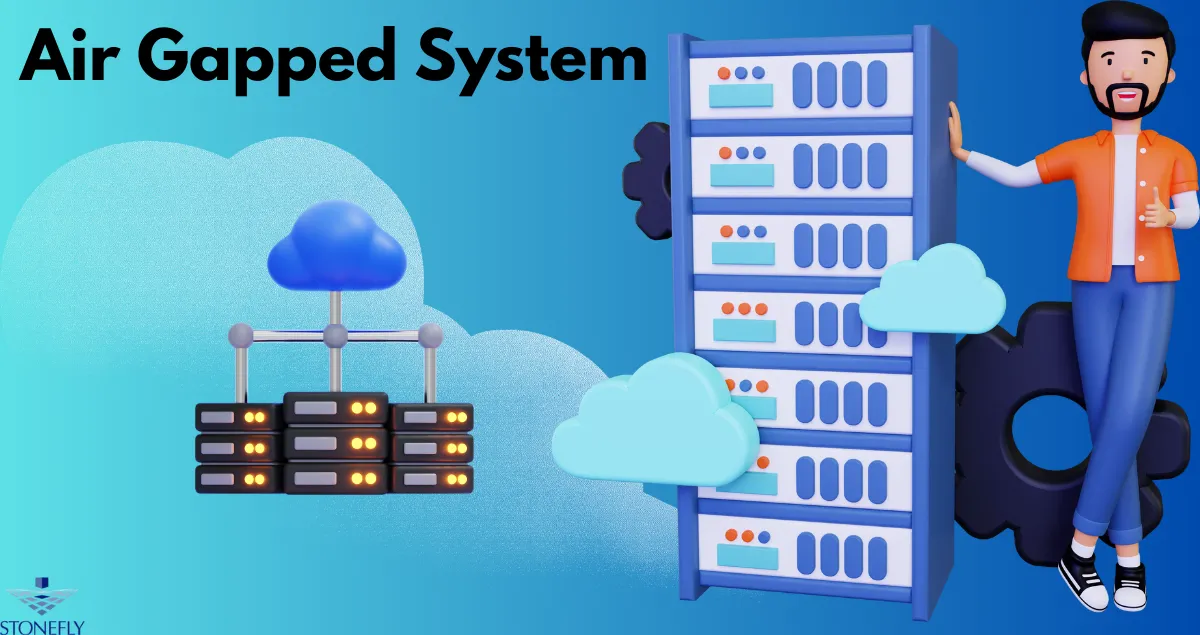

Designing a Secure Computing Environment for Critical Operations
Organizations increasingly depend on servers, applications, and digital infrastructure to maintain business continuity. When these systems handle sensitive information or support essential operations, ordinary network security controls may not provide sufficient protection against every threat. An Air Gapped System creates a dedicated computing environment that is separated from other networks to reduce exposure to unauthorized access and certain remote attacks.
This approach can support backup recovery, industrial operations, sensitive research, and other workloads that require carefully controlled access. However, isolation alone does not guarantee security. Organizations must also plan for data transfers, administrative access, software maintenance, physical protection, and reliable recovery procedures.
What Makes a Computing Environment Isolated?
A computing environment typically includes the hardware, operating system, applications, storage, and network connections required to perform specific tasks. Isolation changes how that environment communicates with other systems.
In a physically isolated design, the environment has no active network connection to the external networks from which it is intended to remain separated. Other implementations use strict logical controls or allow connectivity only during approved maintenance and transfer operations.
The appropriate design depends on the level of protection required and the system's operational purpose.
Physical Isolation and Logical Isolation
Physical isolation can reduce exposure to network-based attacks by removing direct communication pathways. Nevertheless, information may still enter through removable media, maintenance equipment, or authorized personnel.
Logical isolation restricts communication through segmentation, access policies, and network controls. It can be easier to manage, but its effectiveness depends on correct configuration and ongoing monitoring.
Organizations should document the actual connections and dependencies instead of relying solely on labels such as “isolated” or “offline.”
Where Isolated Computing Environments Are Useful
Some workloads benefit from stronger separation because compromise could have significant operational or security consequences.
Backup and Recovery Operations
Backup infrastructure is an important use case. Attackers who compromise production systems may attempt to delete recovery copies or prevent restoration.
Keeping selected backup resources separate from ordinary production access can make these actions more difficult. Recovery infrastructure should also preserve the information and tools required to restore systems, including configuration files, backup catalogs, and recovery instructions.
Industrial and Specialized Equipment
Manufacturing, laboratory, and other specialized environments may use systems that must operate predictably and maintain carefully controlled configurations.
Reducing unnecessary connectivity can help limit exposure, but isolation decisions must account for equipment dependencies, safety requirements, and vendor maintenance procedures. Disconnecting a system without understanding these dependencies could disrupt essential functions.
Sensitive Research and Business Information
Organizations working with proprietary designs, confidential documents, or sensitive datasets may restrict communication with general-purpose networks.
This can reduce exposure to some external threats, provided access to the isolated environment and its transfer mechanisms is also controlled.
Planning the Architecture
A reliable design begins with a clear definition of what the environment must protect and which tasks it must perform.
Identify Required Components
List the systems, applications, storage resources, and supporting tools needed for normal operation. Determine whether the environment depends on external authentication, software licensing, time synchronization, monitoring, or other services.
Document these dependencies before implementing separation. This helps prevent unexpected outages and identifies services that need an approved alternative.
Establish a Controlled Network Boundary
Determine which connections are prohibited, which are permitted, and which may be enabled temporarily. Where practical, separate management traffic from workload traffic and restrict administrative interfaces to authorized equipment.
Review network diagrams and configuration records regularly. Changes made for convenience can unintentionally create pathways into the protected environment.
Plan Hardware and Physical Access
Select hardware according to workload requirements, including processing capacity, storage needs, and reliability expectations. Ensure that equipment can be maintained without introducing uncontrolled connections.
Physical access should be limited to authorized personnel. Secure locations, documented maintenance procedures, and equipment inventories help reduce the risk of unauthorized changes.
Managing Data Transfers Safely
An isolated environment may still need software updates, backup copies, or approved datasets. These transfers create potential entry points and should be handled through a repeatable process.
Verify Incoming Information
Use approved transfer devices and validate files before they enter the environment. Security scanning can help identify known malicious content, while checksums or cryptographic hashes can help detect unexpected changes.
Neither technique guarantees that information is completely safe. Validation should also consider the source of the data, the purpose of the transfer, and whether the file is expected.
Control the Transfer Process
Define who can authorize transfers, which devices may be used, and how temporary access is removed afterward. Keep records of significant actions and investigate unexplained changes.
Avoid relying on informal procedures that vary from one administrator to another. Consistent processes make it easier to maintain security and investigate incidents.
Protecting Administrative Access
Isolation reduces certain communication pathways, but it does not eliminate risks from malicious insiders, stolen credentials, or unauthorized physical access.
Separate Administrative Credentials
Use dedicated accounts for sensitive administration. Avoid sharing the same powerful credentials across production systems and protected environments.
Apply least-privilege permissions so each account has only the access necessary for its responsibilities. Multi-factor authentication can provide additional protection where supported.
Maintain Secure Recovery Information
Systems may depend on passwords, encryption keys, configuration records, or specialized software during restoration. If these resources exist only within a compromised environment, recovery may become difficult.
Maintain appropriately protected copies of essential recovery information and document how authorized personnel can access it during an incident.
Maintaining and Updating the Environment
An isolated system still requires maintenance. Software vulnerabilities can remain present even when direct network access is restricted, and hardware components can fail over time.
Organizations should establish a controlled update process that includes verifying software sources, testing updates, approving changes, and documenting installation results.
Monitoring should cover relevant indicators such as hardware health, system errors, storage capacity, and unauthorized configuration changes. The exact monitoring approach depends on the environment's connectivity and operational requirements.
An Air Gapped System should not become an unmanaged system simply because it is separated from other networks.
Recovery Planning and Testing
Security controls are most valuable when essential operations can continue after a failure. Organizations should define the steps required to rebuild or restore the environment and identify the people responsible for each stage.
For critical workloads, establish two recovery measures:
- Recovery point objective (RPO): The maximum tolerable amount of recent data loss.
- Recovery time objective (RTO): The target time for restoring a system or service.
These measures help determine backup frequency, the availability of spare hardware, and the resources required during a recovery event.
Conduct practical exercises rather than relying solely on written procedures. Verify that required software, configuration files, credentials, and data are available. Record the results and correct problems discovered during testing.
Common Mistakes to Avoid
Several oversights can undermine an isolated computing environment:
- Leaving an overlooked management connection active.
- Using unverified removable media.
- Sharing administrator credentials with connected production systems.
- Failing to document system dependencies.
- Delaying necessary security updates indefinitely.
- Neglecting physical access controls.
- Storing all recovery copies in one location.
- Assuming that isolation eliminates the need for monitoring and testing.
Periodic reviews should confirm that the intended separation remains effective and that operational procedures still match the current infrastructure.
Conclusion
Separating critical computing resources from ordinary network access can reduce exposure to certain remote attacks and limit how threats move between systems. Achieving this benefit requires careful architecture, controlled data transfers, secure administration, ongoing maintenance, and tested recovery plans.
An Air Gapped System should be treated as a managed part of the organization's security strategy, not as a standalone guarantee of protection. Clear procedures and regular verification help preserve both security and operational reliability.
Frequently Asked Questions
1. What is the primary purpose of an isolated computing system?
Its purpose is to separate selected computing resources from other networks, reducing their exposure to certain unauthorized access attempts and remote attacks.
2. Can an isolated system receive software updates?
Yes. Updates can be introduced through a controlled process that verifies their source, validates the files, and documents the changes. The process should avoid unnecessary or permanent network connections.
3. Is an isolated system completely immune to cyberattacks?
No. Malware can enter through removable media or authorized transfers, and physical access or insider threats can still create risks. Isolation should complement other security controls.
4. Why are recovery procedures important for isolated systems?
Recovery may require specific software, credentials, configuration files, and data. Documented and tested procedures help ensure that authorized staff can restore operations after a failure.
5. How often should an isolated environment be reviewed?
Review it regularly and whenever significant infrastructure or operational changes occur. Security checks, hardware maintenance, access reviews, and recovery exercises should follow a documented schedule based on risk and business importance.






















Sign in to leave a comment.