Document Authentication Software: A Guide for UK Businesses

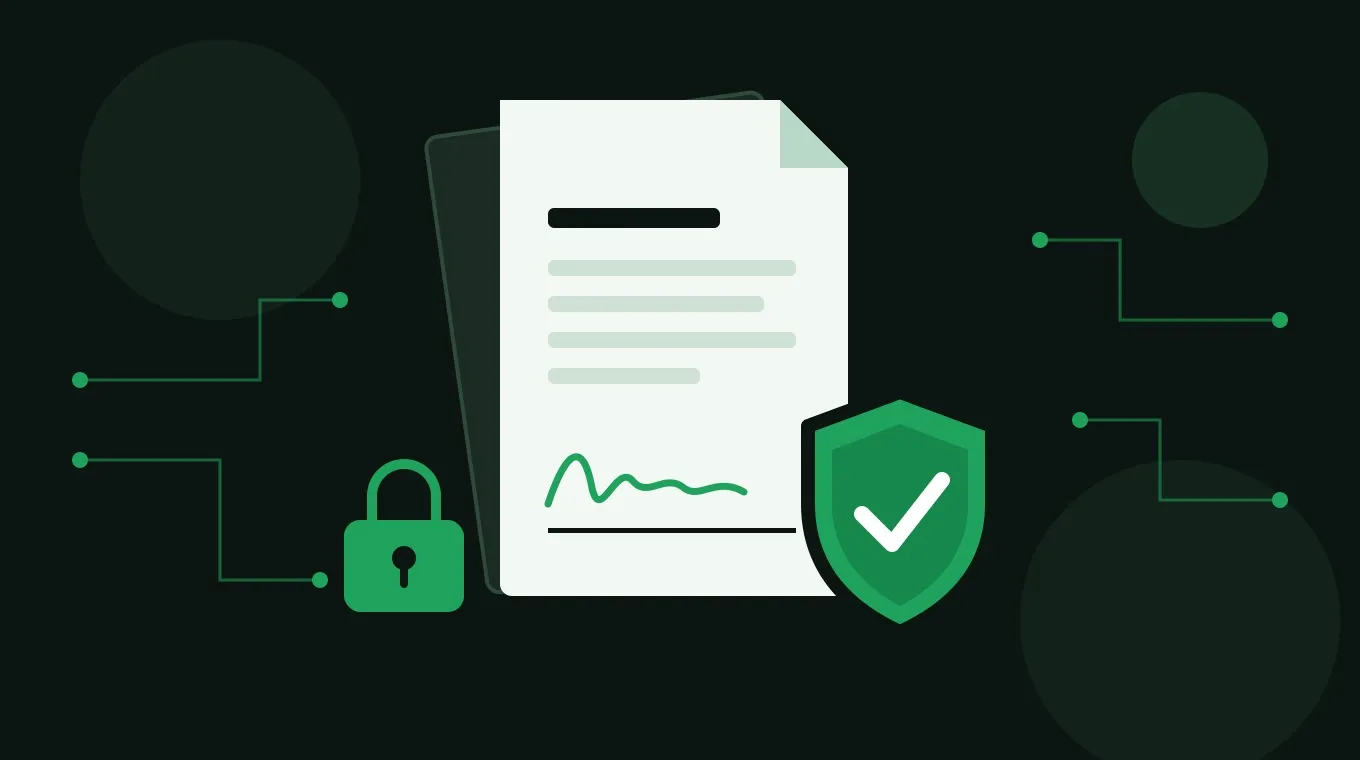
Companies handle many documents every day, including client agreements, financial records, employee contracts and approval forms. Managing this paperwork by hand is slow and causes delays.
There are risks too. Documents get lost or arrive incomplete, and it can be hard to prove who signed off on an agreement. Document authentication software helps solve this. It organises digital documents, collects signatures, stores important records and simplifies daily operations.
Why Document Authentication Is Important in Modern Business
Document security is a major concern for businesses. Companies regularly share confidential information with employees, customers, suppliers and partners. If these files are not handled properly, they can reach the wrong people or be changed without permission.
Secure document processes let you see who has opened a file and who has approved it. They also help you keep track of contracts and completed transactions. Instead of printed copies, email chains and manual follow-ups, your documents live in one place online.
These solutions suit businesses of any size. Whether a company handles 100 or 1,000 contracts a month, a clear authentication process improves organisation and reduces common paperwork problems.
How Document ID Authentication Software Helps Verify Important Documents
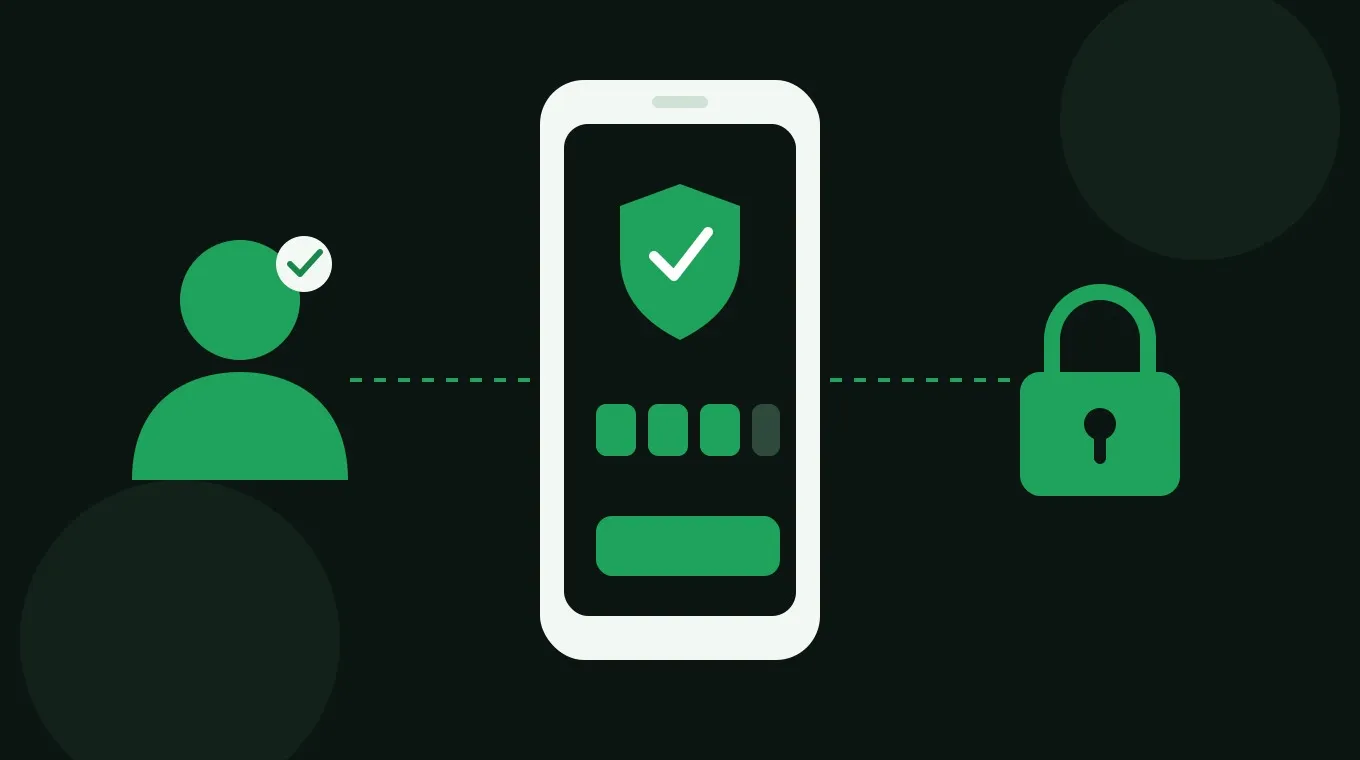
Every important business document needs to be easy to identify, track and find. Document ID authentication software lets organisations manage document identities and verify the information in their digital records.
For example, a company may need to confirm an agreement before approving a payment or completing a transaction. When documents are well organised, it is much easier to find the right file and check its details. Some systems can also confirm that the right person is accessing a document.
Look for tools that let you:
- Secure access to documents
- Identify users
- Keep clear logs of document activity
Two-factor authentication and password protection add another layer of security. They reduce the chance of unauthorised access and make digital document management more reliable.
E Signature Software UK: Making e-Signing Easier
The traditional signing process is slow. You print the document, scan it, email it and wait for the signed copies to come back. This becomes frustrating when several people must sign the same agreement. Digital signing is a simpler alternative.
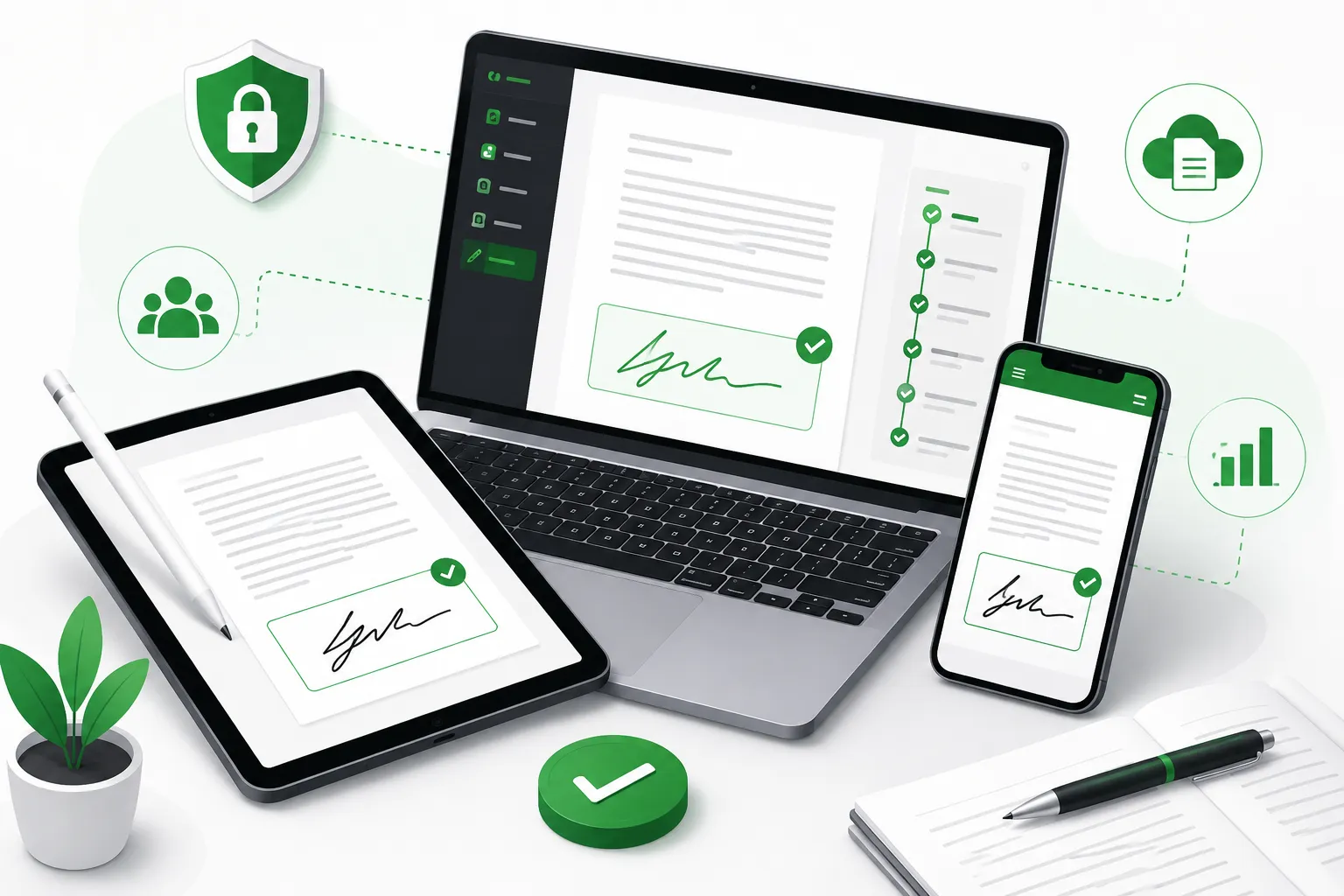
With the right e-signature software, UK businesses can send documents electronically and collect signatures without paper. Recipients can view and sign on a computer, tablet or smartphone, so people can sign from anywhere.
A good e-signature solution also includes:
- Signature reminders
- Signing status updates
- Secure document storage
Teams can see which documents are waiting for approval and which are complete. That means less time chasing signatures and more time on the work that matters.
Electronic Signatures and the eIDAS Regulation: What You Need to Know
Choosing the right e-signature software means understanding the legal rules for e-signatures too. The eIDAS regulation is the European Union's legal framework for electronic identification and trust services. It supports secure digital transactions and builds trust in online services.
Under Article 25, a court cannot reject an electronic signature as evidence only because it is in electronic form. Qualified electronic signatures also have the same legal effect as handwritten signatures in all EU Member States.
There are three levels of electronic signature, each with different requirements: simple, advanced and qualified. When choosing a signing method, consider:
- The type of agreement
- The level of identity verification required
- The regulations that apply to your transaction
UK businesses that work with customers or partners in Europe should understand the legal requirements in each country. Businesses that know these rules can choose the right signing method and handle cross-border agreements with confidence.
Can a Signature Program Enhance Business Communication?

Professional communication is about more than well-written emails. It is also about a consistent identity that customers and partners recognise. E-signature software for UK businesses can help organisations create and manage professional email signatures for employees.
A typical email signature includes:
- Name and job title
- Company details
- Phone number and website
- Brand logo
A consistent design across the company makes business emails look more professional and helps customers find the right contact details.
An email signature is not the same as an electronic signature on a document. An email signature identifies the sender and gives contact information. An electronic signature records a person's agreement to a document. Some companies use both as part of their digital communication.
E Signature Workflows for Finance Teams
Finance teams handle documents that need careful review and confirmation, such as loan applications, payment agreements, supplier contracts and account forms. When these are shared as email attachments and paper copies, approvals slow down.
Well-designed e-signature finance workflows help teams send documents to the right people, collect approvals and track signing progress. For example, a loan agreement may need approval from a customer and one or more authorised staff members. With digital signing, each step is completed without printing and scanning the same document again and again.
Security matters even more for financial information. When choosing a signing solution, look for:
- Password protection
- Two-factor authentication
- Access control
- Audit records
These features protect sensitive documents and give you clear insight into signing activity. A leaner process helps finance teams reduce manual effort, improve communication and speed up routine approvals.
What Makes a Good Digital Signing Platform for Companies?

Not all digital signature platforms are the same. Before choosing software, understand your needs and how the platform will fit into your existing workflows.
Useful features to look for:
- Identity verification: Confirms that the person accessing and signing a document is who they should be.
- Secure document sharing: Protects important files when you send them to clients or partners.
- Audit trails: Records key events, such as when a document was viewed or signed.
- Signing reminders: Prompts recipients to sign and prevents delays.
- Multiple signers: Collects signatures from several people on one document.
- Document storage: Keeps completed agreements easy to find when you need them.
If a platform is complicated, employees and customers are less likely to use it. Choose one with a simple signing process that still includes the security features your business needs.
XignDoc: Simplify Digital Document Signing
You shouldn't have to fight with documents, endless email chains and constant follow-ups. XignDoc is a digital signing solution that lets companies send Word documents for e-signing and manage the whole signing process online.
Here is how it works:
- Upload your document.
- Enter the email addresses of the people who need to sign.
- Send the file for approval.
Signers can type, draw or upload their signature. XignDoc also provides:
- Signing updates and reminders
- Support for multiple signers
- Password protection and two-factor authentication
- Microsoft Word and Google Drive integration
These features help businesses reduce paperwork and keep important agreements in order. If you want to improve how your business signs documents digitally, a platform like XignDoc can make document management easier. Find out more about its features and signing solutions at XignDoc.
Summary
Document authentication software helps businesses improve document security, control signing activity and rely less on paper. With identity verification, secure access, audit trails and a clear understanding of legal requirements, UK organisations can build a trustworthy approach to digital signing.




Sign in to leave a comment.