
Introduction
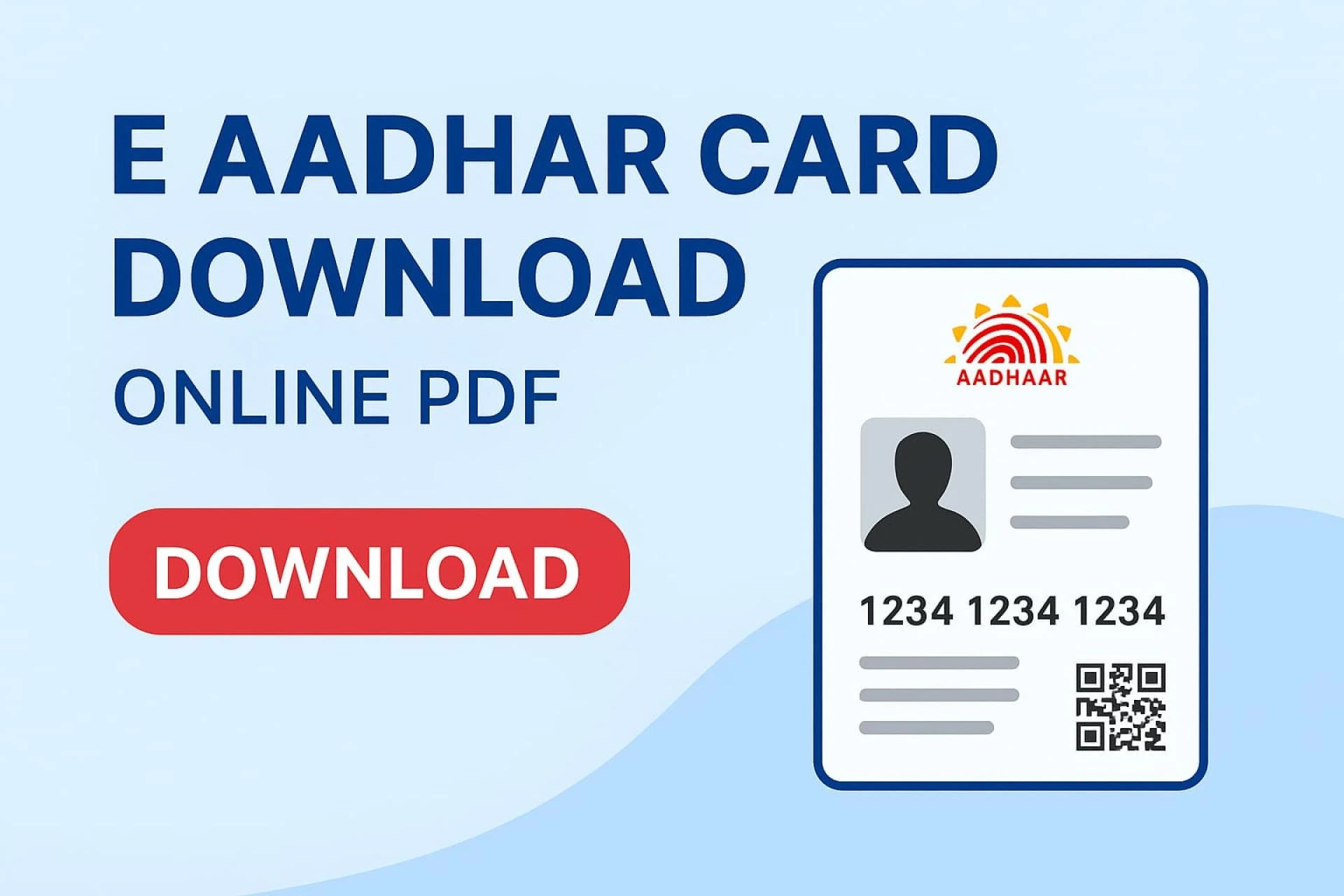
In today’s digital age, carrying physical identity documents everywhere is no longer necessary. Thanks to UIDAI (Unique Identification Authority of India), Indian citizens can now easily access their Aadhaar card online. The process of Aadhar card download allows you to get a digital copy of your Aadhaar in just a few clicks.
Whether you have lost your Aadhaar card, need a soft copy for online use, or simply want a backup PDF version, the e Aadhaar download option is quick, secure, and accessible to everyone.
In this guide, we’ll cover everything you need to know about downloading Aadhaar online, including different methods, step-by-step instructions, and FAQs.
What is an e Aadhaar Card?
An e Aadhaar is a digitally signed electronic version of your Aadhaar card. It contains the same information as the physical Aadhaar card, including:
- Name
- Date of Birth
- Gender
- Aadhaar Number (UID)
- Photograph
- Address
The digital Aadhaar is equally valid as the physical Aadhaar card under the Information Technology Act, 2000.
Benefits of e Aadhaar Card Download
Downloading an e Aadhaar card offers several advantages:
- Instant Access – No need to wait for physical delivery.
- Always Available – Keep it on your smartphone or email.
- Secure and Verified – Comes with UIDAI’s digital signature.
- Accepted Everywhere – Works as valid ID proof across India.
- Paperless Convenience – Helps in digital India initiative.
Methods of e Aadhaar Card Download
There are multiple ways to download Aadhaar online:
1. Download Aadhaar Using Aadhaar Number
- Visit the official UIDAI website – uidai.gov.in.
- Go to the Download Aadhaar section.
- Enter your 12-digit Aadhaar number.
- Verify with the OTP sent to your registered mobile.
- Download the PDF file.
2. e Aadhar Card Download by Enrollment ID (EID)
If you don’t remember your Aadhaar number:
- Use the EID (Enrollment ID) provided during registration.
- Enter it on the UIDAI website.
- Authenticate with OTP.
- Download your Aadhaar card PDF.
3. Aadhaar Download via Virtual ID (VID)
UIDAI also provides a Virtual ID (VID) option for extra security.
- Enter VID instead of Aadhaar number.
- Authenticate with OTP.
- Download Aadhaar instantly.
4. mAadhaar Mobile App
- Download the official mAadhaar app from Android/iOS.
- Log in using Aadhaar-linked mobile number.
- Select “Download Aadhaar” option.
5. UMANG App
- Install UMANG App (Unified Mobile Application for New-Age Governance).
- Log in and select the Aadhaar service.
- Choose “Download Aadhaar” and authenticate.
6. DigiLocker
- Open the DigiLocker App/Website.
- Link Aadhaar with DigiLocker.
- Access Aadhaar anytime without downloading again.
How to Open the e Aadhaar PDF File?
Once downloaded, the Aadhaar card is password protected.
- The password is the first four letters of your name (in CAPITAL letters) + your birth year.
👉 Example:
Name: Ramesh Kumar
Year of Birth: 1990
Password = RAME1990
Is e Aadhaar Card Valid Everywhere?
Yes ✅ The e Aadhaar PDF is equally valid as a physical Aadhaar card. UIDAI has officially declared that both carry the same legal value.
Common Problems During e Aadhar Card Download
- Mobile Number Not Registered – OTP cannot be received.
- Slow Website – High traffic may cause delays.
- Wrong Password Entry – Users often forget the correct format.
- Browser Issues – Best to use Chrome/Edge for smooth experience.
Safety Tips While Downloading Aadhaar Online
- Always download only from www.uidai.gov.in or trusted apps.
- Avoid sharing your Aadhaar number on third-party websites.
- Keep your e Aadhaar PDF in a secure location.
- Do not share the Aadhaar PDF openly on social media.
FAQs on e Aadhaar Card Download
1. Can I download Aadhaar without a registered mobile number?
No, a registered mobile number is mandatory for OTP verification.
2. Is the e Aadhaar PDF valid as ID proof?
Yes, it is legally valid and accepted everywhere in India.
3. How many times can I download my Aadhaar card?
You can download it any number of times from UIDAI.
4. Is there any charge for downloading Aadhaar online?
No, it is completely free.
5. Can I download Aadhaar using name and date of birth?
Yes, by recovering your Aadhaar number or Enrollment ID from UIDAI and then downloading it.
Conclusion
The process of e Aadhaar card download is simple, fast, and secure. With multiple options available such as UIDAI website, mAadhaar, UMANG, and DigiLocker, every Indian citizen can access their Aadhaar digitally without hassle.
Next time you need your Aadhaar, skip the wait for physical copies and go digital with e Aadhaar download online.
























Sign in to leave a comment.