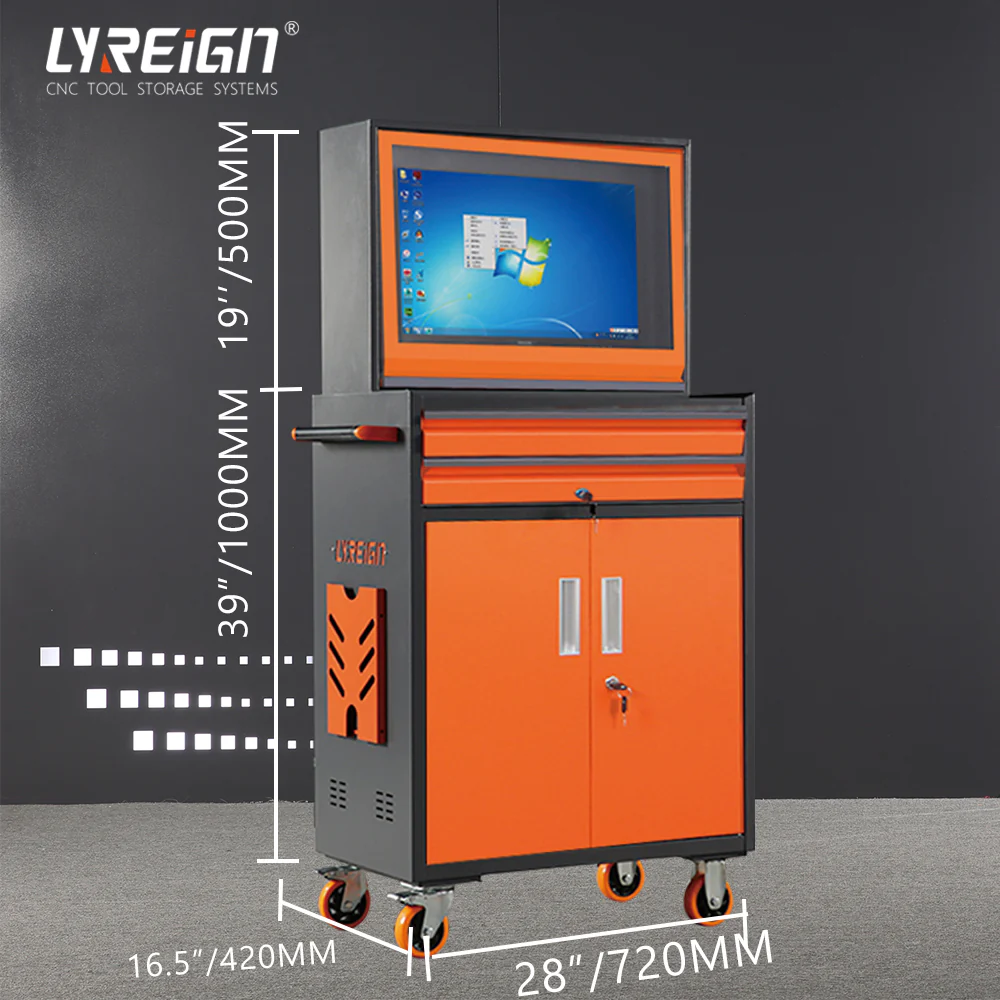

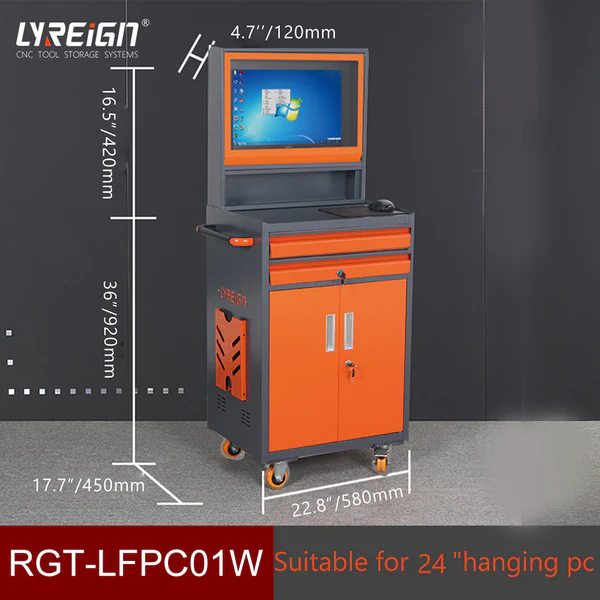
Industrial work environments rely heavily on technology, and industrial PC cabinets play a vital role in keeping systems safe, organized, and efficient. These cabinets protect computers and equipment from dust, moisture, vibration, and other harsh elements commonly found in factories and production facilities. However, even with their rugged design, issues can arise over time. Fortunately, many of these problems have simple solutions. In this guide, LYREIGN, a leading manufacturer from China, shares easy fixes for common problems with industrial PC cabinets.
1. Dust Accumulation Inside the Cabinet
One of the most frequent issues with industrial PC cabinets is dust buildup. Dust can clog filters, block ventilation, and cause overheating. The solution is straightforward—regular cleaning and filter replacement. Schedule maintenance every few weeks to clean the air filters and vents. Using compressed air can effectively remove dust from corners and components. Consider upgrading to a cabinet model with enhanced filtration systems for longer intervals between cleanings.
2. Overheating or Poor Airflow
If your equipment is running hot, poor ventilation is likely the cause. Start by checking whether fans and vents are blocked or damaged. LYREIGN recommends installing additional cooling fans or upgrading to cabinets with built-in temperature control systems. In high-temperature environments, consider models that use active cooling technology or integrated air conditioners to maintain a stable internal climate within industrial PC cabinets.
3. Loose or Damaged Door Seals
Door seals prevent dust, water, and contaminants from entering the cabinet. When they wear out, the protection level drops significantly. Inspect the seals regularly and replace them when they show signs of wear or cracking. This simple fix helps extend the life of your PC and electronic components by maintaining the cabinet’s IP protection level.
4. Cable Management Issues
Tangled cables not only look messy but also make maintenance difficult. To fix this, use cable trays or clips to organize wiring neatly. Label each cable for easy identification and ensure that power and data cables are routed separately to avoid interference. LYREIGN’s industrial PC cabinets are designed with spacious layouts and dedicated cable management sections, making organization simple and efficient.
5. Corrosion or Rust on the Cabinet Surface
In humid or chemical-heavy environments, metal parts may develop rust. To prevent this, apply anti-corrosion coatings or use stainless-steel cabinets. If rust has already formed, clean it gently with rust remover and repaint the surface with protective coating. Regular inspection helps detect corrosion early and ensures that the cabinet remains durable and professional-looking.
Final Thoughts
Maintaining your industrial PC cabinets doesn’t have to be complicated. Most common issues—like dust buildup, overheating, or worn seals—can be fixed quickly with regular inspection and simple preventive steps. LYREIGN, a trusted brand from China, provides durable and customizable cabinet solutions designed to withstand even the toughest industrial environments. By following these maintenance tips, you can keep your systems running smoothly and extend the lifespan of your valuable industrial equipment.
























Sign in to leave a comment.